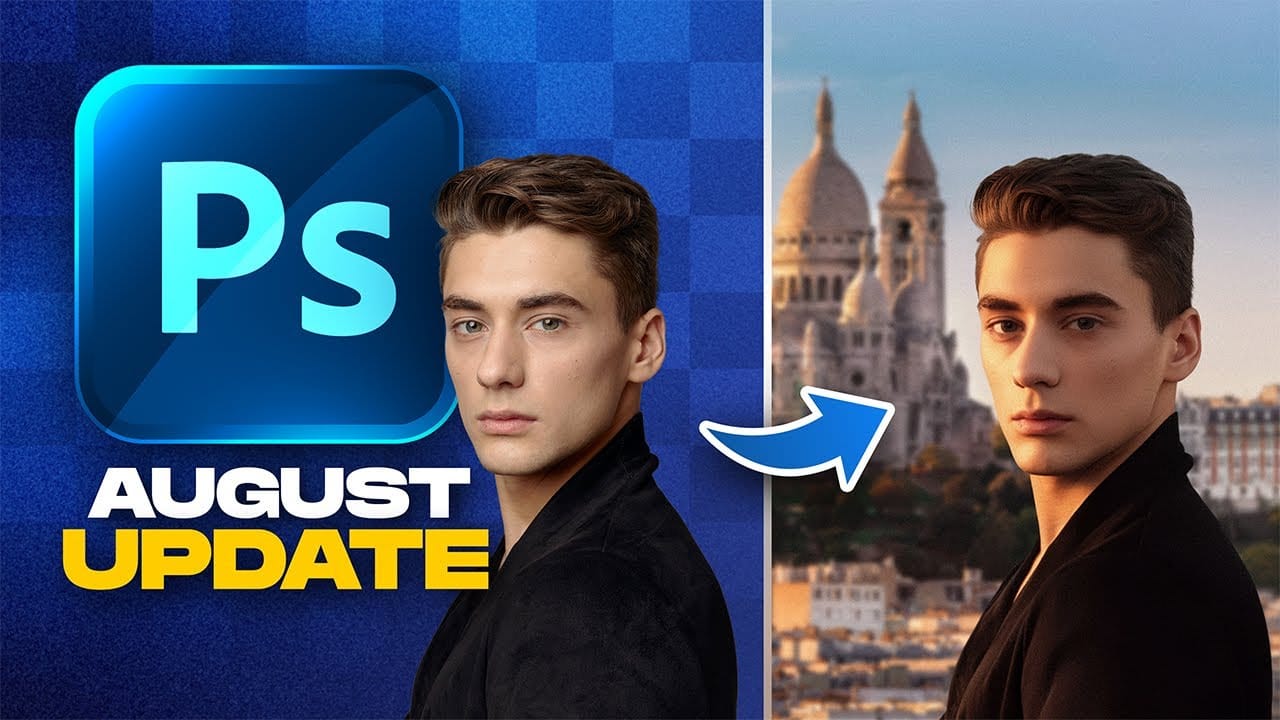
Adobe Camera Raw's latest update introduces two powerful masking features that solve common editing problems. The new feather and edge controls help create cleaner selections around complex shapes like trees, while color grading within masks allows for precise adjustments without affecting the entire image.
These tools work exclusively in Camera Raw for now, giving ACR users a significant advantage when working with landscape photos and complex selections that require natural-looking edges.
Watch the Video
Video by Matt Kloskowski. Any links or downloads mentioned by the creator are available only on YouTube
Practical Tips
Key techniques for getting the best results with these new masking features:
- Use "Select Sky" then invert the mask to quickly isolate foreground elements like trees and buildings
- Combine feather and edge adjustments together rather than using either tool alone for realistic selection edges
- Set the mask overlay to white on black when fine-tuning feather and edge settings to see exactly what's selected
- Apply color grading to masked highlights or shadows to add warmth or coolness to specific areas without affecting the entire image
- Check for halos around tree branches by zooming in and adjusting the edge setting inward to tighten the selection boundary
Related Articles and Tutorials
Explore more updates and techniques to enhance your photo editing workflow with these guides.