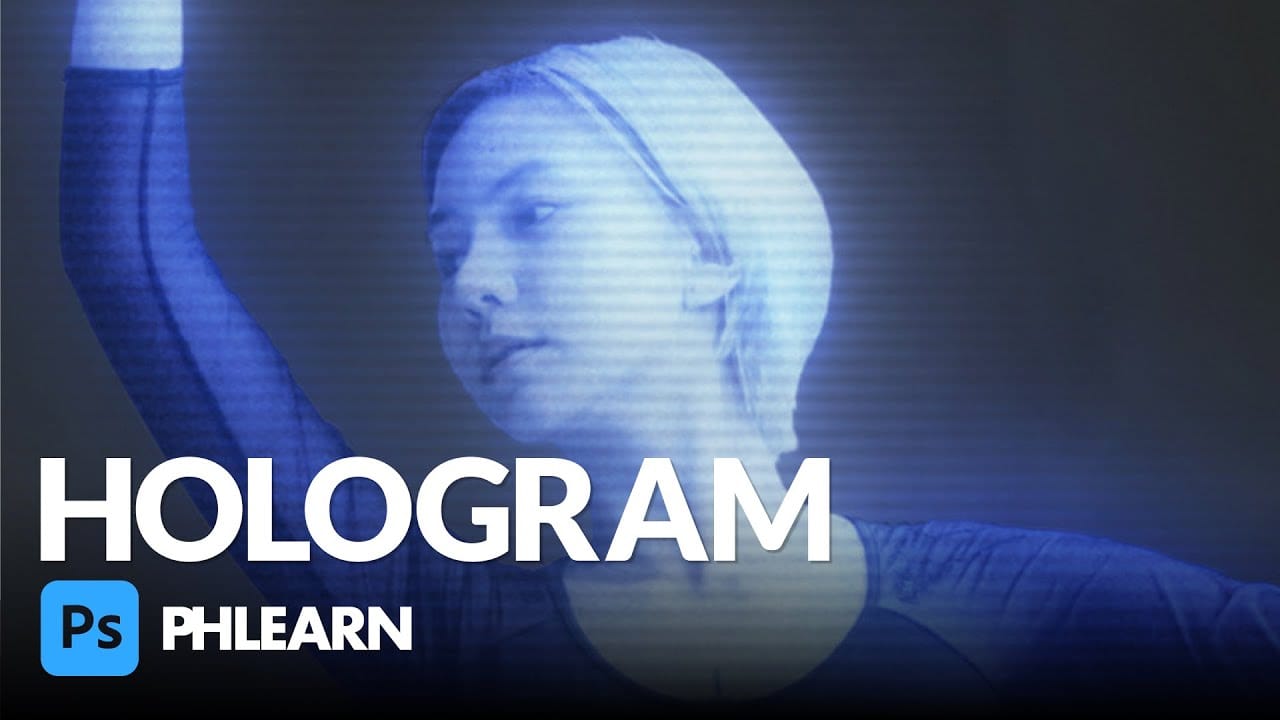
Transform ordinary portraits into futuristic holographic projections with this sci-fi effect technique. The process combines motion blur, gradient mapping, and scan line patterns to create the distinctive translucent appearance of holographic displays.
This method keeps your subject vibrant and colorful while converting the background to black and white, emphasizing the contrast between the hologram and its environment.
Watch the Video
Video by P A N T E R. Any links or downloads mentioned by the creator are available only on YouTube
Practical Tips
Master the hologram effect with these essential techniques:
- Convert layers to smart objects before applying filters to maintain editing flexibility
- Use path blur with high speed settings and adjust the taper for realistic motion distortion
- Apply gradient maps with cyan and blue tones to achieve the characteristic hologram color palette
- Create scan line effects using halftone patterns set to overlay blend mode
- Group subject layers and use clipping masks to isolate color effects from the background
Related Articles and Tutorials
Explore more sci-fi and digital effects to enhance your creative projects:
Create a hologram effect in Photoshop
In this engaging tutorial, Aaron Nace from Phlearn guides you through creating a sci-fi-inspired hologram effect in Photoshop. The process involves a blend of Adjustment Layers, blurs, noise, Blending Modes, and textures to craft a visually stunning hologram. Aaron starts by using Adjustment Layers to fine-tune colors and contrast, then adds various blurs to simulate the depth and distortion seen in holograms. Noise is introduced to give the effect a more authentic, digital feel, while specific
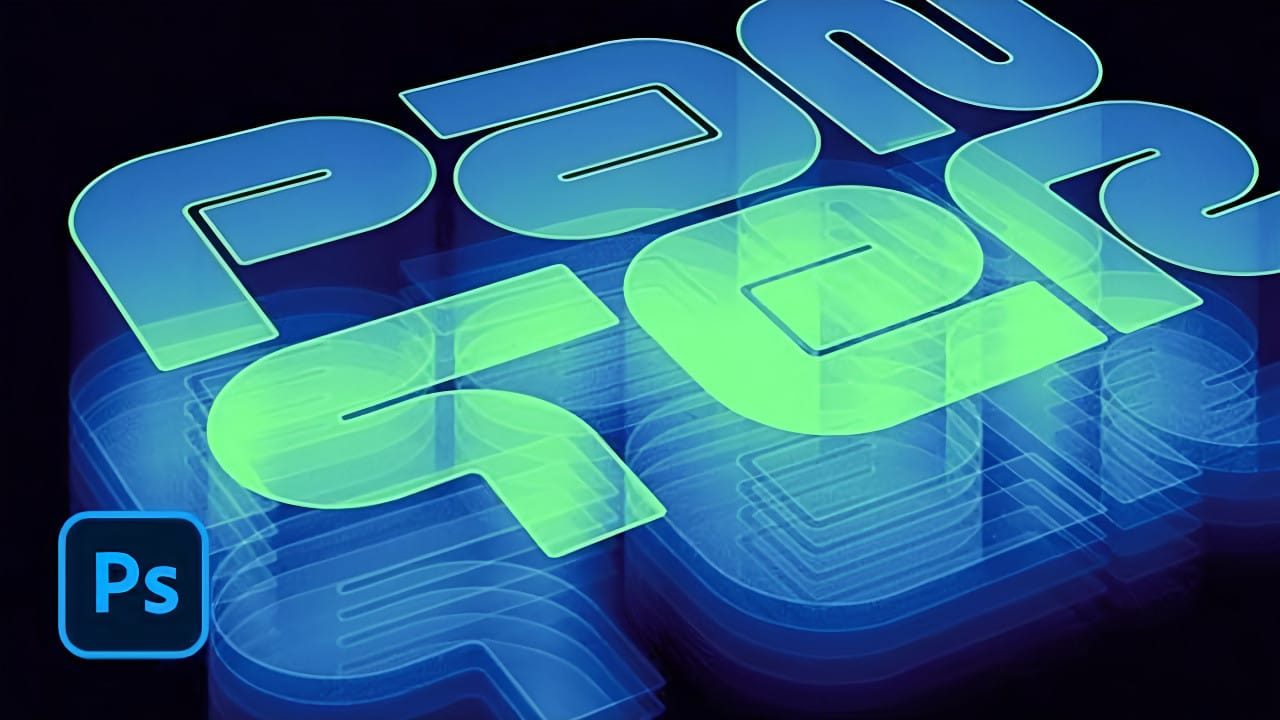
How to Create a Hologram Text Effect in Photoshop
Holographic effects bring futuristic appeal to text designs with their distinctive translucent appearance and rainbow color shifts. This tutorial demonstrates creating convincing hologram text using perspective distortion, layer opacity adjustments, and gradient mapping techniques.
The process combines 3D extrusion with motion blur and color gradients to achieve the signature holographic look.
Watch the Video
Practical Tips for Hologram Text Effects
Master the hologram effect with these es
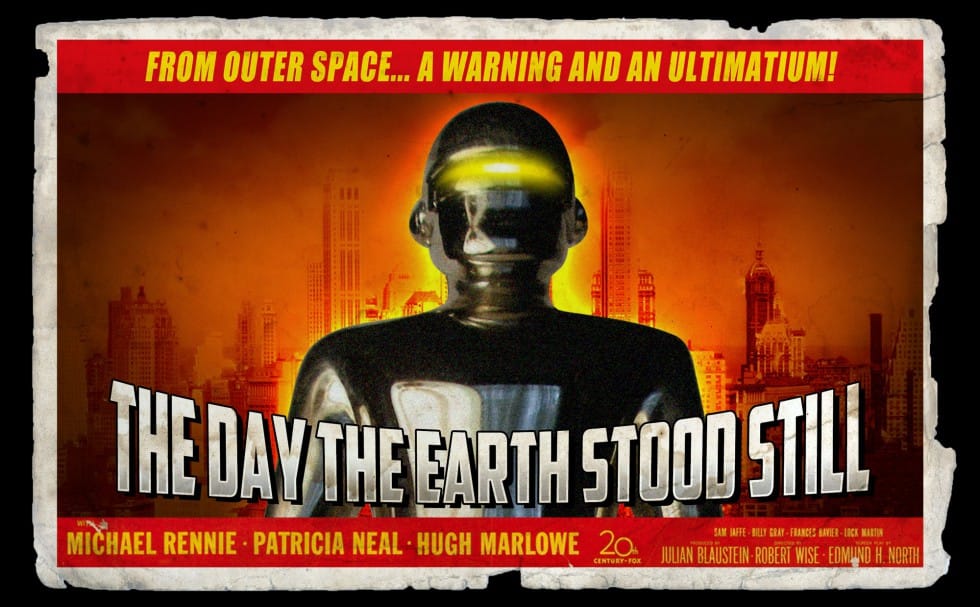
Create a retro '50s Sci-Fi poster in Photoshop
Achieving a distinct vintage sci-fi aesthetic often involves intricate color manipulation beyond simple desaturation. This tutorial demonstrates a surprising approach to color grading, using specific color balance adjustments across shadows, midtones, and highlights to infuse a retro tone. For instance, cyan/red is pushed to +100 in all three tones, while yellow/blue is consistently set to -100.
This precise method, combined with the Diffuse Glow filter and careful Brightness/Contrast settings,
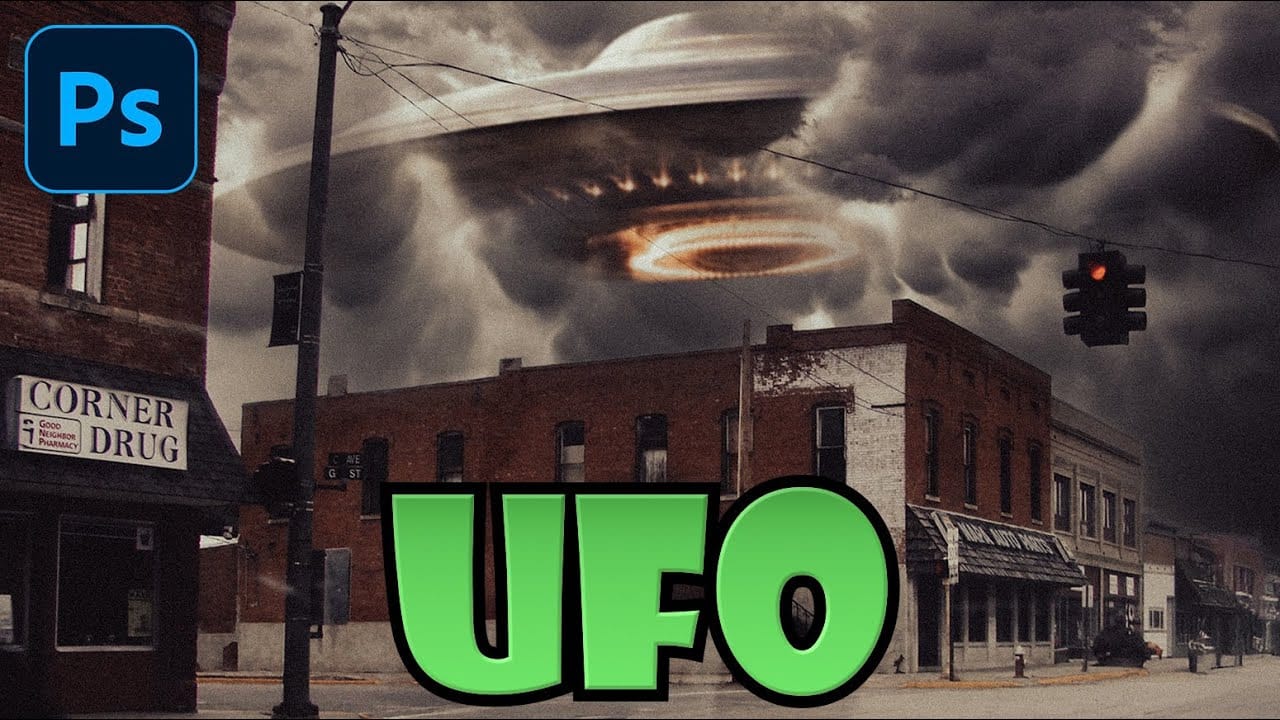
How to Create a Cinematic UFO Scene in Photoshop
Science fiction imagery has always captured our imagination, and UFO scenes represent one of the most compelling subjects in digital art. Creating a believable extraterrestrial encounter requires careful attention to lighting, atmosphere, and composition to achieve that cinematic quality seen in professional films and concept art.
This tutorial demonstrates how to transform an ordinary street photograph into a dramatic sci-fi scene featuring a massive UFO hovering overhead. You'll explore essen
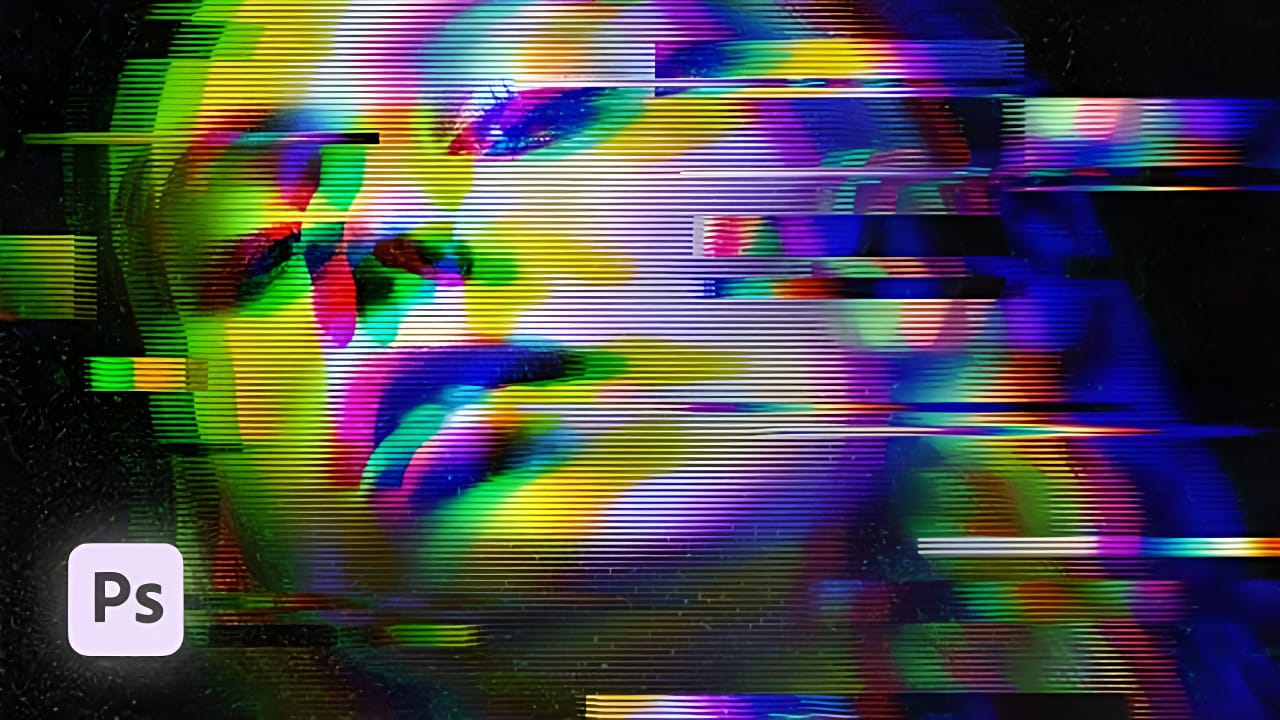
How to Create a VHS Glitch Effect in Photoshop
VHS glitch effects capture the nostalgic charm of analog video distortion, transforming clean digital images into retro masterpieces. These effects recreate the visual artifacts of old videotapes — horizontal scan lines, color channel separation, and pixelated interference that defined an entire era of visual media.
This tutorial demonstrates how to build a convincing VHS glitch effect using Photoshop's filters, blend modes, and displacement techniques. You'll learn to create authentic-looking
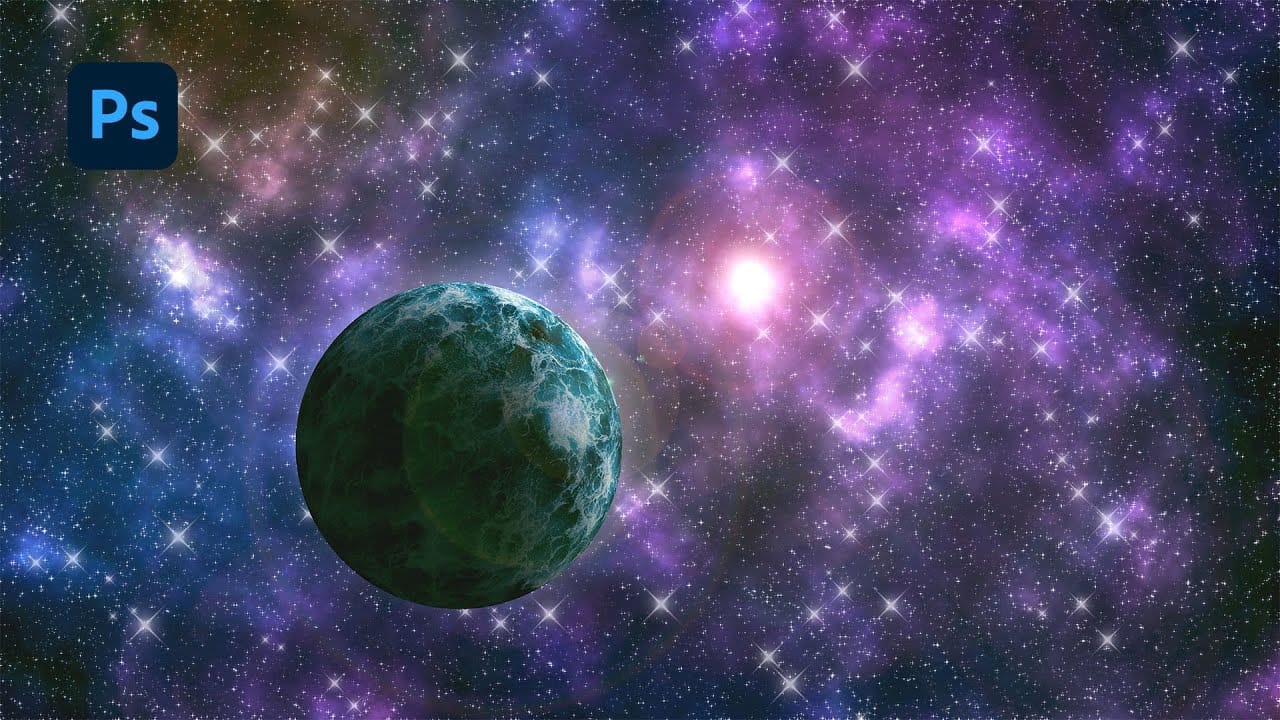
Creating a Nebula and Planet Scene in Photoshop: Step-by-Step Tutorial
Creating compelling cosmic scenes in Photoshop offers a vast canvas for artistic expression, allowing designers to transcend reality and construct their own vibrant universes. The process involves a blend of foundational Photoshop techniques and creative layering to simulate the complex interplay of light, gas, and celestial bodies.
This tutorial provides a comprehensive guide to designing an immersive nebula and planet scene. You will learn how to build dynamic star fields, craft colorful nebu
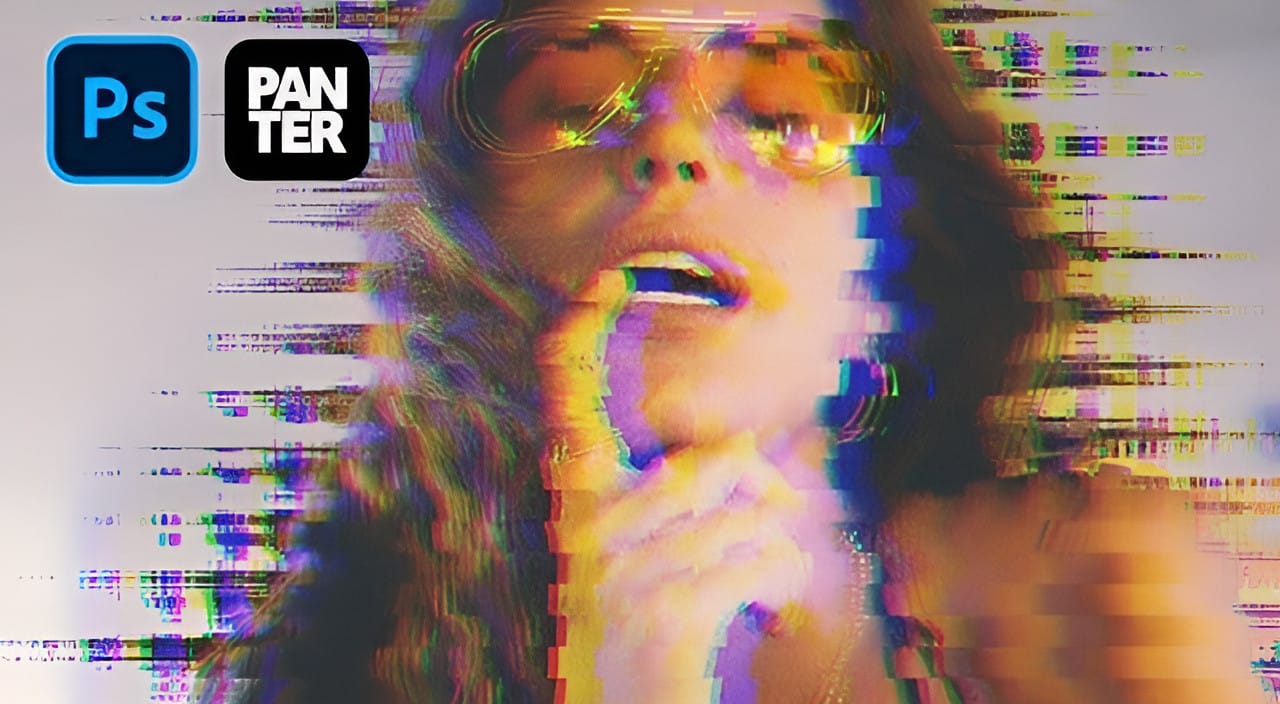
Create a Distorted Wave Glitch Effect in Photoshop
Digital distortion effects transform ordinary portraits into striking visual art by warping reality through deliberate technical manipulation. This technique uses multiple wave filters layered together to create increasingly complex distortions, while selective masking preserves important facial features from becoming completely unrecognizable.
Watch the Video
Practical Tips
Master the wave distortion effect with these essential techniques:
* Convert layers to smart objects before applyin
Create an awesome grainy scan-line text effect in Photoshop
In this tutorial by Blue Lightning TV, you'll learn how to create an awesome CRT scan-line text effect with digital glitches from scratch using Adobe Photoshop.
The tutorial guides you through a few easy steps to achieve this retro and glitchy aesthetic. You'll explore techniques to simulate CRT monitor scan-lines, add digital glitches, and apply effects to text, creating a unique and visually dynamic result
Whether you're nostalgic for retro tech aesthetics or looking to add a futuristic glit
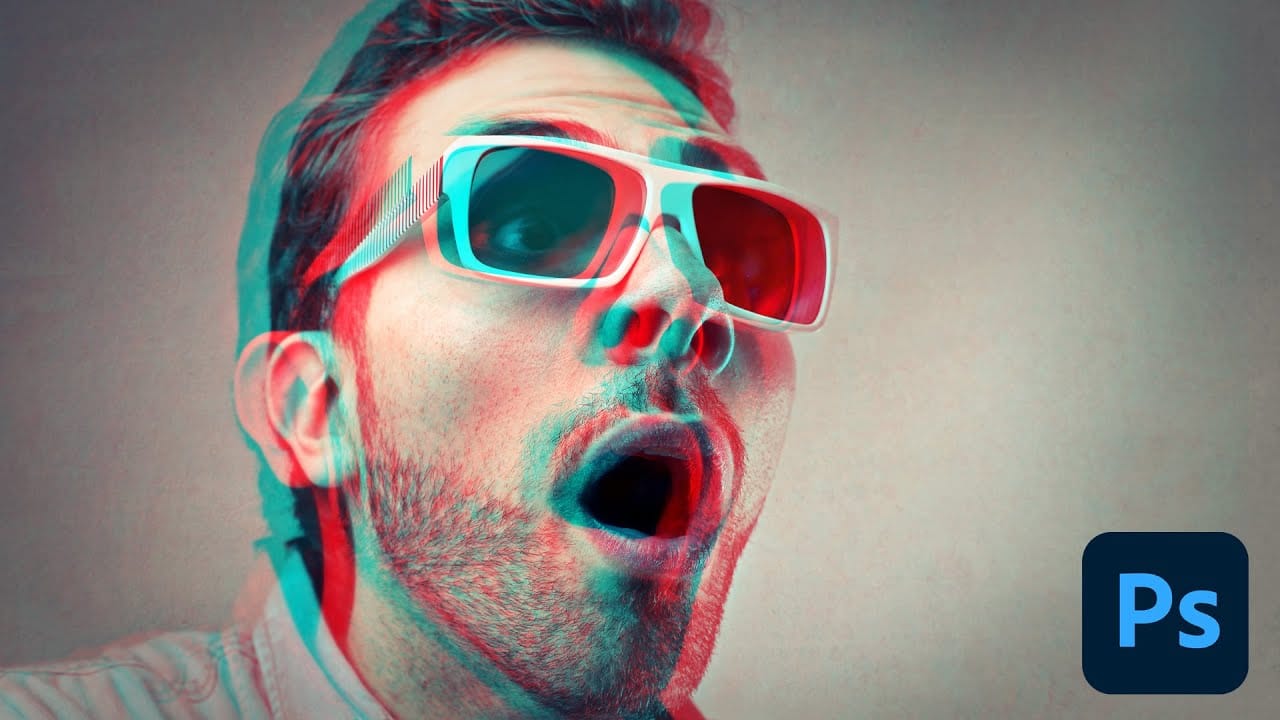
Photoshop Retro 3D Movie Effect Tutorial
Put on your old red and blue 3D glasses to revisit the classic style of 1950s 3D cinema. This tutorial offers a simple, step-by-step guide to achieving that retro look using Photoshop.
In the 1950s, audiences were captivated by movie monsters that seemed to leap off the screen with their vibrant red and cyan effects. This tutorial walks you through recreating that iconic visual style. While Photoshop primarily works with flat 2D images, you can still mimic the feel of those classic films effect
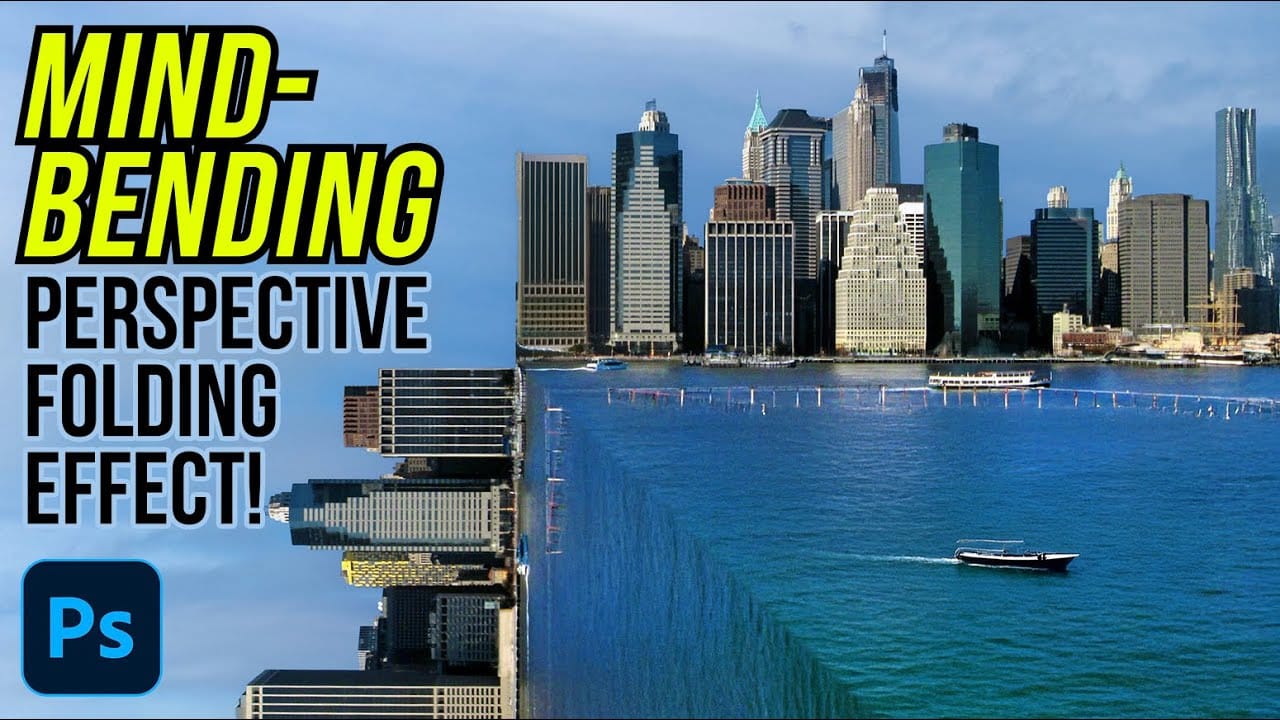
How to Create a Mind-Bending Perspective Effect in Photoshop
Transform an ordinary cityscape into a surreal architectural illusion that defies reality. This perspective-bending technique creates the visual impact of two worlds colliding at impossible angles.
Master the art of rotating, masking, and blending images to achieve cinematic effects that captivate viewers and challenge their perception of space.
Watch the Video
Essential Tips for Perspective Effects
* Enable Snap from the View menu before positioning rotated layers to ensure precise align