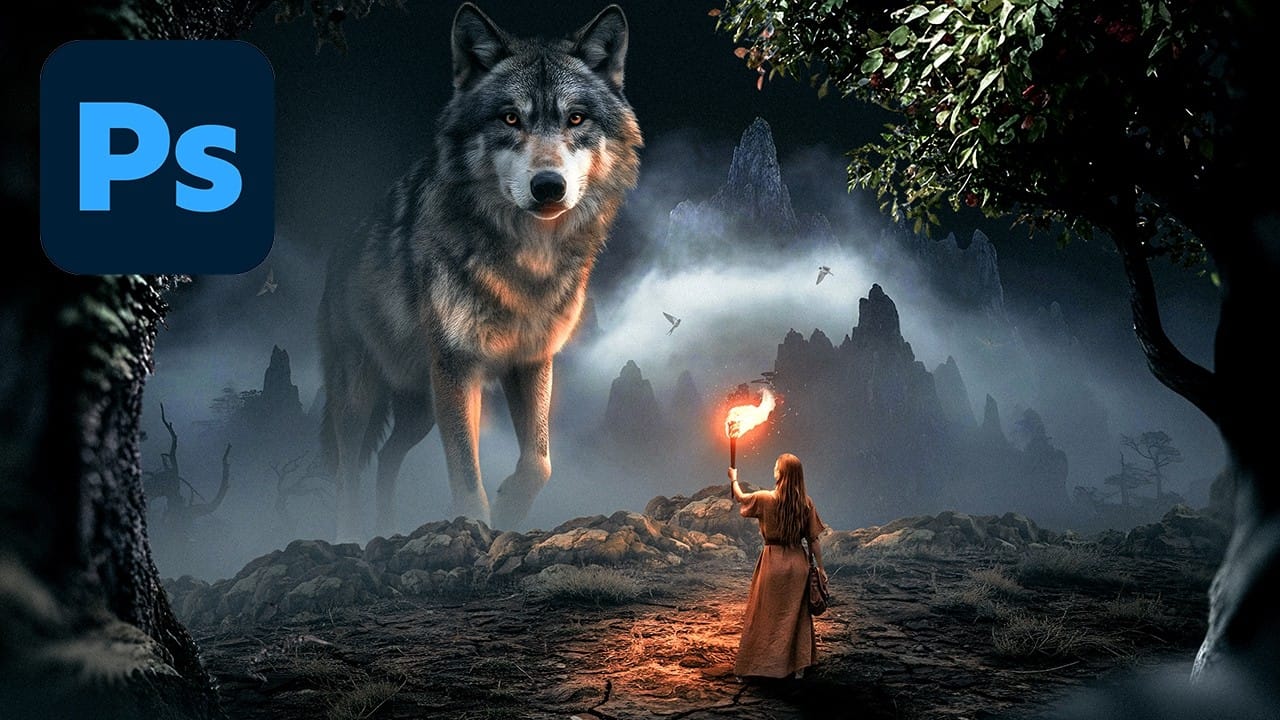
AI-generated imagery becomes truly compelling when combined with traditional compositing techniques. This behind-the-scenes look explores how to transform AI-created elements into cohesive, whimsical scenes using both classic methods and Photoshop's newest features.
The tutorial demonstrates a complete workflow from background extension to character integration, showcasing how multiple adjustment layers, color matching tools, and creative problem-solving come together to build a charming narrative composition.
Watch the Video
Video by SandraD Imagery. Any links or downloads mentioned by the creator are available only on YouTube
Practical Tips
Here are key techniques from the tutorial to improve your AI composite workflow:
- Use the new Rotate Object layer to adjust character poses, then employ stamp visible layers to fix any resulting distortions or unwanted elements
- Try the new Harmonize tool for quick color matching, but remember it uses credits - the Neural Filters harmonization option provides similar results without cost
- Build your story with thoughtful prop placement, choosing elements that match your background colors and enhance the narrative
- Create quick vignettes by making a lasso selection first, then adding your adjustment layer - this automatically applies the effect to your selected area
- Layer multiple adjustment techniques including color lookup tables, hue/saturation adjustments, and film emulation plugins for rich, professional color grading
Related Articles and Tutorials
Explore these comprehensive guides to master advanced compositing techniques and creative workflows.