The 1-bit bitmap effect transforms modern digital images into stark black-and-white graphics reminiscent of early computer displays and vintage print materials. A bitmap uses exactly one bit of data per pixel, allowing only pure black or white with no gray values in between.
This technique works equally well on photographs and text, creating dramatic high-contrast results that capture the aesthetic of classic computing and retro design.
Watch the Video
Video by Photoshop Arthouse. Any links or downloads mentioned by the creator are available only on YouTube
Practical Tips
Here are key techniques to achieve the best bitmap conversion results:
- Set output resolution to 30 pixels per inch for the bitmap conversion, but experiment with different values for varied dot patterns
- Choose "Cross" shape in the halftone screen settings for distinctive geometric patterns, though other shapes create different visual effects
- Add gradients and layer styles to text before converting to bitmap mode for richer detail in the final result
- Use "Nearest Neighbor" resampling when enlarging the final image to maintain sharp, crisp pixel edges
- Convert back through Grayscale and RGB modes to save the bitmap as a standard image format
Related Articles and Tutorials
Explore more retro and vintage effects to enhance your design toolkit.
The Beauty of Digital Mistakes: Glitch Effects and Visual Aberrations in Photoshop
Once, a broken image or pixelated frame meant something had gone wrong. Now, those same visual errors are a creative choice. Designers and digital artists are using glitch effects to turn imperfections into style — bending pixels, breaking color channels, and distorting shapes until they feel alive again. Maybe it’s
 Enrique Flouret
100+ Brilliant Photoshop Text Effects: The Ultimate 2026 Roundup
You won’t admit this: You spend hours making text look like liquid gold. Not for clients. Not for your portfolio. Just because. Here’s the thing: Text effects are your guilty pleasure. You tell yourself you’re “practicing.” You say you’re “building skills.” But really? You just love watching letters transform into
 Enrique Flouret
27 Retro Photoshop Effects to Fix Your Painfully Boring Designs
At some point, most designs start to feel a little too familiar. Clean layouts, safe color choices, the same effects over and over… everything works, but nothing really stands out. It’s not bad design—it’s just predictable. And that’s usually when things start to feel, well… a
 Enrique Flouret
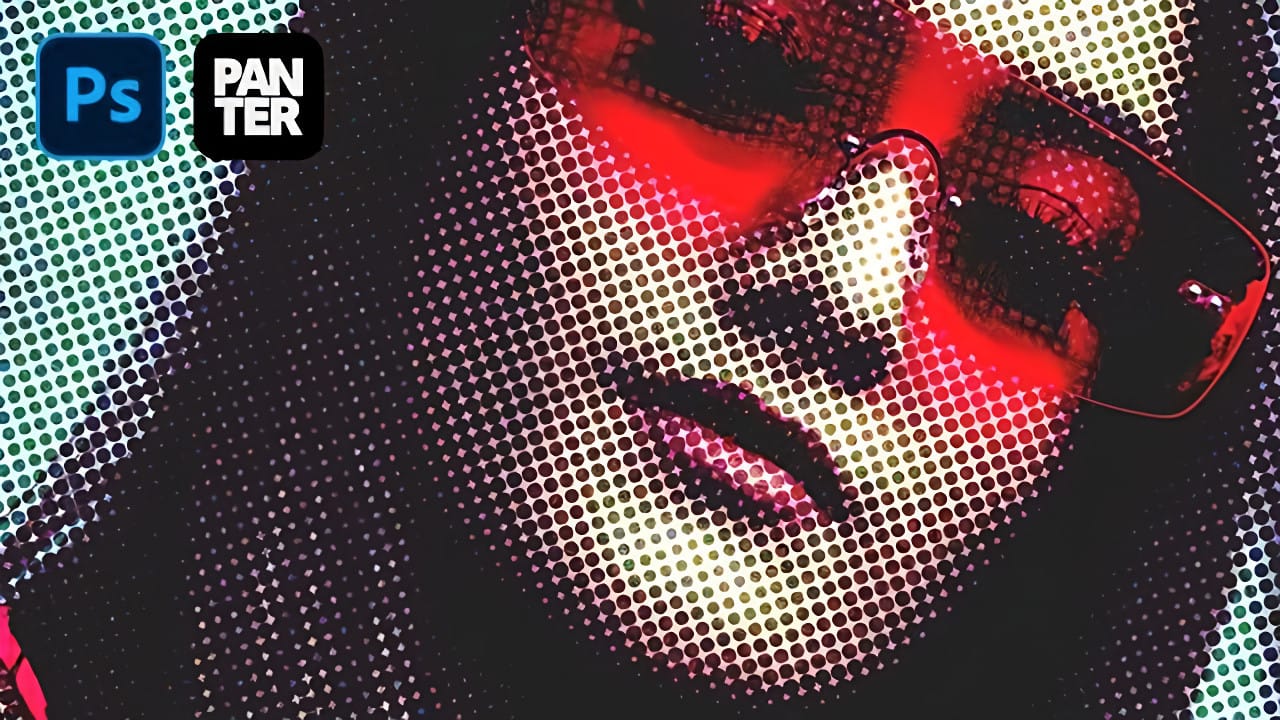
Create Grungy Retro Halftone Effect in Photoshop
Vintage poster art captured attention through bold contrasts, visible printing dots, and rough textures that gave images character. The halftone effect recreates this aesthetic by breaking up continuous tones into distinct dots, mimicking old-school printing techniques.
This technique transforms clean digital photos into gritty, retro-style artwork. The method combines Photoshop's built-in filters with layering techniques to create authentic-looking vintage effects with adjustable intensity.
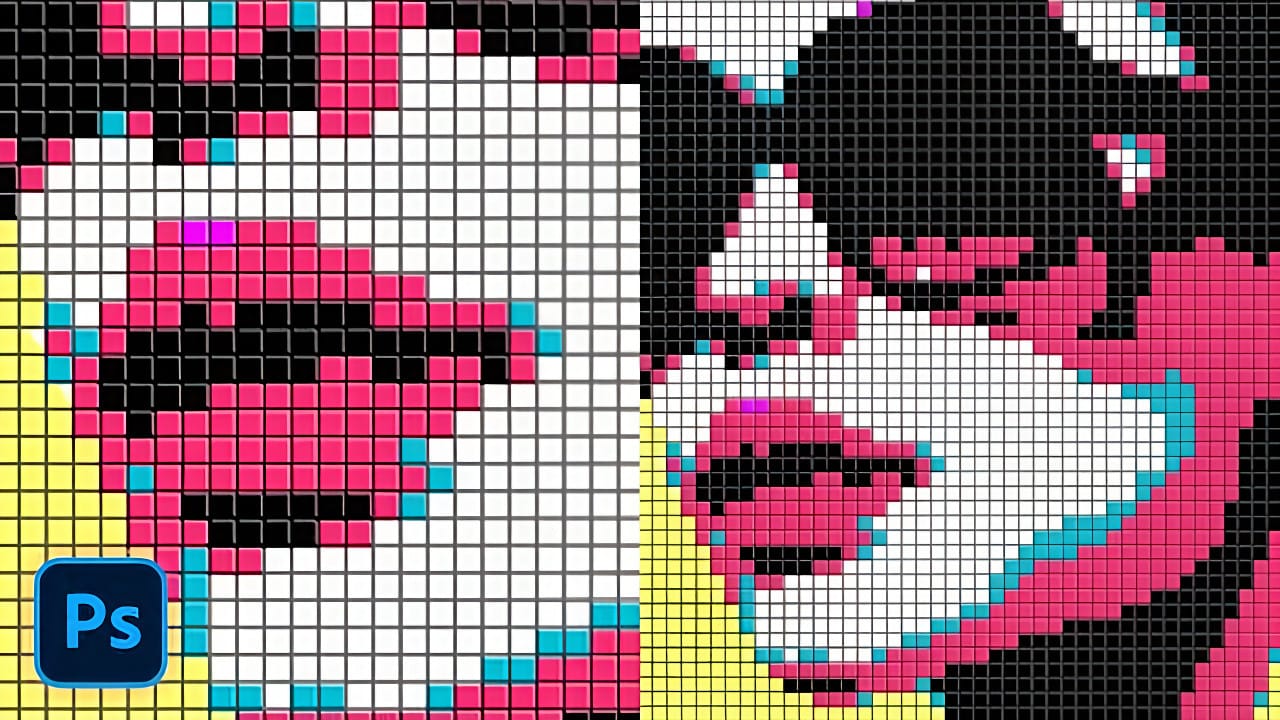
Creating a Colorful Pixelated Effect in Photoshop
The colorful pixelated effect transforms ordinary photographs into vibrant, retro-style artwork reminiscent of 8-bit video games and digital pop art. This distinctive visual style combines traditional mosaic filtering with advanced color manipulation to create bold, simplified imagery that captures attention.
This technique works particularly well for portraits, creating striking poster-like results that blend nostalgic pixel aesthetics with modern design sensibilities.
Watch the Tutorial
U
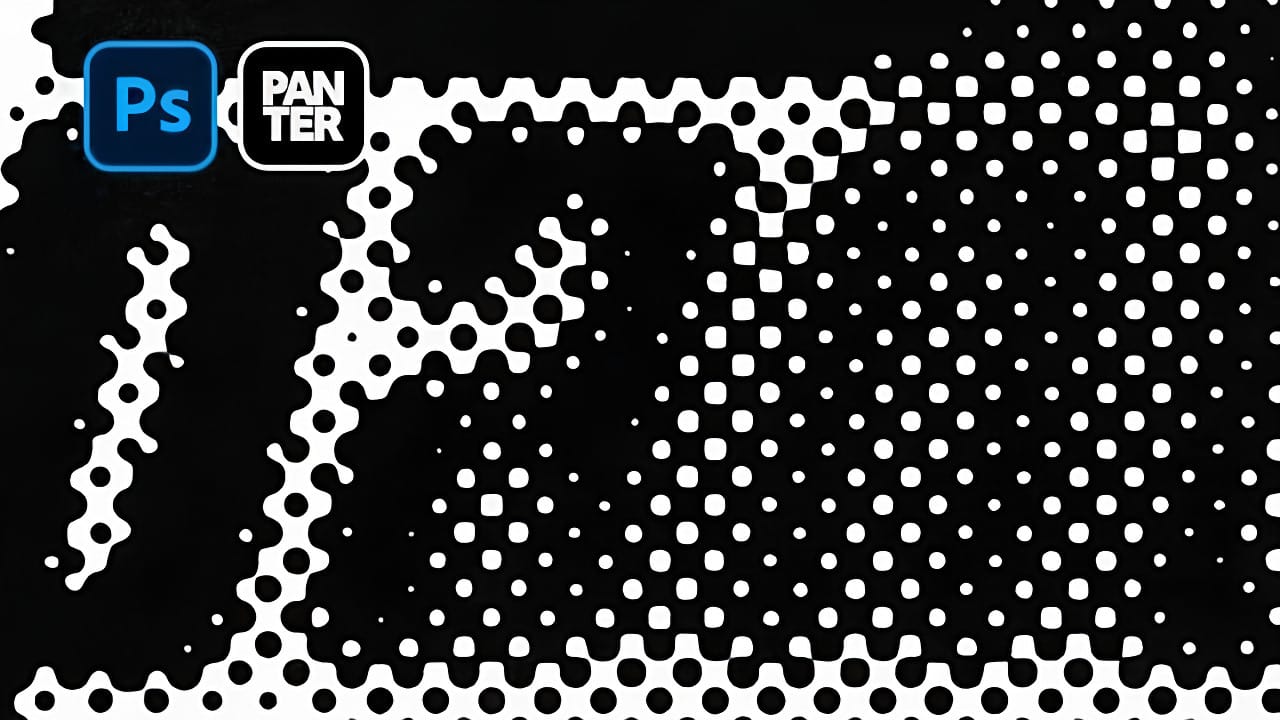
How to Create a Blurry Halftone Text Effect in Photoshop
Comic book aesthetics and vintage print textures give modern digital typography distinctive visual impact. Halftone dot patterns from traditional printing create instant nostalgia and graphic punch when paired with strategic blur techniques, transforming simple text into dynamic elements that capture classic print media's essence while retaining digital design flexibility.
Watch the Tutorial
Practical Tips for Halftone Text Effects
* Convert layers to Smart Objects before applying filters
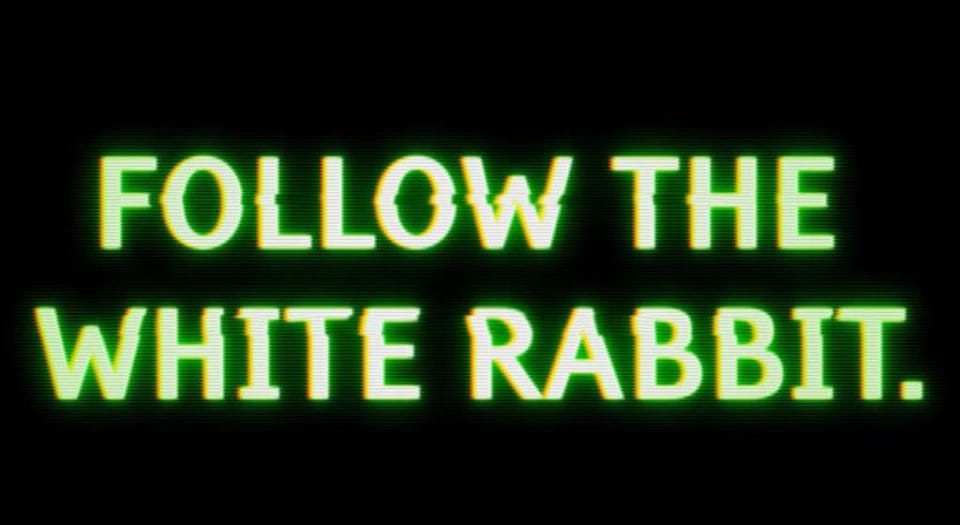
Create an awesome grainy scan-line text effect in Photoshop
In this tutorial by Blue Lightning TV, you'll learn how to create an awesome CRT scan-line text effect with digital glitches from scratch using Adobe Photoshop.
The tutorial guides you through a few easy steps to achieve this retro and glitchy aesthetic. You'll explore techniques to simulate CRT monitor scan-lines, add digital glitches, and apply effects to text, creating a unique and visually dynamic result
Whether you're nostalgic for retro tech aesthetics or looking to add a futuristic glit
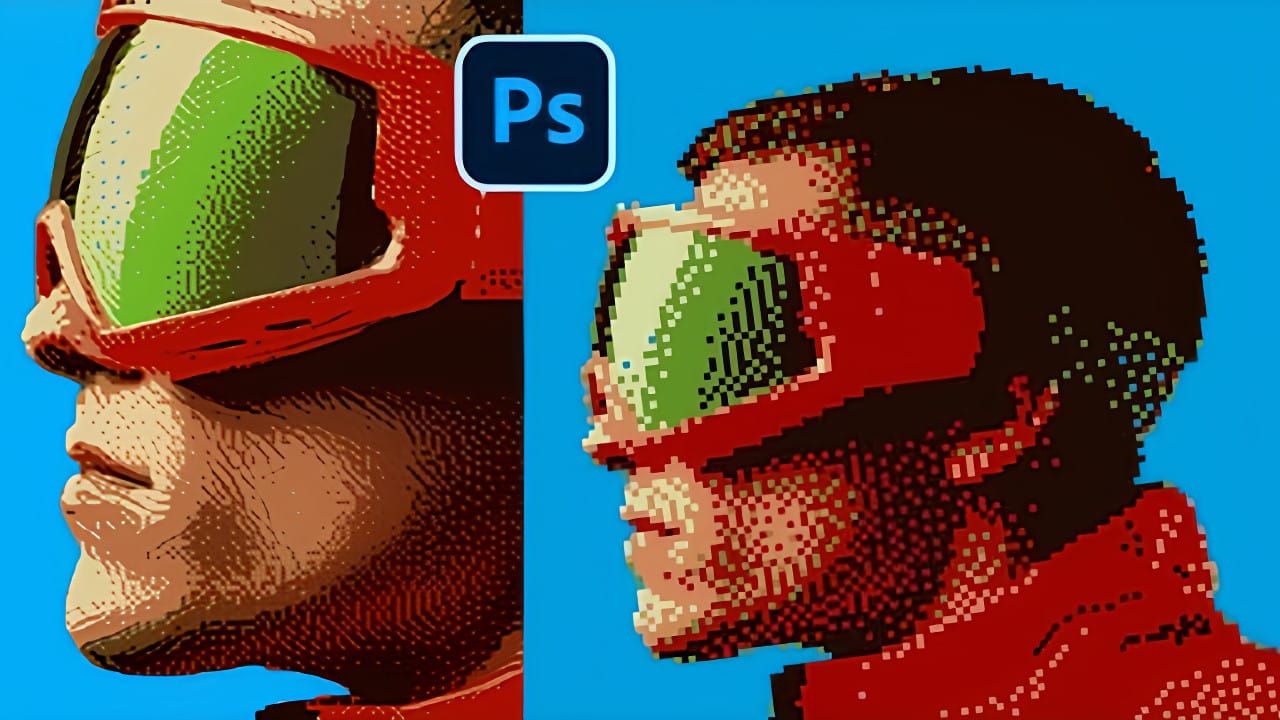
Creating Pixelated Dither Effects in Photoshop
The pixelated dither effect transforms modern photographs into retro-inspired artwork reminiscent of early video games and vintage computer graphics. This distinctive visual style uses controlled color reduction and strategic pixelation to create images that balance nostalgic charm with contemporary design appeal.
The technique relies on Photoshop's export settings and specific file format workflows to achieve authentic dithering patterns. By manipulating resolution, color depth, and dithering
Create an old-school halftone photo effect in Photoshop
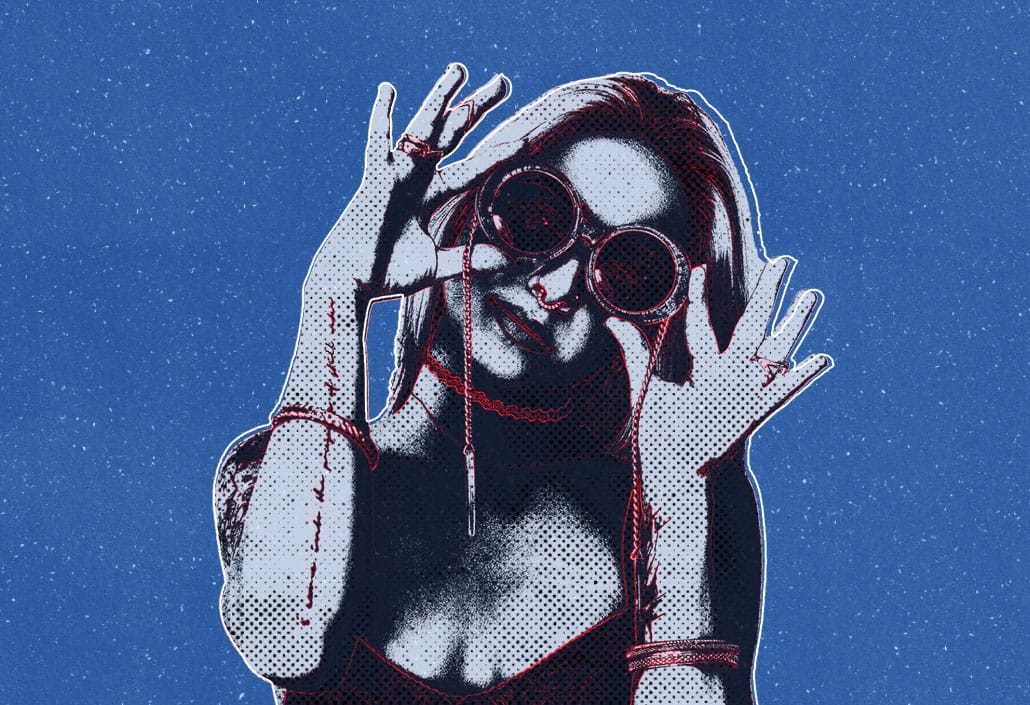
Creating authentic vintage halftone effects can be challenging when working with modern digital photography. Many designers struggle to achieve that classic print aesthetic without the result looking artificial or overdone.
This tutorial demonstrates a multi-layer approach to building realistic halftone vintage effects using threshold adjustments, pattern overlays, and selective masking. The technique creates depth and authenticity by working with multiple halftone variations rather than a sing
Create a 50s Retro TV Show Text Effect in Photoshop
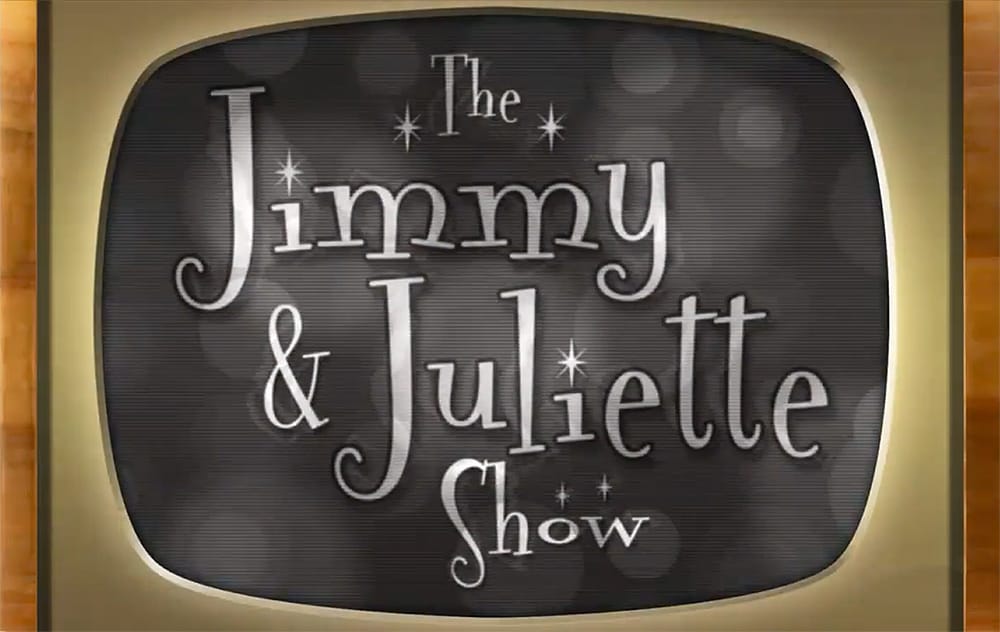
In this Photoshop tutorial by Marty Geller from Blue Lightning TV, you will learn how to create a striking black and white 50s retro TV show text effect. This guide is designed for users at any skill level, making it accessible and easy to follow.
You'll start by adding vintage-style text, setting the stage for a nostalgic look. The tutorial walks you through incorporating scan lines and signal interference, elements that will enhance the retro feel. Each step is demonstrated clearly, ensuring
Create Colorful Retro Text Compositions in Photoshop
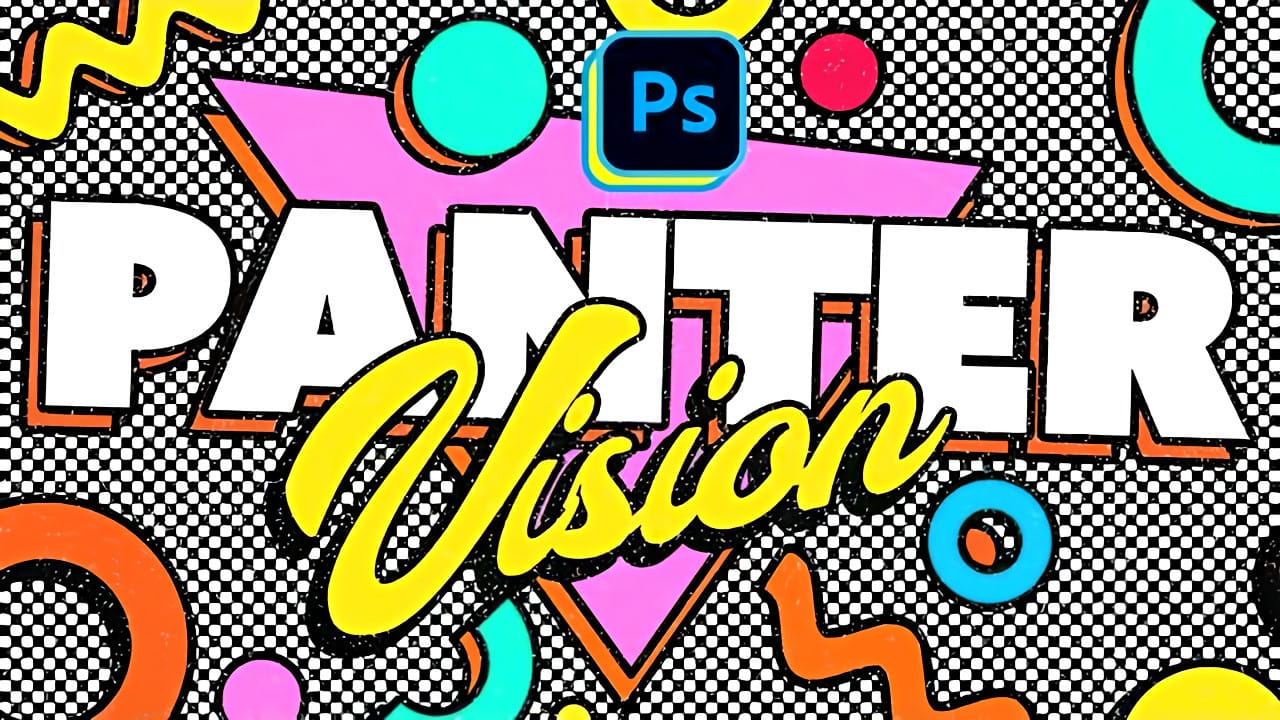
Retro design trends continue to captivate audiences with their bold colors and geometric shapes. This tutorial demonstrates how to build a complete vintage-inspired composition using text, geometric elements, and vibrant color schemes that capture the essence of classic graphic design.
You'll learn to combine typography with custom shapes, apply decorative strokes, and create layered drop shadows that give your design depth and visual interest.
Watch the Video
Practical Tips
Here are key t