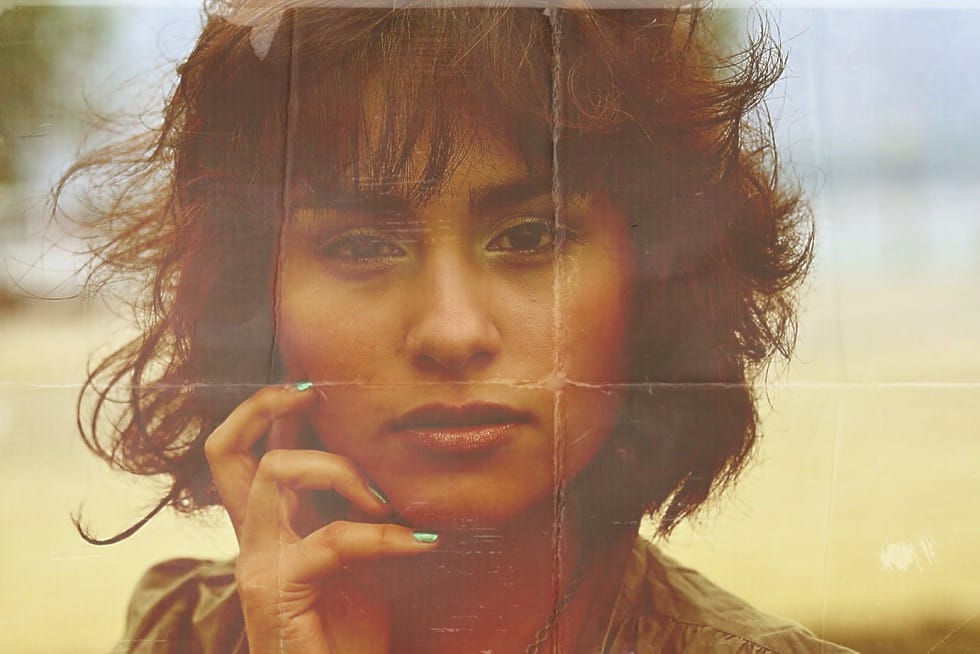
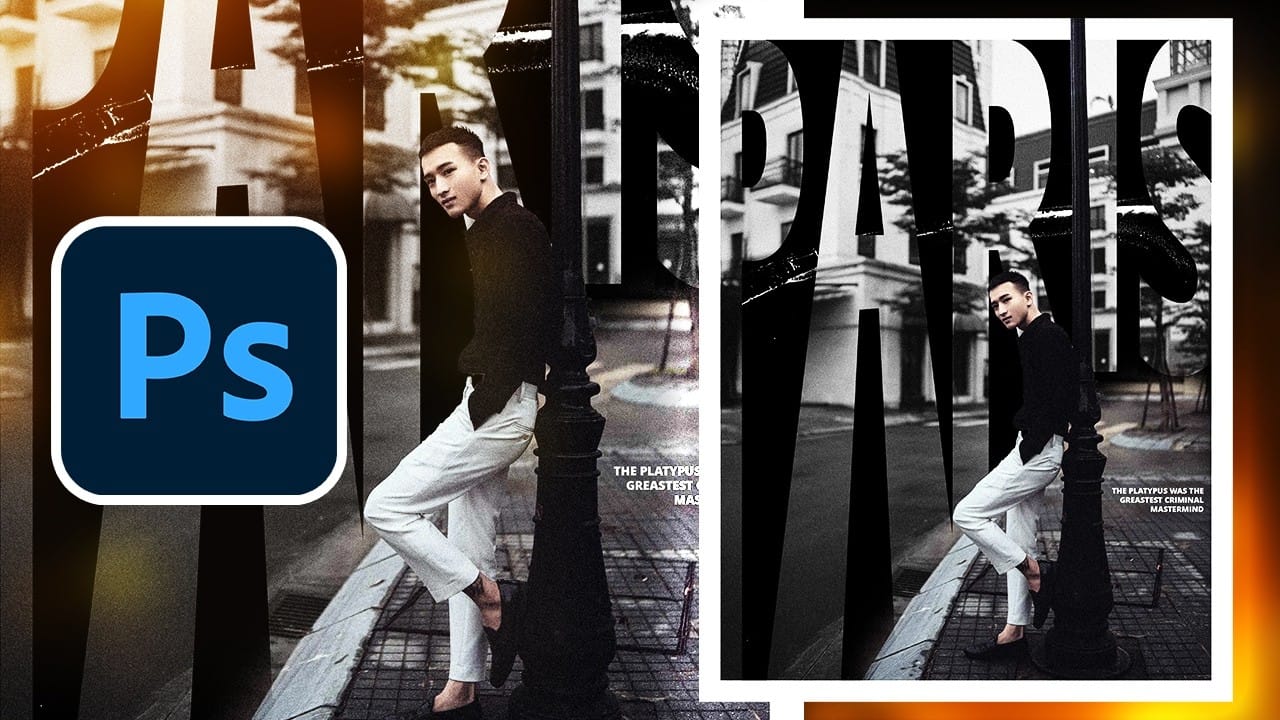
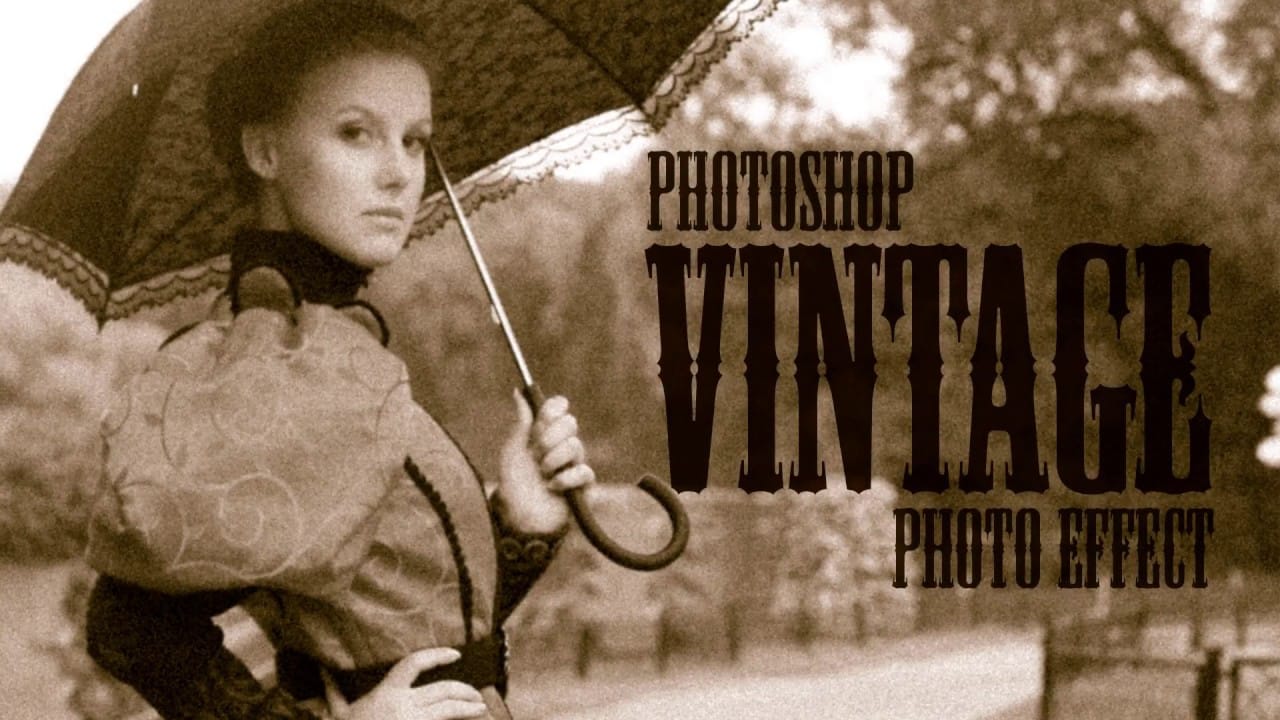
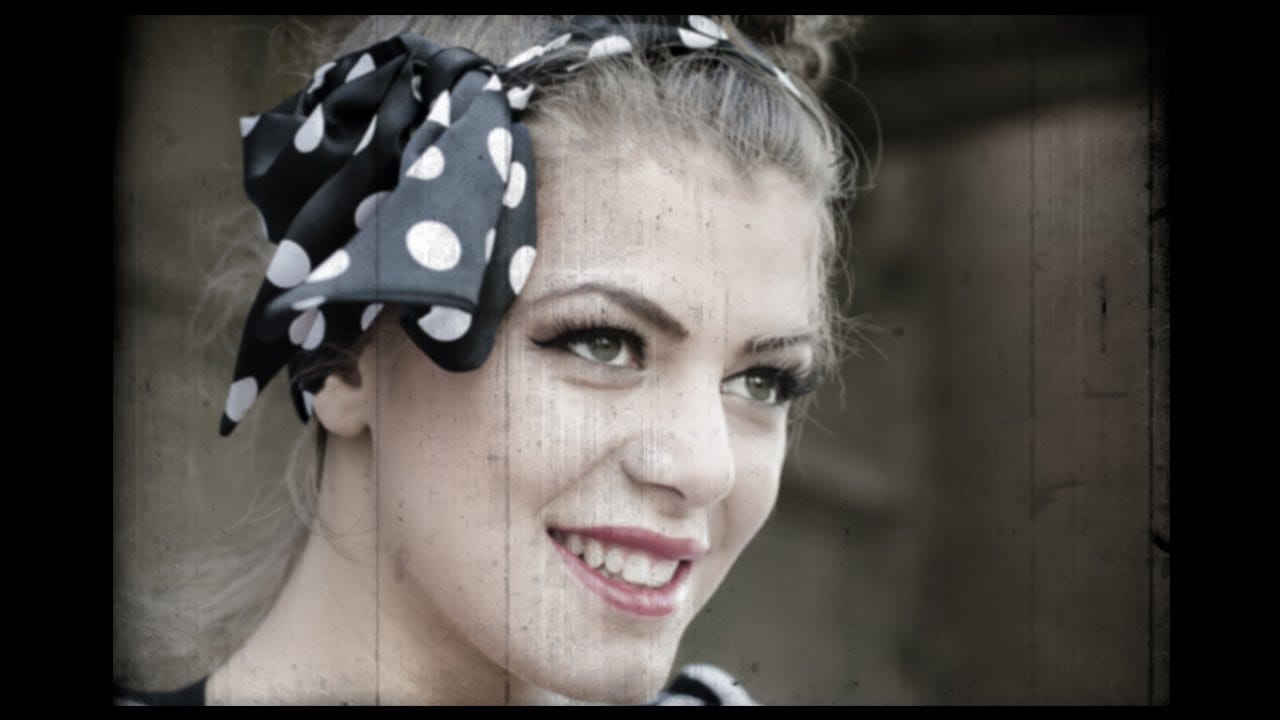
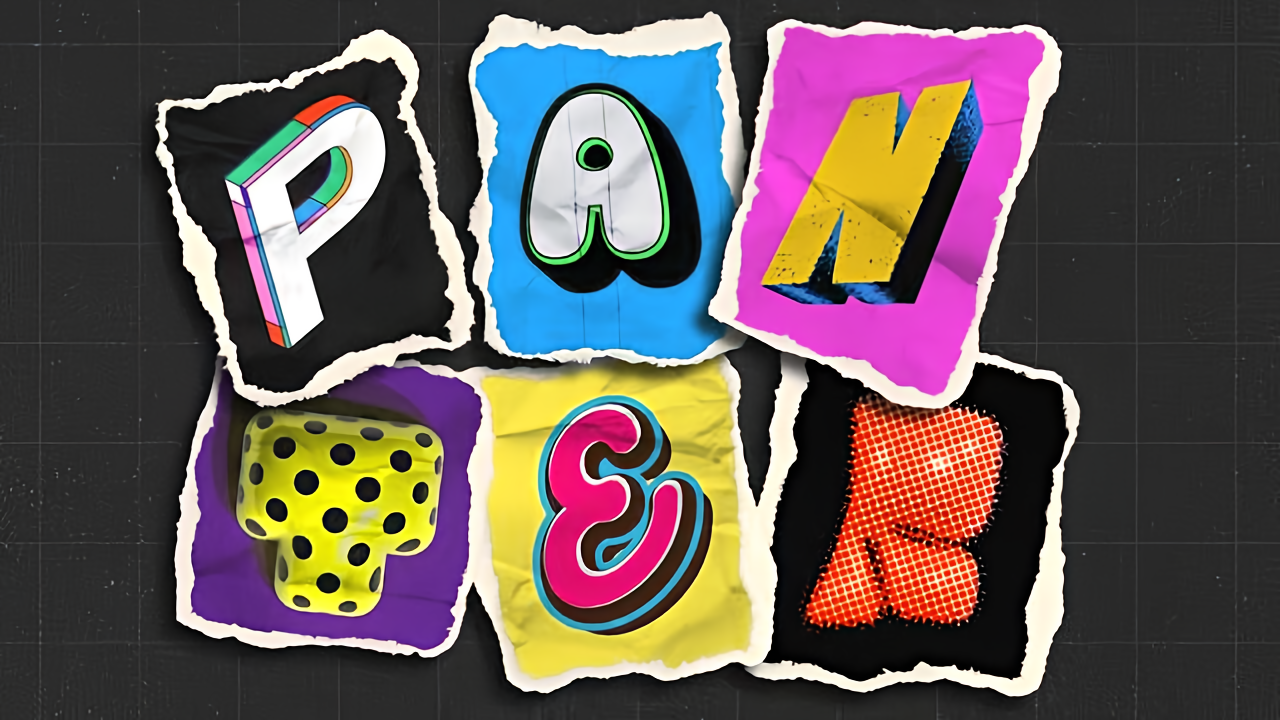
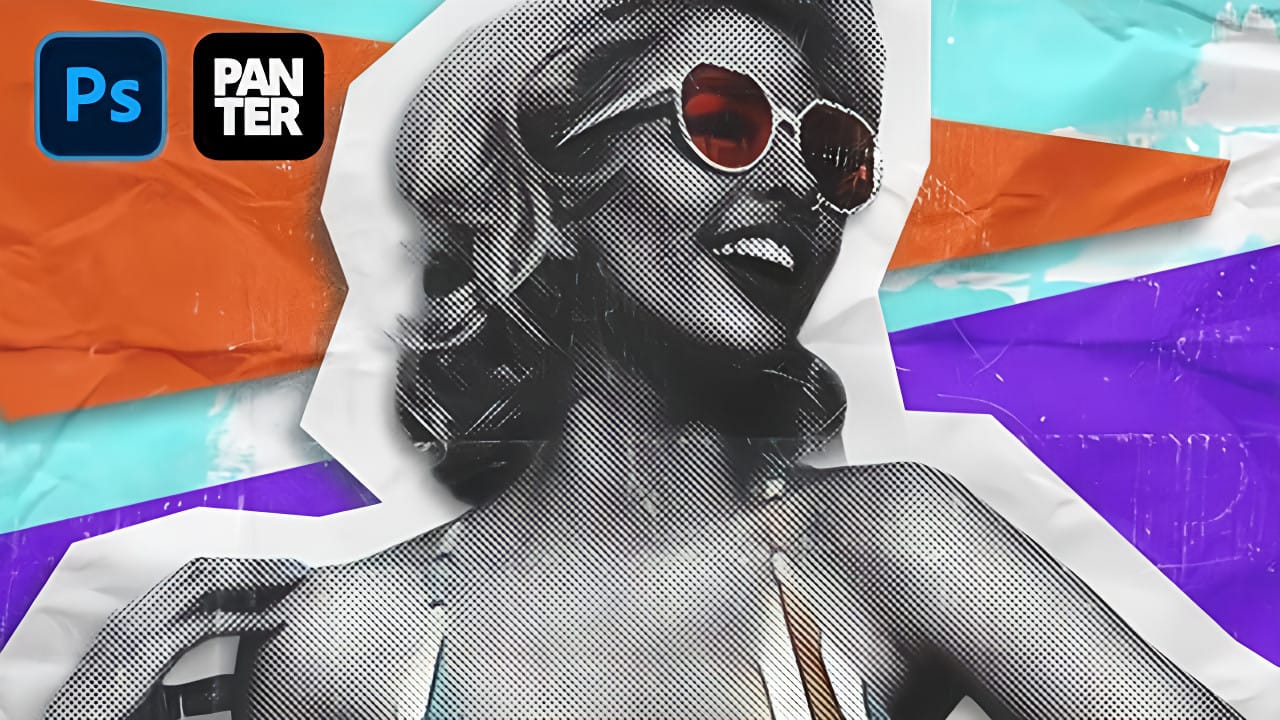
Vintage collage effects combine the nostalgic appeal of old-school printing techniques with modern digital artistry. This technique uses halftone patterns, emboss effects, and strategic layering to transform ordinary portraits into striking retro compositions that evoke classic album covers and vintage advertisements.
The process involves duplicating layers with different treatments, applying dot-based halftone filters, and using gradient maps to achieve authentic vintage color grading that brings depth and character to your images.
Watch the Video
Video by P A N T E R. Any links or downloads mentioned by the creator are available only on YouTube
Practical Tips
These essential techniques will help you achieve the most authentic vintage collage results:
- Convert your subject to a smart object before applying filters to maintain editing flexibility and preserve the original image quality
- Set halftone pattern size to 2 with maximum contrast (50) for the classic dot-based printing look that defines vintage publications
- Use emboss with height at maximum and angle at -180 degrees to create the dimensional quality typical of vintage collage work
- Add a gradient map with orange midtones at 50% location to achieve authentic vintage color grading and warmth
- Create duplicate layers with different treatments to build depth and allow for easy repositioning of collage elements
Related Articles and Tutorials
Explore more vintage and collage techniques to expand your creative toolkit:
 Enrique Flouret
 Enrique Flouret