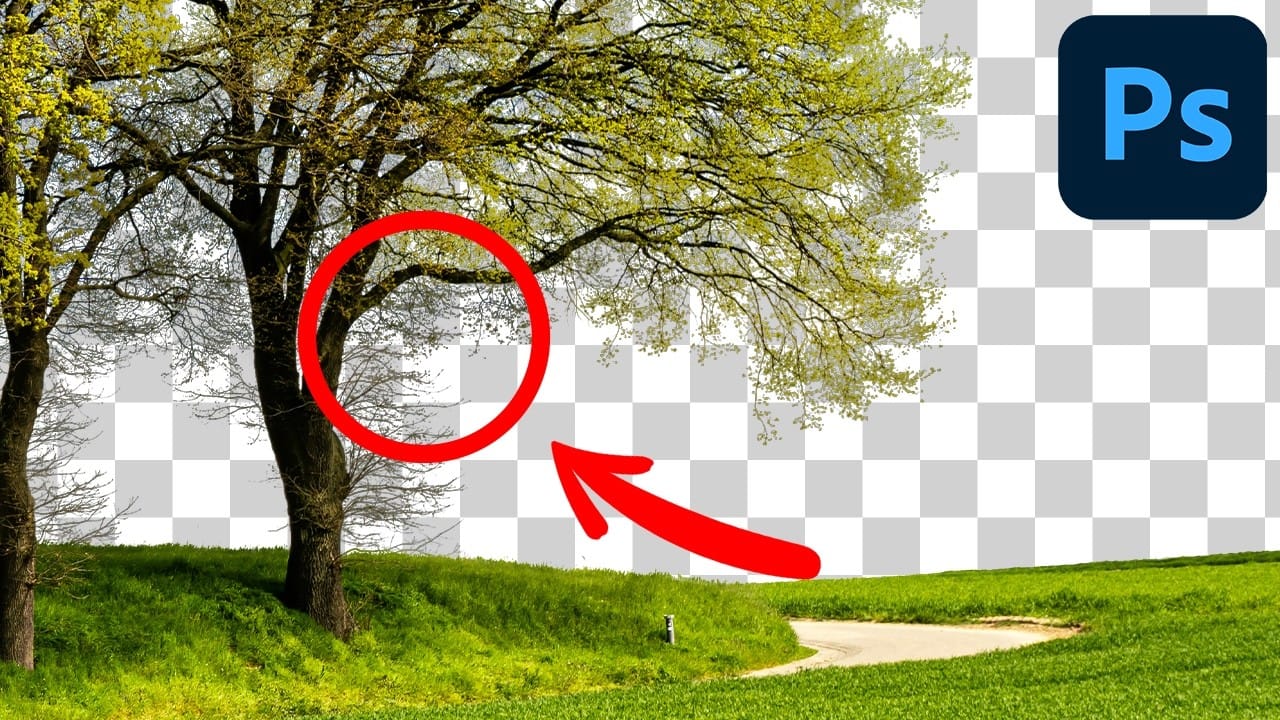
Trees with complex branching patterns challenge traditional selection tools, often leaving messy edges and incomplete cutouts. The Blend If feature offers a powerful alternative for extracting trees from contrasting backgrounds by targeting specific color channels rather than attempting pixel-by-pixel selection.
This technique works particularly well when trees are photographed against blue skies or other high-contrast backgrounds, allowing you to isolate the subject while preserving fine details like small branches and leaves.
Watch the Video
Video by SandraD Imagery. Any links or downloads mentioned by the creator are available only on YouTube
Practical Tips
These key techniques will help you achieve cleaner tree extractions using the Blend If method:
- Select the blue channel when working with trees against blue skies to maximize contrast between subject and background
- Split the sliders by holding Alt/Option while dragging to create smoother transitions and reduce harsh edges
- Convert your layer to a smart object before moving to preserve quality and enable non-destructive scaling
- Use hard-edged brushes when masking close to the trunk, then switch to soft brushes for distant areas
- Apply foliage brushes with a squiggle technique to blend tree edges more naturally into new backgrounds
Related Articles and Tutorials
Explore these additional techniques for mastering complex cutouts and background removal: