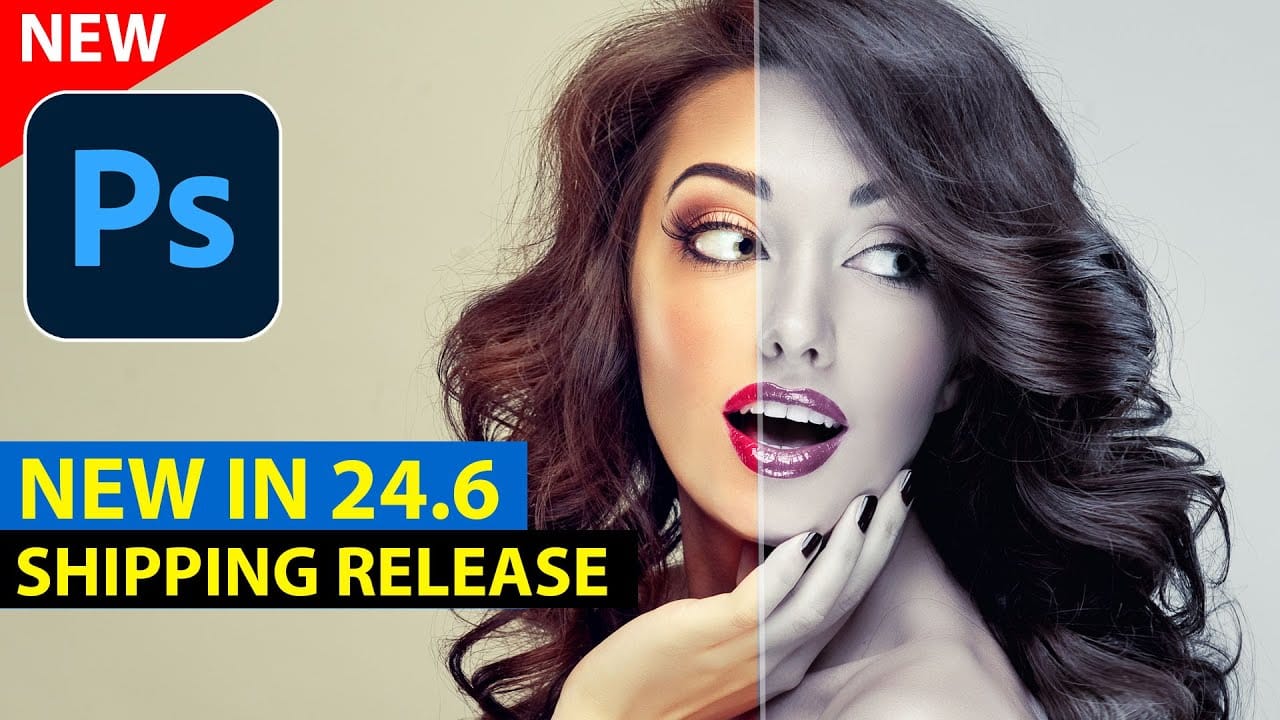
Adobe Photoshop's beta version introduces parametric filters—a new way to apply distinctive, customizable effects to images with real-time adjustments and non-destructive editing.
These smart filters offer dynamic control over stylistic effects like vintage looks, distortions, and weather elements, with the ability to stack multiple filters and create custom presets for consistent results across projects.
Watch the Tutorial
Essential Tips for Parametric Filters
These practical tips will help you work more effectively with parametric filters and avoid common mistakes.
- Set your resolution first: Choose draft, medium, or ultra resolution before making adjustments, as different resolution settings can dramatically change the filter's appearance
- Expand the properties panel: Drag the panel from the bottom to see all available controls, as many options are hidden below the default view
- Stack filters with Alt/Option: Hold Alt (PC) or Option (Mac) while clicking additional filters to layer effects instead of replacing the current filter
- Combine filters with selections: Use selection tools like Select Subject before applying filters to target specific areas like backgrounds or objects
- Create custom presets: Click the plus sign to save your adjusted settings as reusable presets for consistent looks across multiple images
Related Articles and Tutorials
Explore more advanced filter techniques and creative effects in Photoshop.
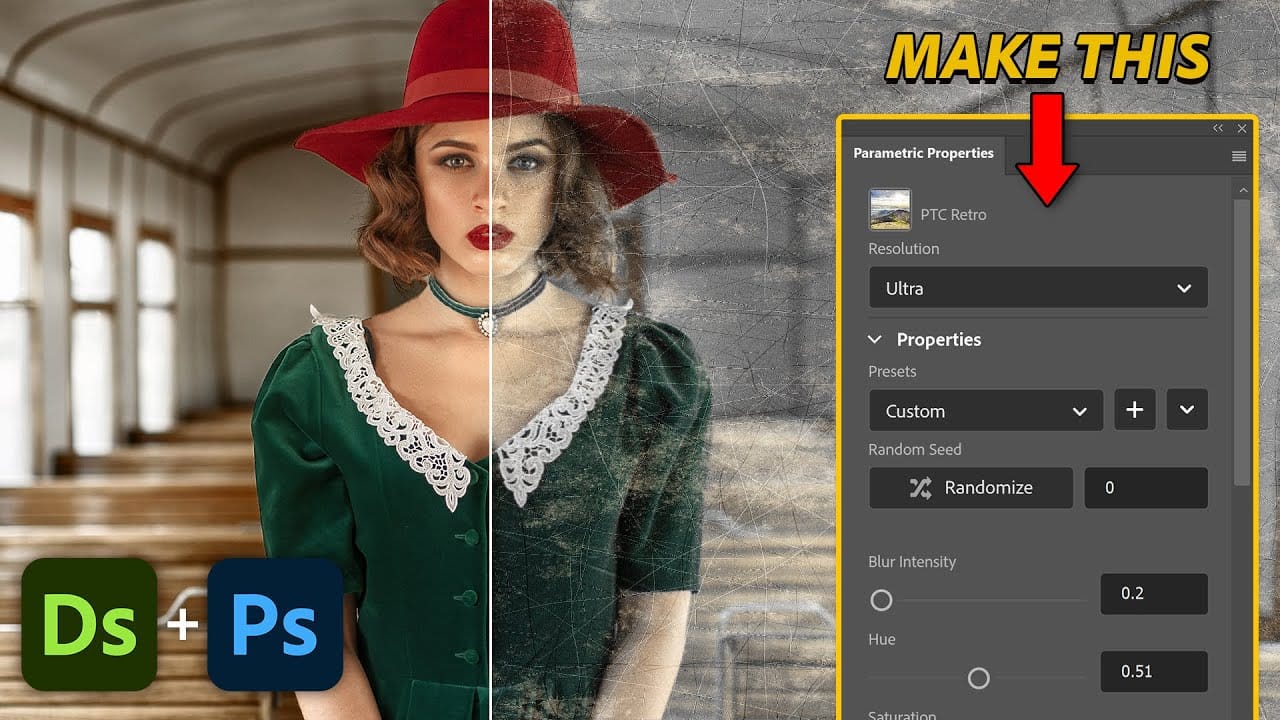
Create Custom Photoshop Parametric Filters with Substance Designer
Photoshop's Parametric Filters unlock a new dimension of creative control, offering fully customizable and interactive effects that can be applied to any layer. Unlike traditional static filters, parametric filters are dynamic, allowing for real-time adjustments and a non-destructive workflow.
This tutorial delves into the process of crafting these advanced filters using Adobe Substance Designer, guiding you through the essential components and techniques needed to build sophisticated, user-con
How to Create Realistic Embroidery Effects Using Photoshop's Parametric Embroidery Filter
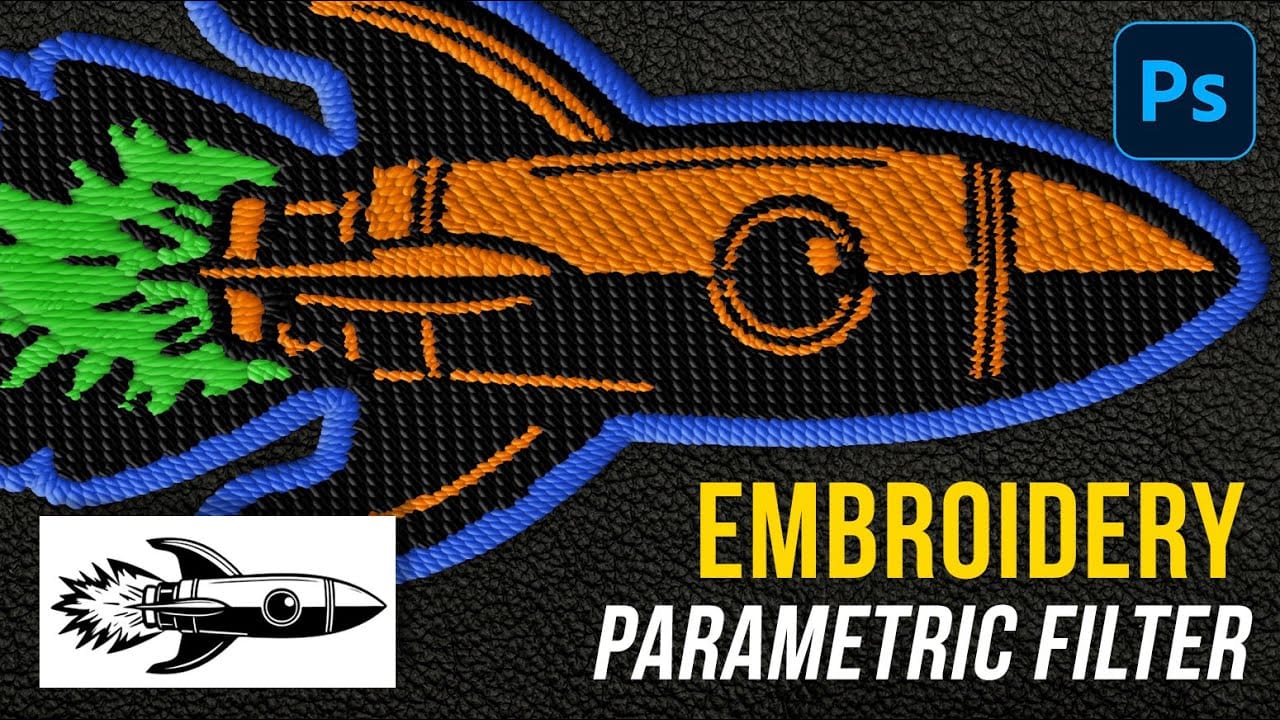
Adobe's introduction of parametric filters in Photoshop beta has opened up new possibilities for creating realistic textile effects without complex manual techniques. The embroidery filter stands out as particularly powerful for transforming logos, graphics, and text into convincing stitched designs with remarkable detail and customization options.
This tutorial demonstrates how to use the new parametric embroidery filter to create authentic-looking knitted embroidery effects. You'll learn the
Filter Forge Photoshop plugin's revolutionary features you should really know
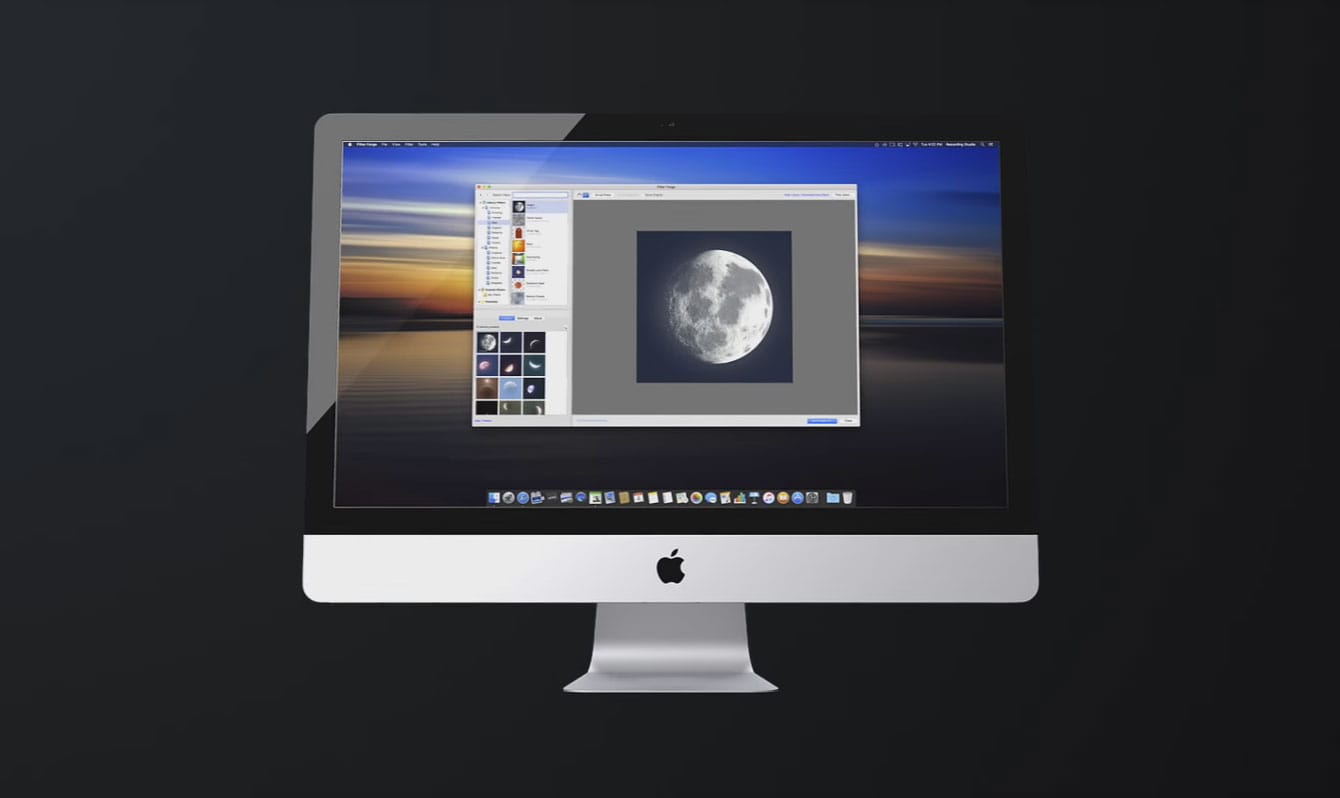
Filter Forge is a high-end plugin for Adobe Photoshop allowing computer artists to build their own filters. The key features of Filter Forge include the filter editor and a free online library of user-created filters, currently containing more than 11,000 filters.
All filters are adjustable, resolution-independent, support real-world HDRI lighting, and most of them can be seamlessly tiled. Also, filters can automatically generate diffuse, specular, bump, and normal maps, which are essential for
Exploring the latest features in Adobe Photoshop 2023
Adobe Photoshop continues to lead the way with its innovative tools and features. The year 2023 brings a fresh wave of updates, and in this video, Colin Smith from Photoshop Cafe will delve into the exciting features introduced recently. Renowned Photoshop expert, Colin takes us on a tour of these new additions and shows us how to make the most of them.
* Adjustment Presets: Streamlining the Editing Workflow
* Creating Custom Adjustment Presets: Tailoring Tools to Your Style
* Revolutionizin