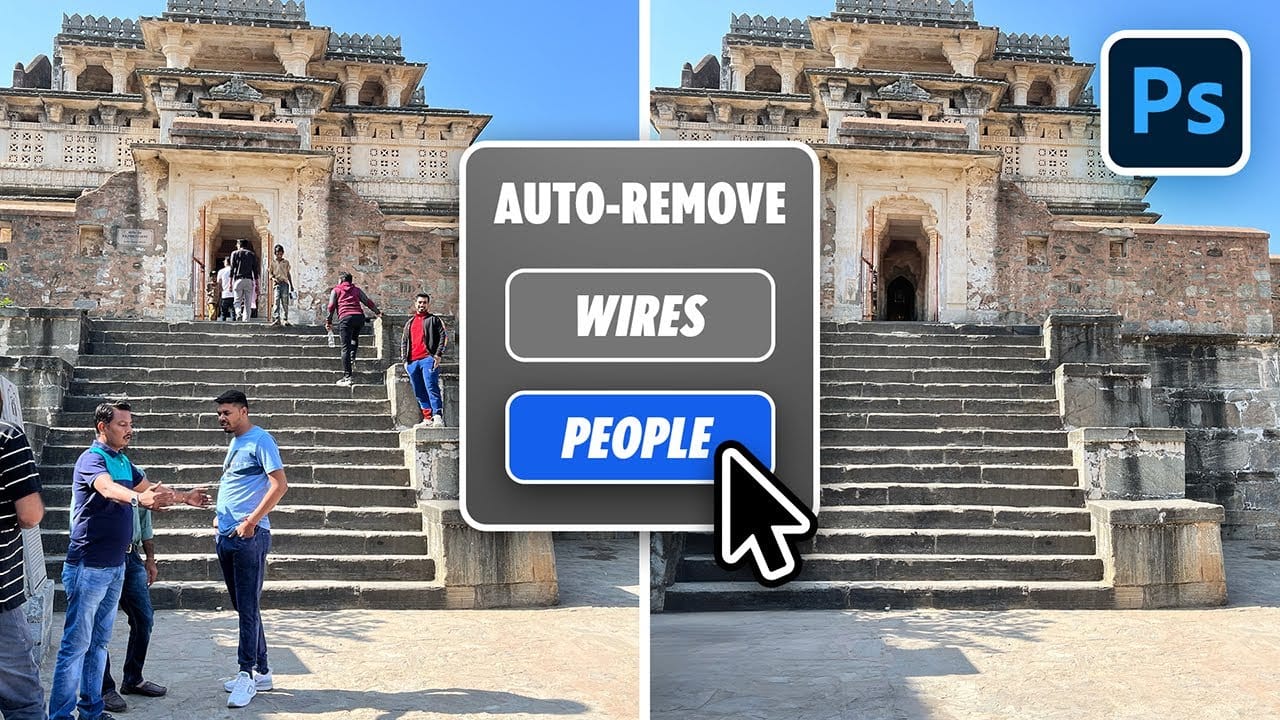
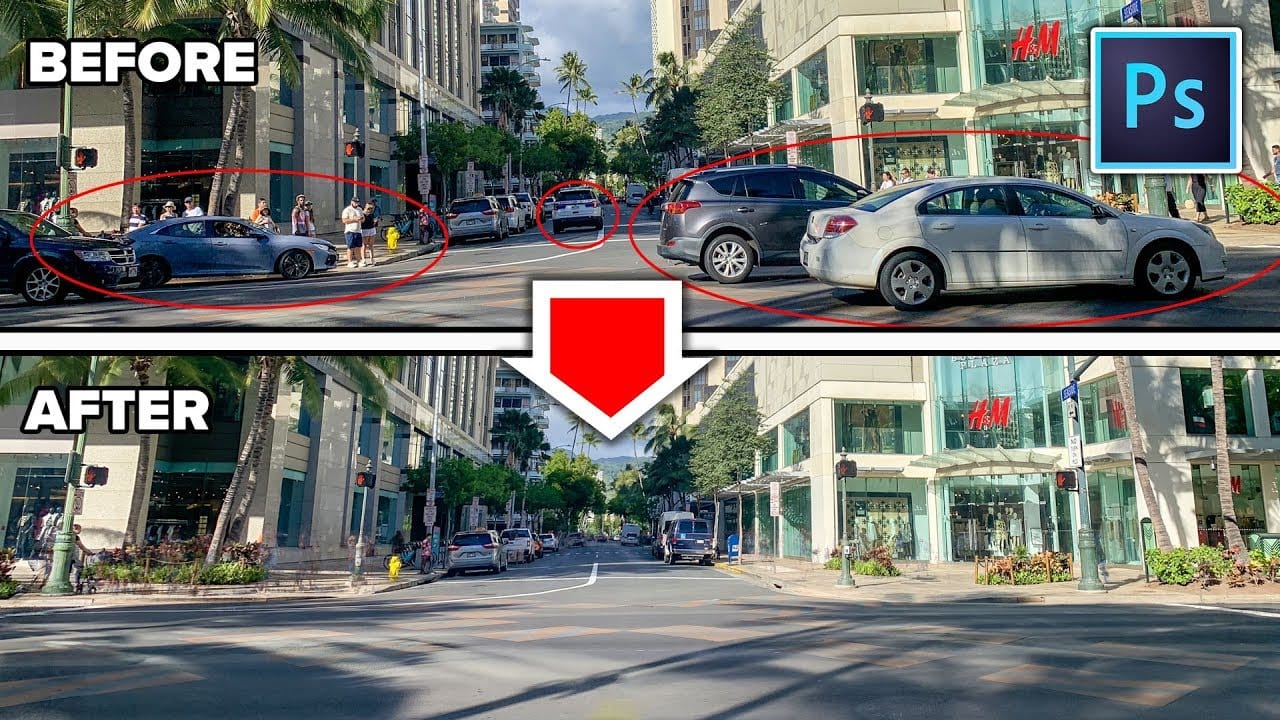
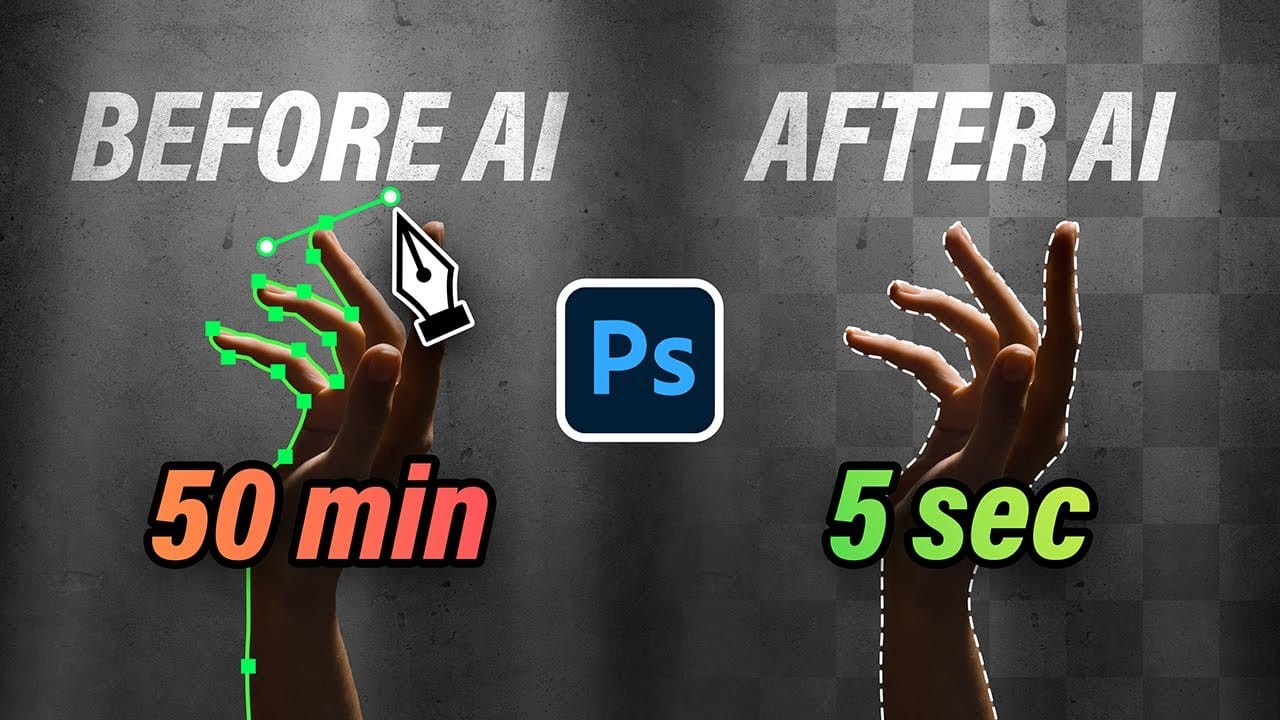
Removing unwanted elements from photos used to require hours of careful work with clone stamps and healing brushes. The new General Distractions feature in Photoshop's Remove Tool changes this completely by automatically detecting and eliminating distractions across 26 different categories with a single click.
This AI-powered upgrade can identify everything from people and vehicles to wires, vegetation, and urban clutter, then seamlessly remove them while preserving your original image on separate layers.
Watch the Video
Video by Glyn Dewis. Any links or downloads mentioned by the creator are available only on YouTube
Practical Tips
These key techniques will help you get the best results from the auto distraction removal feature:
- Enable "Create New Layer" before removing distractions to preserve your original image and maintain editing flexibility
- Turn off "Select All" to review each category individually and choose exactly which elements to remove or keep
- Use the plus and minus brush tools to manually add or exclude specific objects from the automatic selection
- Enable GPU acceleration in Photoshop's performance settings for faster processing of large images
- Customize the color coding for each distraction category to better visualize what will be removed
Related Articles and Tutorials
Explore more advanced removal techniques and AI-powered editing workflows: