Adobe's latest Camera Raw update introduces a powerful depth mask that works with any image, not just smartphone photos with depth data. This new masking tool analyzes distance information in your photos to create precise selections based on how far objects are from the camera.
The depth mask excels at targeting specific areas like distant mountains or foreground elements, making it particularly valuable for landscape photographers who need to enhance depth and atmosphere in their images.
Watch the Video
Video by Christian Möhrle - The Phlog Photography. Any links or downloads mentioned by the creator are available only on YouTube
Practical Tips
Here are key techniques for getting the most out of the new depth mask:
- Enable the "Show depth map" option instead of mask overlay for better visualization of distance-based selections
- Use two handles to control selection range - the first creates hard edges, the second adds feathering based on distance between handles
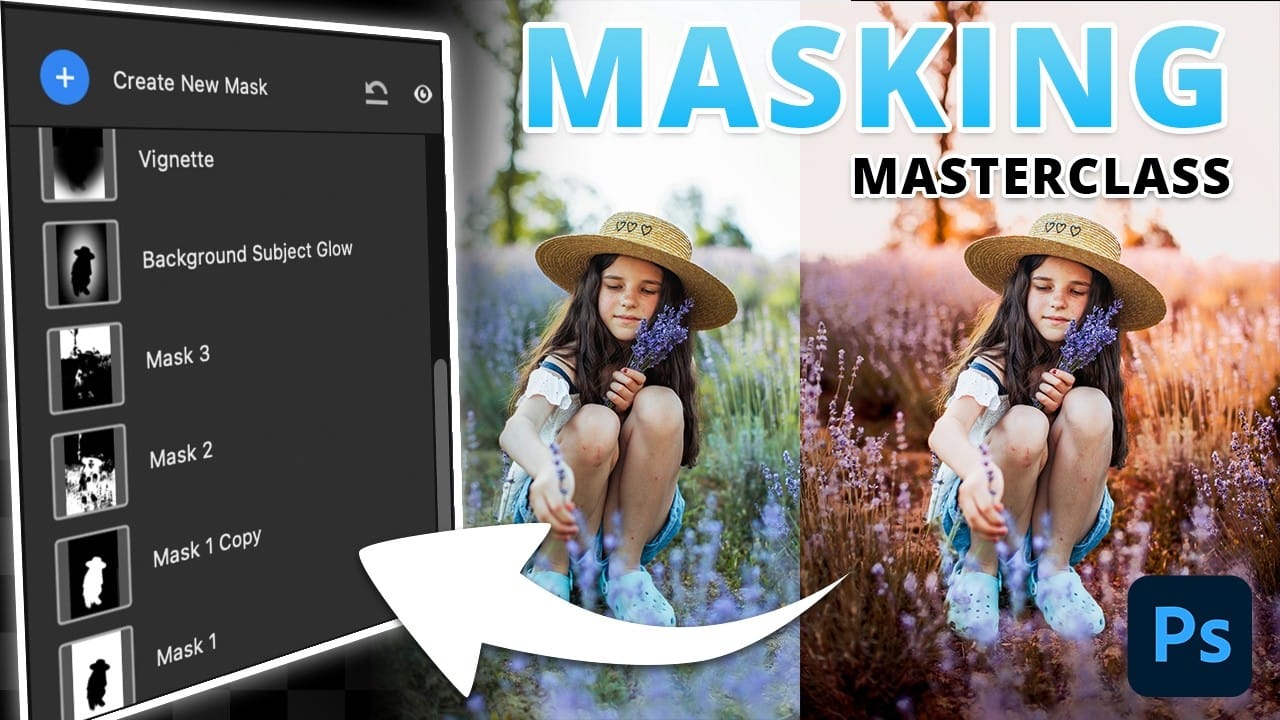
- Combine depth masks with linear gradients or other masks using subtract, add, or intersect operations for cleaner results
- Click and drag over specific areas in your image to quickly select similar depth ranges without manual adjustment
- Reduce contrast in distant mountains by increasing exposure, whites, and shadows while adjusting temperature for atmospheric effects
Related Articles and Tutorials
Explore more masking techniques and Camera Raw features to enhance your photo editing workflow.