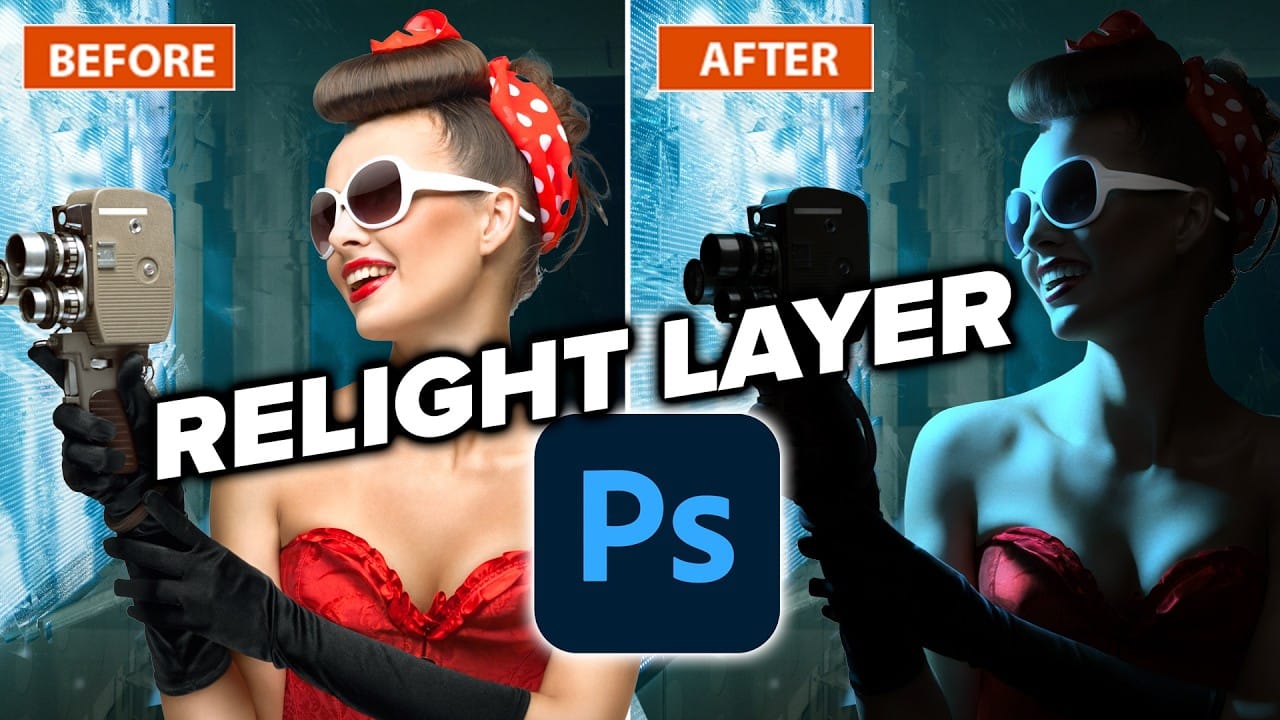
Relighting a photo can dramatically change its mood and atmosphere. With Photoshop's new Relight feature, you can adjust the lighting of your images after they've been taken, giving you more control over the final result.
Watch the Video
Video by Photoshop Training Channel. Any links or downloads mentioned by the creator are available only on YouTube
Practical Tips
To get the most out of Relight, follow these key steps:
- Adjust the Original lighting slider to control how much of the original lighting is preserved.
- Use the Intensity slider to adjust the brightness of the new light source.
- Experiment with the Diffusion slider to change the size of the light source and the resulting shadows.
- Drag the light icon to reposition the light source and see how it affects your image.
- Click on Done to render the final result, keeping in mind that this will use up 30 of your generative credits.
Related Articles and Tutorials
Learn more about Photoshop and lighting effects with these related tutorials:
Photoshop 2026: 5 New Features Worth Adding to Your Workflow
Photoshop 2026 arrives with a set of updates that genuinely change how certain editing tasks get done. The Light adjustment layer alone could replace a step many photographers have been routing through Camera Raw for years — and that's just the start.
Watch the Video
Practical Tips
Here are the key takeaways from the video, covering each of the five features and how to get the most out of them.
* Use the new Light adjustment layer to recover highlights and shadows directly on the canvas —
Learn how to use lighting effects in Photoshop
Bringing different elements together in Photoshop requires more than just careful selection and placement; it demands mastery of lighting to achieve true realism. When composing an image, the way light interacts with each object determines its perceived depth, form, and how seamlessly it integrates into the scene. Neglecting proper lighting can make even the most detailed composite look flat and artificial.
This tutorial demystifies Photoshop's powerful lighting effects, showing how to transfor
How to Use the Relight Layer in Photoshop Beta
Photoshop's new Relight Layer brings AI-powered directional lighting into the compositing workflow, filling the gap left by the deprecated Lighting Effects tool. You can place up to three independent light sources, control their color, intensity, diffusion, and distance, and blend them with the image's original ambient lighting.
Watch the Video
Practical Tips
Here are the key techniques from the video for getting useful results with the Relight Layer.
* Drag the light dot off the canvas e
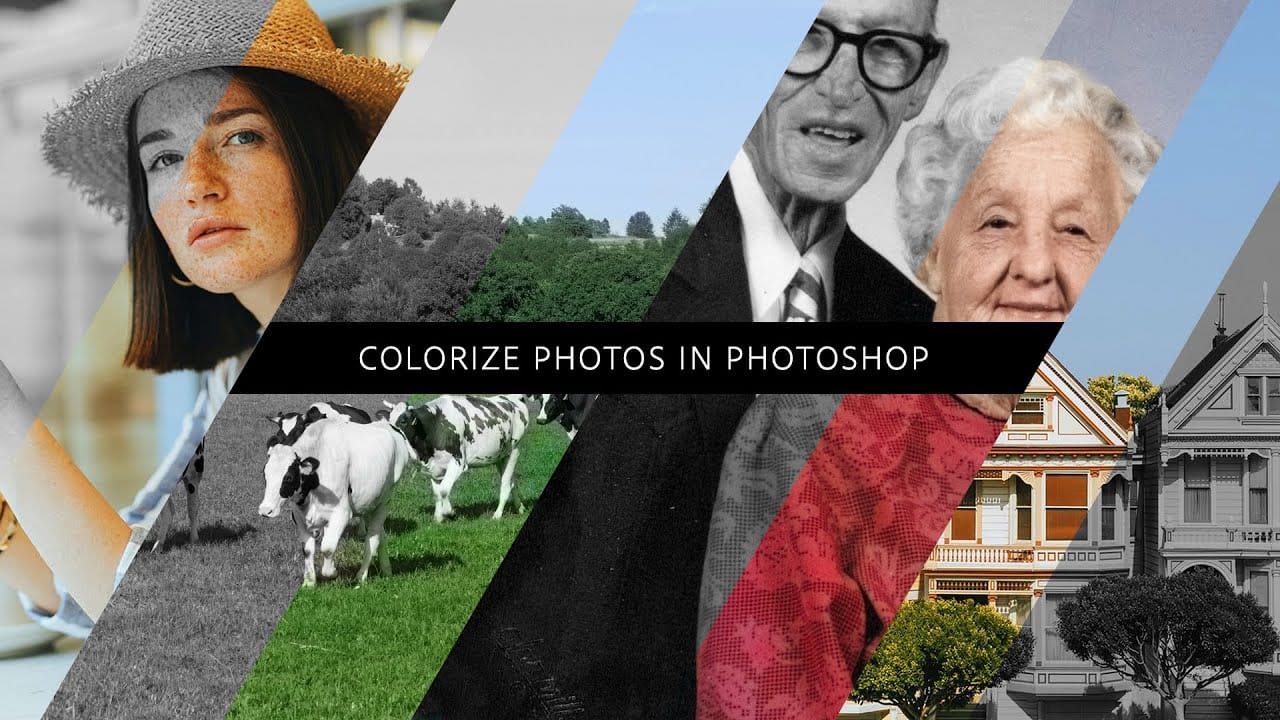
How to colorize photos in Photoshop
In this episode, Adobe Evangelist Paul Trani demonstrates how to instantly colorize photos in Photoshop using the new Neural Filters. This feature allows you to bring new life to black-and-white images, from landscapes to your old family photos, with just a few clicks.
Paul walks you through the process of accessing and applying the Neural Filters to your photos. You'll learn how these advanced filters use artificial intelligence to analyze your image and apply realistic colorization based on t
Create Dream-Like Images in Photoshop
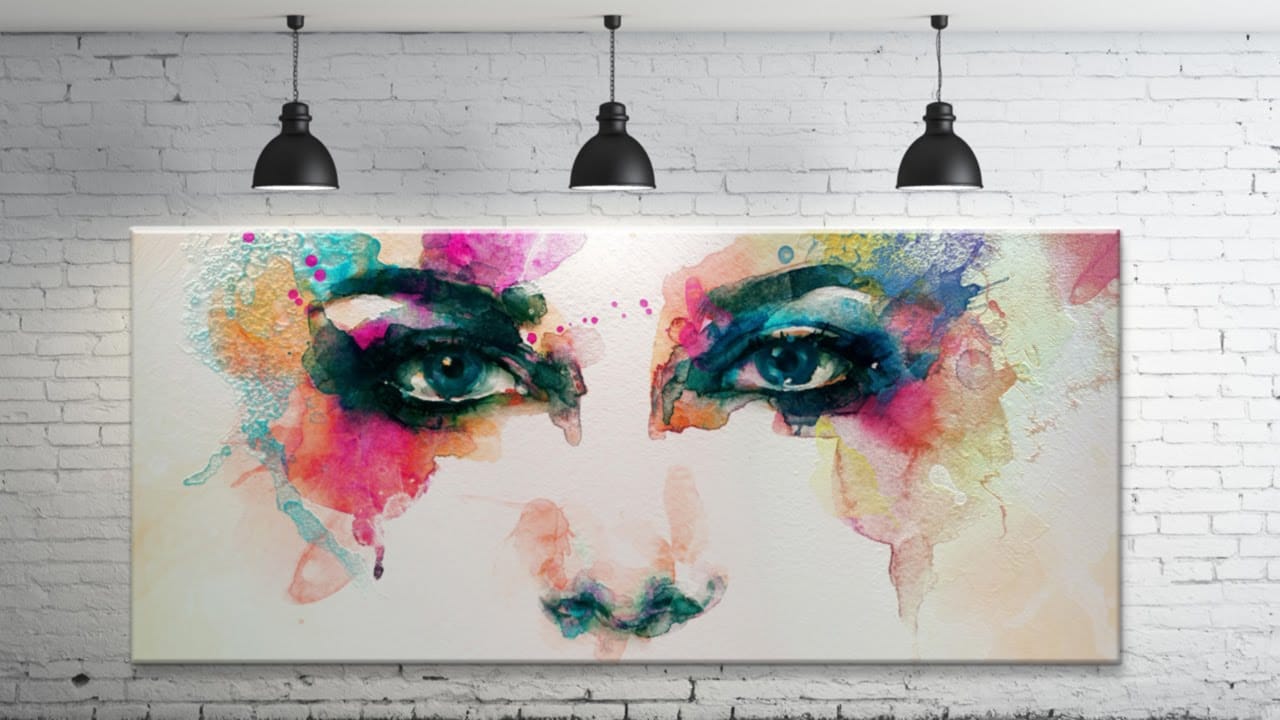
Transform ordinary photographs into artistic masterpieces using artificial intelligence-powered neural filters. This technique automatically applies painting styles from classic artworks to your images, creating effects that range from Van Gogh-inspired oil paintings to abstract wave patterns.
The style transfer process works entirely within the application, requiring just a few clicks to achieve results that would traditionally take hours of manual work.
Watch the Video
Practical Tips
Mas

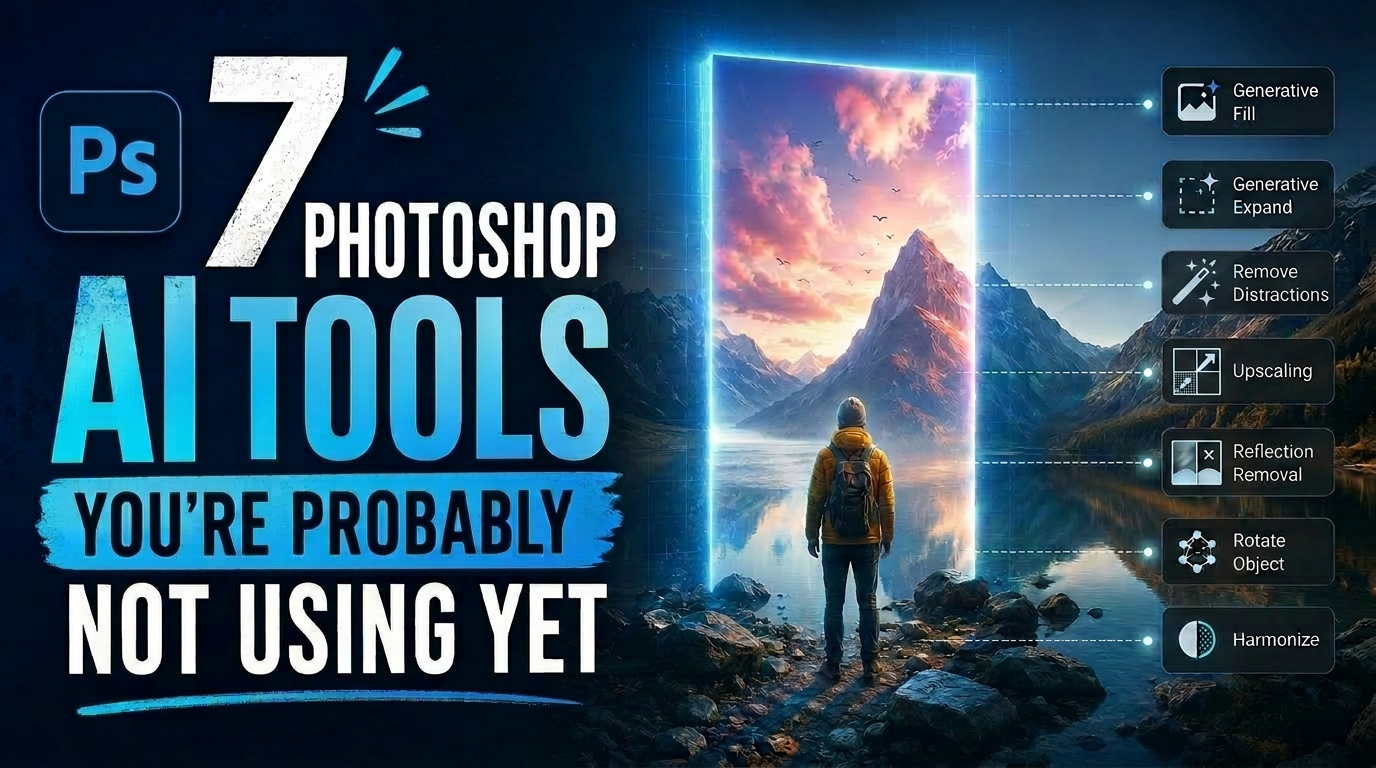
7 Photoshop AI Tools You're Probably Not Using Yet
Photoshop’s AI features now go far beyond simple object removal. Some of the newer tools can completely change the way you edit photos, create composites, clean up distractions, or expand scenes — often with just a few clicks.
The interesting part is that many of these features still feel surprisingly underused. While Generative Fill gets most of the attention, Photoshop now includes several AI-powered tools that can produce genuinely impressive results without requiring overly complicated work