Liquid gel effects transform flat logos into dimensional, glossy designs that appear to bubble and flow. This technique uses multiple layer styles and strategic duplication to build depth, creating surfaces that catch light like thick, viscous liquid.
The method combines gradient overlays, bevel effects, and inner glows across several duplicated layers to achieve the signature bubbly, three-dimensional appearance that makes logos stand out with professional polish.
Watch the Video
Video by P A N T E R. Any links or downloads mentioned by the creator are available only on YouTube
Practical Tips
Master these key techniques for convincing liquid gel effects:
- Set fill opacity to zero on duplicated layers to isolate layer style effects without affecting the base color
- Use multiple bevel and emboss layers with different depth and size settings to build complex surface reflections
- Combine gradient overlays with inner glow effects to create the translucent quality of thick liquid
- Adjust shadow mode colors to darker blues or greens for more realistic depth and color interaction
- Apply hue and saturation adjustments at the end to enhance color vibrancy without rebuilding layer styles
Related Articles and Tutorials
Explore more liquid and glass text effects to expand your design toolkit:
100+ Brilliant Photoshop Text Effects: The Ultimate 2025 Roundup
You won’t admit this: You spend hours making text look like liquid gold. Not for clients. Not for your portfolio. Just because. Here’s the thing: Text effects are your guilty pleasure. You tell yourself you’re “practicing.” You say you’re “building skills.” But really? You just love watching letters transform into
 Enrique Flouret
Download an awesome bundle of 100 high quality free fonts
Are you looking for the perfect fonts to enhance your designs? Whether you’re designing for web, print, or anything in between, a good font can make all the difference. Today, we’re thrilled to share an incredible collection of 100 free font families comprising 471 individual fonts – and the best part?
 Creative Closeup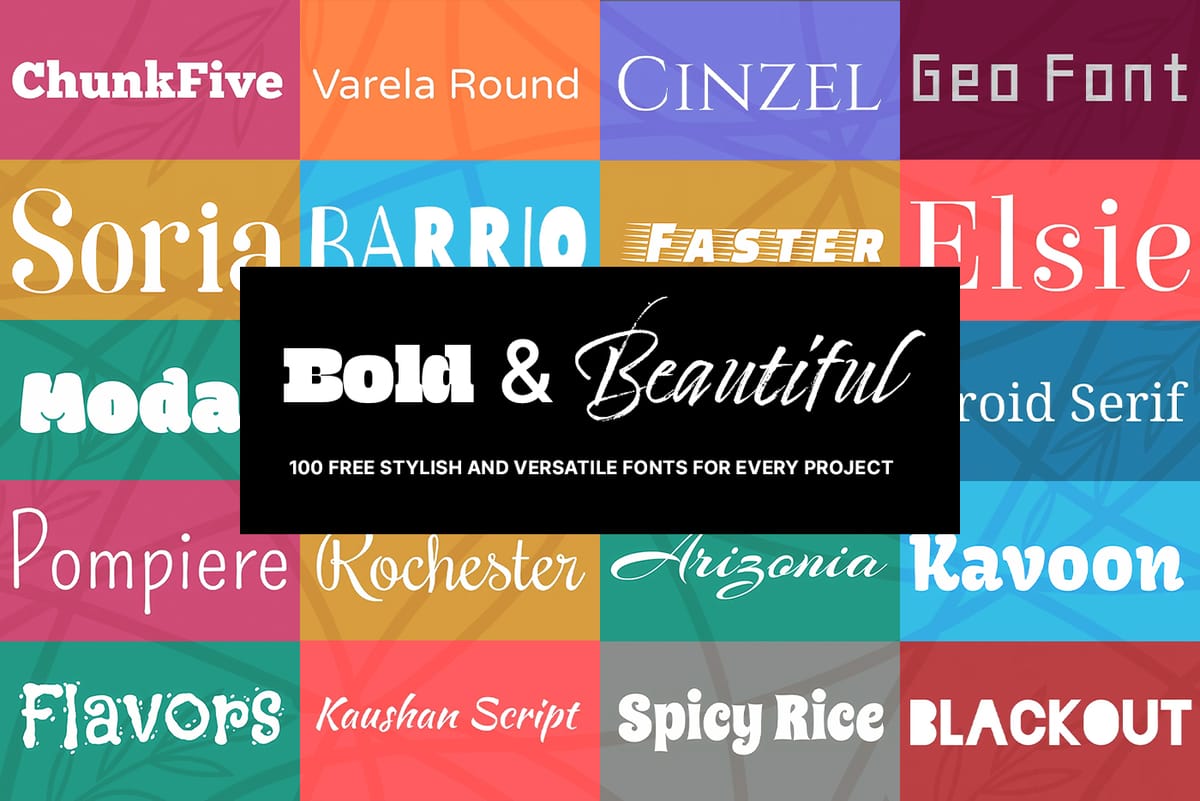
A Library of Thousands of Editable Text Effect Templates
This collection offers an expansive repository of thousands of professional text effect templates, providing an immediate visual upgrade for any design project. Hosted on Creative Fabrica, this library is filled with visually impressive, high-impact assets that are fully editable and ready for immediate use. A Massive Selection of High-Impact Styles
 Creative Fabrica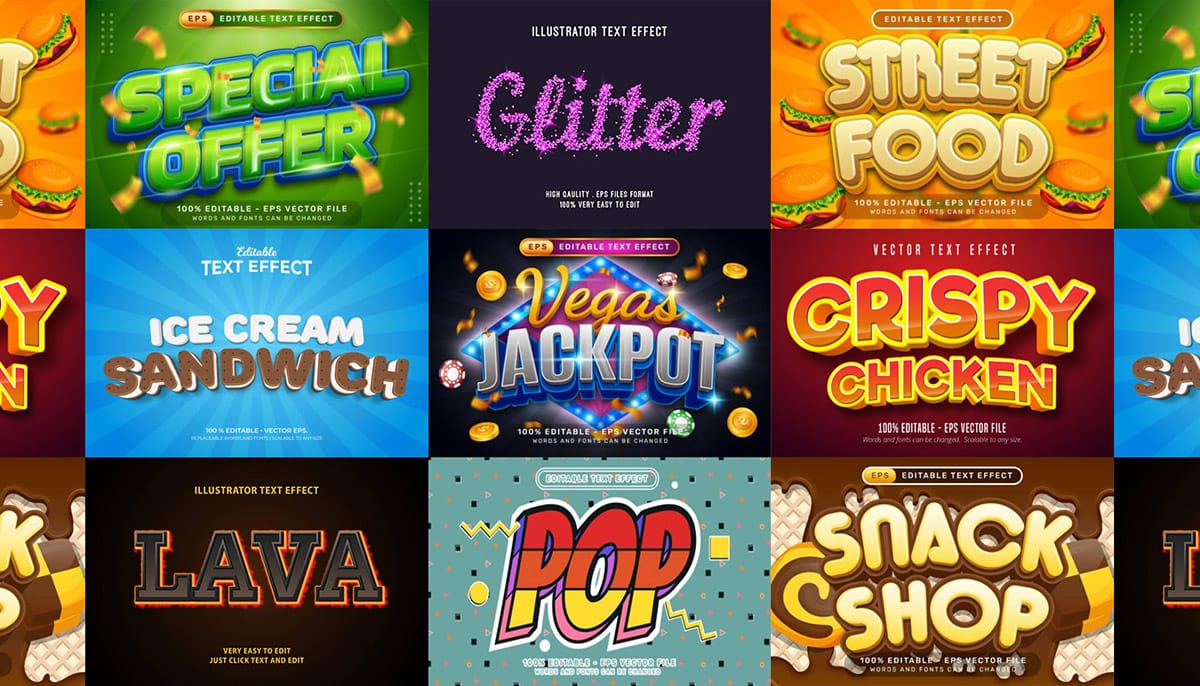
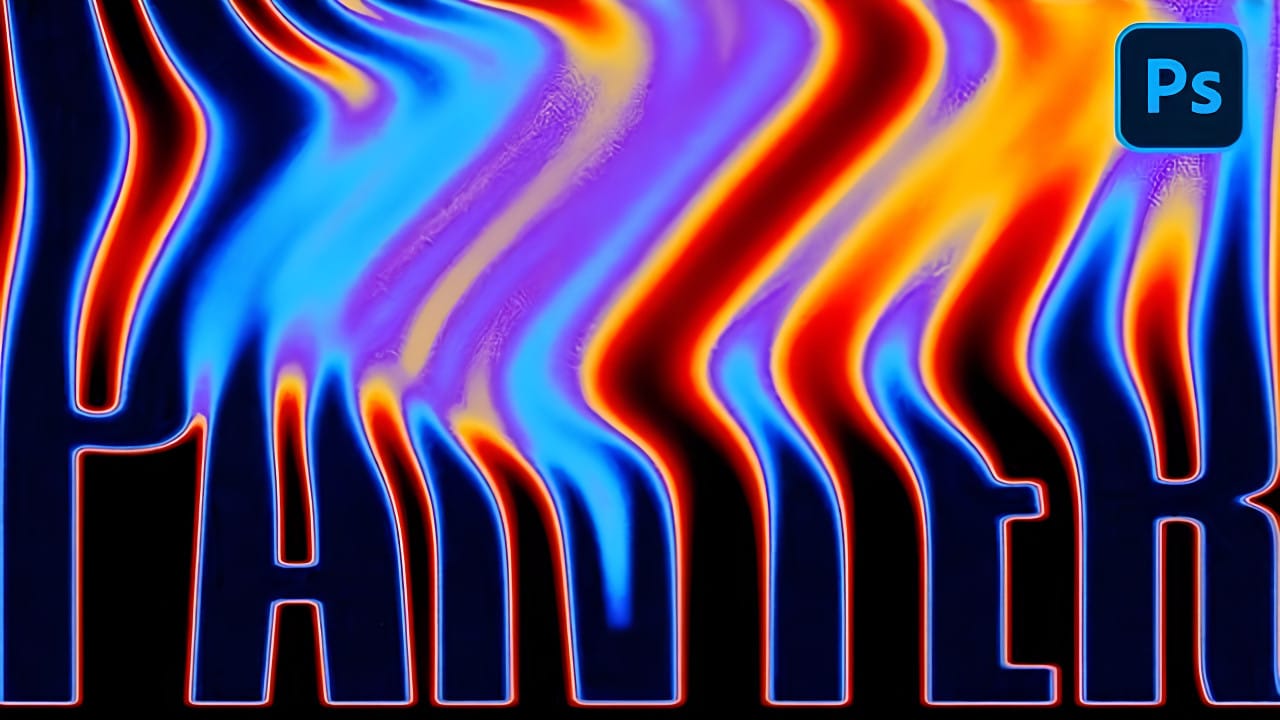
Create Liquid Gradient Text Effect in Photoshop
Liquid text effects transform ordinary typography into flowing, organic shapes that seem to move across the page. This dynamic style captures the fluid properties of water, paint, or molten materials, creating text that appears to drip, flow, or splash.
The technique combines shape manipulation with blur effects and gradient mapping to achieve a smooth, liquid appearance that works particularly well for creative projects, digital art, and modern branding applications.
Watch the Video
Unders
How to Create a Black Liquid Text Effect in Photoshop
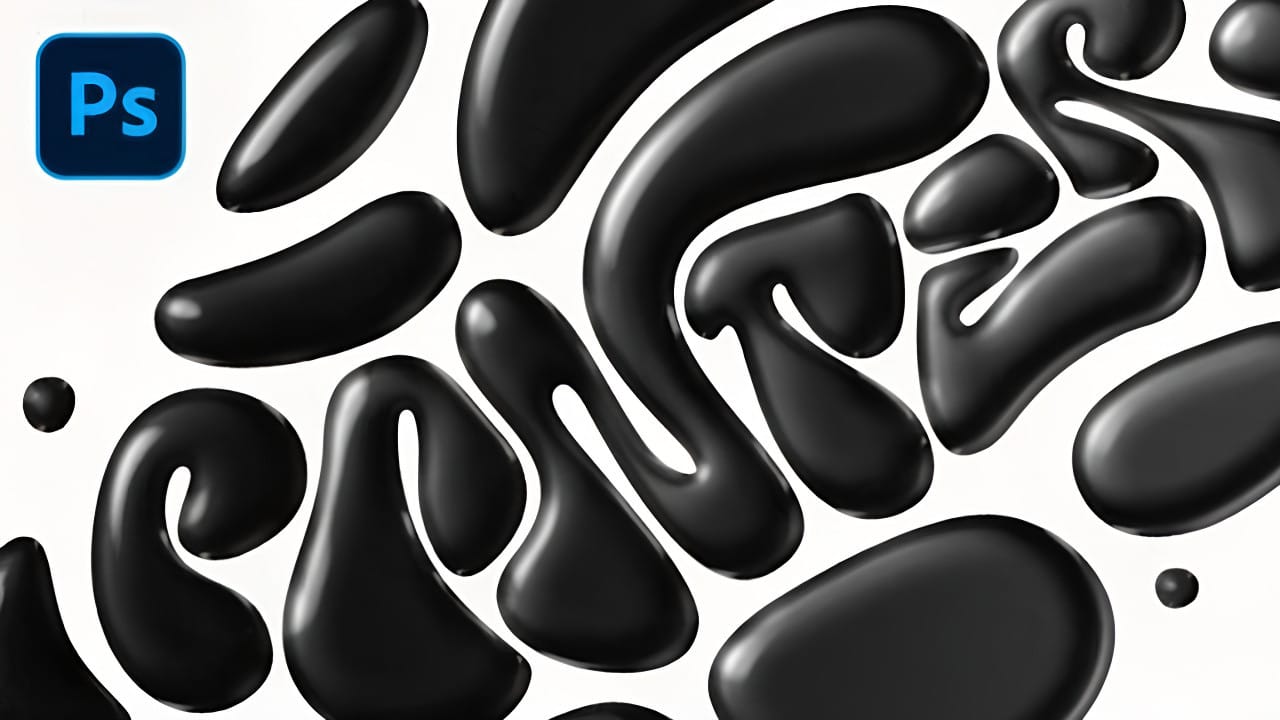
Black liquid typography creates a mysterious, viscous aesthetic that flows between elegant and edgy. This striking effect transforms ordinary text into something that appears to drip, bubble, and shine like thick ink or oil.
The technique combines vector shapes with strategic layer effects to build depth and dimension. Multiple duplicated layers work together to create the signature bubbly, reflective surface that makes liquid text so compelling.
Watch the Tutorial
The Science Behind Liquid
How to Create a Liquid Acid Melting Effect in Photoshop
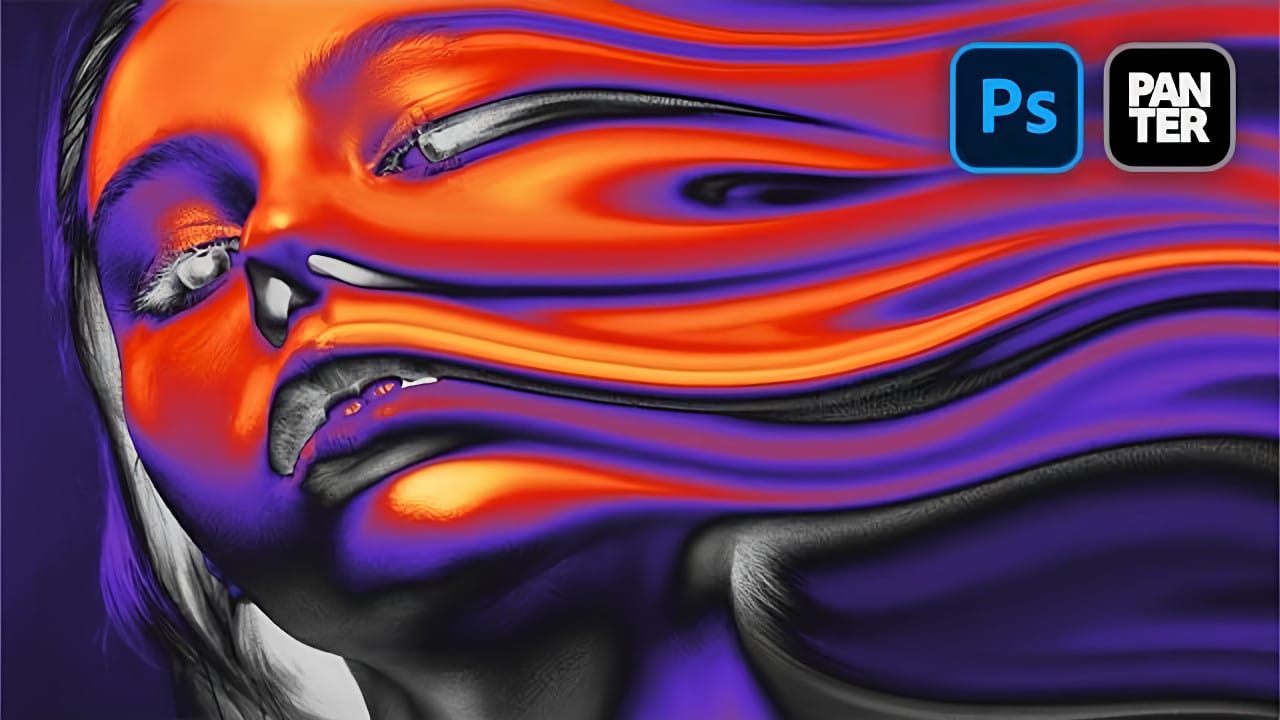
The liquid acid effect transforms ordinary portraits into surreal, otherworldly visuals that seem to melt and flow across the canvas. This distinctive distortion technique creates an organic, fluid appearance that suggests corrosive forces reshaping reality itself.
This tutorial demonstrates how to achieve this striking visual using Photoshop's smudge tool combined with strategic color grading and noise textures to enhance the melting illusion.
Watch the Video Tutorial
The Psychology of Dis
Create an Abstract Liquid Glass Dispersion Effect in Photoshop
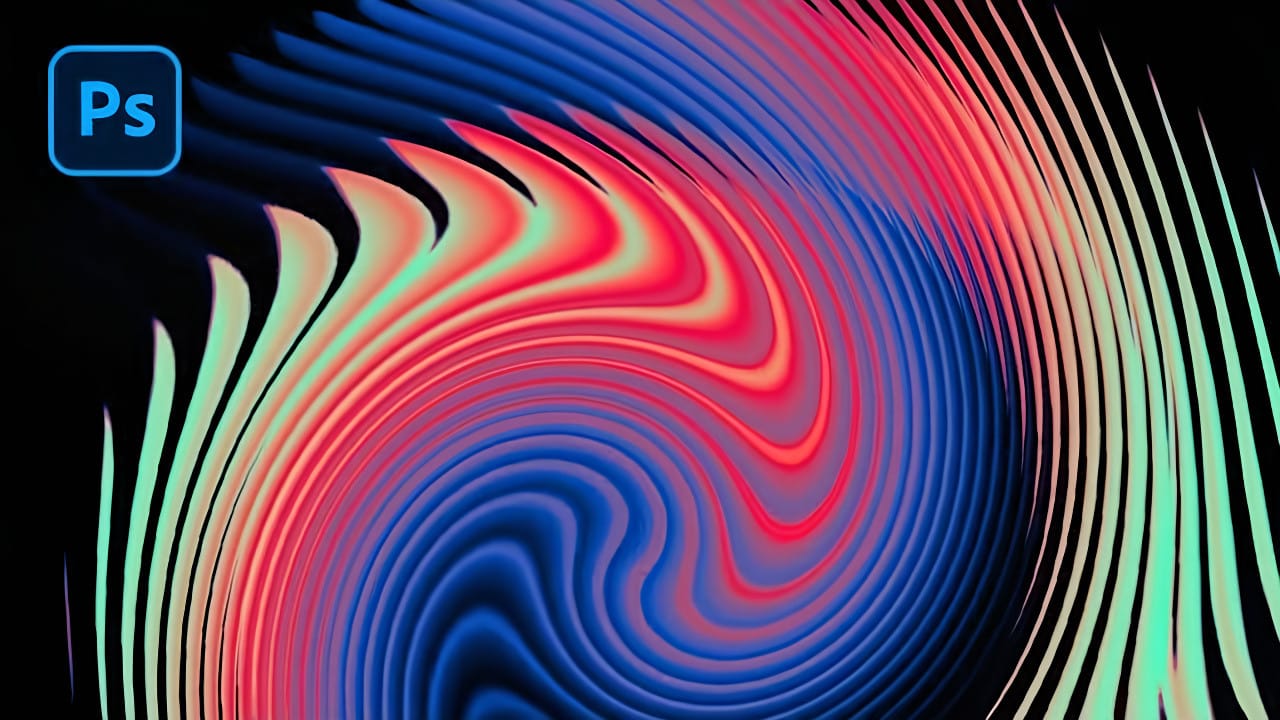
Abstract liquid glass effects combine the ethereal beauty of flowing water with the crystalline clarity of glass, creating mesmerizing visual compositions. These effects transform simple geometric shapes into complex, organic forms that appear to bend and flow like liquid while maintaining the reflective qualities of glass surfaces.
This technique opens up creative possibilities for digital artists, graphic designers, and visual effects enthusiasts. The process involves building custom displace
Create Liquid Melting Acid Text in Perspective in Photoshop
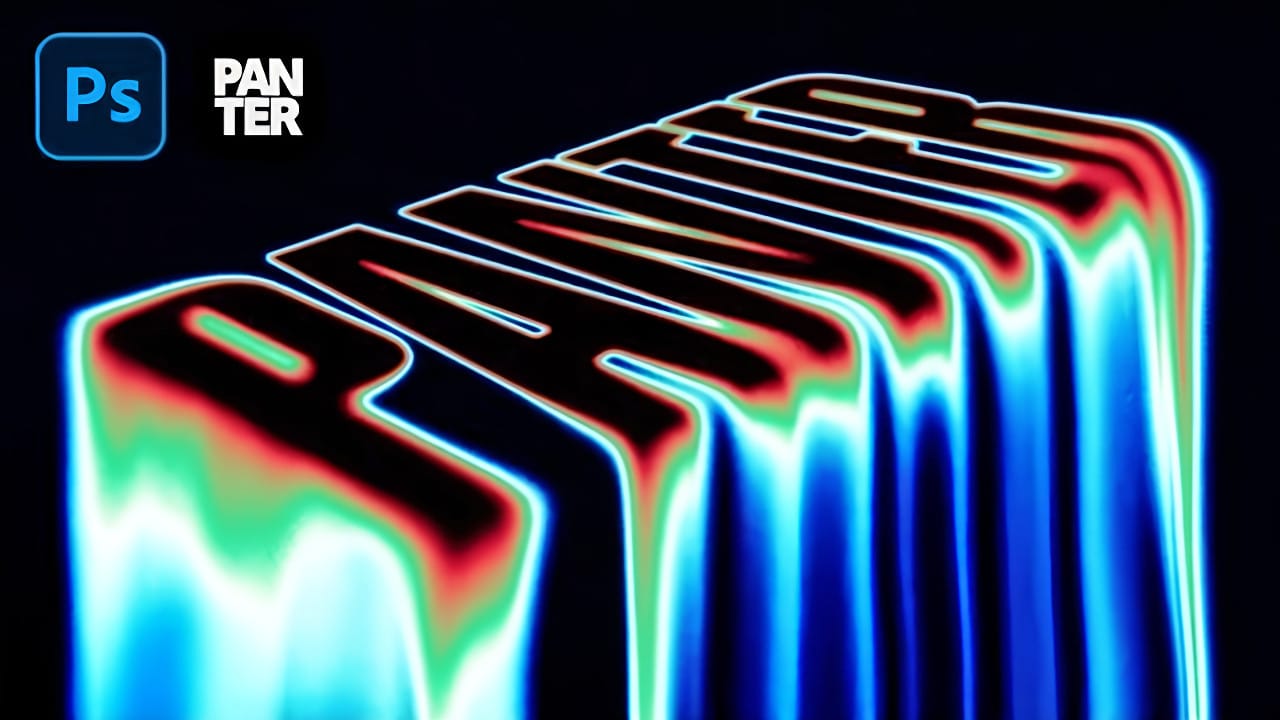
Acid text effects capture the raw energy of corrosive transformation, turning ordinary typography into flowing, organic shapes that appear to melt and dissolve. This distinctive visual style suggests powerful forces reshaping matter itself, creating text that seems alive with chemical reaction.
The technique transforms flat letters into dimensional, perspective-distorted forms using strategic blur effects, liquify tools, and gradient mapping to achieve that signature melting appearance.
Watch
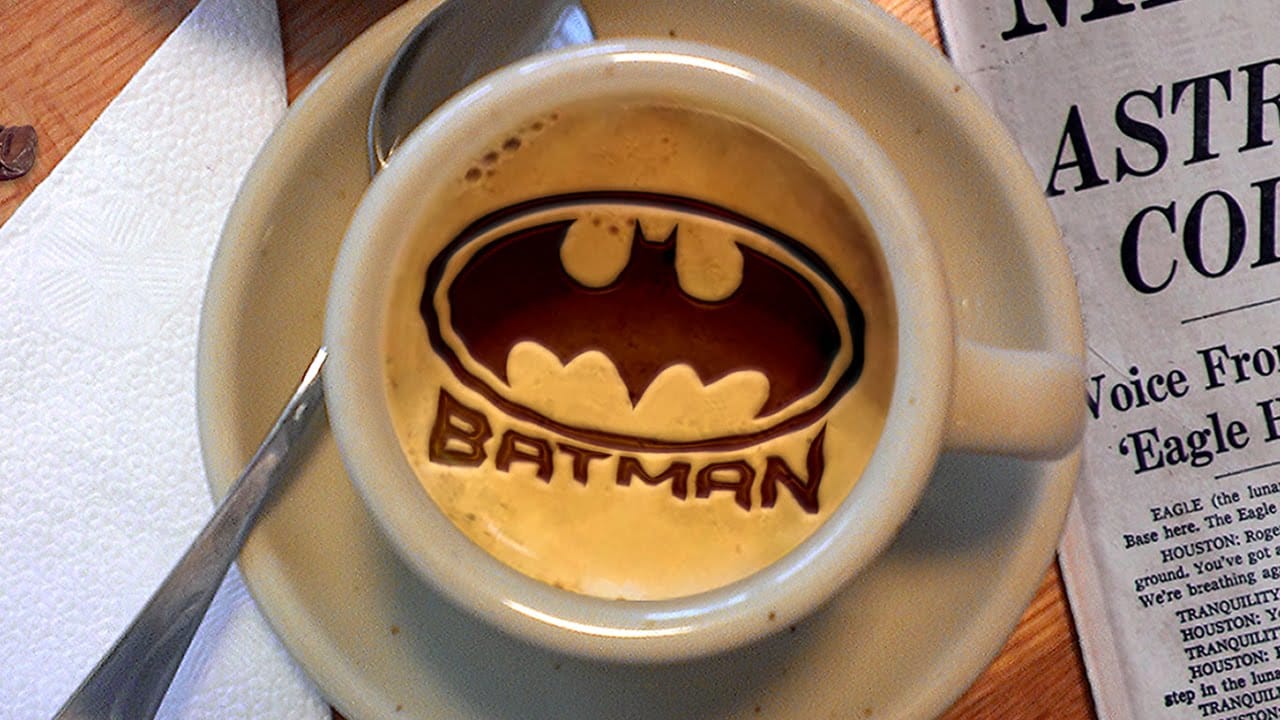
Create Latte Art in Photoshop
This tutorial demonstrates how to create latte art in Adobe Photoshop, transforming images into chocolate syrup designs on a virtual caffè mocha.
Learn essential techniques for converting photos, clip art, or text into high-contrast designs, seamlessly integrating them into a digital beverage.
Watch the Tutorial
Digital Artistry: Crafting Realistic Beverage Customizations
Digital latte art offers intricate designs impossible with physical syrup. Photoshop's precise image manipulation tools
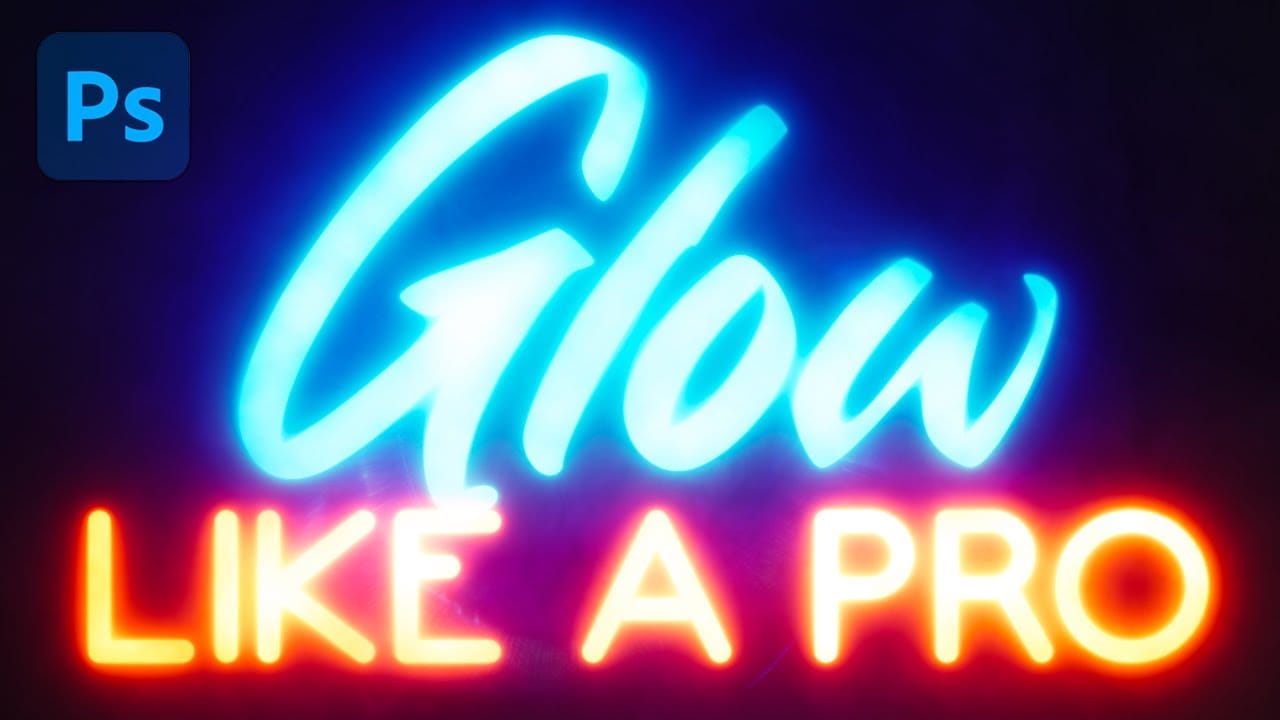
Glowing Text Effect in Photoshop
Glowing text transforms ordinary typography into luminous, eye-catching design elements that command attention. The ethereal quality of well-executed glow effects can elevate logos, headers, and graphics with professional polish.
This tutorial demonstrates how to build convincing glow effects using multiple Gaussian blur layers, smart objects, and gradient mapping techniques in Photoshop.
Watch the Tutorial
Practical Tips for Professional Glow Effects
Follow these key techniques to create