How to Create a Retro-Futuristic Poster in Photoshop

How to Create a Retro-Futuristic Poster in Photoshop

The 1980s retro-futuristic aesthetic combines electric colors, neon glows, and surreal imagery to create designs that feel both nostalgic and forward-looking. This style captures the era's vision of the future through bold cyan and magenta palettes, dreamy atmospheric effects, and dramatic lighting.

Join Adobe's Gabriella as she demonstrates how to build a complete retro-futuristic poster from scratch, combining multiple photographic elements with digital effects to achieve that signature 80s arcade and album cover look.

Watch the Video

Video by Adobe Photoshop. Any links or downloads mentioned by the creator are available only on YouTube

Practical Tips

Here are key techniques for creating authentic retro-futuristic designs:

  • Create realistic starry skies by adding noise to a white background, applying Gaussian blur, then inverting the result for high-contrast stars
  • Use Smart Objects for all elements to maintain non-destructive editing and allow multiple filter applications without quality loss
  • Apply motion blur to moon shapes and text elements to create that signature soft glow effect characteristic of 80s design
  • Combine script fonts with techno outline fonts, adding outer glow effects in cyan and purple to achieve authentic neon typography
  • Animate cloud movement and text flickering using timeline keyframes to add subtle motion that enhances the futuristic atmosphere

Explore more retro and vintage poster design techniques with these comprehensive tutorials:
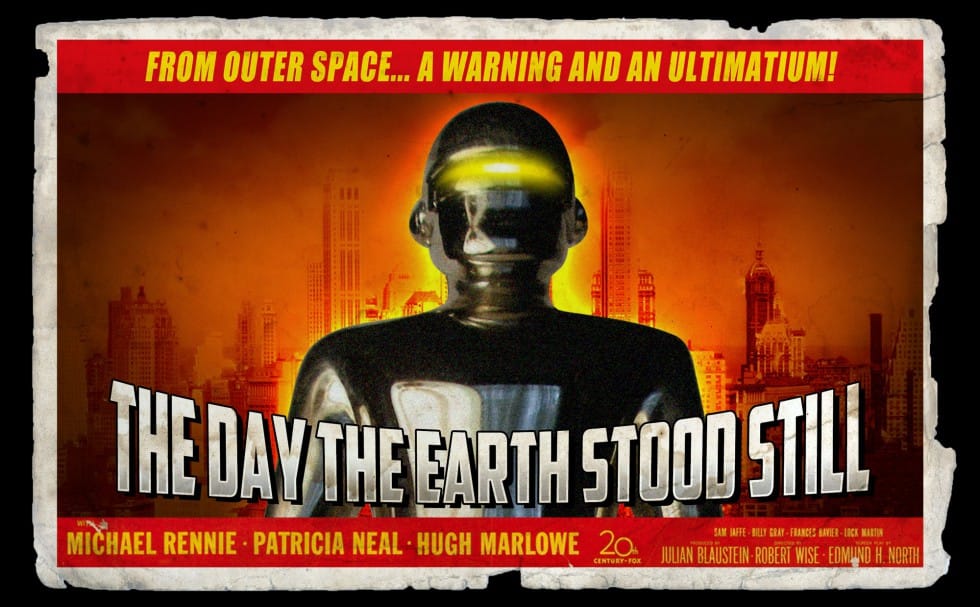
Create a retro '50s Sci-Fi poster in Photoshop
Achieving a distinct vintage sci-fi aesthetic often involves intricate color manipulation beyond simple desaturation. This tutorial demonstrates a surprising approach to color grading, using specific color balance adjustments across shadows, midtones, and highlights to infuse a retro tone. For instance, cyan/red is pushed to +100 in all three tones, while yellow/blue is consistently set to -100. This precise method, combined with the Diffuse Glow filter and careful Brightness/Contrast settings,
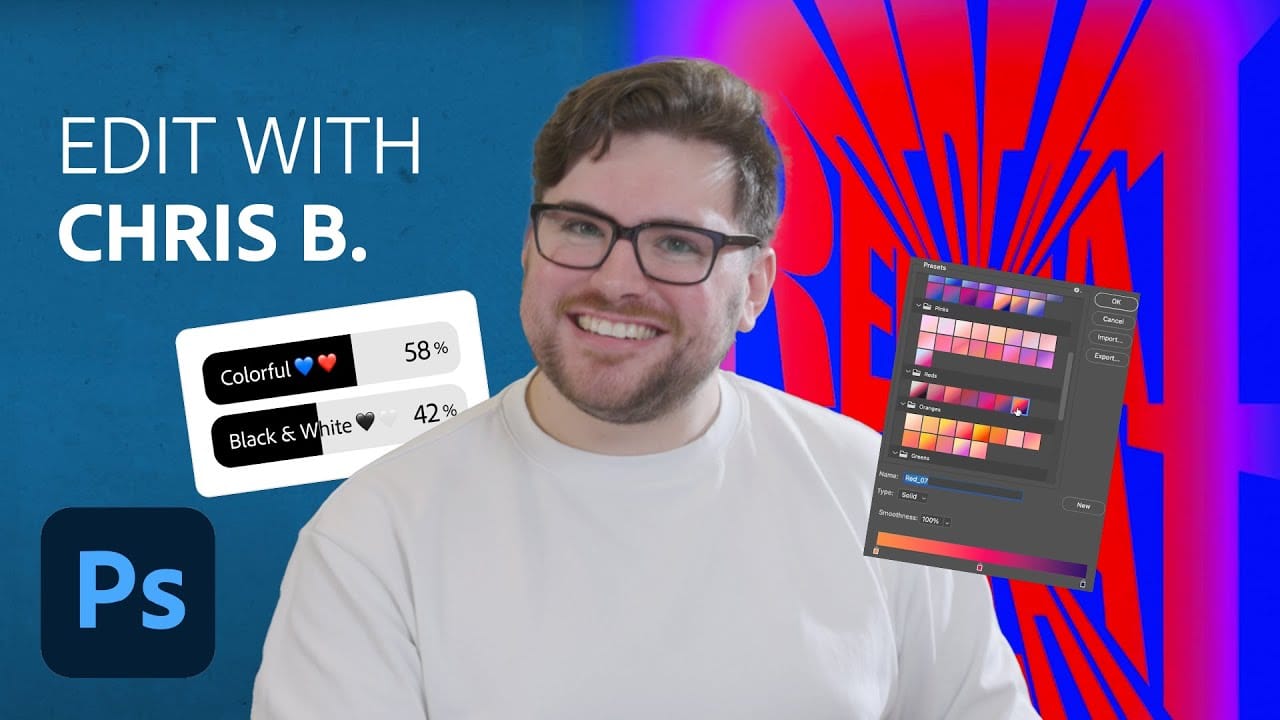
Edit With Me Series: Typography Poster with Adobe Photoshop
In this engaging presentation, Chris Bartoldus from Adobe Brand Studio takes the reins of Photoshop's Instagram account to create a unique typographic poster. His work is significantly influenced by the preferences of followers, who vote on crucial design elements such as height, weight, and color. The behind-the-scenes video provides an insightful look into Chris's creative process. You can see how he manipulates various types of typography and applies gradients, bringing the community's choic
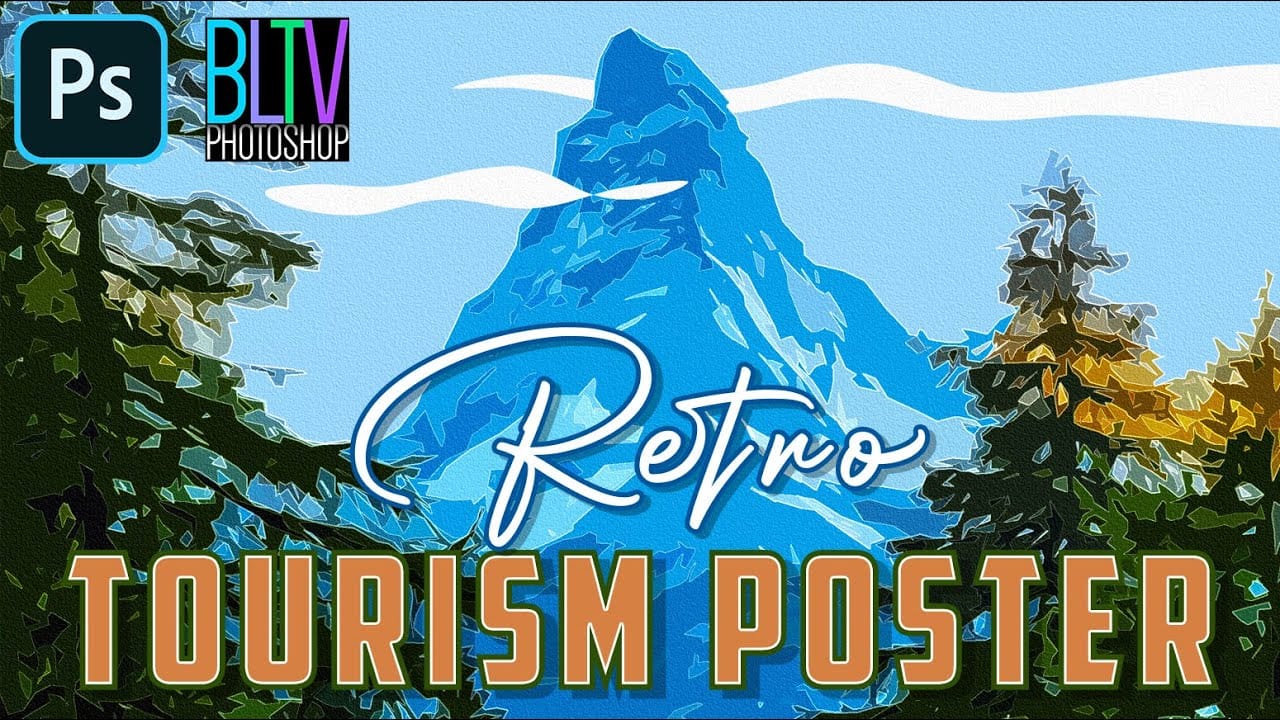
Create Stunning Retro Travel Tourism Posters in Photoshop
The allure of vintage travel posters lies in their distinctive artistic style, often characterized by simplified forms, vibrant colors, and a nostalgic charm that evokes a sense of adventure and discovery. Recreating this classic aesthetic in a digital medium presents a unique creative opportunity, allowing designers to transform ordinary photographs into captivating works of art. This tutorial guides you through a comprehensive process in Photoshop, demonstrating how to convert any scenic phot
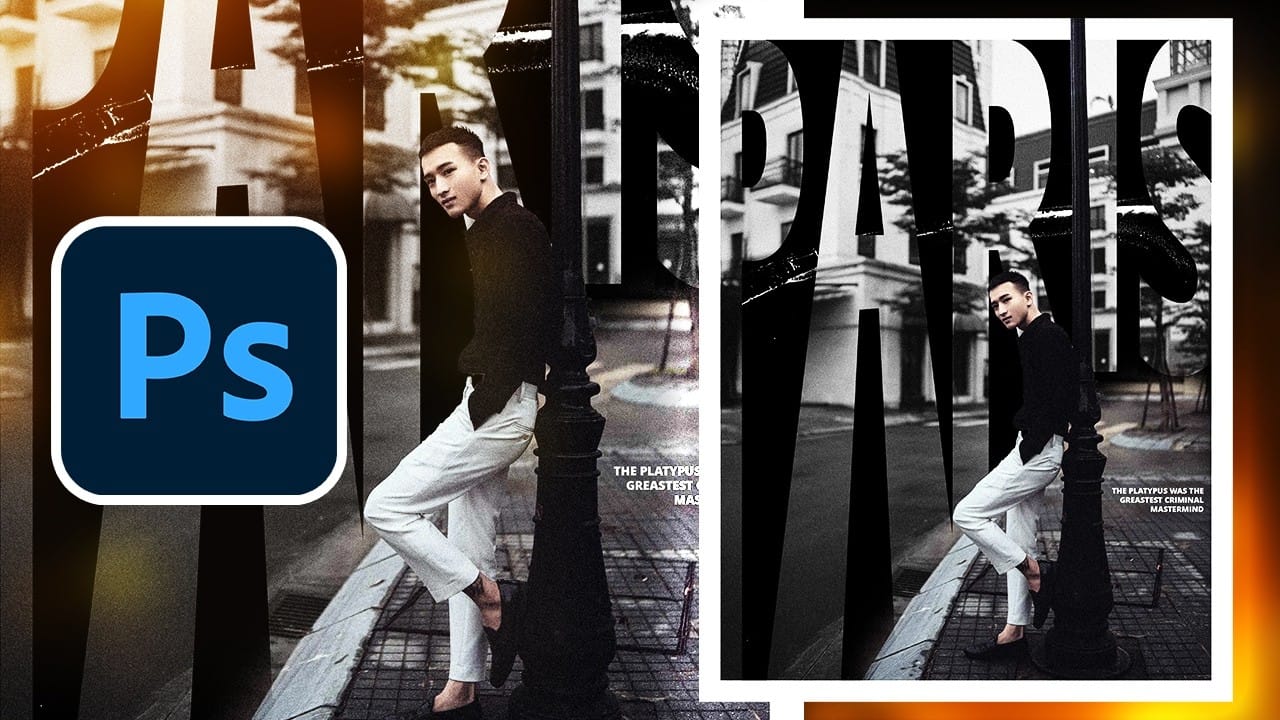
Create a Vintage Paris Poster Design in Photoshop
Vintage poster design captures the timeless appeal of classic advertising with its bold typography, dramatic imagery, and weathered textures. This aesthetic combines strong compositional elements with subtle aging effects to create designs that feel both nostalgic and contemporary. This tutorial demonstrates how to build a stylized Paris poster using fundamental Photoshop techniques including text manipulation, layer masking, and blending modes to achieve that coveted vintage look. Watch the
How to Create a 3D Retro Text Effect in Adobe Photoshop
Transform your designs with a classic retro text effect in Adobe Photoshop. This tutorial guides you through creating popular vintage styles, featuring 3D appearances and decorative elements like inset faces. Learn how to achieve these striking visuals using a combination of powerful Photoshop techniques, ensuring your text remains fully editable and dynamic. Watch the Video Leveraging Smart Objects and Advanced Layer Styles for Retro Aesthetics Achieving a complex retro text effect in Pho
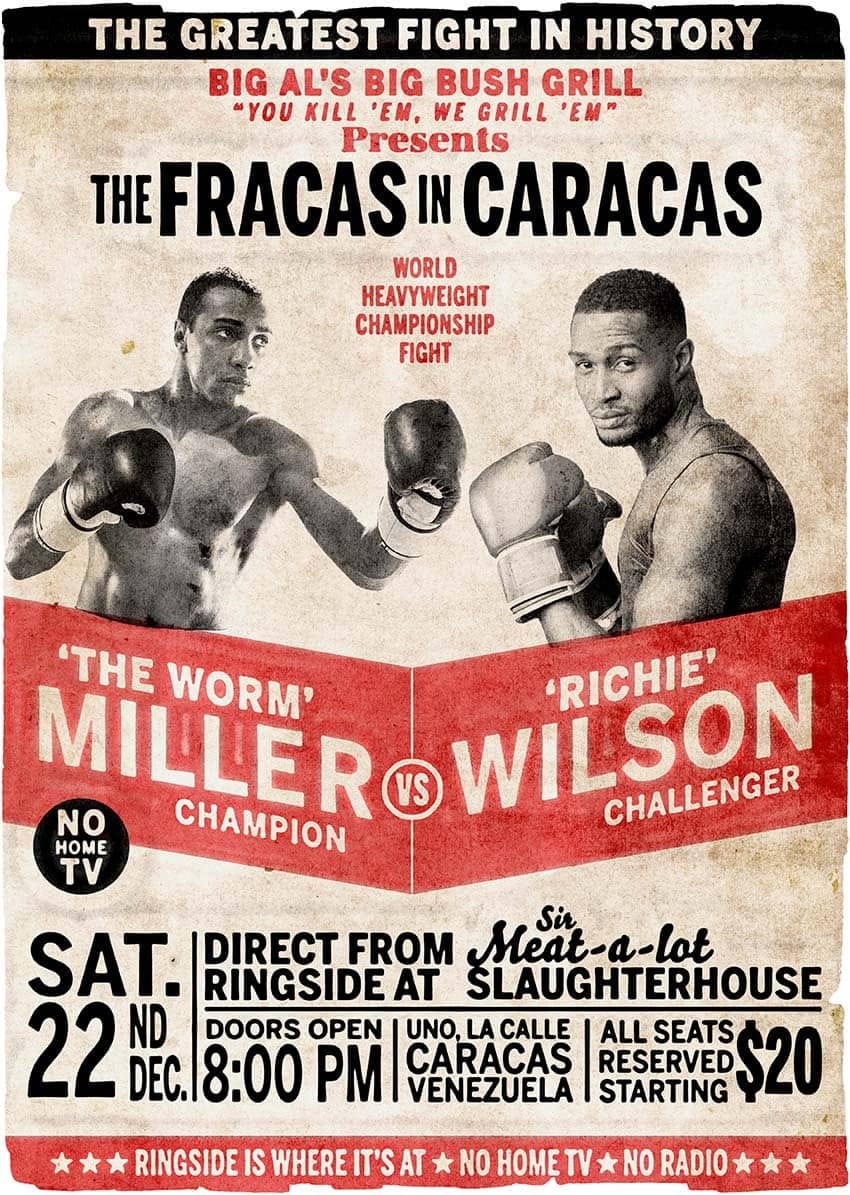
How to Create a Retro Boxing Poster in Photoshop
Calling all boxing enthusiasts and design aficionados! Dust off your love for vintage aesthetics and step into the ring with this dynamic Photoshop tutorial. We'll be throwing punches (figuratively, of course) to create a captivating retro-boxing poster, brimming with the bold energy of the golden age of the sport. This tutorial is perfect for both seasoned Photoshop users and aspiring designers. Regardless of your experience level, the instructor will meticulously guide you through the creatio
Crafting a Typographic Poster in Adobe Photoshop
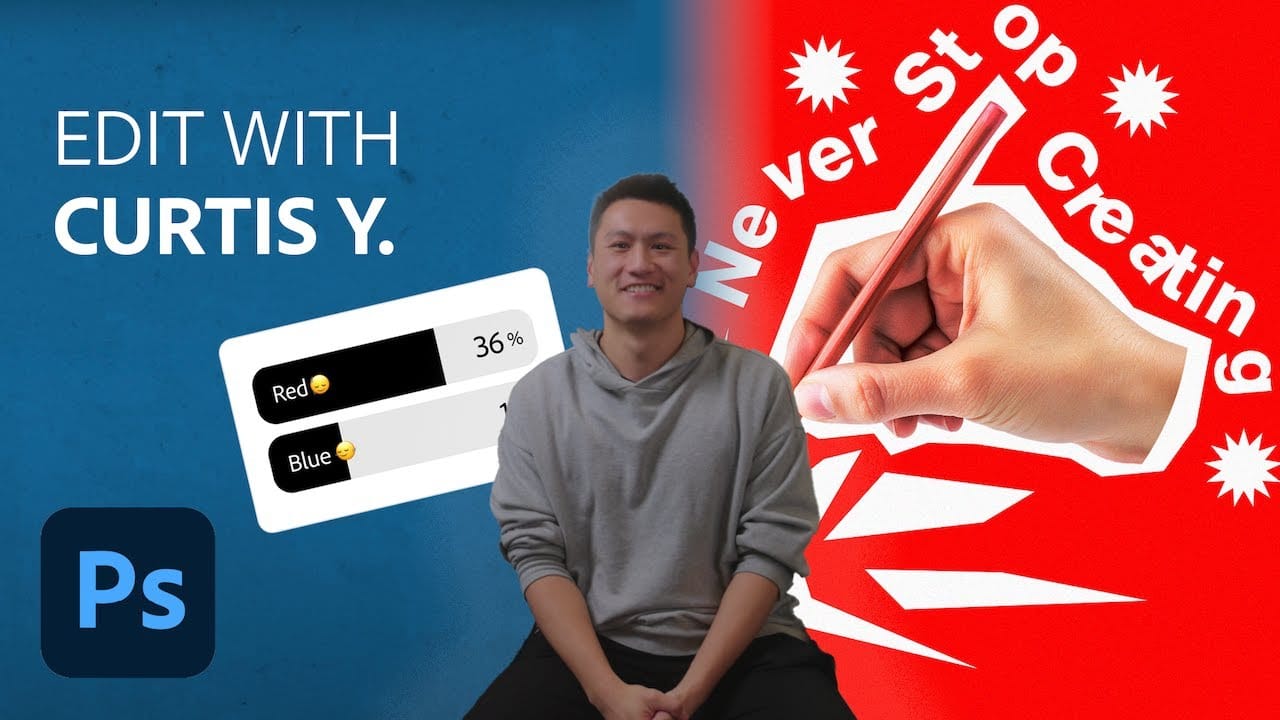
Join Adobe's UX Growth Designer, Curtis Ying, as he transforms a Swiss Typographic poster through an engaging design process. With the input from the Instagram community, this presentation showcases how he carefully selects a bold red background that sets the tone for the entire piece. Throughout the process, Curtis shares his techniques for integrating organic shapes and text that harmoniously flow within the design. Utilizing various Photoshop tools, he guides you step-by-step, making it easy
Create an old Wanted poster in Photoshop
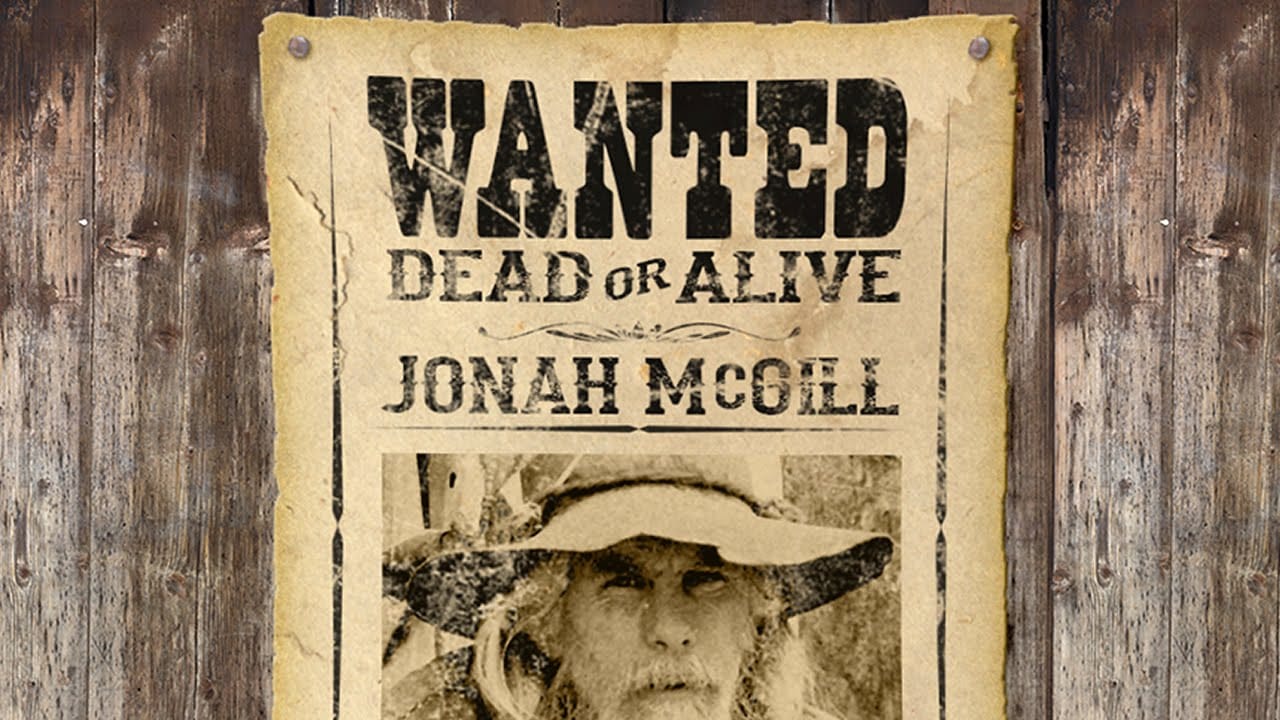
This tutorial explores the process of designing an authentic Old West Wanted poster using Adobe Photoshop. It guides users through combining various elements to achieve a convincing vintage aesthetic, replicating the classic look of historical documents. Viewers will learn how to integrate supplied templates, apply specific layer styles, and manipulate text and imagery to craft a unique and visually compelling poster. The video demonstrates techniques for aging effects and realistic texture app
Create Colorful Retro Text Compositions in Photoshop
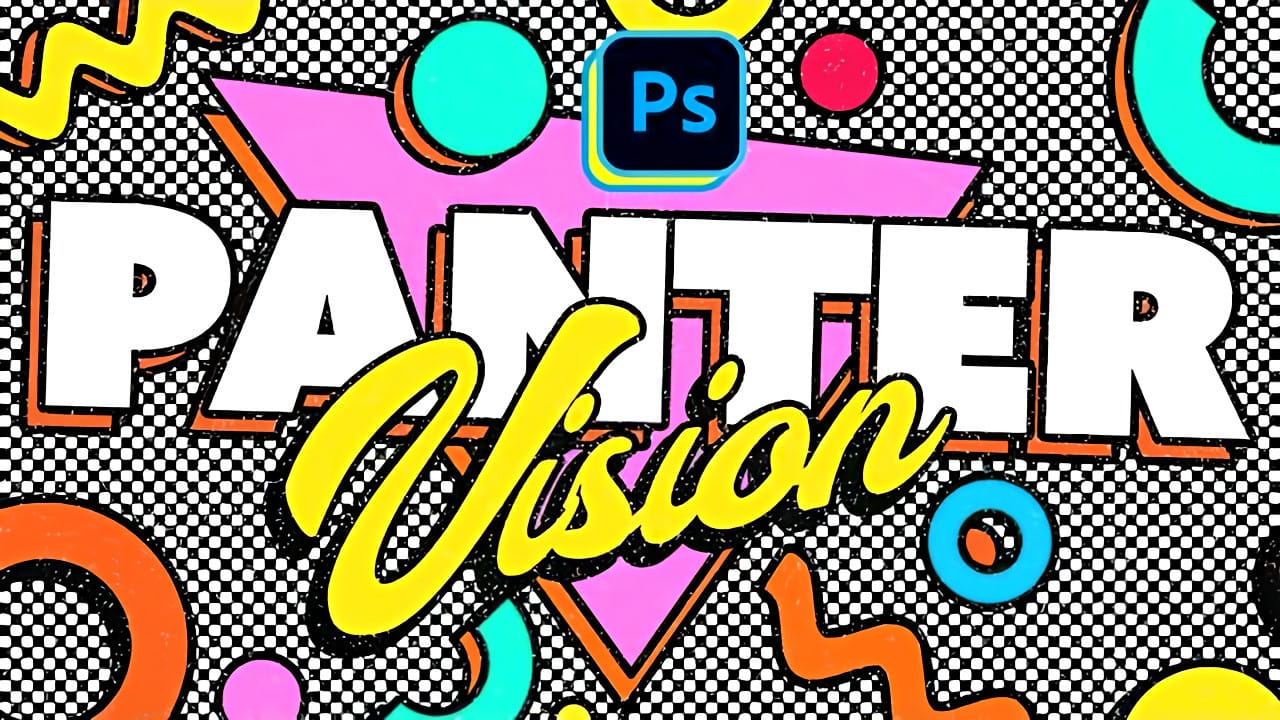
Retro design trends continue to captivate audiences with their bold colors and geometric shapes. This tutorial demonstrates how to build a complete vintage-inspired composition using text, geometric elements, and vibrant color schemes that capture the essence of classic graphic design. You'll learn to combine typography with custom shapes, apply decorative strokes, and create layered drop shadows that give your design depth and visual interest. Watch the Video Practical Tips Here are key t
Create a Ripped and Worn Out Poster on a Wall in Photoshop
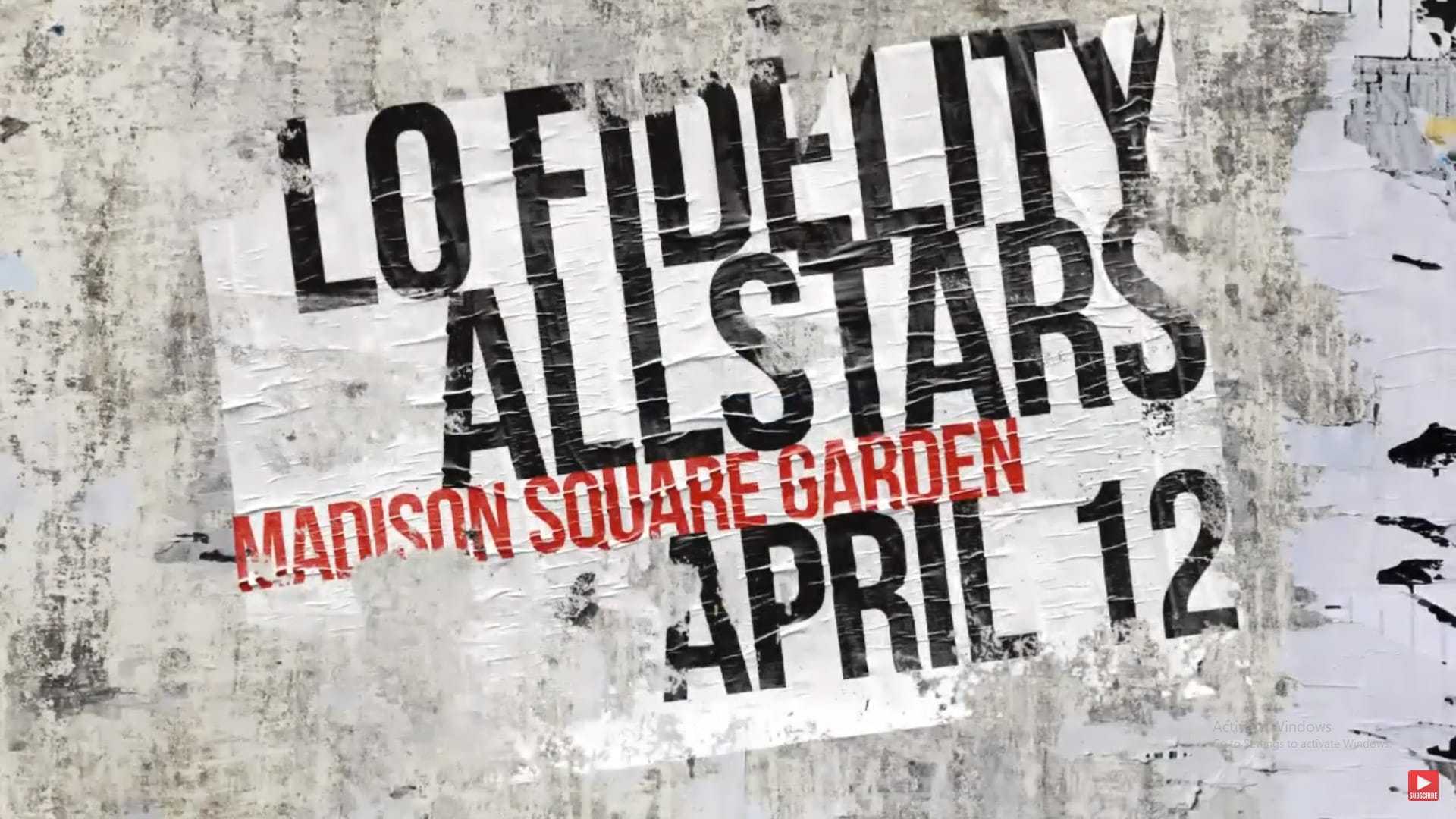
Vintage posters tell a story through their faded colors and torn edges. This weathered aesthetic adds a layer of history and authenticity to any design, transforming a clean graphic into something with tangible grit and character. Achieving this look digitally requires more than just adding a texture; it involves mimicking how paper and ink break down over time. This tutorial guides you through the essential Photoshop techniques, from creating realistic distortions to using grunge brushes, to cr

Get tutorials & freebies delivered to you.

Subscribe to the Photoshop Roadmap newsletter, a weekly roundup of new tutorials, insights and quality downloads, trusted by 6500+ readers.

You might also like

How to Use Color Average for Color Toning in Photoshop

Color average creates a unified color tone by analyzing all the colors in your image and calculating their mathematical average. This technique adds depth and cohesion to photos, composites, and AI-generated images by applying a subtle color wash that ties all elements together. The method works particularly well for composites...

How to Remove Complex Background Elements Using AI in Photoshop

Removing complex background elements like fencing or wire mesh has traditionally been one of the most time-consuming tasks in photo editing. New AI-powered tools in Photoshop can now eliminate these distracting elements while preserving fine details in your subject. This tutorial demonstrates two practical workflows: one using the latest Firefly...

How to Use Photoshop's Auto Layer Rename Feature

Messy layer names like "Layer 52 copy 4" and "Untitled 5" clutter your workspace and slow down complex projects. Photoshop's new auto-rename feature uses AI to automatically identify and name layers based on their content, from "Woman in yellow shirt" to "...

New Generative Fill Features in Photoshop Beta: Reference Images and Credit Tracking

Photoshop Beta introduces significant improvements to Generative Fill that address the most requested features from users. The updated interface now displays your generative credit balance and usage, while the new reference image capability lets you add up to eight specific images to guide AI generation with precise visual examples. These...

Essential Photoshop Tools for Beginners: Brush, Crop, and Move Tool Tutorial

Learning Photoshop tools feels overwhelming when you don't know where to start. This tutorial focuses on three essential tools that form the foundation of most Photoshop work: the brush tool for painting and retouching, the crop tool for resizing and straightening images, and the move tool for positioning...

How to Add Custom Textures to Photos in Photoshop

Adding textures to photographs can transform ordinary images into compelling artistic compositions. This technique uses multiple texture layers combined with strategic blending modes and color adjustments to create depth and visual interest. The process involves layering different texture types—color overlays, surface patterns, and lighting effects—then using masking techniques...

You’ve successfully subscribed to Photoshop Roadmap
Welcome back! You’ve successfully signed in.
Great! You’ve successfully signed up.
Success! Your email is updated.
Your link has expired
Success! Check your email for magic link to sign-in.