Long exposure photography creates ethereal, dreamy images with flowing cloud movement and soft pastel tones. This technique shows how to recreate that coveted look digitally using radial blur filters, transforming static landscape photos into dynamic compositions with realistic motion blur effects.
The process combines careful raw processing to achieve pastel tones with strategic use of layer masking and radial blur to simulate natural cloud movement across the sky.
Watch the Video
Video by Christian Möhrle - The Phlog Photography. Any links or downloads mentioned by the creator are available only on YouTube
Practical Tips
Master these key techniques for realistic long exposure effects:
- Keep radial blur amounts moderate (around 20) to maintain natural-looking cloud movement
- Position the blur center at the bottom of your selection to simulate upward cloud motion from the horizon
- Use the zoom method instead of spin for radial blur to create linear cloud streaks rather than circular motion
- Create separate layers for foreground and sky, then blend using layer masks for precise control
- Apply pastel color grading by raising shadows, adjusting temperature toward warm tones, and using split toning
Related Articles and Tutorials
Explore more creative blur and motion effects for your photography:
100 Wonderful Photoshop Photo Effects tutorials
Learn how to create awesome photo effects in photoshop with this gallery of 100 impressive Photoshop tutorials.
 Enrique Flouret
Why Pro Photographers Are Switching to Topaz Photo AI — And You Should Too.
Fix challenging on location photos with Topaz Photo AI. AI-powered noise reduction, sharpening & upscaling for professional results. Free trial
 Enrique Flouret
How to Create a Long Exposure Glow Effect in Photoshop
Motion blur and glowing light trails create some of photography's most captivating visual effects. The ethereal quality of long exposure photography transforms ordinary subjects into dreamlike compositions with flowing energy and luminous movement.
This technique recreates that signature glow digitally, allowing you to achieve stunning motion effects without specialized camera equipment or perfect shooting conditions.
Watch the Tutorial
Understanding Digital Long Exposure Effects
Tradition
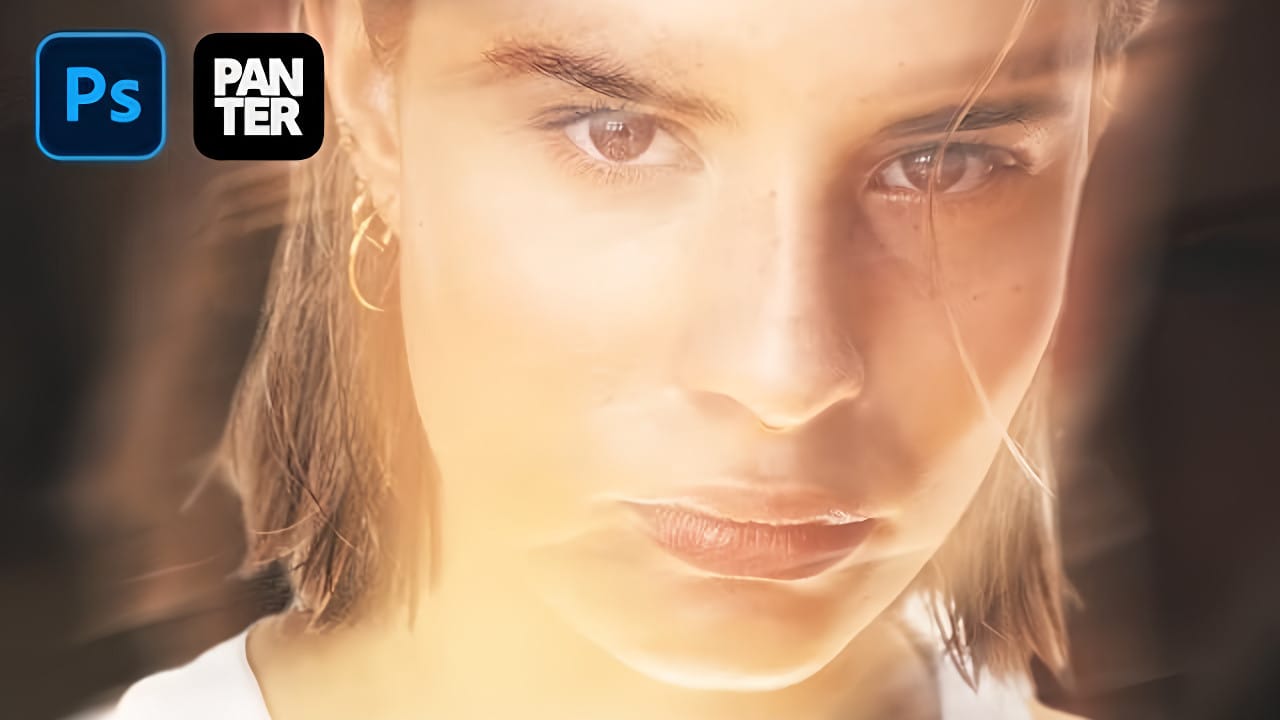
Beautiful Photo Blur Effect in Photoshop
Applying a beautiful blur effect to your photos in Photoshop has never been easier. Jessica Kobeissi's tutorial guides you through the process, showing you how to achieve a stunning, professional-looking result.
With just a few simple steps, you can transform your images and add a touch of elegance. The blur effect creates a soft, dreamy look that draws the viewer's attention to the focal point of your photograph. Whether you're looking to enhance a portrait or add a creative flair to a landsca
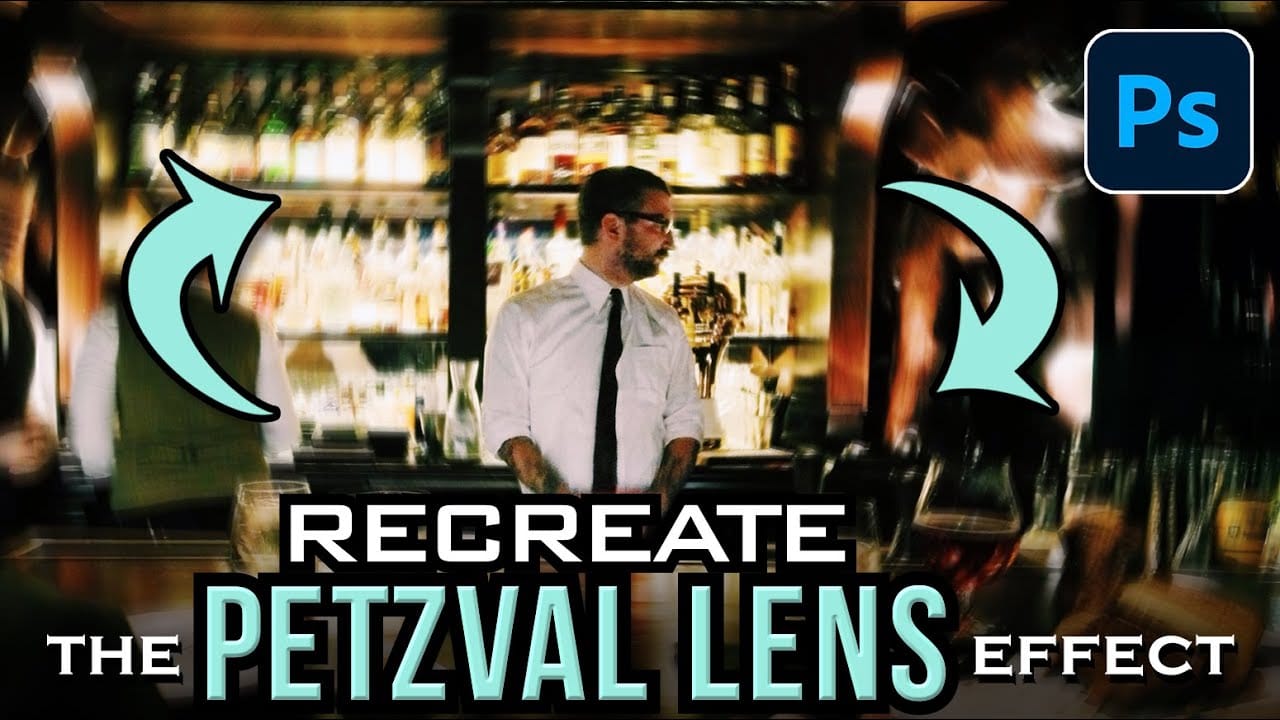
How to Create a Vintage Petzval Lens Effect in Photoshop
The Petzval lens, invented in 1840, creates a distinctive swirling, dreamlike blur that transforms ordinary photographs into vintage masterpieces. This unique optical effect features sharp central focus with rapidly falling sharpness toward the edges.
Recreating this coveted vintage aesthetic in Photoshop allows photographers to achieve the same romantic, spiraling bokeh without investing in expensive historical lenses.
Watch the Video
Practical Tips for Petzval Lens Effects
* Convert you
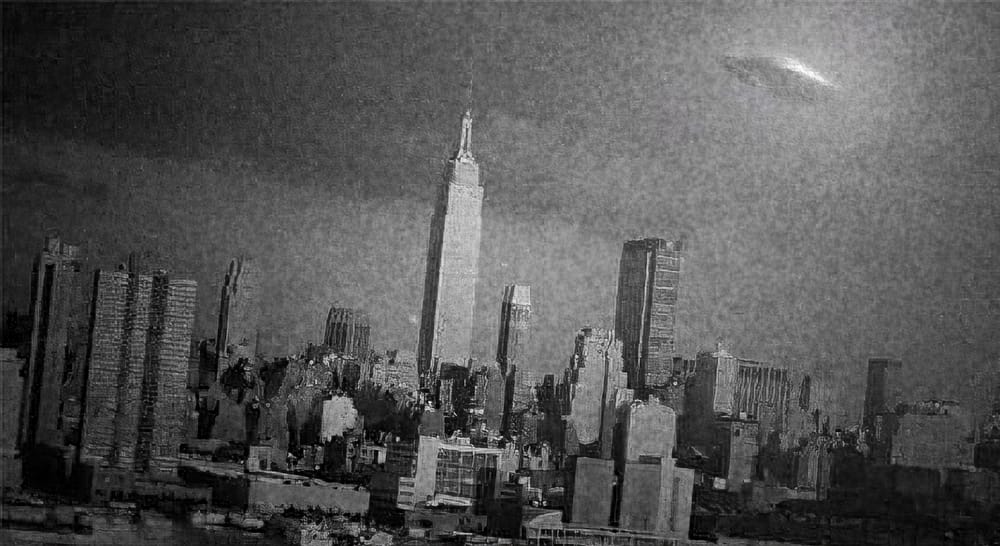
Create a Classic Blurry UFO Sighting Photo Effect
In this quick tutorial, you will discover how to create a classic blurry UFO sighting photo effect using Photoshop. Marty Geller from Blue Lightning TV guides you through the process step by step. You will start with an ordinary photo and transform it into a unique depiction of a UFO encounter.
This tutorial focuses on applying a black and white effect that captures the vintage look of UFO sightings from the past. Techniques include creating a soft blur and introducing noise to mimic the imperf
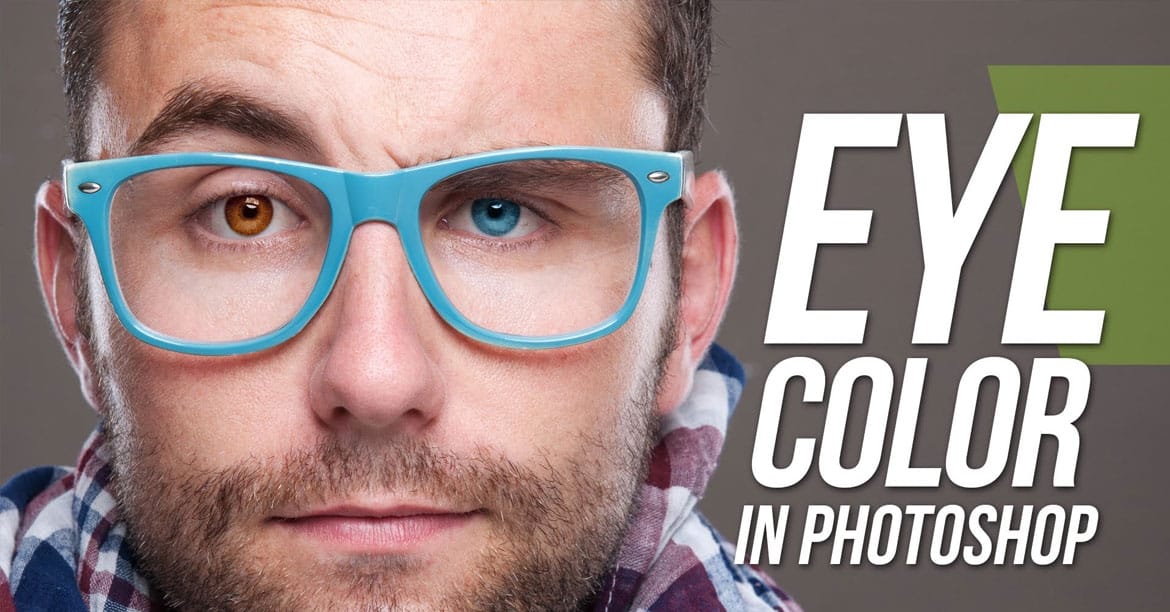
Learn how to easily change eye color in Photoshop
Double exposure effects blend two images into a single artistic composition, creating striking visuals where portraits merge seamlessly with textures like leaves, cityscapes, or abstract patterns. This technique transforms ordinary photos into compelling artwork by layering elements that tell a story or evoke emotion.
The process combines masking, blending modes, and color adjustments to achieve professional results that work well for creative portraits, album covers, or artistic photography pr
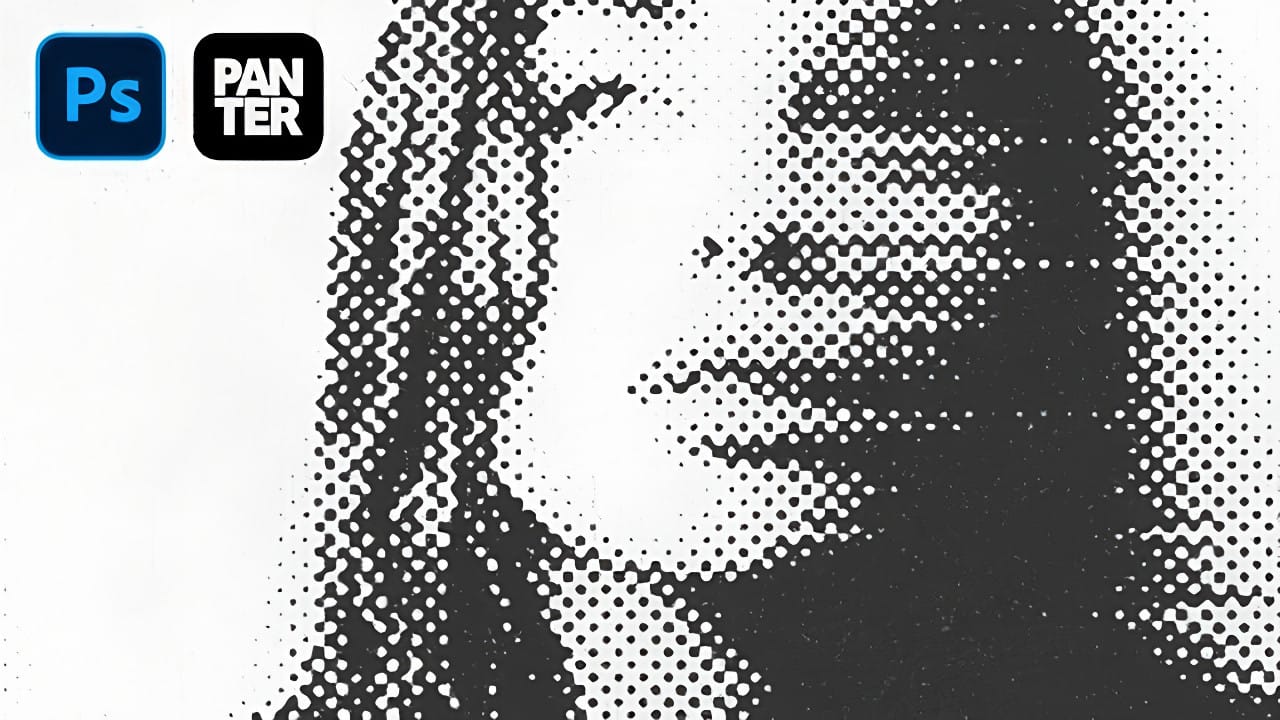
How to Create Dotted Halftone Motion Blur Effects in Photoshop
The distinctive look of dotted halftone patterns combined with dynamic motion blur creates striking visual effects that bridge vintage print aesthetics with modern digital design. This technique transforms portrait photography into graphic art pieces with flowing, particle-like textures.
The process involves layering multiple filter effects to achieve that coveted Instagram-worthy look where subjects appear to dissolve into dotted trails of movement.
Watch the Tutorial
Practical Tips for Mo
Beautiful double exposure effect in Photoshop
Double exposure creates striking artistic portraits by blending two photographs into one seamless image. This classic photography technique transforms ordinary portraits into surreal compositions where subjects merge with landscapes, textures, or abstract elements.
This tutorial demonstrates how to recreate the traditional film photography effect digitally using selection tools, layer masks, and blending modes in Photoshop.
Watch the Tutorial
Key Techniques for Double Exposure
Master these
Create a double exposure effect in Photoshop
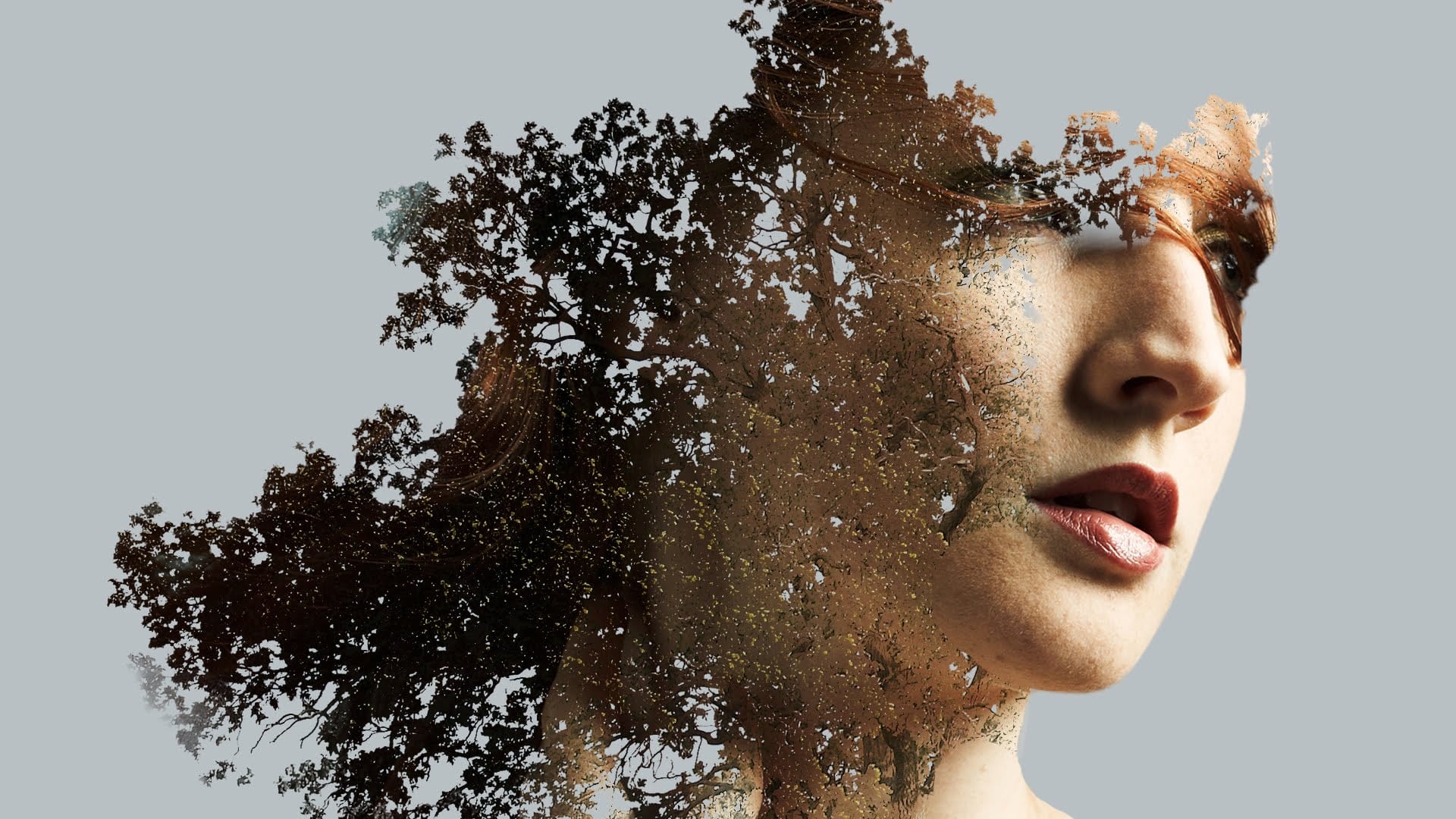
Double exposure effects blend two images to create striking artistic compositions where textures and subjects merge seamlessly. This technique transforms ordinary portraits by layering natural elements like leaves or cityscapes directly onto faces and silhouettes.
The process combines masking, blending modes, and layer adjustments to achieve professional-looking results that would traditionally require specialized camera techniques.
Watch the Tutorial
Practical Tips for Double Exposure Effe
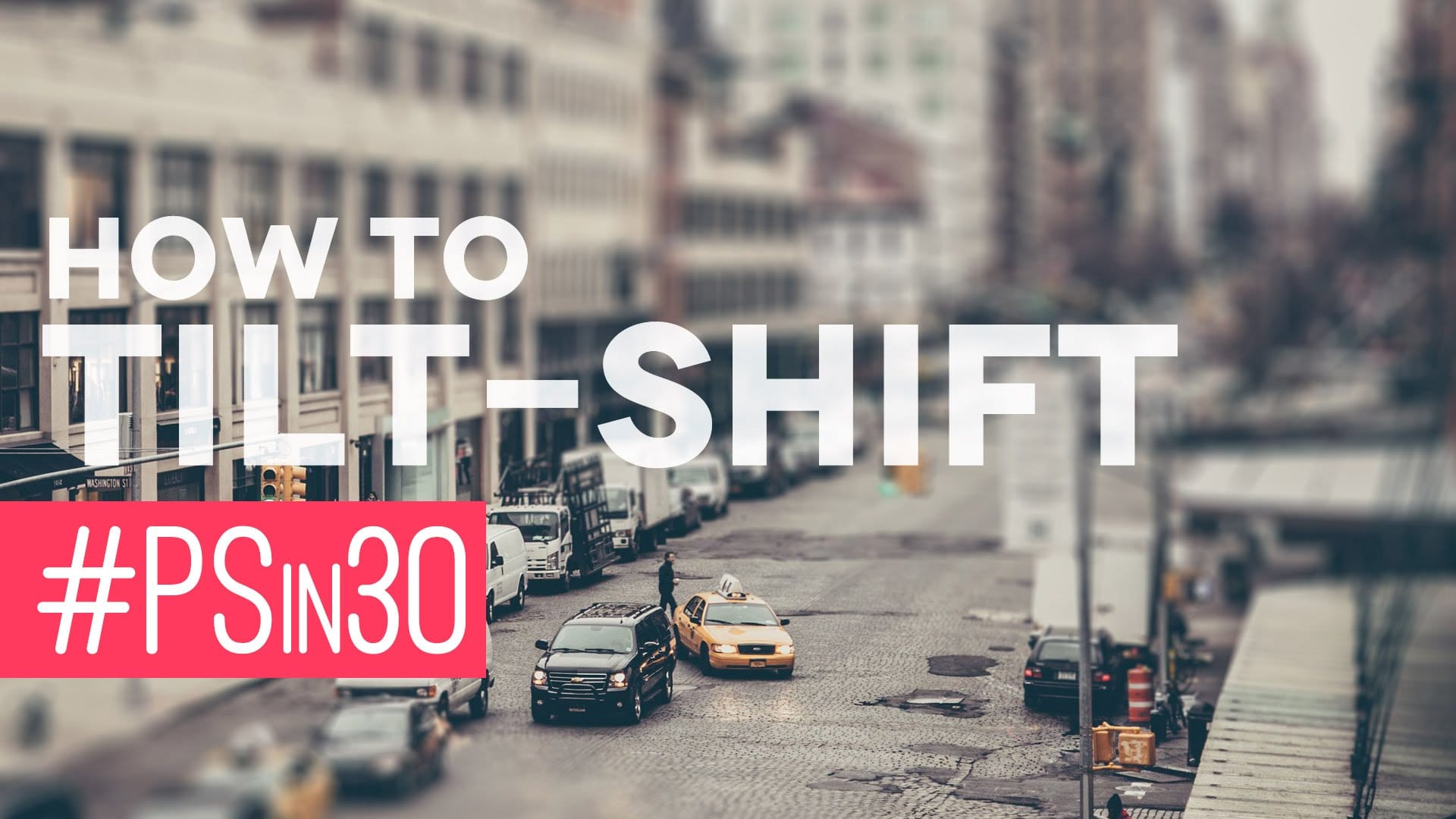
Quick Tilt-Shift in Photoshop
In this Photoshop tutorial by Nathaniel Dodson from TutVid, you'll learn to use the Blur Gallery's "Tilt-Shift" feature to transform a street scene into a miniature 3D model set.
Dodson guides you through the process, showing how to apply the tilt-shift effect to create the illusion of a toy-like cityscape. This tutorial is ideal for those looking to add a unique, eye-catching element to their photos, utilizing the newer capabilities of Photoshop's Blur Gallery.
Whether you're working on urban