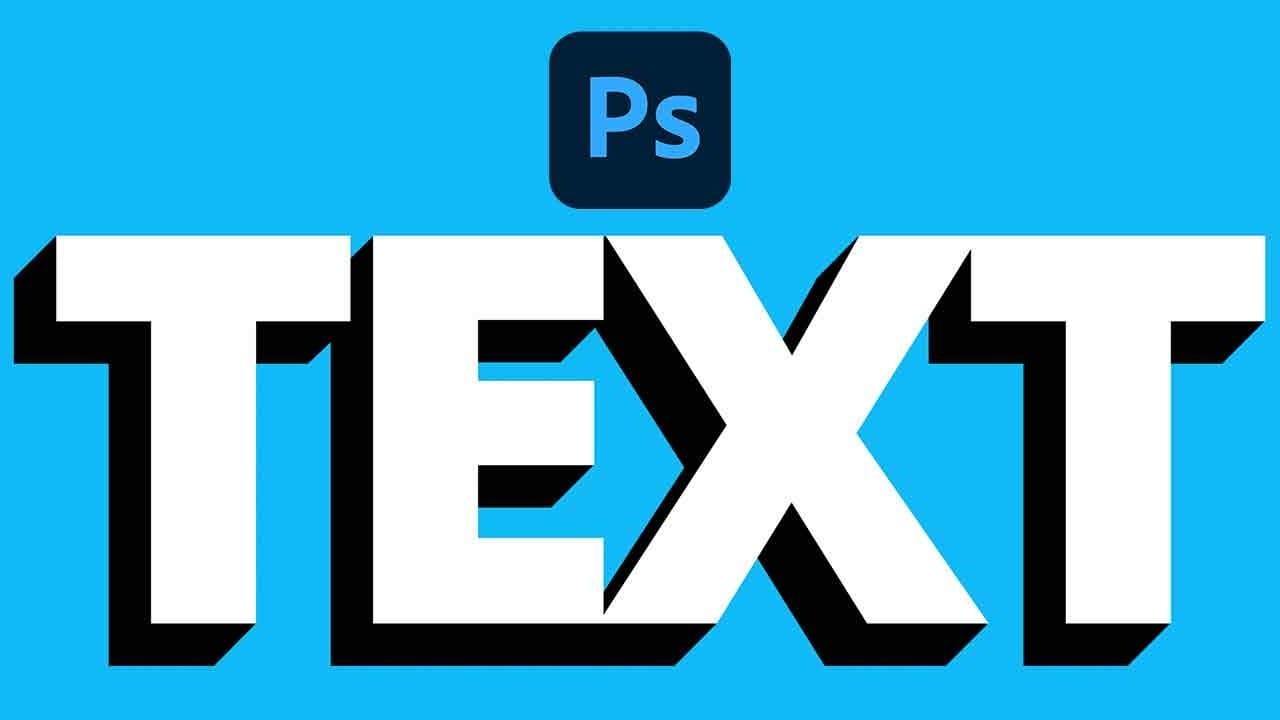
Long shadow effects add depth and visual interest to text designs, creating a modern, dimensional look that stands out. This technique transforms flat text into eye-catching graphics by building extended shadows that can be customized with different colors and perspectives.
The method uses layer duplication and precise positioning to create smooth shadow gradients without complex 3D tools. Once mastered, this effect works equally well for logos, headlines, and graphic design projects.
Watch the Video
Video by Photoshop Arthouse. Any links or downloads mentioned by the creator are available only on YouTube
Practical Tips
Master the long shadow technique with these essential workflow tips:
- Set your foreground to white and background to black before typing text for easier color management
- Hold Shift while rotating text to snap to specific degree increments for consistent angles
- Use Alt/Option + arrow keys to quickly duplicate layers while moving them pixel by pixel
- Group your shadow layers before merging to keep your project organized
- Convert to Smart Object before distorting to maintain non-destructive editing capabilities
Related Articles and Tutorials
Explore more shadow and lighting effects to enhance your design skills:
100+ Brilliant Photoshop Text Effects: The Ultimate 2026 Roundup
You won’t admit this: You spend hours making text look like liquid gold. Not for clients. Not for your portfolio. Just because. Here’s the thing: Text effects are your guilty pleasure. You tell yourself you’re “practicing.” You say you’re “building skills.” But really? You just love watching letters transform into
 Enrique Flouret
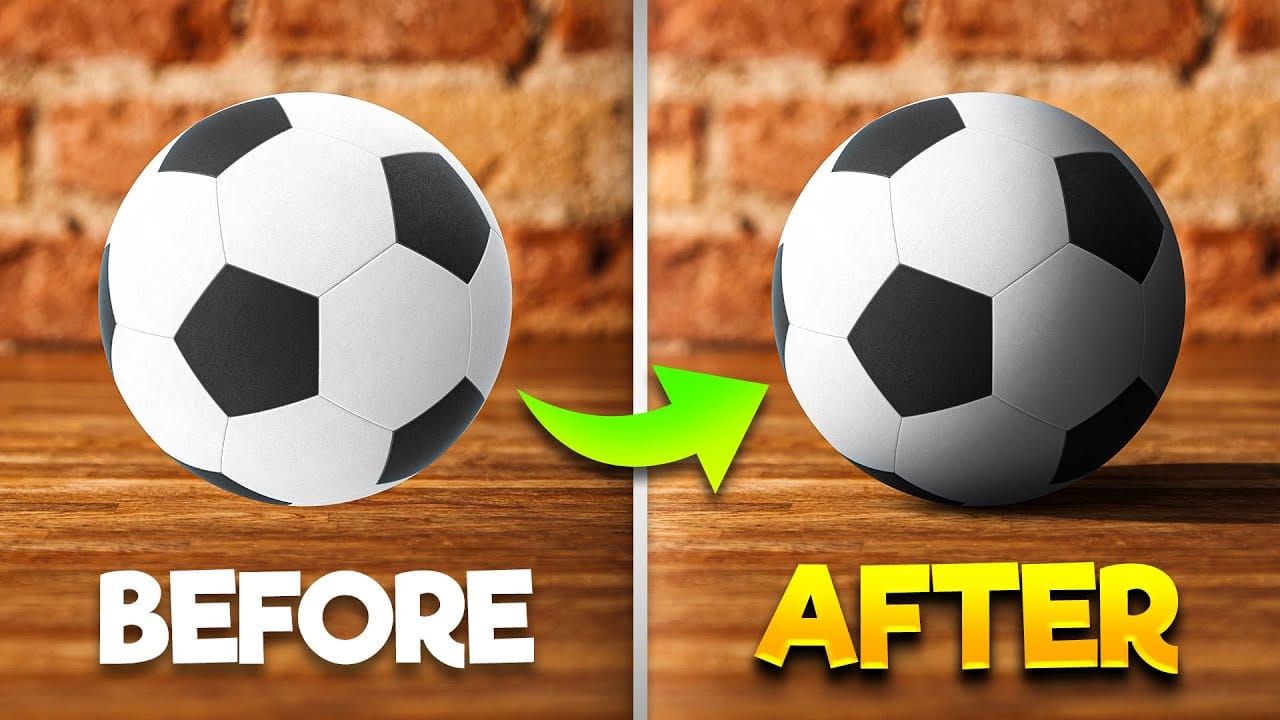
How To Add Realistic Shadows in Photoshop
In this video, you will learn how to add realistic shadows in Photoshop, a skill that can significantly enhance your digital artwork. The tutorial is presented by BennyProductions, who breaks down the process into easy-to-follow steps.
You will discover techniques for creating projected shadows for various objects, including a ball, a car, and glasses. By following along, you'll gain insight into how shadows can add depth and dimension to your images, making them look more lifelike.
Whether yo
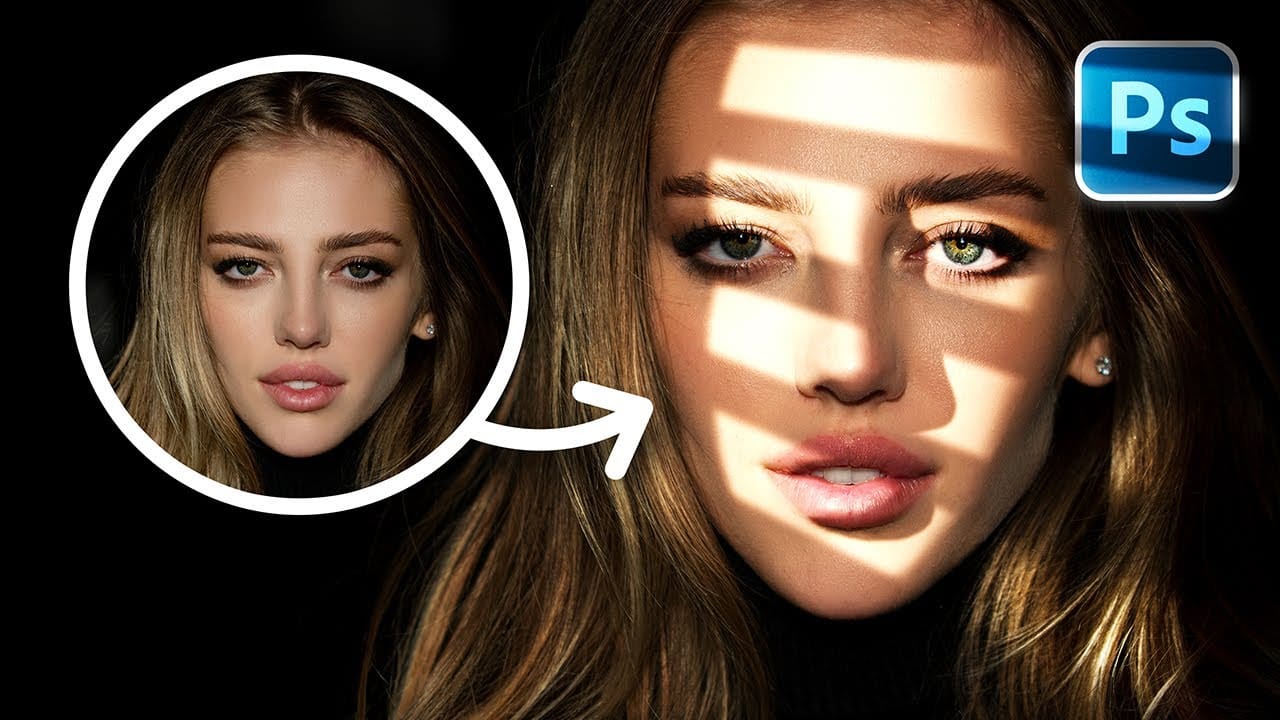
How to Add Realistic Light and Shadow Effects to Portraits in Photoshop
The difference between a flat portrait and one with captivating depth often comes down to how light and shadow play across the subject's features. Professional photographers spend thousands on studio lighting equipment, but digital artists can achieve dramatic lighting effects using only Photoshop tools.
This technique transforms ordinary portraits into striking images with realistic light streaks and corresponding shadows. The method involves creating custom light sources that cast believable
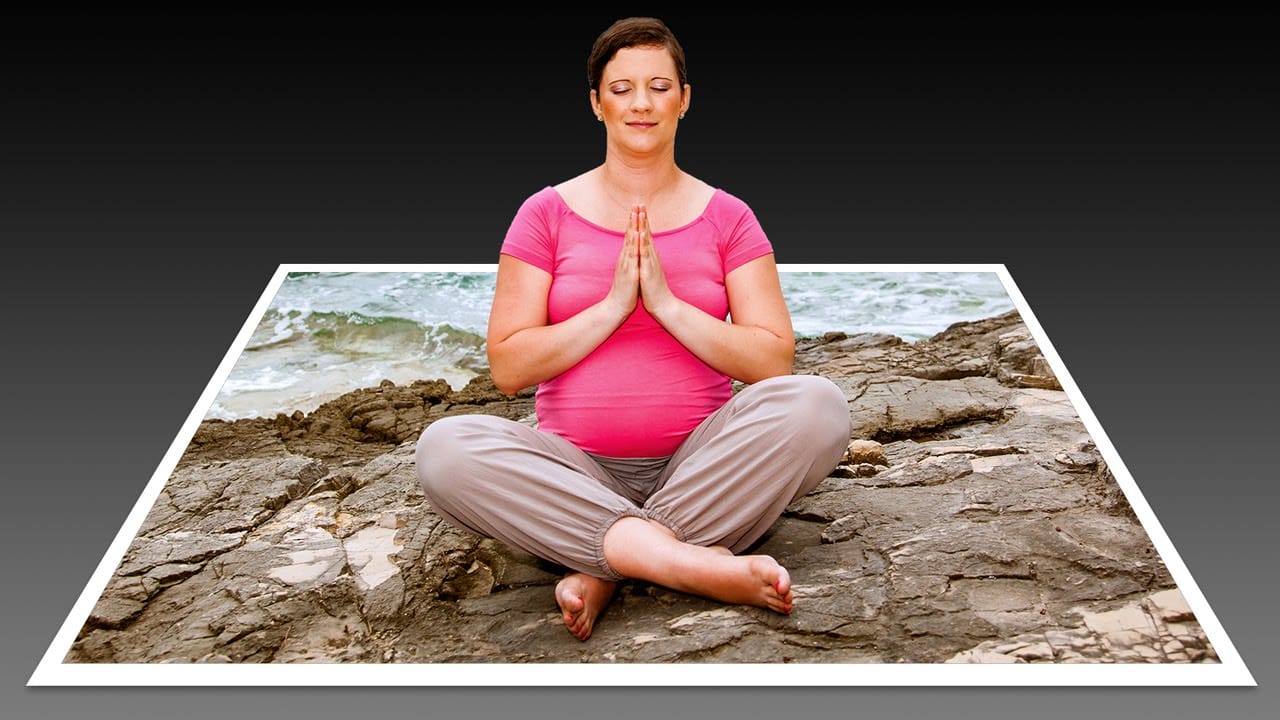
Create a 3D Pop-Out Photo Effect
This tutorial explores a classic Photoshop technique that brings a dynamic, three-dimensional quality to ordinary photographs. It offers a creative approach to making images more engaging by introducing an illusion of depth.
Viewers will learn how to make any object or person appear to pop out of its background, giving images a unique visual depth and engaging appeal. The video guides you through the process, from initial image preparation and subject isolation to the final application of the p
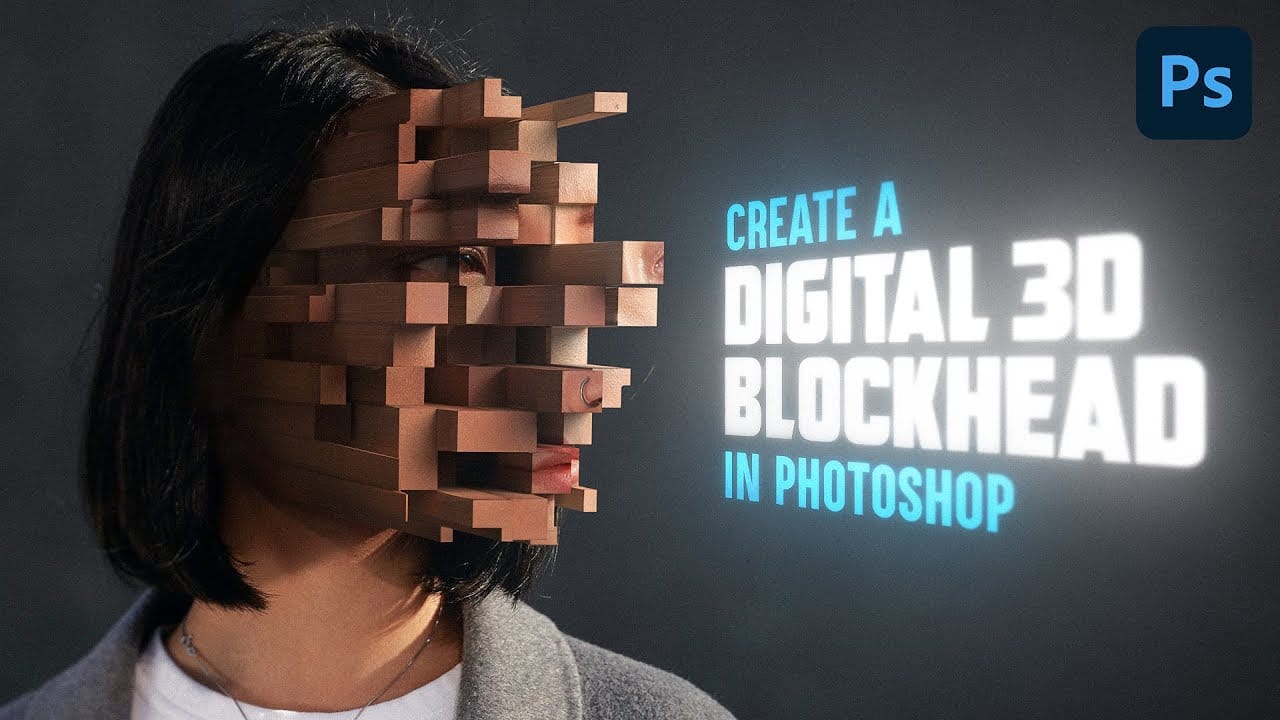
Create a gripping pixelated 3d blockhead effect
Transform ordinary portraits into mind-bending digital sculptures using Photoshop's advanced 3D tools. This tutorial reveals a unique technique to break down facial features into geometric blocks that create a surreal, pixelated visual effect.
Watch the Video
Practical Tips for Creating Pixelated 3D Effects
Master the art of transforming portraits into geometric masterpieces with these key techniques:
* Use the polygonal lasso tool with anti-aliasing turned off to create sharp, blocky sel
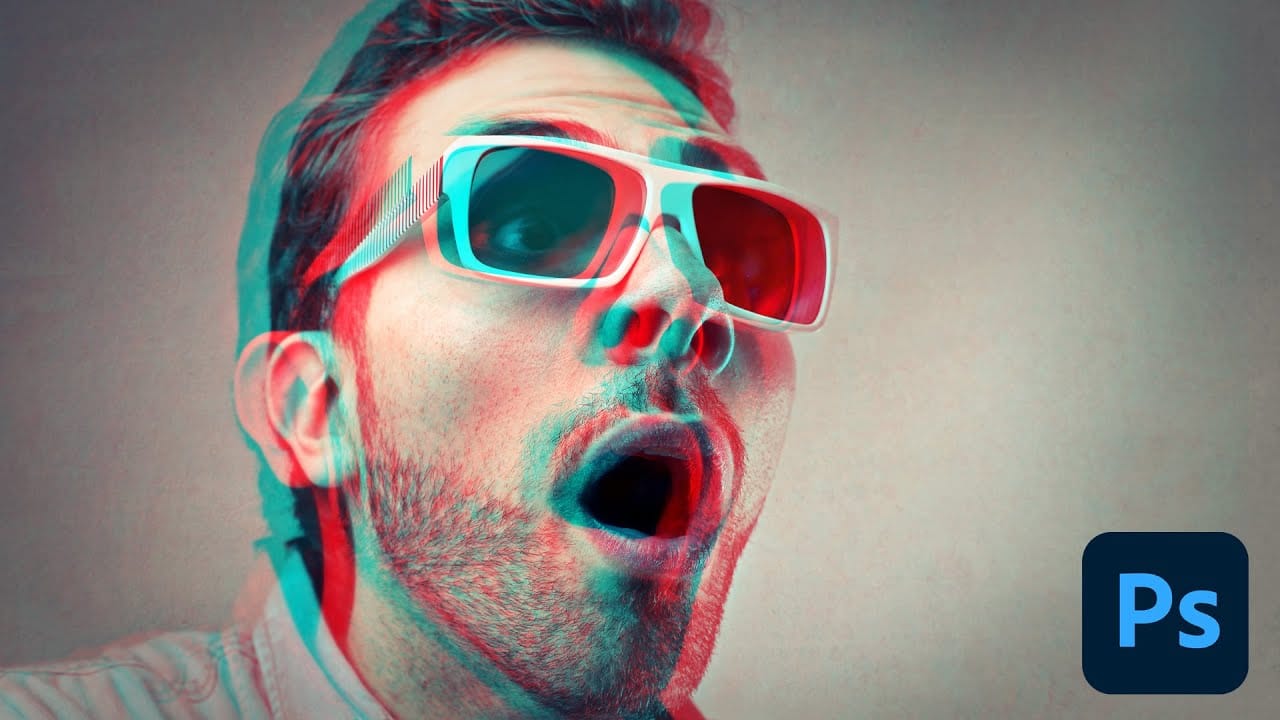
Photoshop Retro 3D Movie Effect Tutorial
Put on your old red and blue 3D glasses to revisit the classic style of 1950s 3D cinema. This tutorial offers a simple, step-by-step guide to achieving that retro look using Photoshop.
In the 1950s, audiences were captivated by movie monsters that seemed to leap off the screen with their vibrant red and cyan effects. This tutorial walks you through recreating that iconic visual style. While Photoshop primarily works with flat 2D images, you can still mimic the feel of those classic films effect
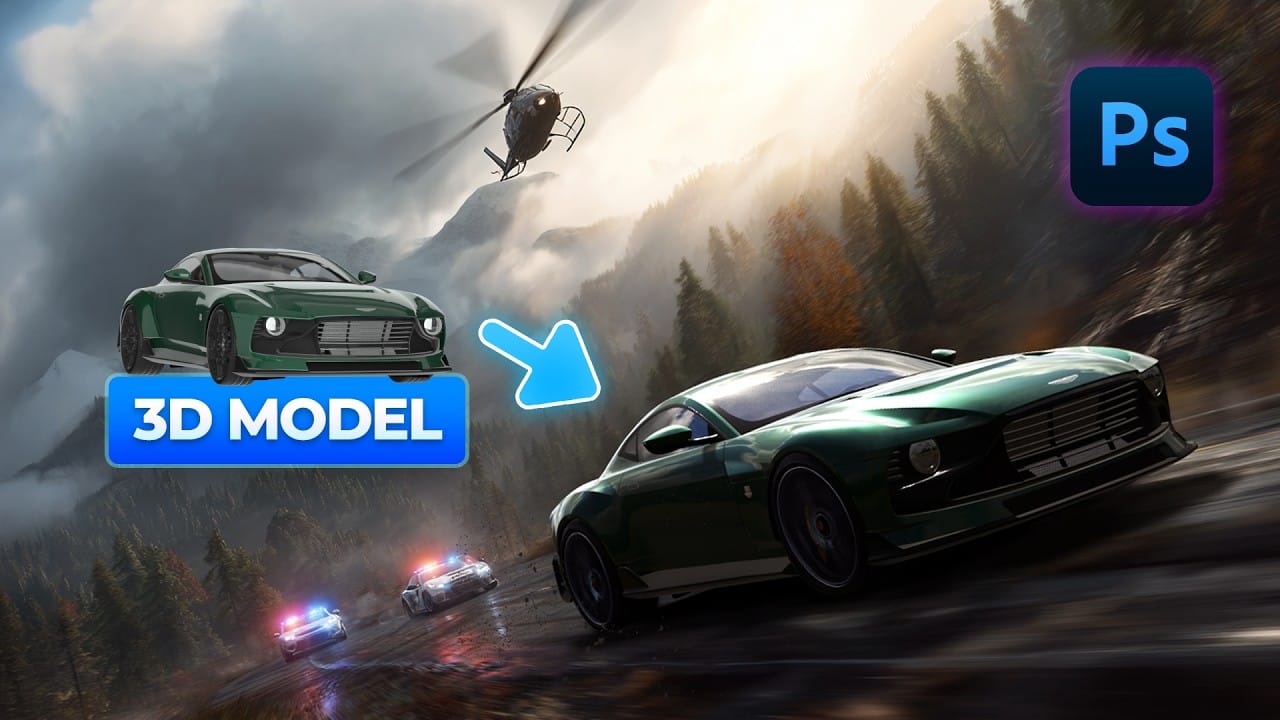
How to Add Realistic 3D Objects in Photoshop
Adding 3D objects to photos often results in fake-looking composites that scream "digital manipulation." The biggest challenge isn't importing the 3D model—it's making the lighting, shadows, and perspective match seamlessly with your background image.
This tutorial demonstrates how to use Photoshop Beta and Substance 3D Beta to create convincing 3D composites. You'll learn essential techniques for matching lighting direction, positioning objects accurately, and applying realistic shadows that i
Dramatic Shadow Text Effect in Photoshop
Graphic designers often seek distinctive ways to make text stand out in their compositions. Creating unique text effects can significantly enhance visual appeal, adding depth and intrigue to various designs.
This tutorial demonstrates a method for producing mysterious, overlapping shadow text complete with a realistic reflection. Viewers will explore techniques for precise character manipulation and gradient applications to achieve a powerful visual impact.
Watch the Tutorial: Overlapping Sha

Easily Create 3D Text in Photoshop
Three-dimensional text adds significant visual impact, giving designs a sense of depth and dimension that can make elements stand out. It's a popular technique for headlines, logos, and graphic elements seeking a dynamic appearance, moving beyond flat designs.
This guide explores a straightforward method for creating a compelling 3D text effect in Photoshop, focusing on a technique that leverages layer manipulation and a powerful shortcut to build depth efficiently without complex 3D modeling t