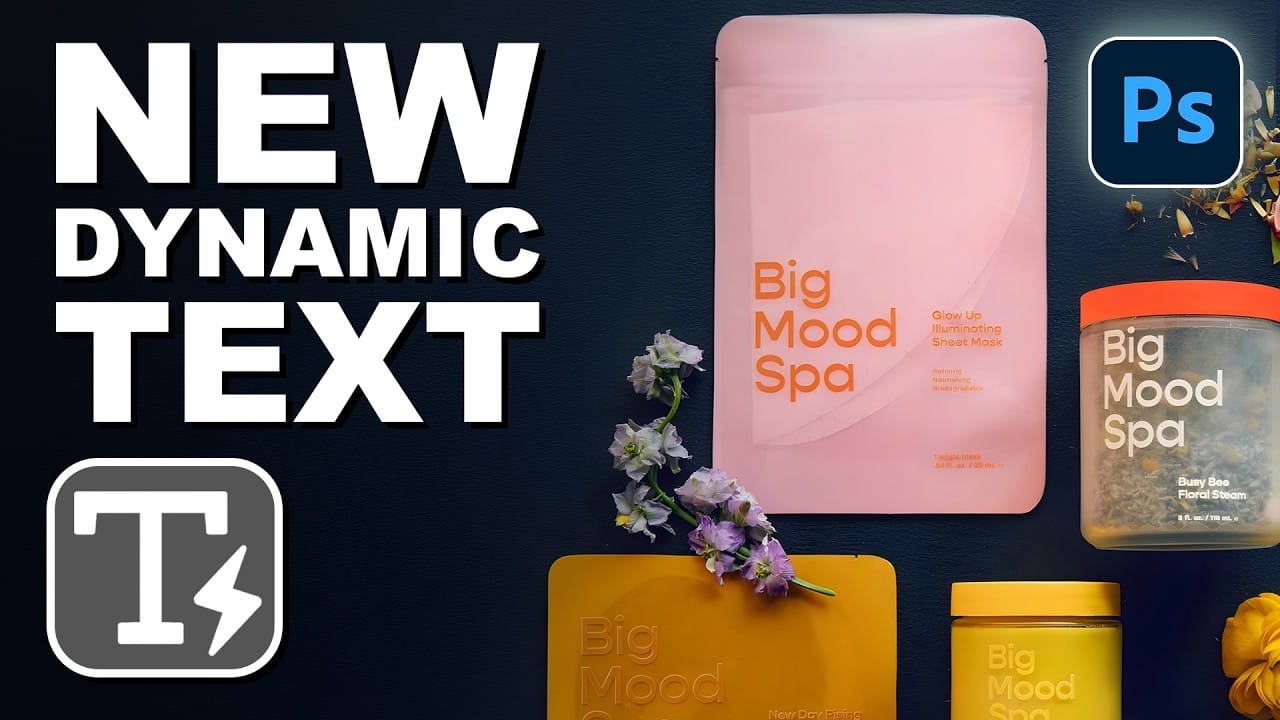
Photoshop 2026's Dynamic Text tool transforms text formatting with new shape options that go beyond traditional block layouts. The updated tool includes circular, arch, and bow configurations that automatically format text while maintaining professional typography standards.
This feature eliminates the complex manual work previously required for curved text designs, offering precise control over text positioning and flow within each shape format.
Watch the Video
Video by PHLEARN. Any links or downloads mentioned by the creator are available only on YouTube
Practical Tips
Key techniques for working with Dynamic Text shapes:
- Zoom in significantly when adjusting start and end points on circular text - the control icons are difficult to select at normal zoom levels
- Use the inside stroke position for layered text effects to ensure proper alignment between fill and stroke versions
- Enable "Layer mask hides effects" when combining text with layer masks to prevent stroke distortion at mask edges
- Link layers together after creating layered text effects so both versions move simultaneously during positioning
- Unlink layer masks from their layers when you need the mask to stay fixed while moving the text content
Related Articles and Tutorials
Explore more dynamic text techniques and typography effects:
100+ Brilliant Photoshop Text Effects: The Ultimate 2026 Roundup
You won’t admit this: You spend hours making text look like liquid gold. Not for clients. Not for your portfolio. Just because. Here’s the thing: Text effects are your guilty pleasure. You tell yourself you’re “practicing.” You say you’re “building skills.” But really? You just love watching letters transform into
 Enrique Flouret
How to Use Dynamic Text Shapes in Photoshop
The Dynamic Text tool introduced in 2025 was revolutionary for automatic text sizing and layout, but 2026 brings an exciting update that adds shape options to this powerful feature. You can now create circular text, arches, and bow configurations with the same intelligent resizing capabilities that made the original tool so valuable.
This update transforms what was previously a complex manual process into a simple click-and-go workflow, making curved typography accessible to designers at any sk
Dynamic Text Tool in Photoshop - Auto-Resizing Text Feature
Text alignment and sizing across multiple layers can quickly turn into a time-consuming puzzle. Manually adjusting each text element, creating guides for alignment, and constantly repositioning elements whenever you make changes disrupts the creative flow.
Photoshop's new Dynamic Text feature bridges the gap between point text and paragraph text, automatically resizing your text to fit any text box while maintaining proper alignment and proportions. This tool eliminates the tedious manual adjus
Photoshop Introduces Dynamic Text Feature
Designers frequently encounter the challenge of fitting text creatively into layouts without compromising readability or aesthetics. Traditional text handling in design software often means manually adjusting font sizes, leading, or tracking every time a text box is resized, which can be a time-consuming and frustrating process, especially for complex designs or when experimenting with different layouts.
This tutorial introduces Photoshop's groundbreaking Dynamic Text feature, available in the

Photoshop Dynamic Text Feature Tutorial: Auto-Fitting Typography Design
Typography design often involves endless manual adjustments to make text fit perfectly within defined spaces. Every resize means recalculating font sizes, line breaks, and spacing to maintain clean alignment and readability.
Photoshop's new Dynamic Text feature automatically handles these calculations, creating pixel-perfect left and right margins while intelligently adjusting font sizes across different lines. This tool transforms how designers approach text layout by eliminating tedious manua

Photoshop's Dynamic Text Feature: Automatic Text Alignment and Resizing
Text alignment in Photoshop has long been a tedious process of manual adjustments, multiple layers, and constant realignment whenever you change font sizes or content. The traditional workflow forces designers to work with separate text layers and spend valuable time fine-tuning positions with transform tools and guides.
Photoshop's new Dynamic Text feature eliminates this frustration by automatically handling text flow, alignment, and resizing within a single responsive layer. This beta featur

How to Create Curved Text in Photoshop Using the New Dynamic Text Tool
Creating curved text in Photoshop has traditionally required complex workarounds that often distorted the letters. The new Dynamic Text tool in Photoshop Beta changes this completely, allowing you to place text on arches, circles, and custom curves while maintaining perfect letter shapes.
This tool offers three main options: arch, circle, and bow configurations, each with precise controls for positioning, spacing, and direction that make curved typography both simple and professional.
Watch t

Essential Type Tool Techniques in Photoshop
Text in Photoshop offers far more creative potential than basic typing and font selection. Advanced type tool techniques unlock professional-level text manipulation, from precise warping control to custom character distortion and knockout effects. These methods transform ordinary text into dynamic design elements that integrate seamlessly with complex compositions and visual effects.
Watch the Tutorial
Beyond Basic Typography in Digital Design
Typography in digital design extends far beyond