Create a Retro Vaporwave Poster in Photoshop

Create a Retro Vaporwave Poster in Photoshop

Vaporwave design captures the nostalgic essence of 80s and 90s consumer culture through its distinctive blend of neon gradients, classical sculptures, and retro-futuristic elements. This aesthetic movement combines lo-fi visual qualities with iconic imagery like Greek statues, palm trees, and cyberpunk color schemes to create instantly recognizable poster designs.

This comprehensive tutorial demonstrates how to build a classic vaporwave poster from scratch using fundamental Photoshop techniques including gradient creation, perspective grid construction, and chromatic aberration effects.

Watch the Tutorial

Video by Photoshop Arthouse. Any links or downloads mentioned by the creator are available only on YouTube

Understanding Vaporwave Visual Language

Vaporwave emerged in the early 2010s as both a music genre and visual aesthetic that romanticizes obsolete technology and consumer culture. The style draws heavily from Japanese pop culture, Greco-Roman imagery, and corporate design from the 1980s and 1990s. Classical sculptures, particularly Michelangelo's David, became iconic symbols within this movement, representing the collision between ancient art and digital manipulation.

The color palette typically features magenta and cyan gradients reminiscent of early computer graphics and VHS aesthetics. Perspective grids, chrome text effects, and palm trees create a synthetic paradise that feels both futuristic and nostalgic. These elements work together to evoke a sense of digital melancholia and retrofuturistic optimism.

The chromatic aberration effect, originally a lens defect, became a signature technique in vaporwave design. This RGB channel separation mimics the visual distortion of old analog media, adding authenticity to the deliberately artificial aesthetic.

Essential Vaporwave Design Techniques

  • Create magenta-to-black gradients using hexadecimal color FC00F for authentic 80s computer graphics appearance
  • Build perspective grids using 30 columns and 20 rows in Photoshop's guide system, then transform with Ctrl+Alt+Shift corner dragging
  • Apply chromatic aberration by duplicating statue layers three times and unchecking different RGB channels in Layer Style blending options
  • Convert palm trees to high-contrast silhouettes using Threshold adjustment around 50 pixels for clean geometric shapes
  • Use Screen blend mode for grid overlays and Color Dodge for outer glow effects to achieve that characteristic neon luminosity

More Tutorials about Vaporwave Retrofuturistic Design

Explore additional vintage poster techniques and classic design aesthetics.

Vaporwave Neon Effect Photoshop Tutorial
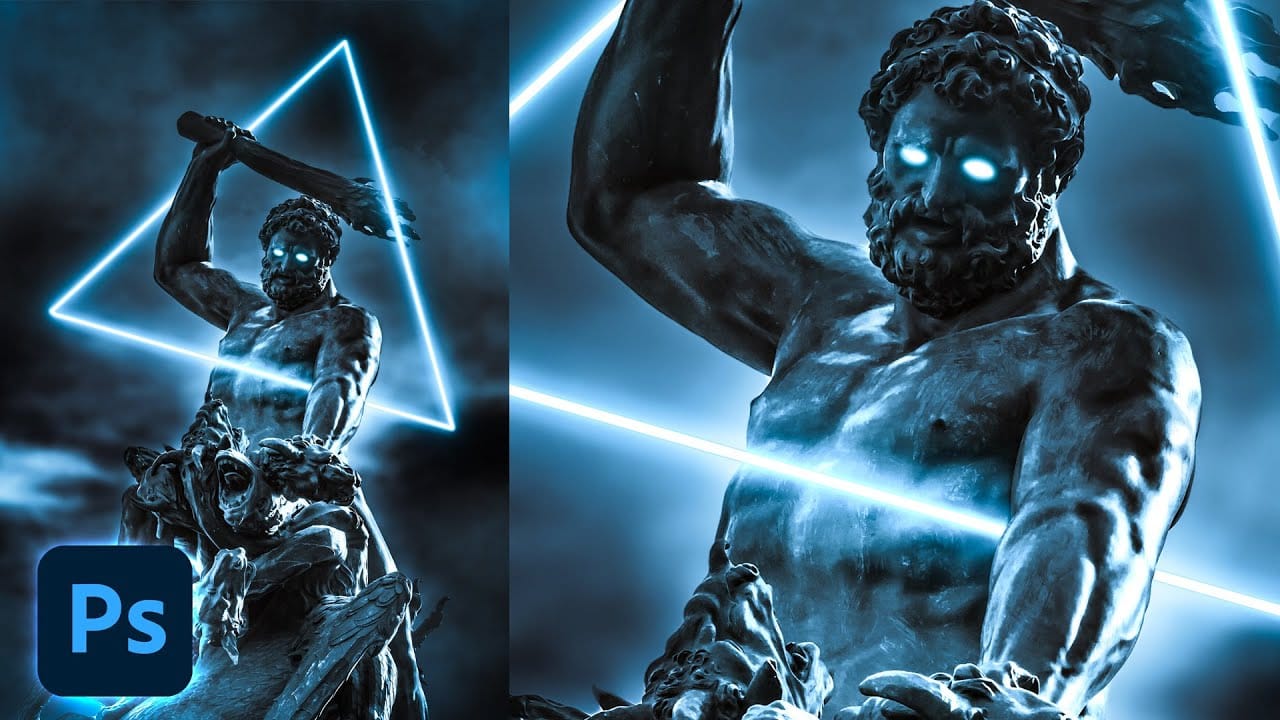
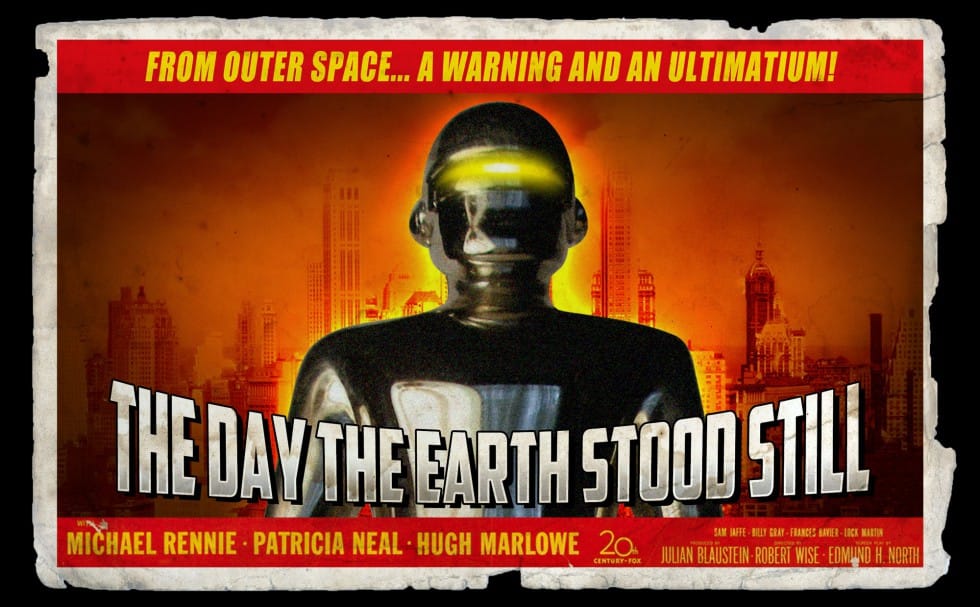
The combination of classic Renaissance sculptures with the vibrant neon colors of the Vaporwave aesthetic creates an intriguing mix of styles that captivates the eye. This unique blend has gained popularity in the world of abstract art, showcasing how contrasting elements can work together harmoniously. In this tutorial, readers will
Lost in the Digital Haze: The Surreal Vaporwave Style in Adobe Firefly
Vaporwave, a captivating aesthetic that emerged from the digital art movement, offers a unique lens through which we can reinterpret our visual narratives. In Adobe Firefly, this built-in style transforms images into dreamlike compositions that blend nostalgia with an alluring surrealism. The essence of Vaporwave lies in its ability to
Create a Retro Cyberpunk Photo Effect in Photoshop
The cyberpunk aesthetic, characterized by its neon-drenched, dystopian urban landscapes, has a distinct visual appeal that continues to capt captivate audiences. This unique style blends high-tech elements with a gritty, low-life atmosphere, often conveyed through specific color palettes and lighting. This tutorial offers a quick and effective method for transforming
Create a Trendy Cyberpunk Effect in Photoshop
Article republished with permission of PSD STACK. PSD Stack is a blog dedicated to Photoshop that provides high-quality tutorials, presets and actions to all level of Photoshop users Learn how to create a trendy cyberpunk effect in Photoshop. You’ll learn how to add neon color vibes to your images by adding hot pink and bright […] More

Get tutorials & freebies delivered to you.

Subscribe to the Photoshop Roadmap newsletter, a weekly roundup of new tutorials, insights and quality downloads, trusted by 6500+ readers.

You might also like

How to Expand Photos Beyond Their Edges Using AI Generative Expand in Photoshop

Sometimes your best photos need more breathing room or a different aspect ratio. Generative Expand in Photoshop lets you extend your canvas beyond the original image boundaries, using AI to intelligently fill in missing areas with content that matches your scene. This technique works for changing portrait photos to landscape...

How to Create Digital Scrapbook Carousels in Photoshop

Digital scrapbook pages capture memories beautifully, but a single page limits your storytelling. Creating a carousel format lets you design multiple connected panels that work together as one cohesive piece while giving viewers more content to explore. This technique uses frames, custom shapes, and smart export settings to build templates...

How to Use Auto Align Layers in Photoshop for Perfect Layer Alignment

When working with multiple layers that need perfect alignment, manual positioning often falls short. Slight camera movement, different crops, or rotated images can make precise alignment seem impossible through visual adjustment alone. Auto Align Layers automatically handles rotation, scaling, and positioning to create perfect layer alignment, even when images have...

How to Use Nano Banana Pro in Adobe Firefly for Advanced AI Image Generation

Adobe Firefly now includes Gemini 3 with Nano Banana Pro, offering sharper 2K image generation with improved text clarity and precision blending. This advanced AI model works seamlessly within Firefly's generative workspace, enabling powerful workflows like multi-image composition and virtual try-on effects. The integration provides access to sophisticated...

Create Colorful Retro Text Compositions in Photoshop

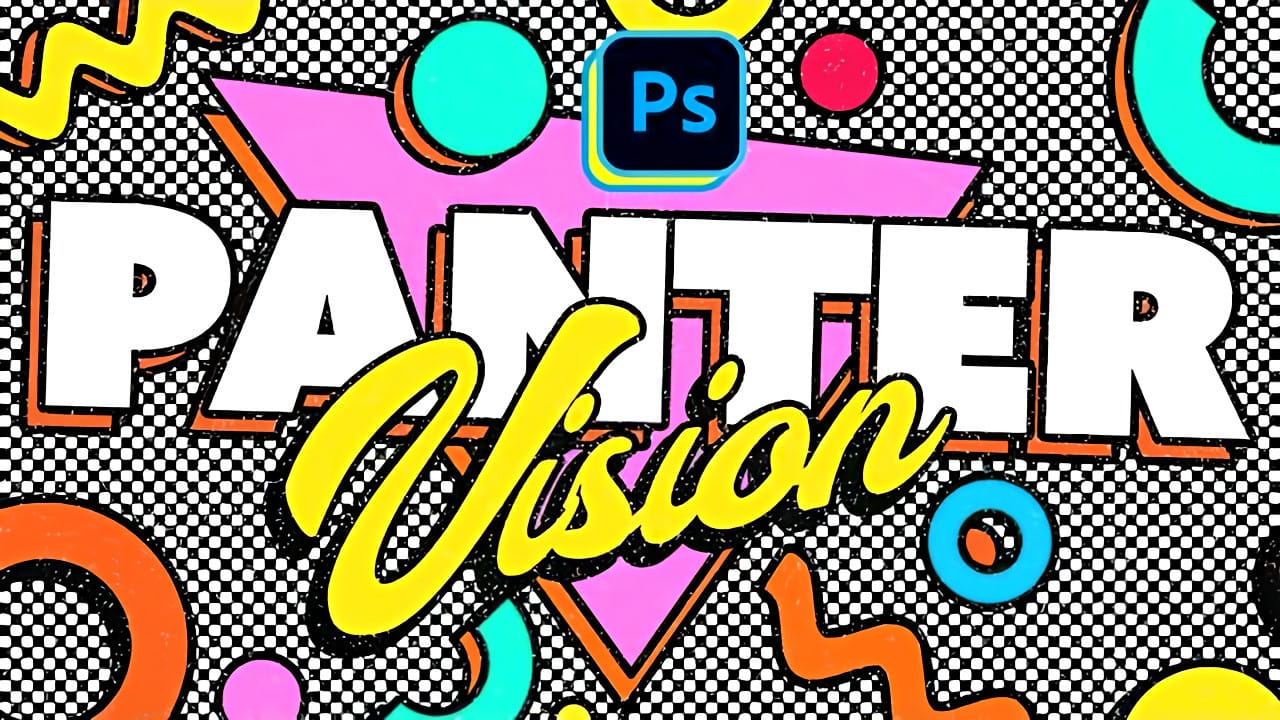
Retro design trends continue to captivate audiences with their bold colors and geometric shapes. This tutorial demonstrates how to build a complete vintage-inspired composition using text, geometric elements, and vibrant color schemes that capture the essence of classic graphic design. You'll learn to combine typography with custom shapes,...

Photoshop's New Color and Temperature Tool for Advanced Color Grading

Photoshop's latest update introduces temperature and tint controls directly into the adjustment layer panel, bringing white balance tools from Camera Raw into the main editing workspace. This addition transforms color grading workflows by enabling precise local adjustments with custom brushes and blend modes. The new Color and Vibrance...

You’ve successfully subscribed to Photoshop Roadmap
Welcome back! You’ve successfully signed in.
Great! You’ve successfully signed up.
Success! Your email is updated.
Your link has expired
Success! Check your email for magic link to sign-in.