Firefly Fill and Expand Model: Testing the New Generative AI in Photoshop

Firefly Fill and Expand Model: Testing the New Generative AI in Photoshop

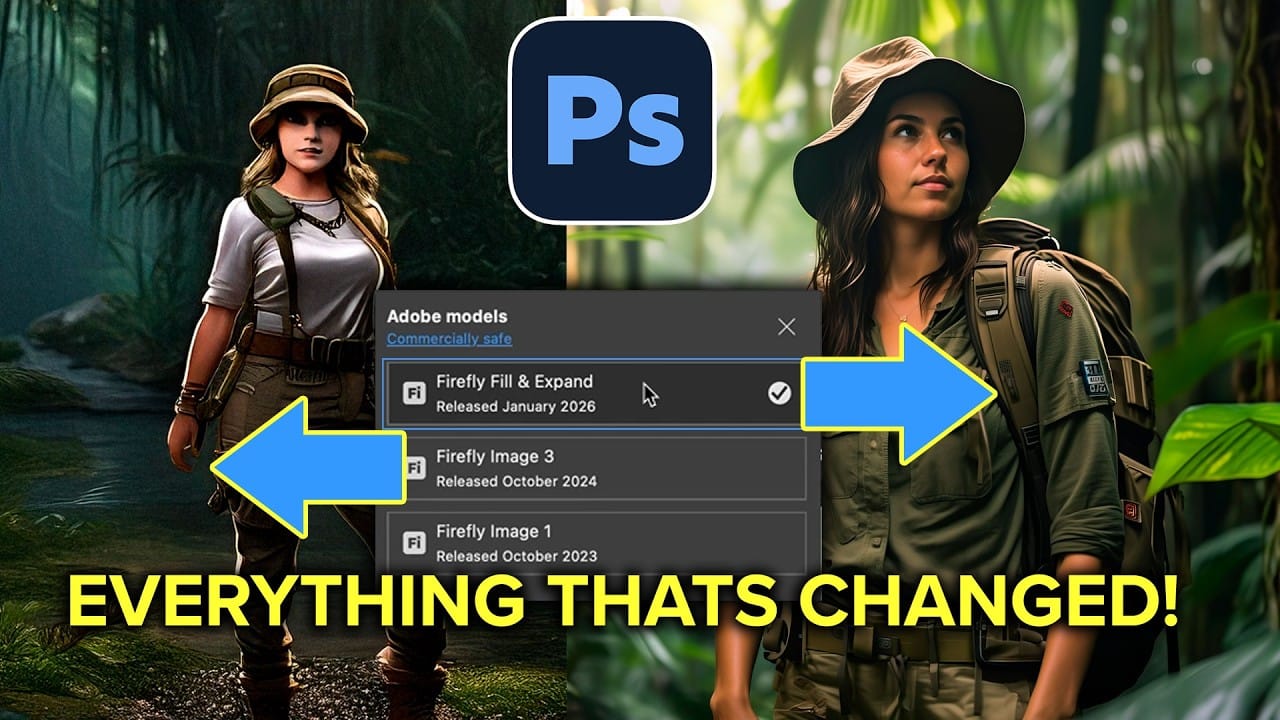
Adobe's latest Firefly Fill and Expand model promises significant improvements over the previous Firefly Image 3, particularly for generating people and replacing backgrounds. The new model doubles the resolution from 1K to 2K and introduces reference image capabilities for face swapping and object replacement.

While the improvements are noticeable, especially for background replacement tasks, generating realistic people from scratch remains challenging with inconsistent results for hands and faces.

Watch the Video

Video by Anthony Morganti. Any links or downloads mentioned by the creator are available only on YouTube

Practical Tips

These key techniques will help you get better results with the new generative model:

  • Use Select Subject then invert the selection (Shift+Cmd/Ctrl+I) for cleaner background replacements that preserve your original subject
  • Access the reference image feature by clicking the icon next to the model selector - this only works with the new Fill and Expand model
  • Choose "Object" instead of "Whole Image" when using reference photos to avoid unwanted background elements in your generation
  • Try the enhance detail button (upward arrow icon) on generated results to improve resolution and background quality
  • Expect inconsistent results with people generation - the model still struggles with realistic hands and faces despite improvements

Explore more advanced techniques and comparisons for generative editing workflows:

Photoshop Beta: Exploring the New Generative Workspace
The new Generative Workspace in Photoshop 2025 Beta transforms how you create and iterate on AI-generated images. This dedicated environment streamlines the entire process from initial prompts to final compositions, offering powerful tools for batch generation and precise control over your creative output. Unlike traditional workflows that require switching between different panels and tools, the Generative Workspace centralizes everything in one interface, making it faster to experiment with v
Generative AI: A new era of Photoshop begins
Generative AI has made its way into the world of Photoshop, and in this fascinating video, Colin Smith from Photoshop Cafe explores its transformative capabilities. Generative AI is an incredible technology that's transforming the world of artificial intelligence. It's like having a creative companion that can generate all sorts of new content, from stunning images to captivating music and even imaginative stories. With its advanced algorithms and neural networks, generative AI brings a touch o
Photoshop's Generative Fill Gets Major Upgrade: New Model Comparison and Quality Test
Adobe's latest Generative Fill update brings the new Firefly Fill and Expand model with double the resolution and dramatically improved quality for generating people, hands, and complex objects. The upgrade moves from 1024x1024 to 2048x2048 pixel output, allowing for larger selections without quality loss. This comprehensive comparison tests both the old Firefly Image 3 and new Fill and Expand models across challenging subjects like realistic portraits, hands, and cars to show exactly where the
Discover Hidden Photoshop AI Tools to Transform Your Photos
Transform ordinary photographs into captivating works of art using advanced Generative AI features in Photoshop. This guide reveals a powerful, often overlooked technique to unlock incredible artistic potential from your images. Discover how to apply stunning styles, from delicate watercolors to bold Art Deco and futuristic visions, by mastering a subtle yet impactful control within Photoshop's AI capabilities. Watch the Video Understanding Generative AI's Creative Control Generative AI to
How Generative Fill in Photoshop is Transforming Photo Editing
Generative Fill represents the most significant advancement in photo editing technology in decades. Using artificial intelligence, this tool can remove objects, change backgrounds, extend images, and add new elements with simple selections and text prompts. The feature analyzes your image's lighting, perspective, and depth of field to create seamless, photorealistic results that would previously require hours of manual work and advanced compositing skills. Watch the Video Practical Tips He
Photoshop Generative Expand and Composite Techniques Using AI-Generated Images
AI-generated imagery opens up endless creative possibilities, but the real magic happens when you know how to refine and enhance these digital creations. Raw AI images often need compositional adjustments, element removal, and seamless blending to reach their full potential. This tutorial demonstrates practical techniques for extending canvas space, removing backgrounds, and creating cohesive composites using Photoshop's modern tools. The workflow combines traditional compositing skills with AI
Photoshop 2026 New Features: AI Tools and Credit System Overview
Photoshop 2026 introduces powerful AI-driven features including advanced generative fill models, sophisticated upscaling tools, and seamless harmonization effects. These updates promise to streamline complex editing tasks while delivering professional-quality results. The software now operates on a credit-based system that divides features into standard and premium tiers, fundamentally changing how users access certain tools. Watch the Video Key Features and Practical Tips * Access the co
How to Use Generative Upscale with Multiple AI Models in Photoshop
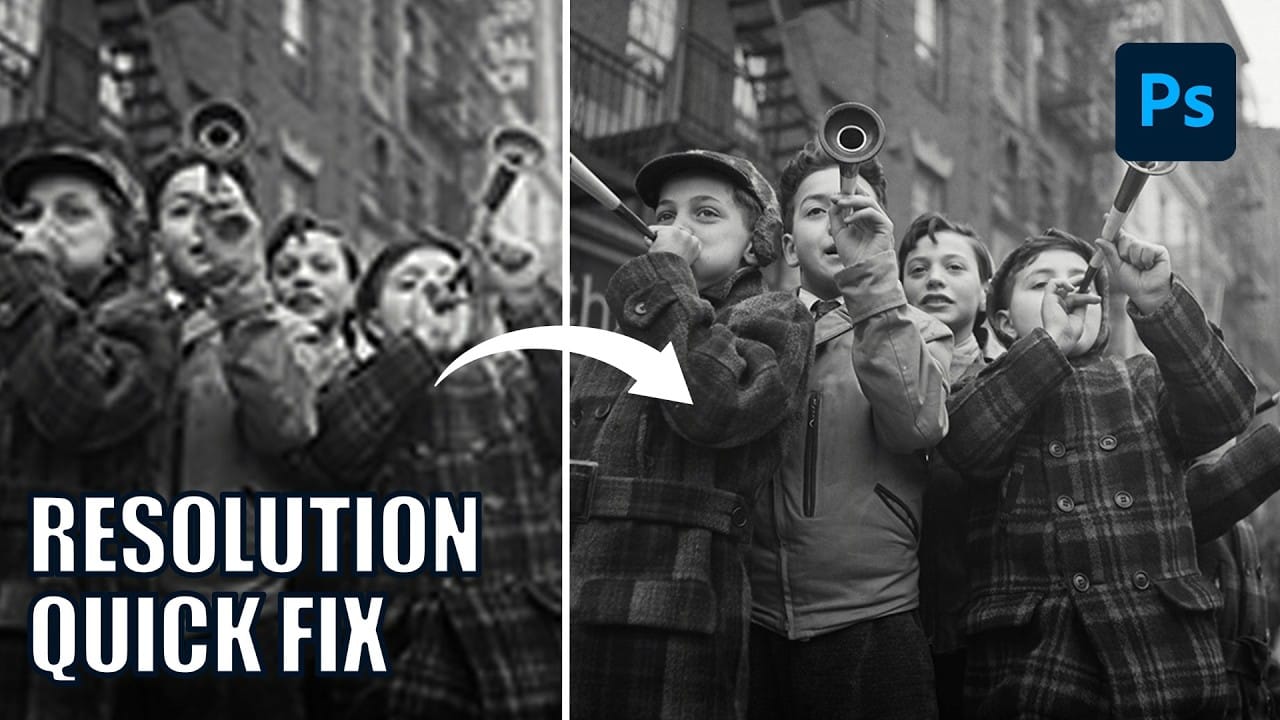
Pixelated vintage photos and low-resolution images no longer need to stay small. Photoshop's Generative Upscale feature now offers multiple AI models to enlarge images up to 4x their original size while adding remarkable detail and clarity. This new feature includes three distinct AI models—Adobe's Firefly upscaler, Topaz Gigapixel, and Topaz Bloom—each designed for different image enhancement needs and producing noticeably different results. Watch the Video Practical Tips These key techni
How to Add Objects to Photos Using Photoshop's Generative Fill
Photoshop's Generative Fill transforms photo editing by letting you add realistic objects using simple text descriptions. This AI-powered feature creates seamless additions that match your image's lighting, perspective, and style. The process requires just a basic selection and a descriptive prompt to generate professional-looking results in seconds. Watch the Tutorial Essential Tips for Generative Fill Success * Make your selection slightly larger than the object you want to generate — t
Photoshop 2025 Top 7 New Features and Updates Explained
Photoshop 2025 brings significant improvements to everyday editing tasks with smarter AI tools, enhanced 3D capabilities, and more intuitive workflows. From automatic distraction removal to advanced generative features, these updates focus on making complex tasks faster and more accessible. The standout addition is the Substance 3D viewer, which reintroduces 3D object compositing with sophisticated lighting and material controls that weren't available in previous versions. Watch the Complete

Get tutorials & freebies delivered to you.

Subscribe to the Photoshop Roadmap newsletter, a weekly roundup of new tutorials, insights and quality downloads, trusted by 6500+ readers.

You might also like

How to Create Digital Collages Using Layers and Blend Modes in Photoshop

Digital collages combine multiple images through strategic layering and blending techniques to create compelling visual stories. This beginner-friendly approach demonstrates how to build complex compositions by layering textures, portraits, and objects while using blend modes to seamlessly integrate each element. The process focuses on practical workflow techniques including smart object...

Building Complex Composites Using Generative Fill and Layer Blending

Complex surreal composites require more than just combining random images. The key to professional results lies in systematic layering, consistent masking techniques, and building a reusable library of generated elements. This approach transforms scattered AI-generated content into cohesive artistic visions. The tutorial demonstrates how to deconstruct an existing composite to...

How to Add Any Face to Mount Rushmore Using Photoshop and AI

Adding faces to Mount Rushmore creates striking digital art that combines portrait photography with AI-powered stone carving effects. This technique uses generative AI to transform any portrait into a realistic granite sculpture that matches the lighting, texture, and monumental style of the famous presidential memorial. The process combines traditional selection...

Creating Floral Wreath Overlays in Photoshop

Floral overlays transform ordinary portraits into magical compositions perfect for pet photography, baby portraits, and creative projects. This technique shows you how to build custom floral wreaths using AI-generated base elements and real floral PNG files, creating frames that can hold any subject in the center. The process combines symmetry...

Concept Development and Mood Boarding with Firefly Boards for Fashion Design

Fashion design concept development traditionally requires gathering inspiration from multiple sources, creating mood boards, and iterating through ideas before presenting to clients. Firefly Boards streamlines this entire workflow into a single workspace where you can source inspiration, generate new variations through AI remixing, and organize final concepts into professional presentations....

How to Use Dynamic Text Shapes in Photoshop

The Dynamic Text tool introduced in 2025 was revolutionary for automatic text sizing and layout, but 2026 brings an exciting update that adds shape options to this powerful feature. You can now create circular text, arches, and bow configurations with the same intelligent resizing capabilities that made the original tool...

You’ve successfully subscribed to Photoshop Roadmap
Welcome back! You’ve successfully signed in.
Great! You’ve successfully signed up.
Success! Your email is updated.
Your link has expired
Success! Check your email for magic link to sign-in.