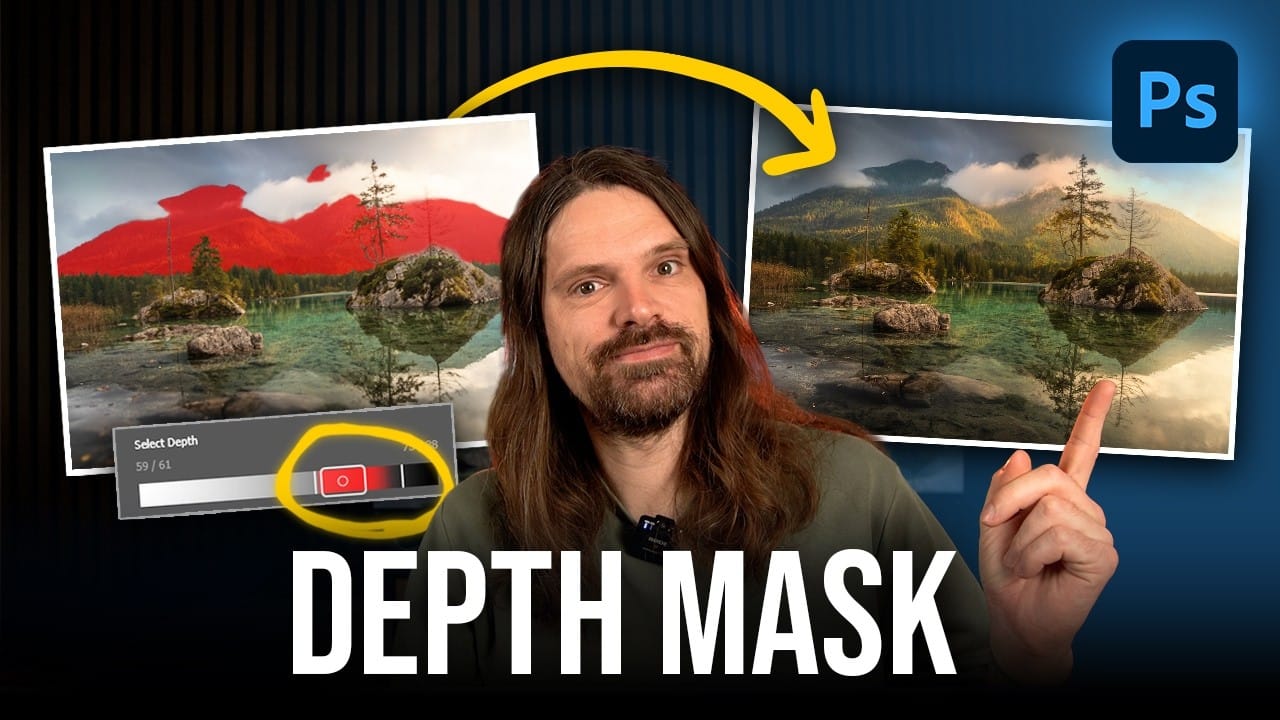
Adobe's latest Camera Raw update brings two powerful enhancements that transform how photographers work with masks and color grading. Split toning is now available directly within individual masks, allowing precise color control over shadows, midtones, and highlights in specific image areas. Additionally, AI masks like landscape selection and select subject now include feather and edge controls, solving the persistent problem of harsh mask edges that could ruin heavy adjustments.
These features address real workflow challenges, particularly for landscape photographers who need selective color grading and cleaner AI-generated selections. While these updates aren't yet available in Lightroom, they represent significant improvements to Camera Raw's masking capabilities.
Watch the Video
Video by Christian Möhrle - The Phlog Photography. Any links or downloads mentioned by the creator are available only on YouTube
Practical Tips
Master these new masking features with these essential techniques:
- Access split toning within masks through the Color Grading panel below the Effects section for targeted color adjustments
- Use radial gradients over bright areas and apply warm tones to highlights only, avoiding the midtones and shadows
- Combine feather and edge sliders on AI masks to eliminate harsh lines around fine details like grass and leaves
- Contract the mask edge first, then increase feather to create smooth transitions into neighboring areas
- Experiment with luminance controls in split toning for additional contrast adjustments within specific tonal ranges
Related Articles and Tutorials
Explore these comprehensive guides for advanced editing techniques and workflow improvements.