


Creating illustration effects from a photo has never been easier. AI tools can generate a sketch, a painting, or a cartoon version in seconds, and the first result can look surprisingly good.
The problem is control. Even with conversational AI models (like ChatGPT or Gemini Nano Banana) that let you describe exactly what you want, adjusting a detail or keeping a consistent style across multiple images is never fully reliable. These tools recreate the image from scratch each time based on your input, so the output can shift — sometimes slightly, sometimes completely — with every attempt.
Photoshop works differently. You build the effect layer by layer, with full control over every detail — which also means you can repeat it, refine it, and develop your own style over time.
In this guide, you’ll find different types of illustration effects, along with tutorials and resources to help you recreate them.
Sketch and Drawing Effects
These are usually the first type of illustration effect people try. They reduce a photo to lines, shading, and minimal color, often mimicking traditional drawing techniques.
 Pixivu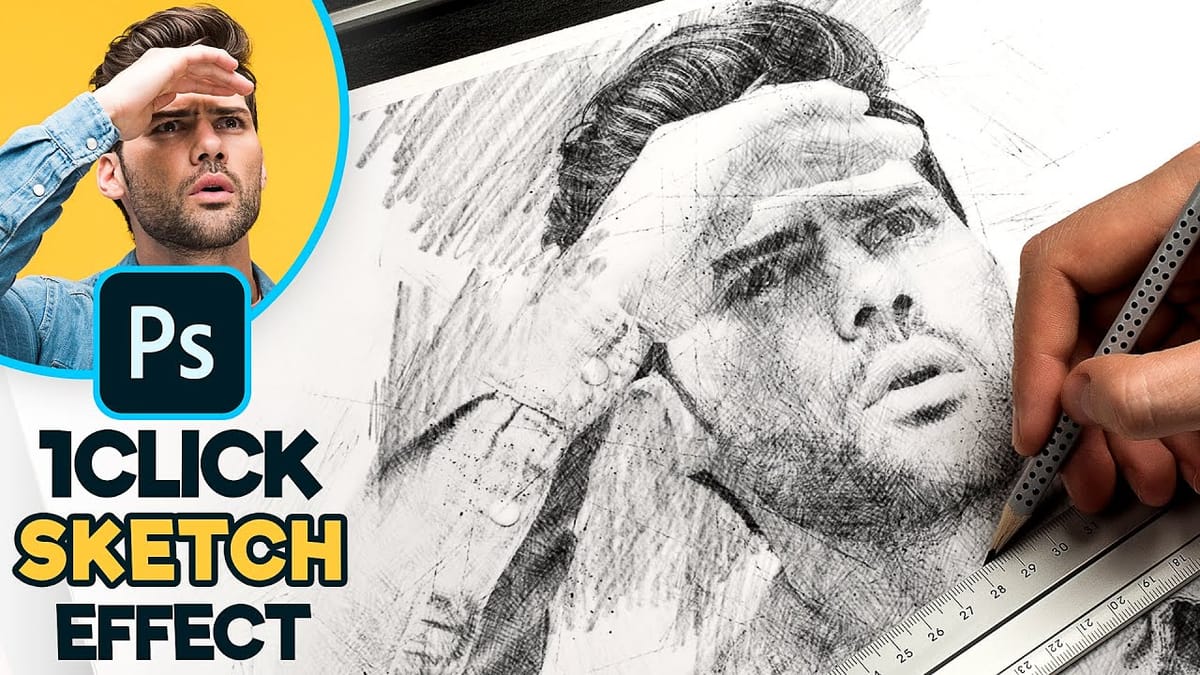
 Texturelabs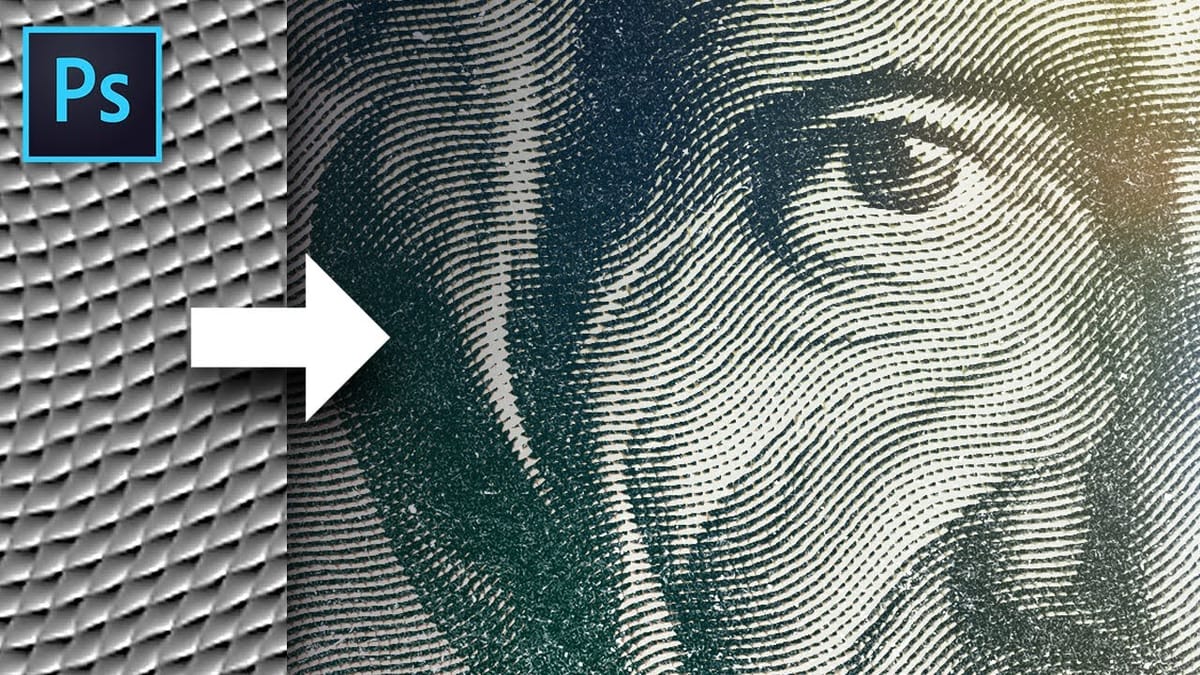
 Photoshop Arthouse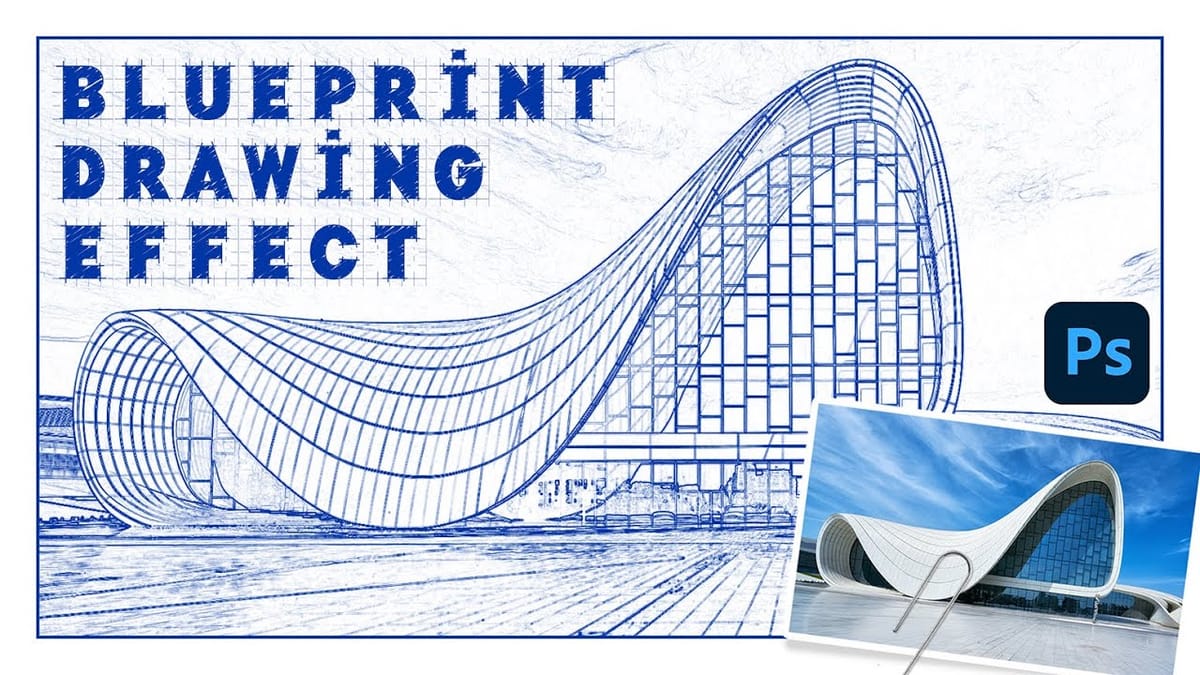
 Pixivu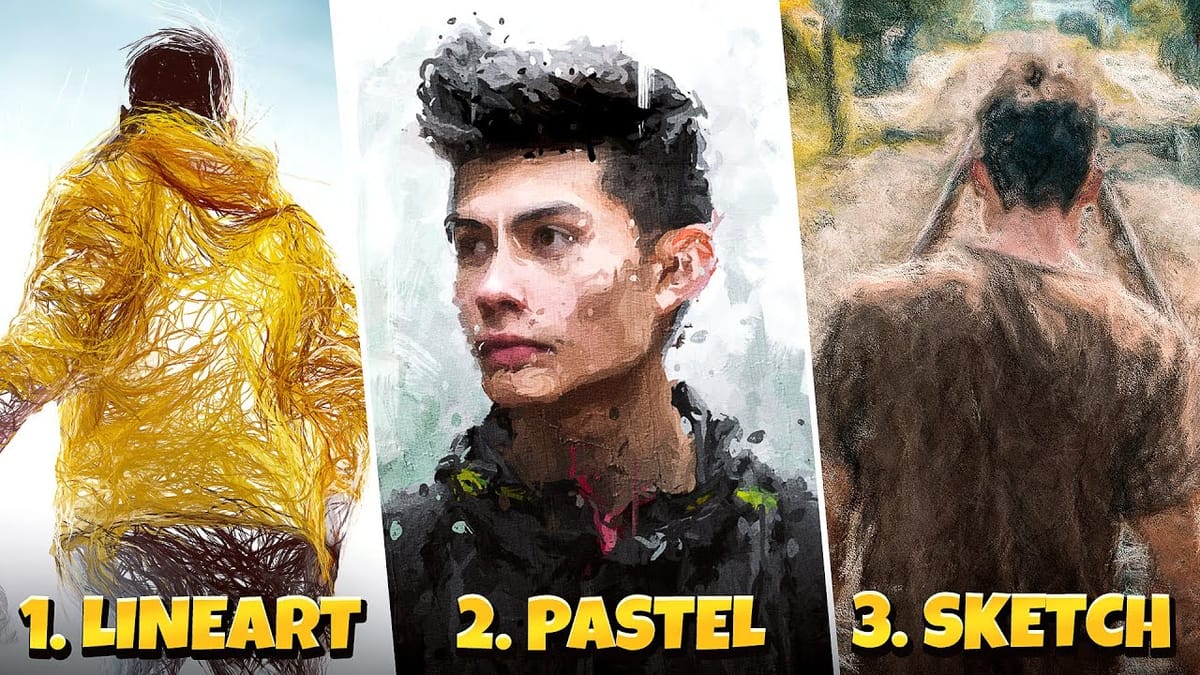
Painting Effects
Painting-style effects aim to recreate traditional media like watercolor or oil painting. Unlike sketch effects, these keep color but change how it behaves.
 Spoon Graphics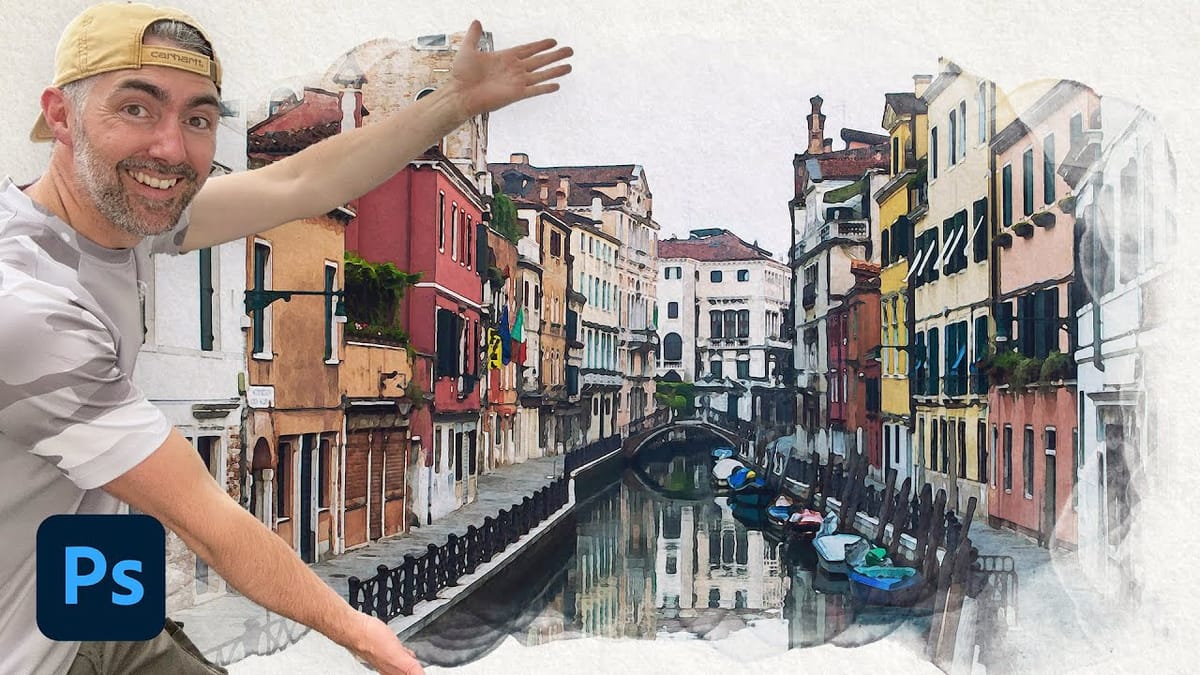
 Photoshop Arthouse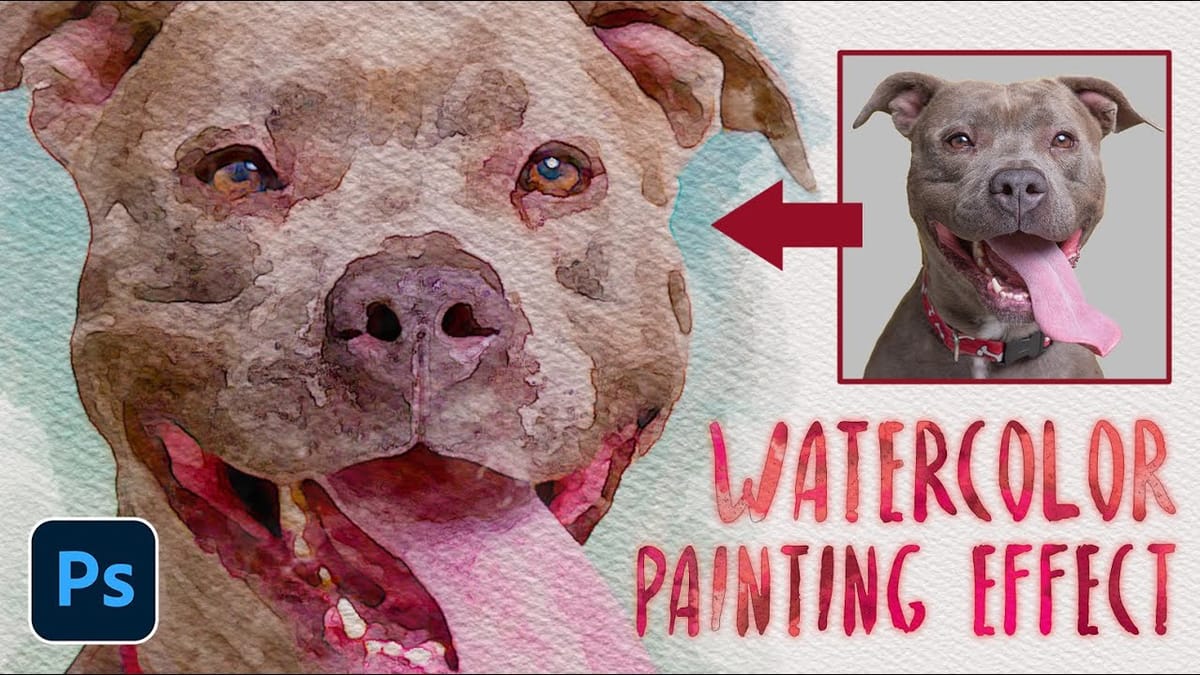
 Blue Lightning TV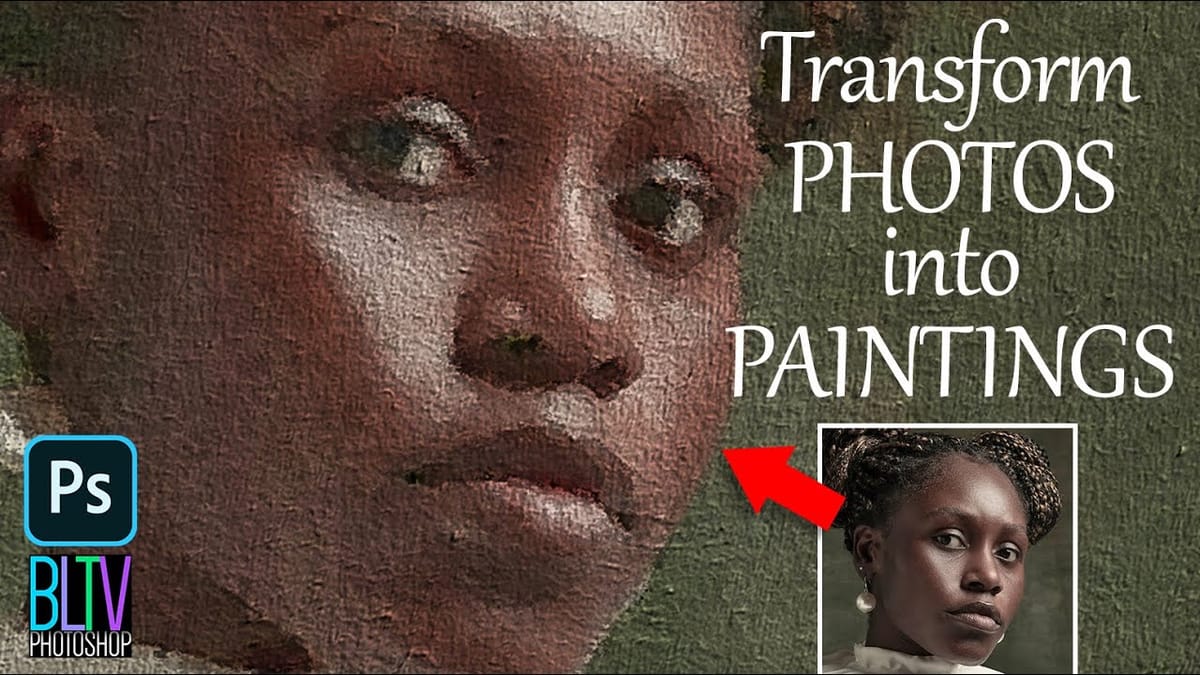
 Texturelabs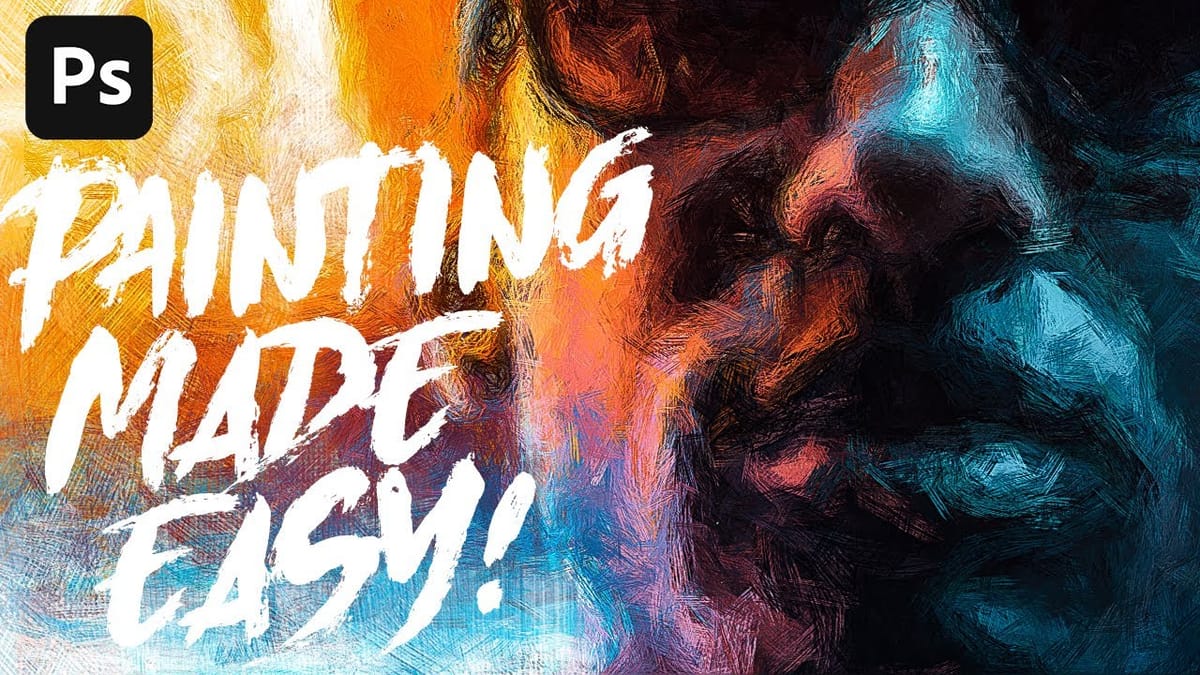
 Photoshop Arthouse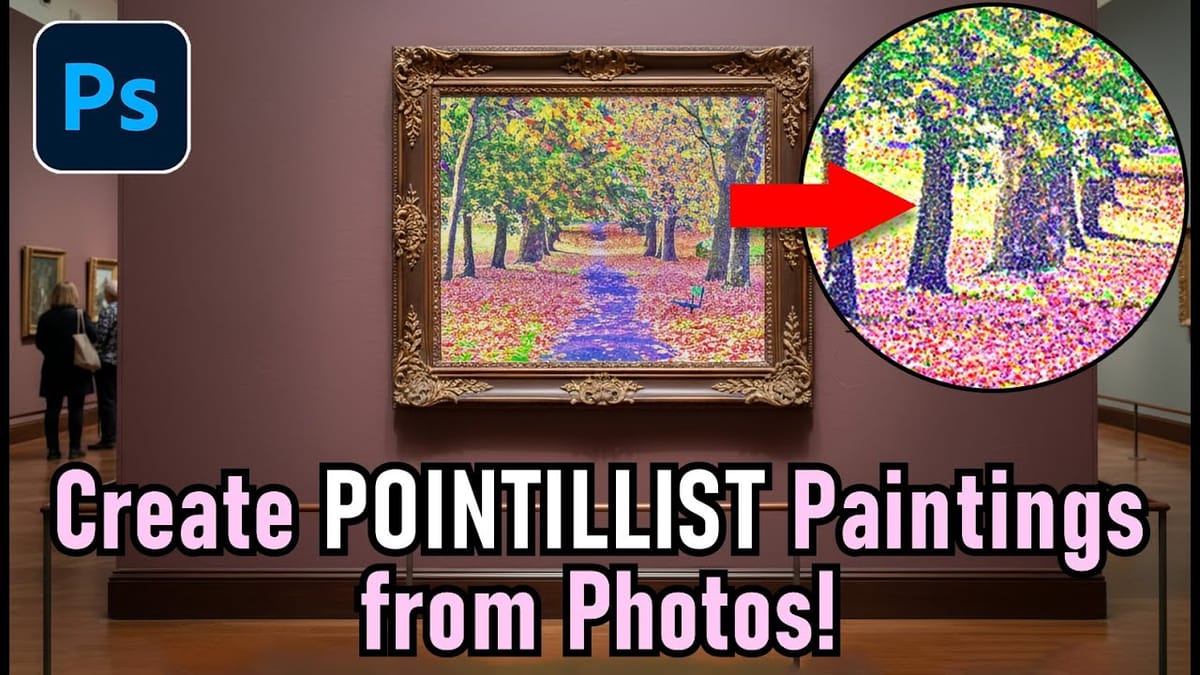
 Kyle T Webster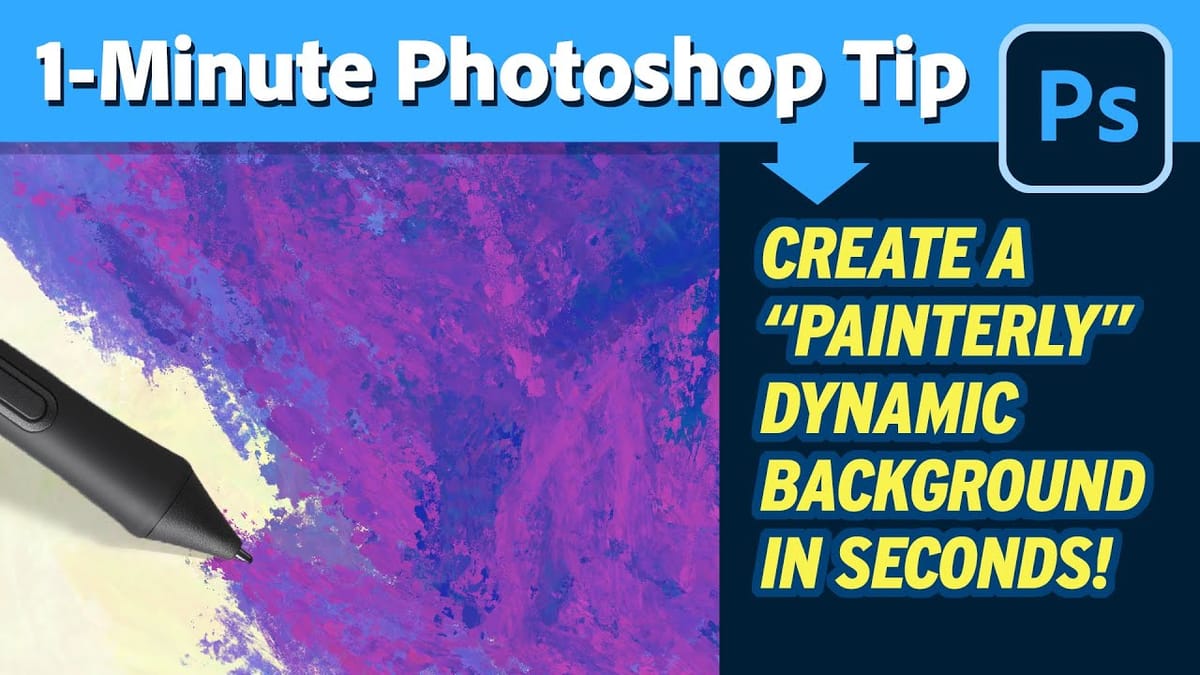
Stylized Illustration Effects
This category is more graphic and bold. Instead of mimicking traditional art, these effects push photos into clearly designed styles.
 Photoshop Arthouse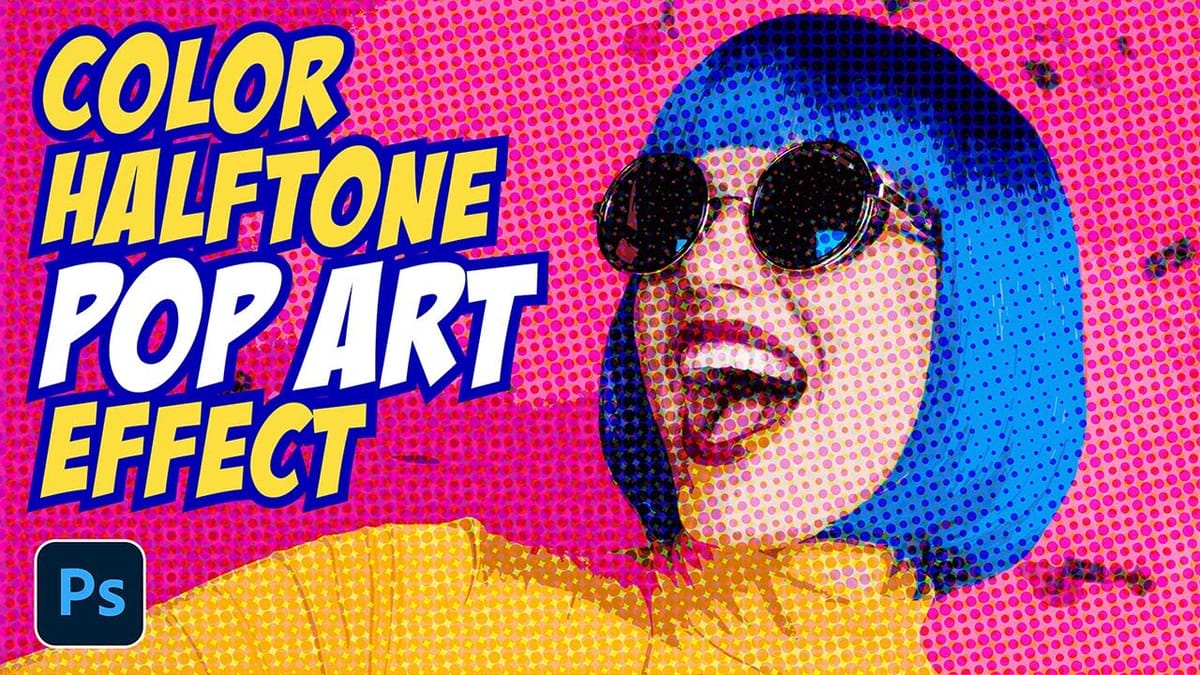
 Panter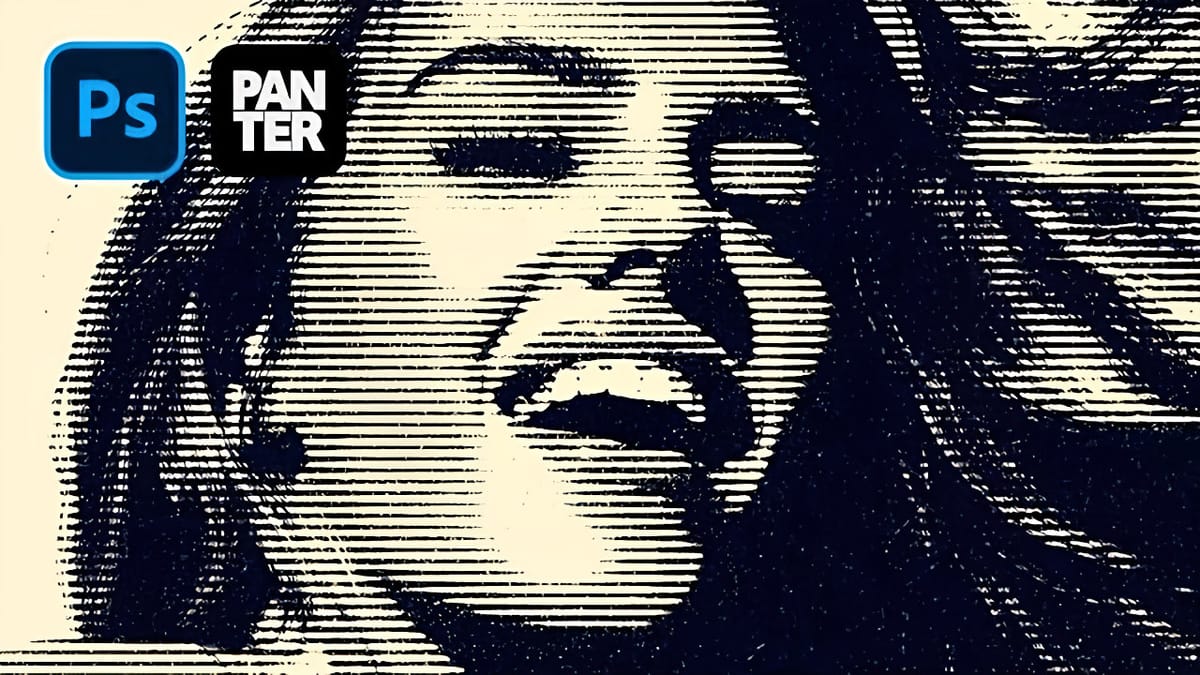
 Blue Lightning TV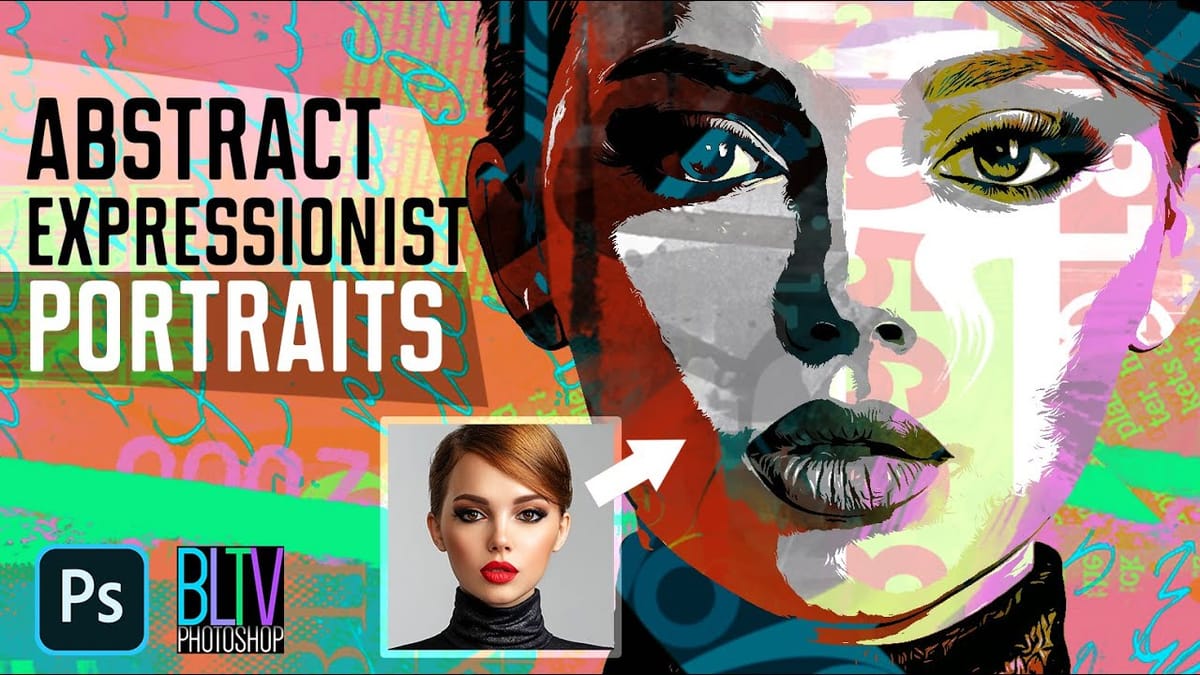
 Panter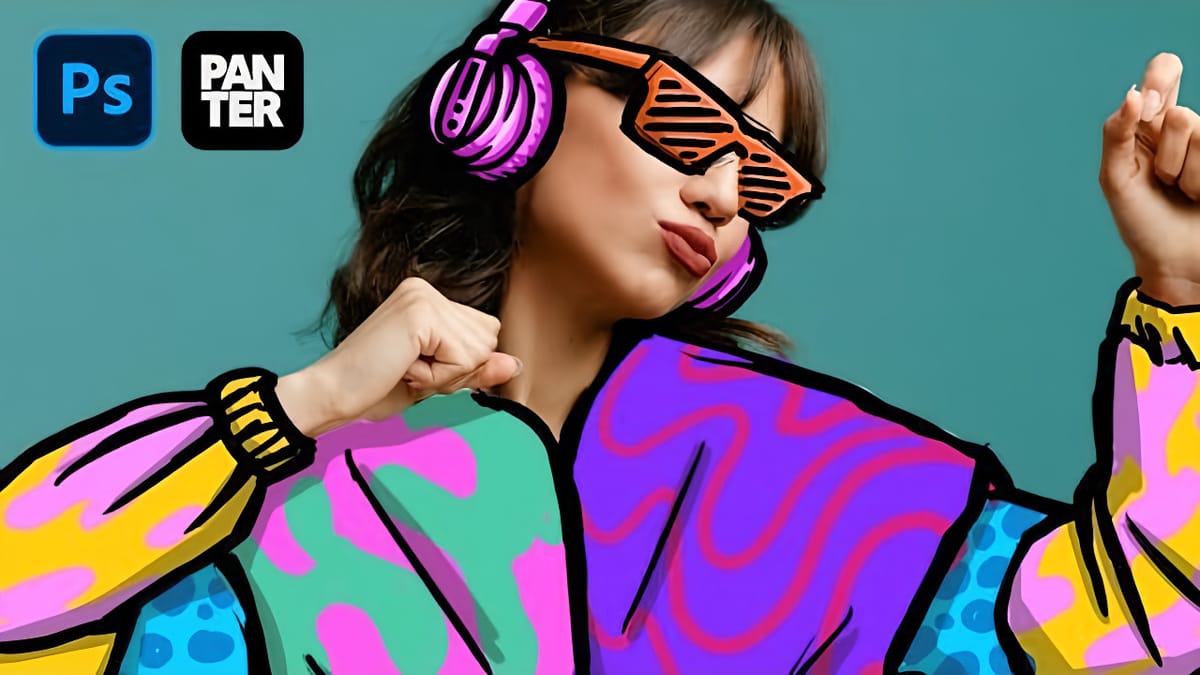
 Pixivu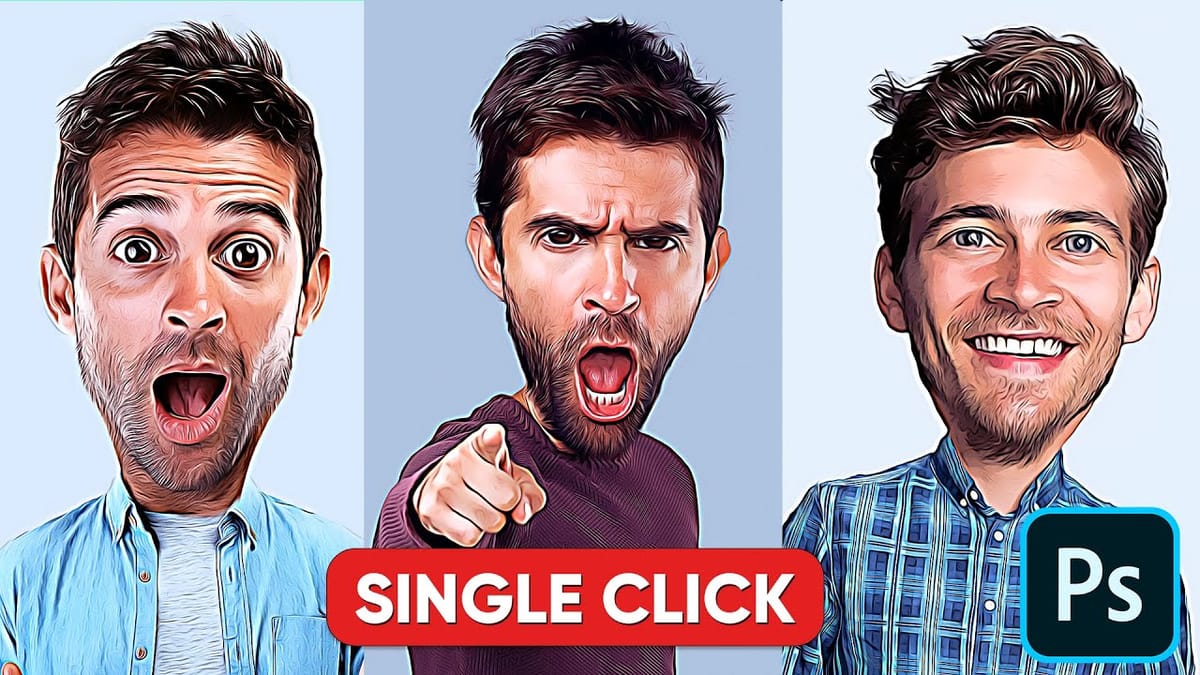
 Let’s Photoshop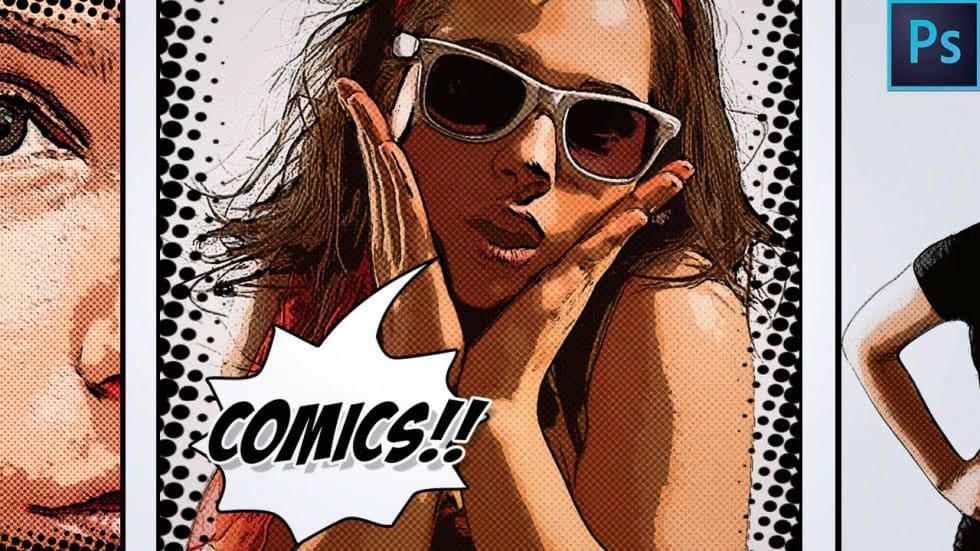
 Panter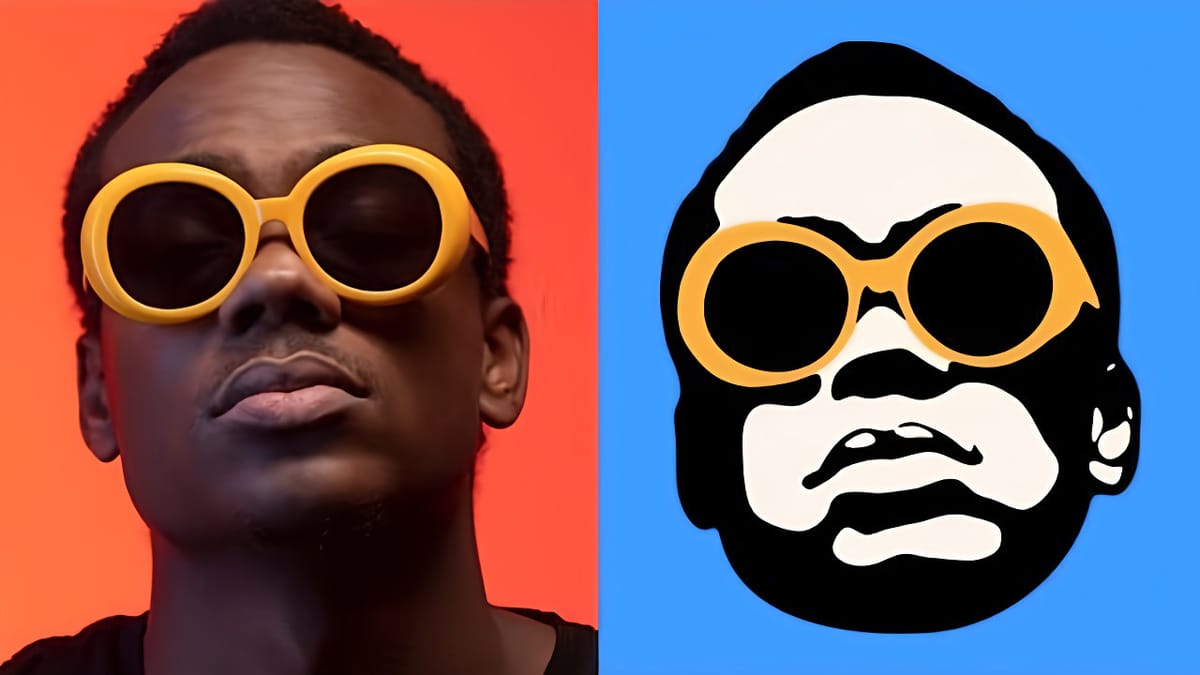
 Texturelabs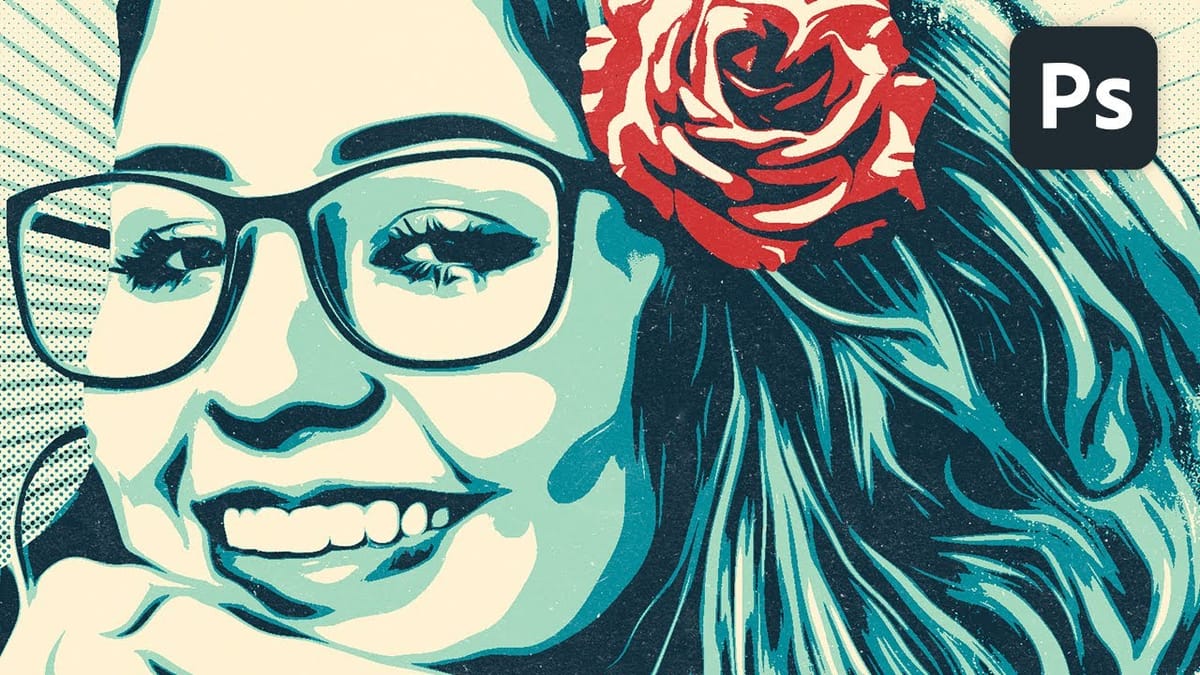
Mixed Media and Artistic Effects
This is where things get more experimental. Instead of following a single style, these effects combine multiple elements to create something more abstract or layered.
 Photoshop Cafe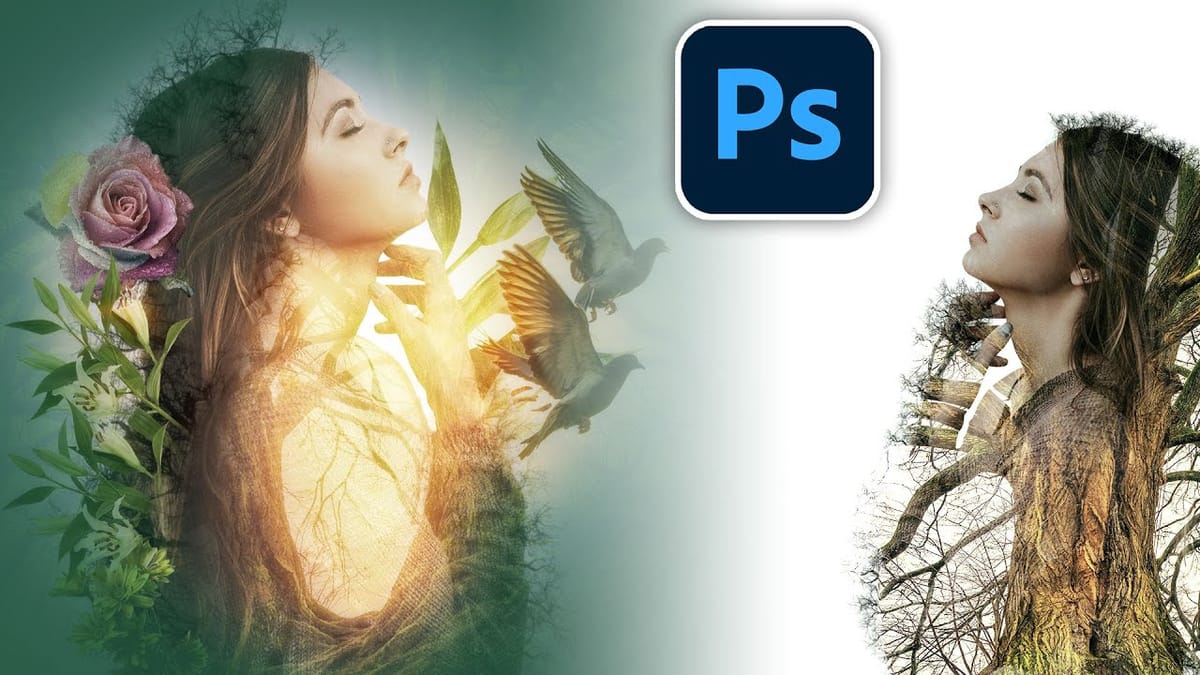
 Photoshop Arthouse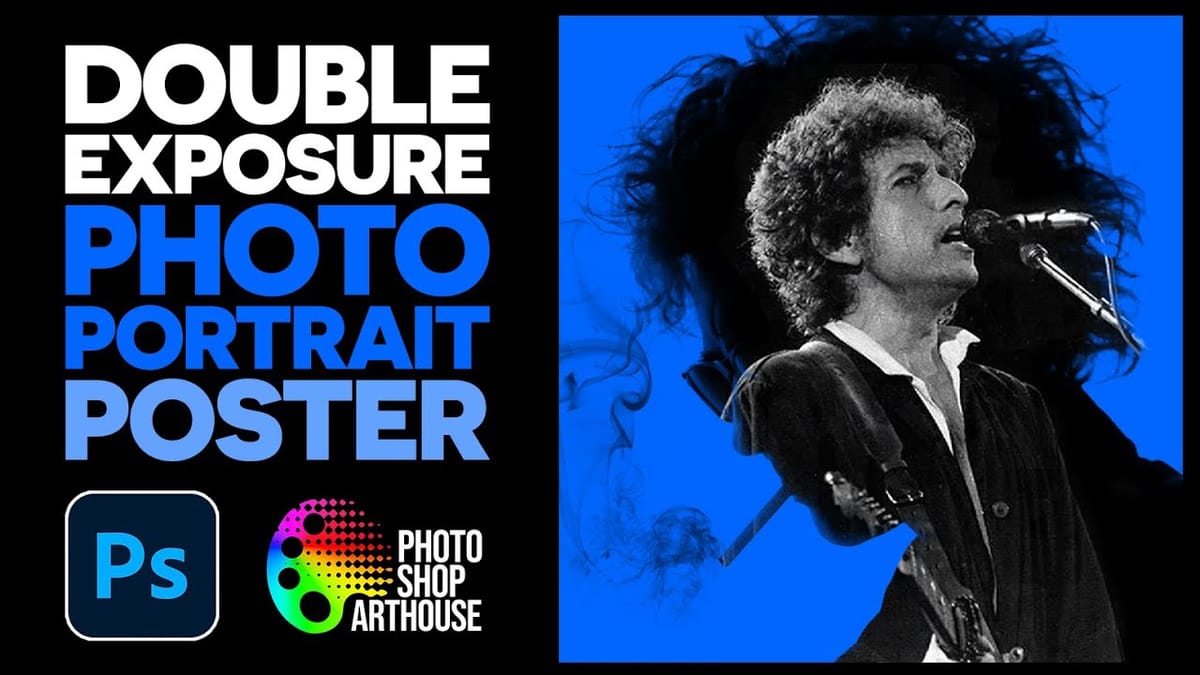
 Phlearn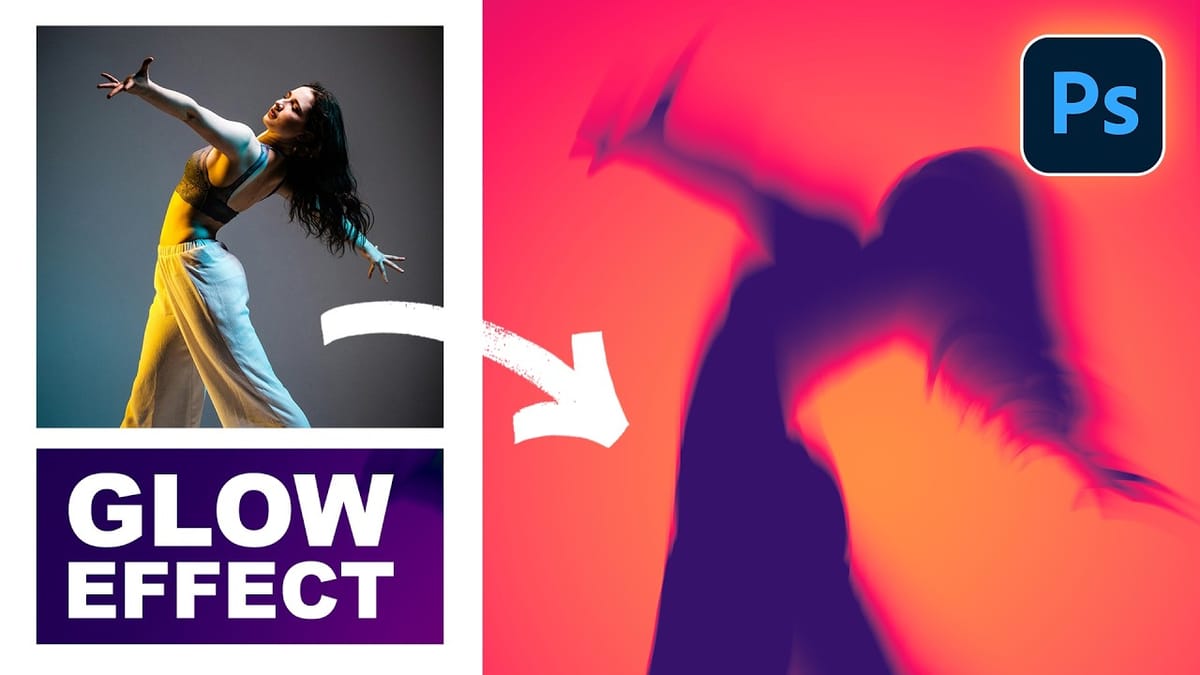
 Panter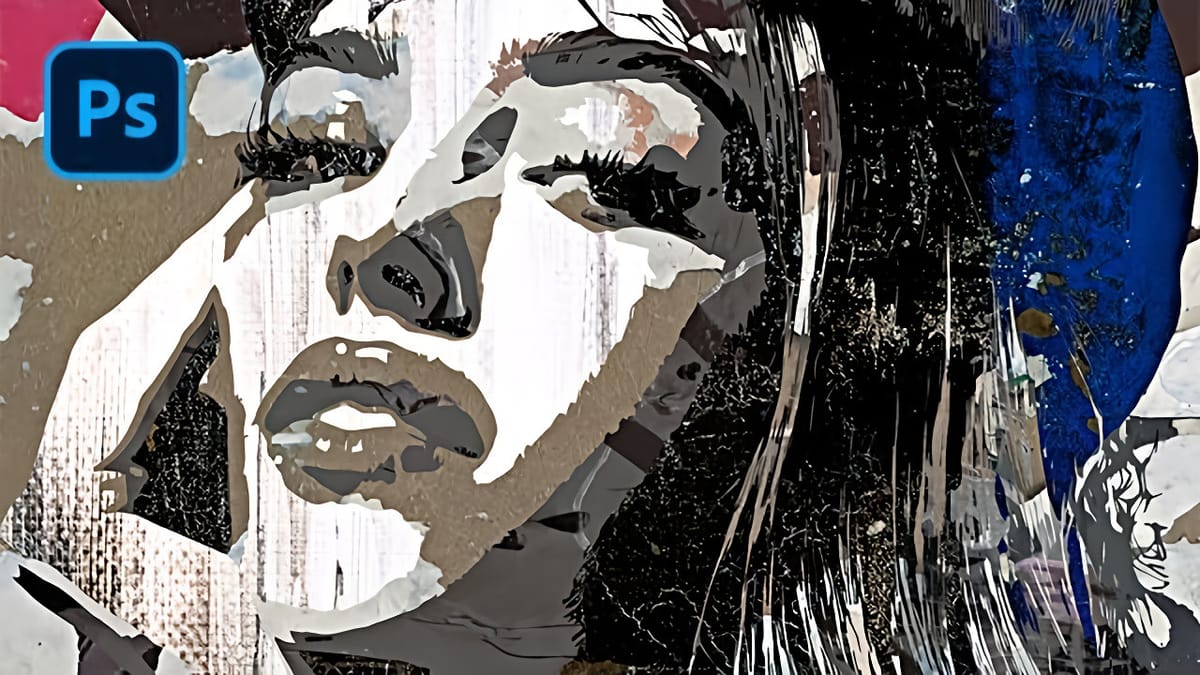
 Panter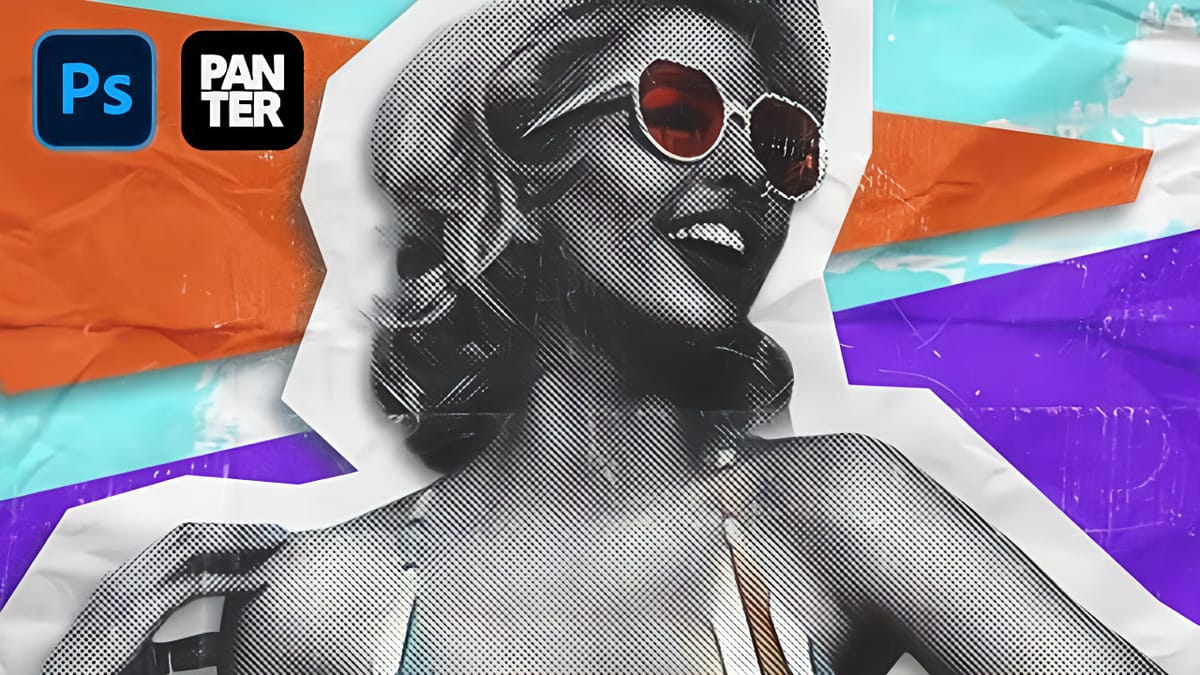
 Phlearn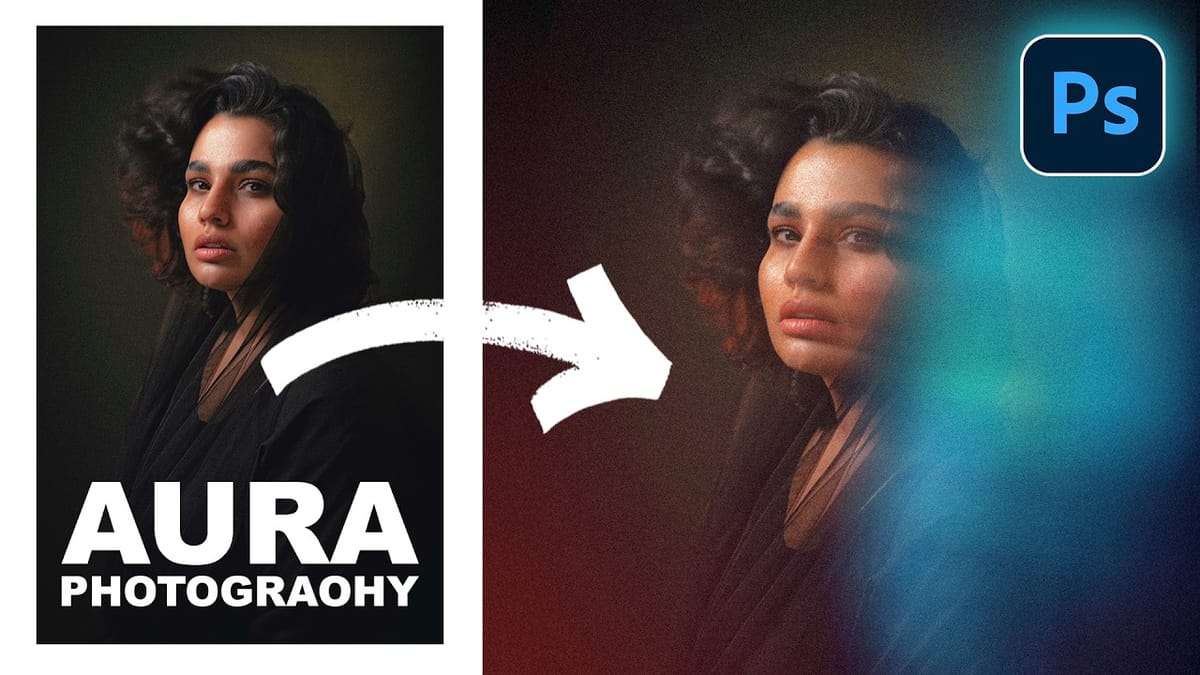
AI-Generated Illustration Effects
This category focuses on illustration styles created with the help of AI features inside Photoshop. Instead of relying entirely on prompts, these effects combine manual editing with tools like Generative Fill to build and enhance the result.
As mentioned earlier, letting AI handle everything can make refinement difficult. But when used as part of a workflow, it becomes much more useful. You can generate specific elements, extend areas, or introduce new textures, while still keeping control over the overall image.
 Photoshop Arthouse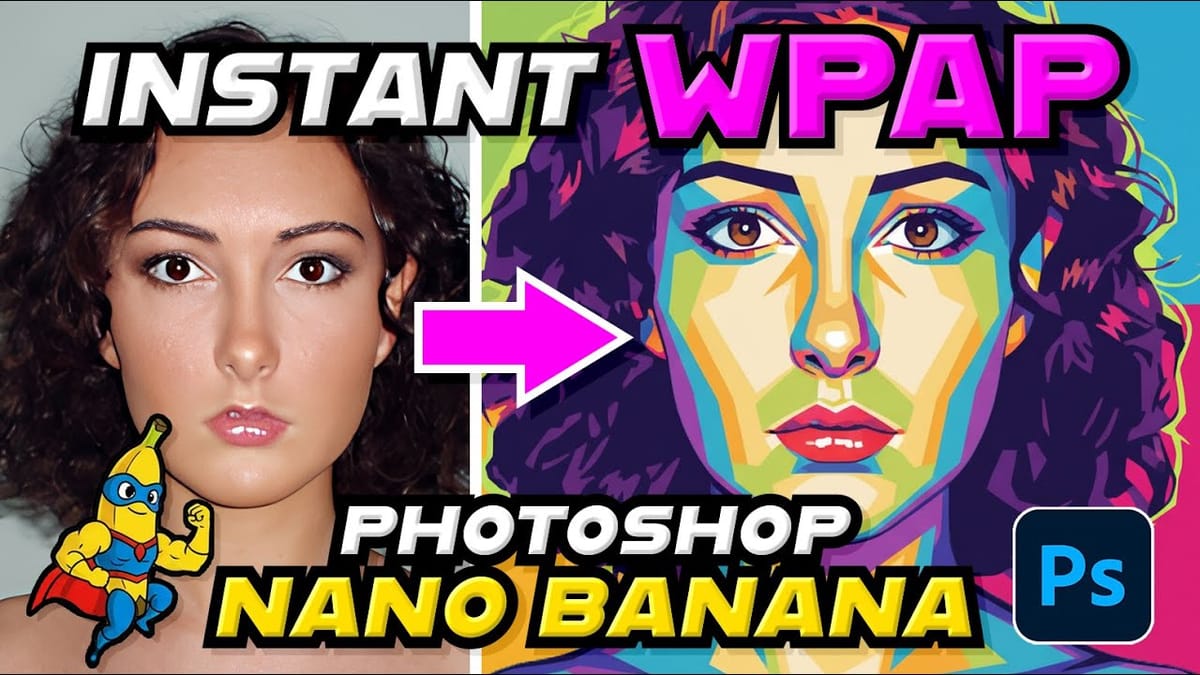
 Brendan Williams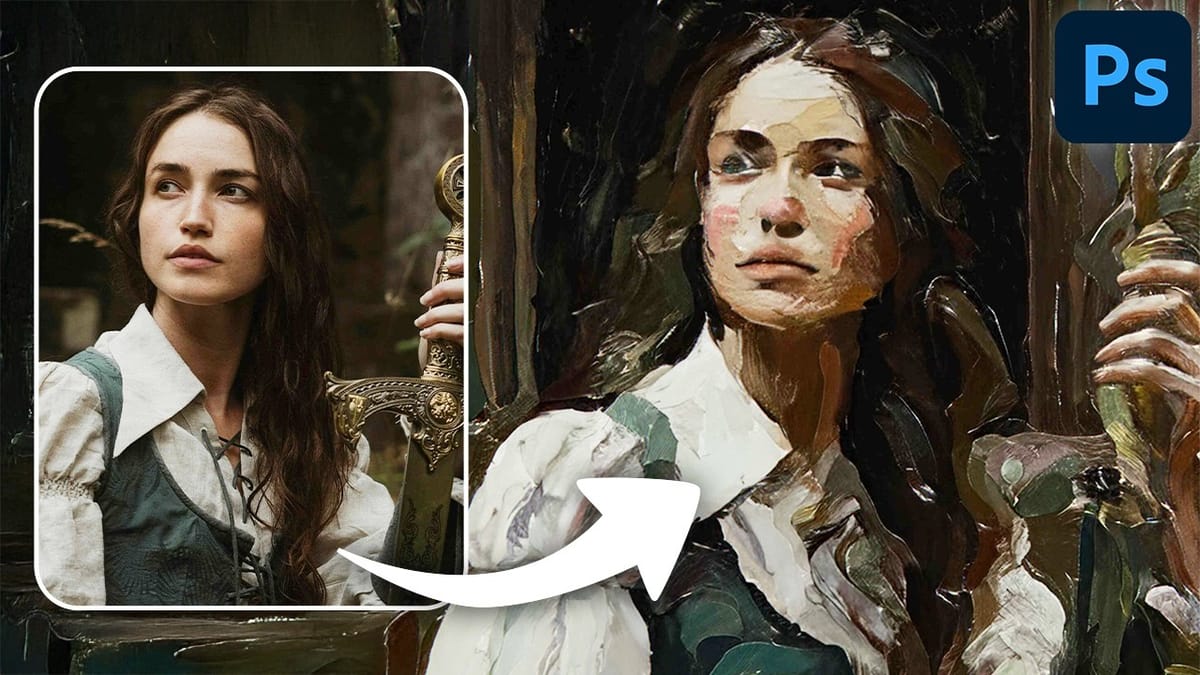
 Photoshop Cafe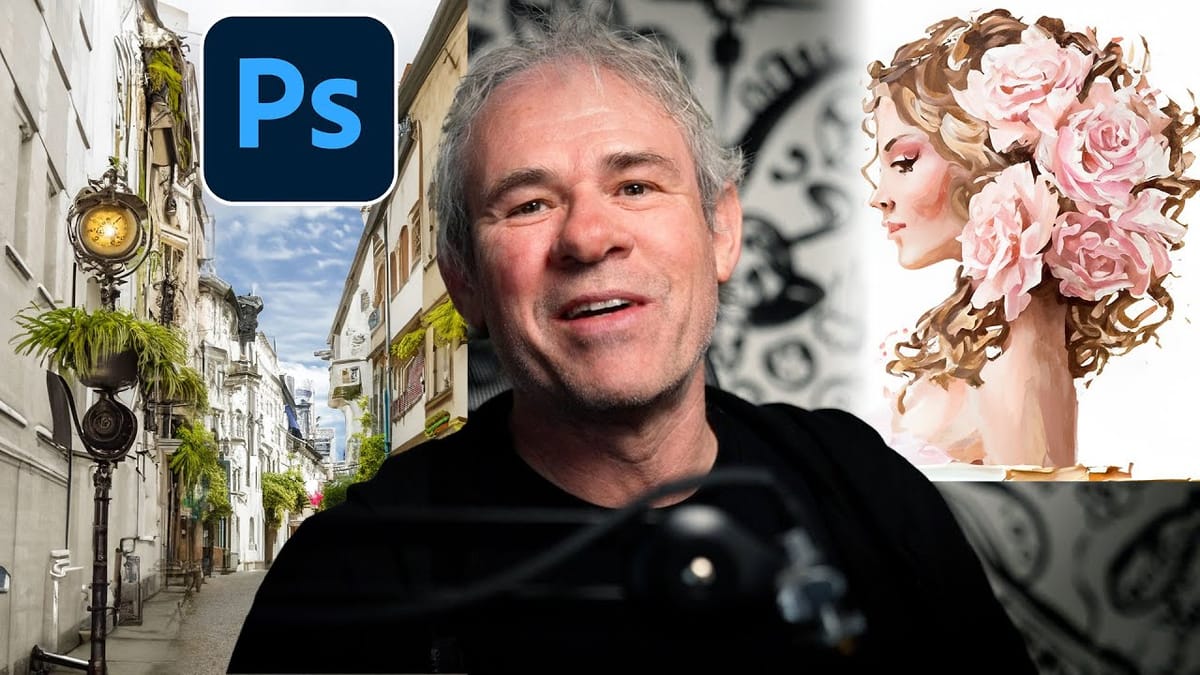
 Phlearn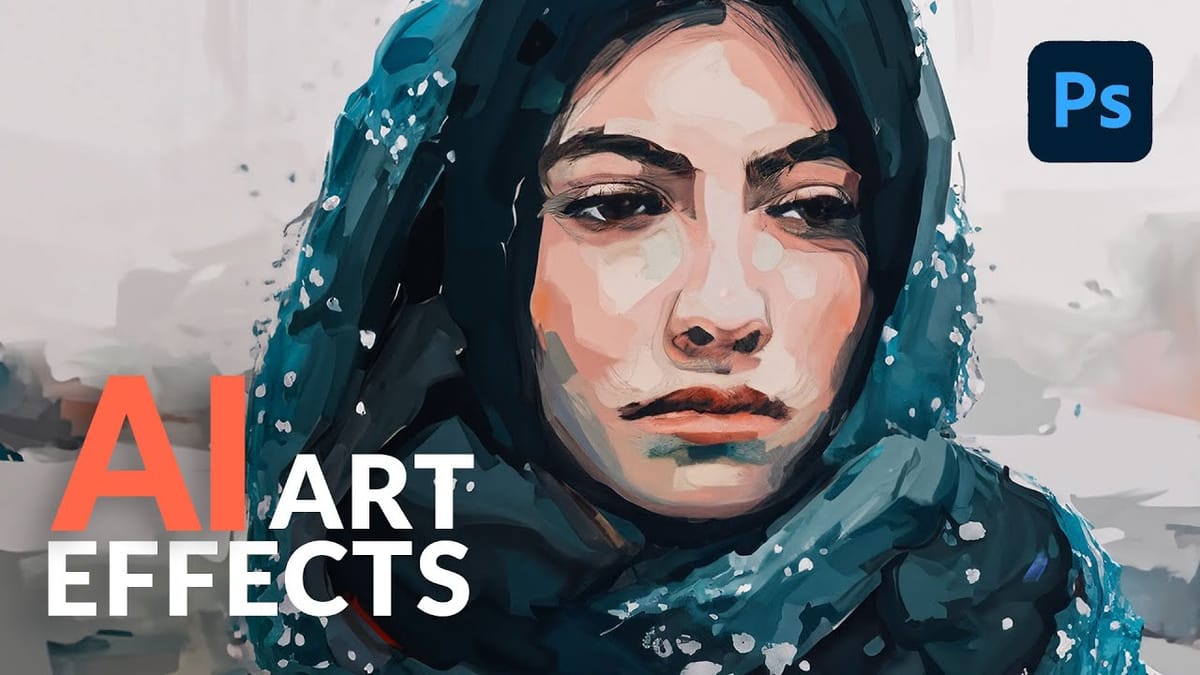
 Blue Lightning TV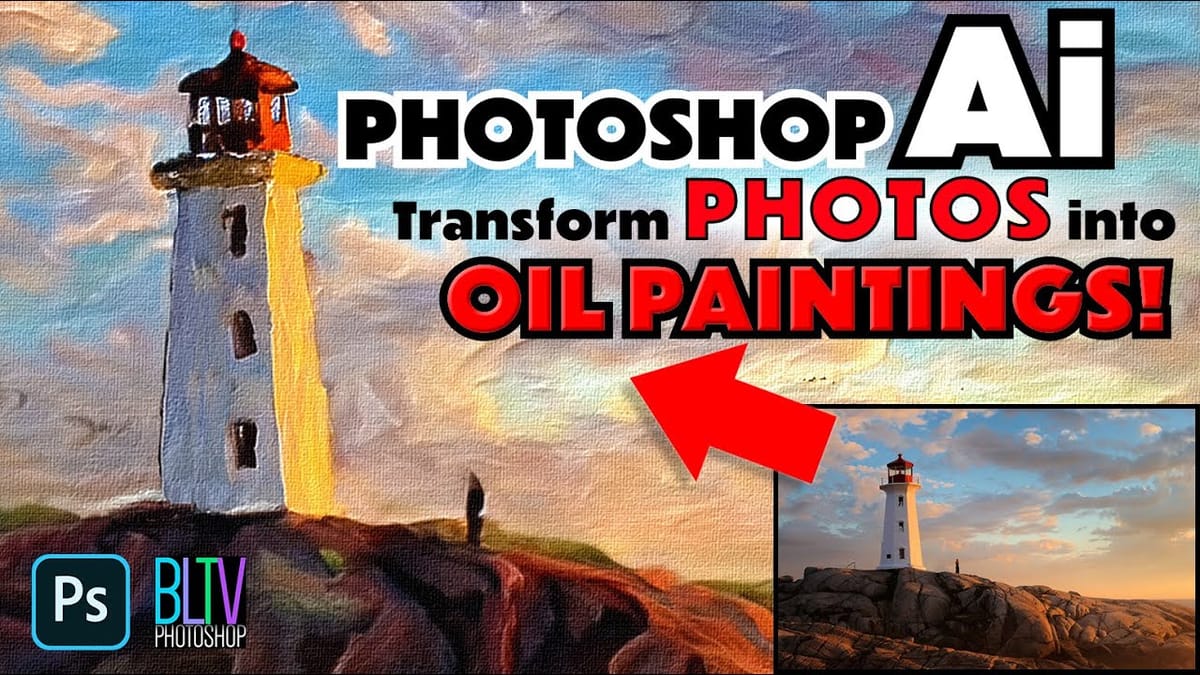
Photoshop Actions and Ready-Made Effects
Not every project needs to be built from scratch. Actions and pre-made effects can save time, especially if you already know the style you’re aiming for.
 GUMROAD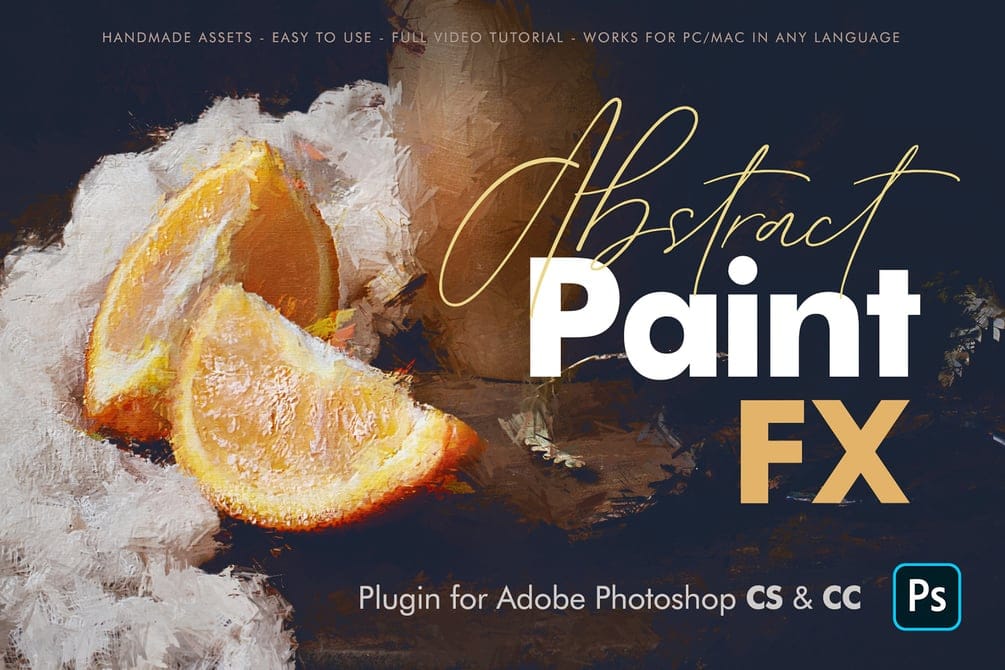
 Enrique Flouret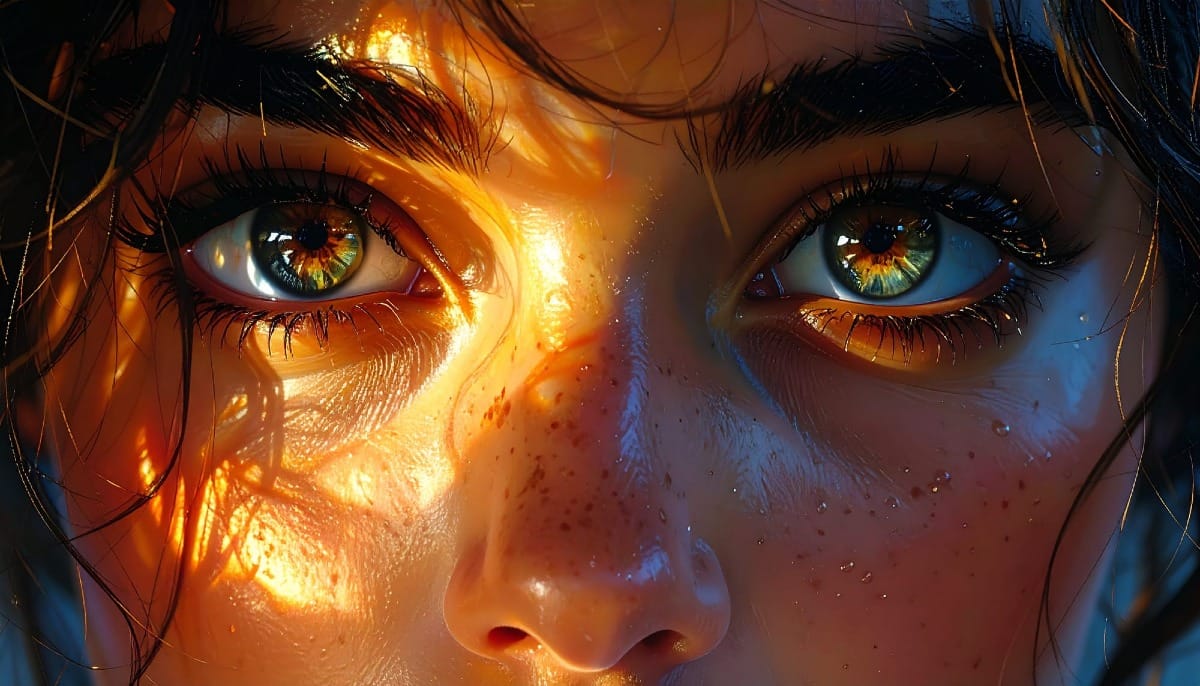
 Enrique Flouret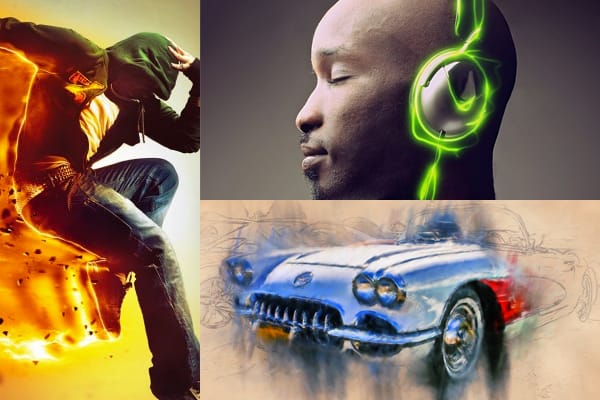
 GUMROAD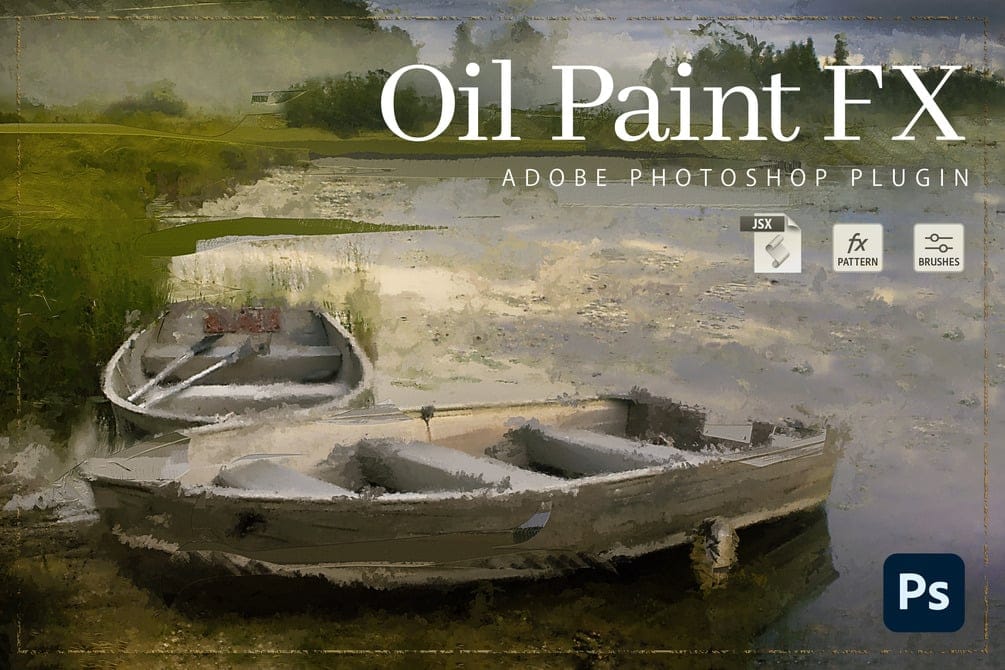
 GUMROAD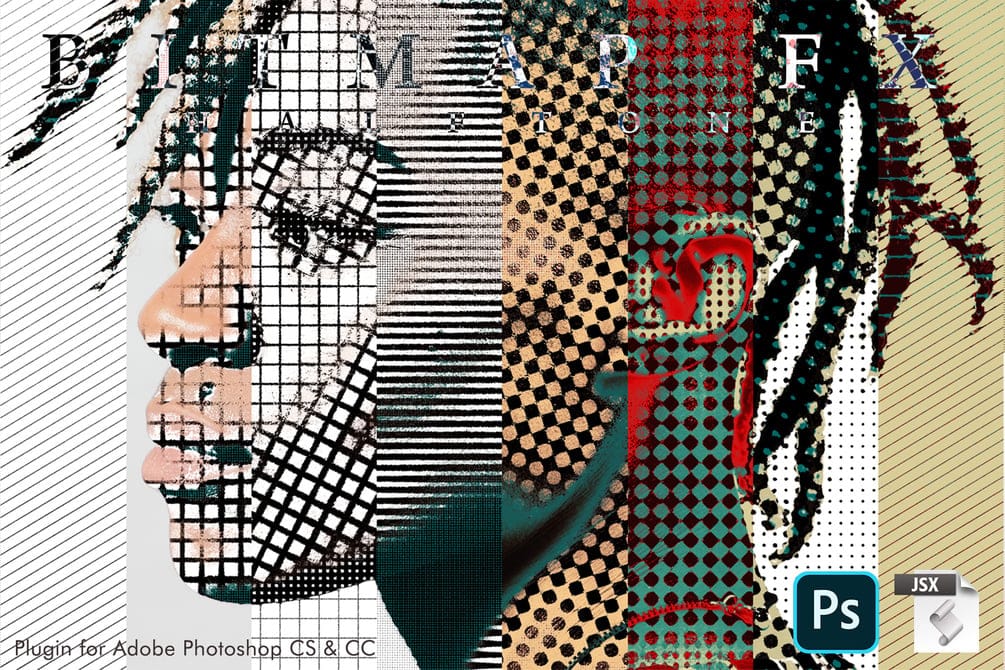
 Enrique Flouret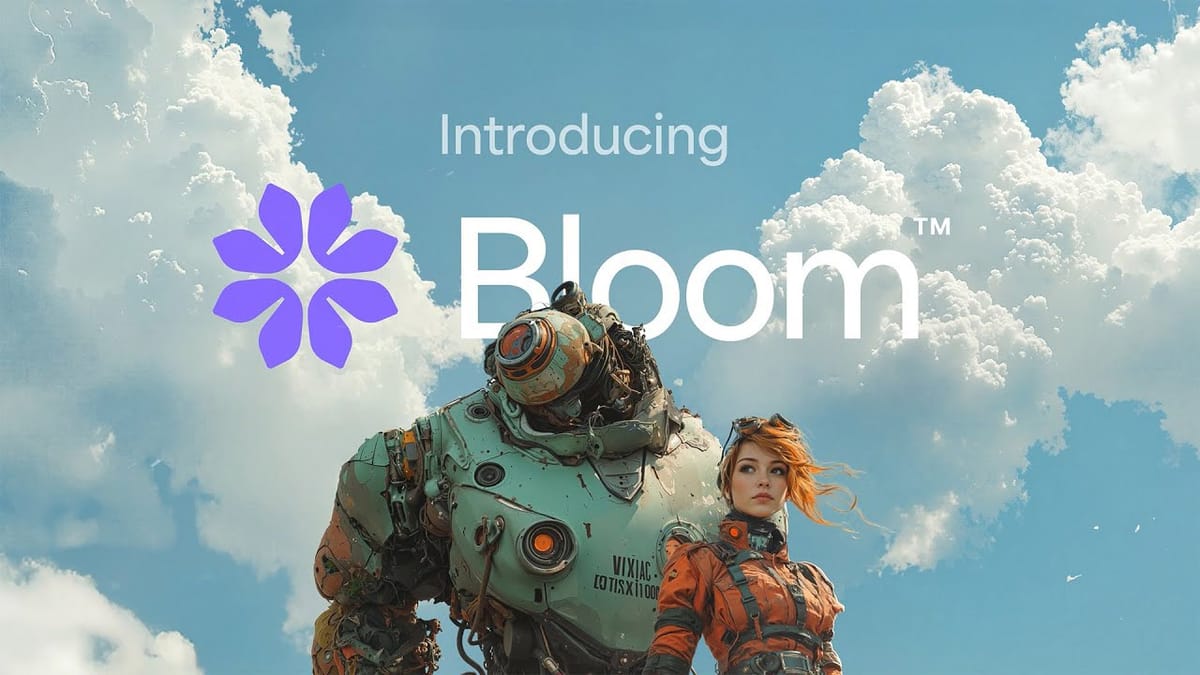
 Dealjumbo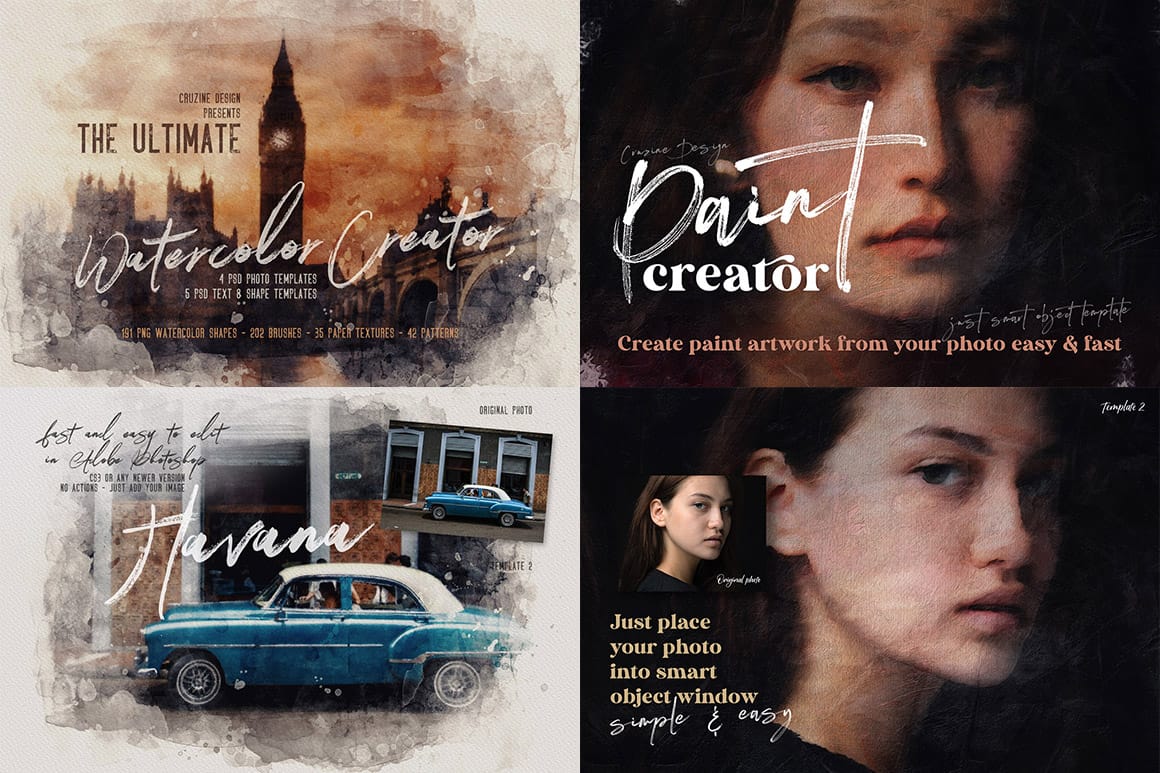
Closing Thoughts
Illustration effects are not about replacing photography, but about extending what you can do with it. A single image can lead to many different results depending on the style you choose and how far you push it.
While AI tools can generate quick versions of these effects, Photoshop still gives you the ability to shape and refine every detail. That control becomes more important when you want consistent, repeatable, and fully customized results.
If you’re learning Photoshop or improving your workflow, these techniques are still worth your time. And if you prefer a faster approach, actions and pre-made effects can help you get there without starting from zero.
Either way, the goal is the same: turning a simple photo into something that feels crafted, not just generated.







