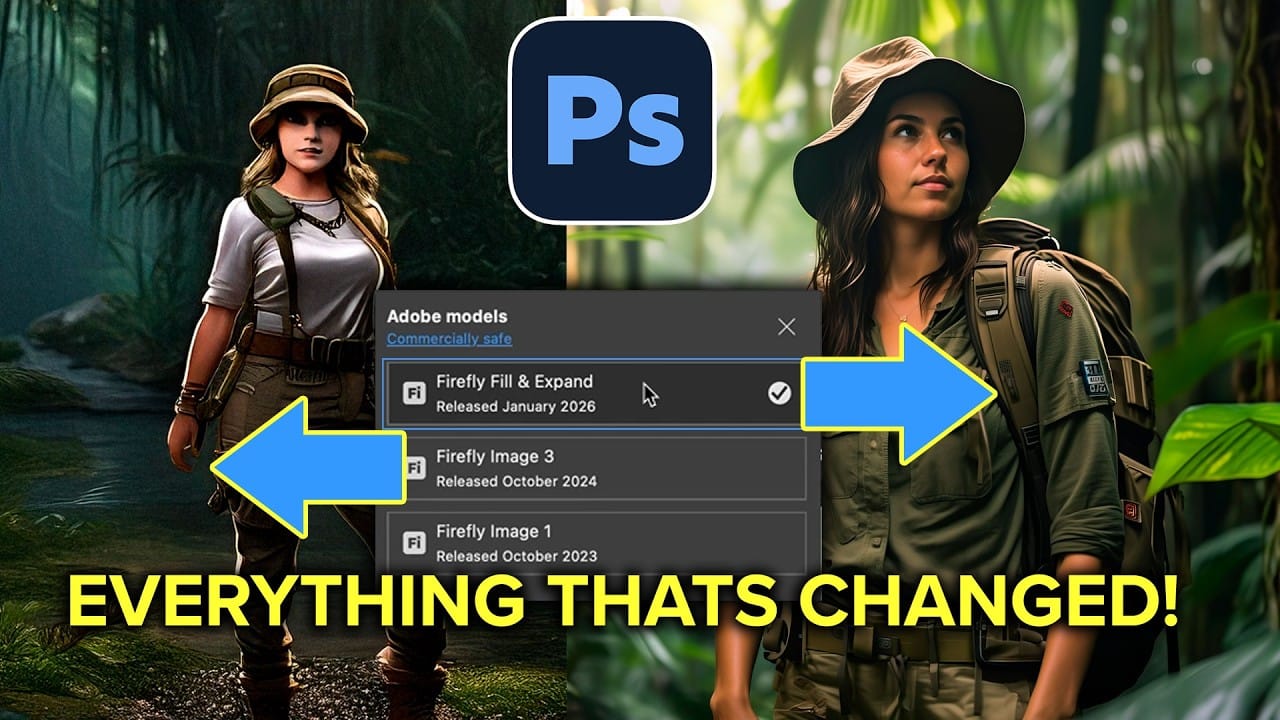
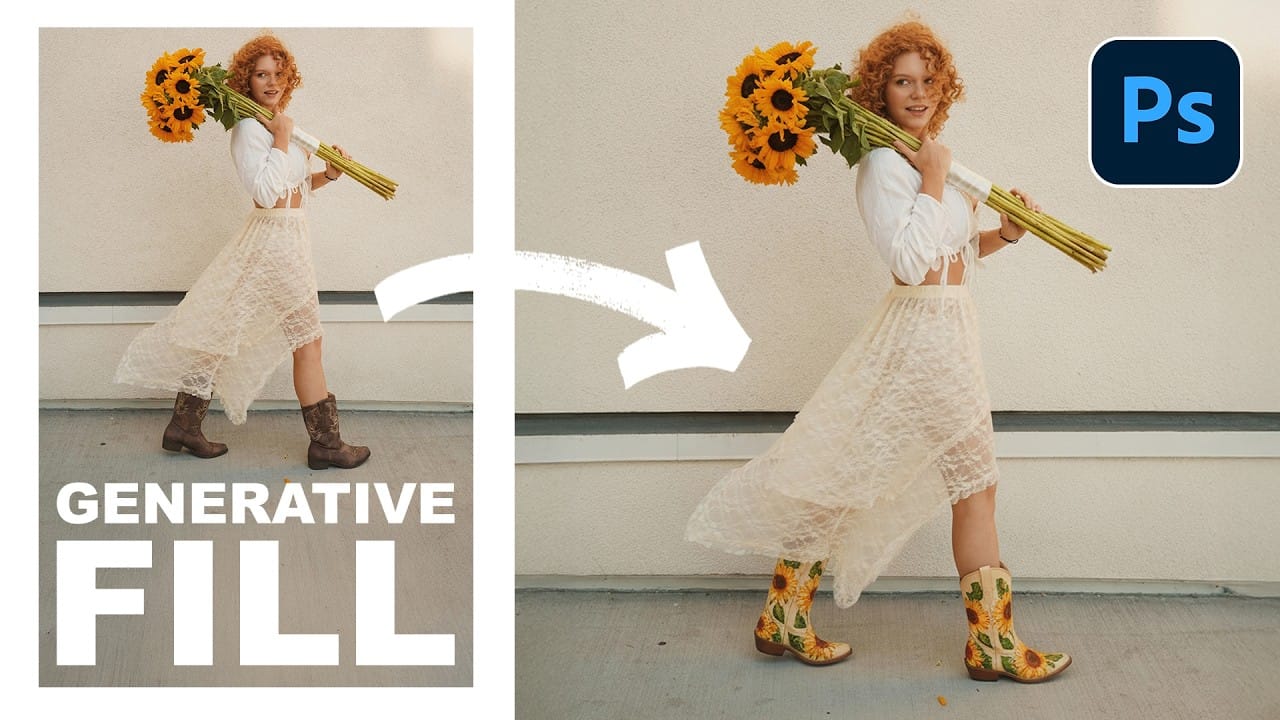
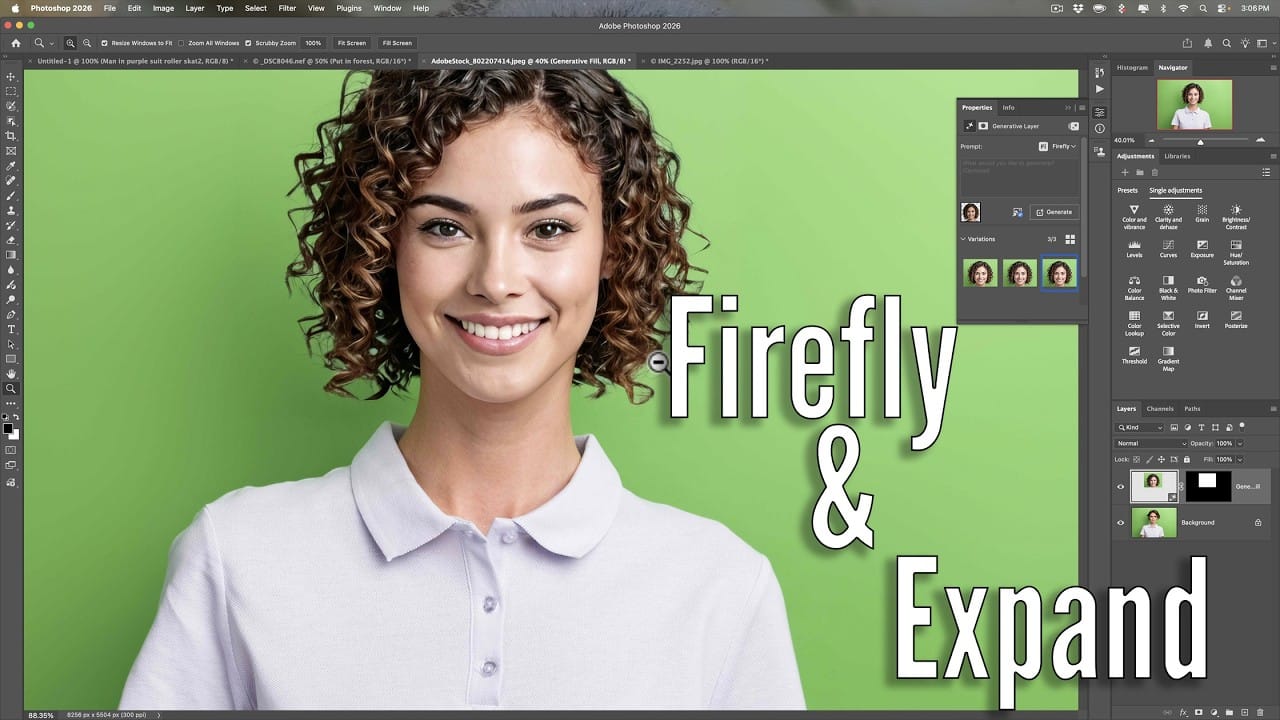
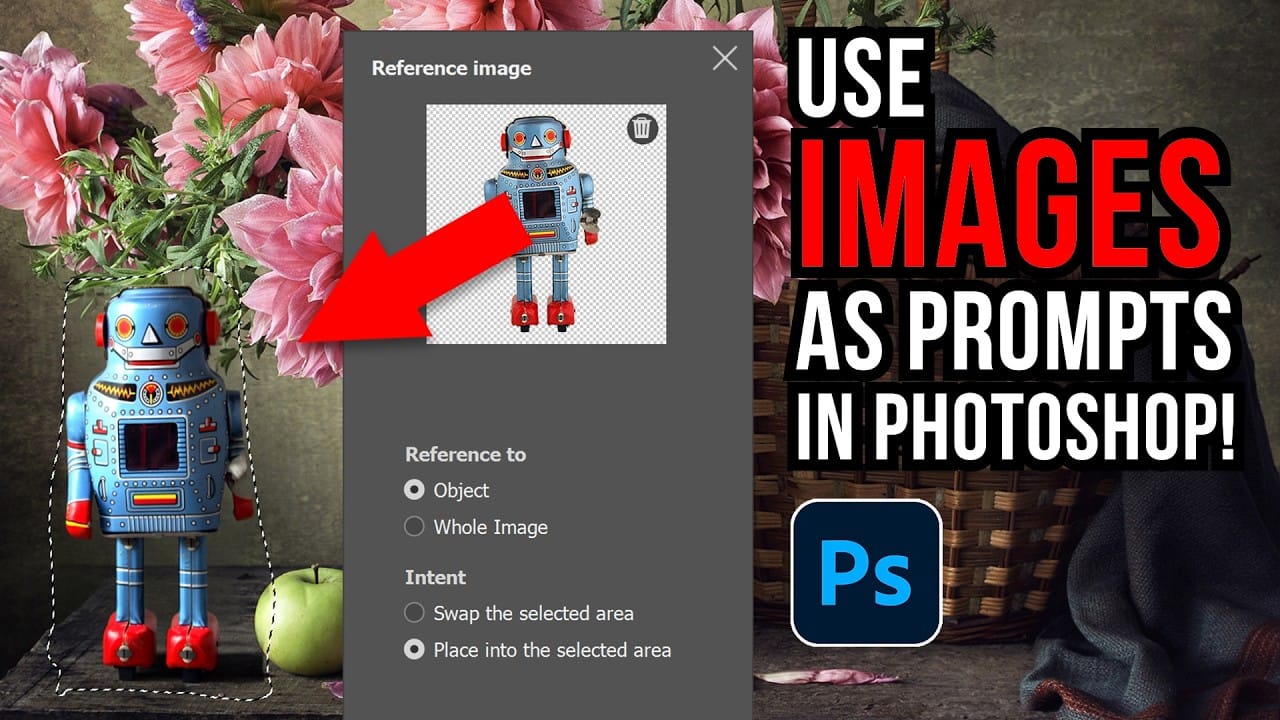
Photoshop Beta introduces significant improvements to Generative Fill that address the most requested features from users. The updated interface now displays your generative credit balance and usage, while the new reference image capability lets you add up to eight specific images to guide AI generation with precise visual examples.
These enhancements transform Generative Fill from a text-only tool into a visual command system where you can show the AI exactly what furniture, objects, or elements you want to add to your images.
Watch the Video
Video by photoshopCAFE. Any links or downloads mentioned by the creator are available only on YouTube
Practical Tips
Here are key techniques for using the new Generative Fill features effectively:
- Use Shift + Enter to expand the prompt box for multi-line descriptions when working with complex requests
- Photograph real furniture or products from shopping websites to create reference images for room decoration projects
- Select the entire image (Ctrl/Cmd + A) before generating to give the AI full context for lighting and perspective matching
- Monitor your generative credit usage through the new balance display to track consumption across different AI models
- Combine reference images with descriptive text prompts to achieve more accurate and predictable results
Related Articles and Tutorials
Explore these comprehensive guides for mastering AI-powered photo editing techniques: