27 Retro Photoshop Effects to Fix Your Painfully Boring Designs

27 Retro Photoshop Effects to Fix Your Painfully Boring Designs

At some point, most designs start to feel a little too familiar. Clean layouts, safe color choices, the same effects over and over… everything works, but nothing really stands out. It’s not bad design—it’s just predictable. And that’s usually when things start to feel, well… a bit “painfully boring.”

One of the easiest ways to break out of that loop is to look back. Retro styles bring in contrast, color, and personality in ways modern trends often avoid. From subtle film effects to bold neon aesthetics, these looks don’t just reference the past—they shake things up.

In this roundup, you’ll find a collection of retro Photoshop effects that can help you step out of the usual and make your work feel interesting again.

Vintage & Film Effects

Nothing captures retro style quite like the look of old photography. Film grain, light leaks, faded tones, dust, and scratches all add a sense of age and authenticity to an image. These effects soften digital perfection and introduce subtle imperfections that make designs feel more natural and timeless.

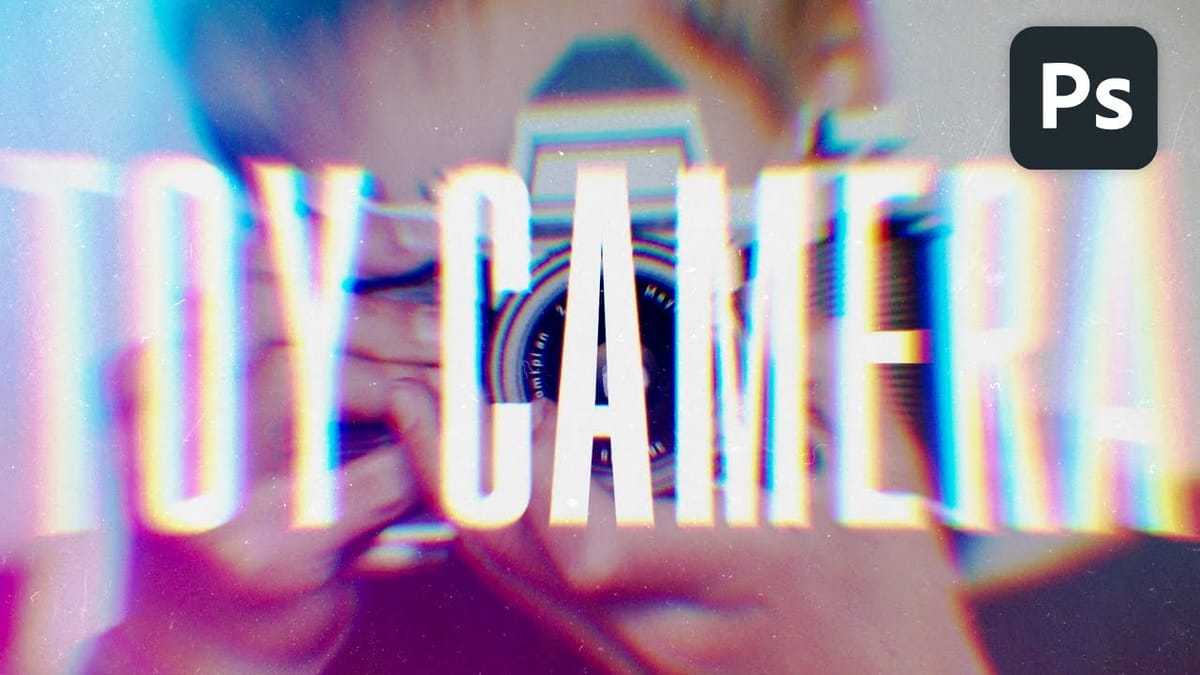
Create a Vintage Toy Camera Effect with Lens Distortion and Light Leaks in Photoshop
Vintage toy cameras produced wonderfully imperfect images—plastic lenses created natural distortions, light leaked through cheap seals, and dust accumulated on surfaces. These analog flaws gave photos a distinctive lo-fi charm that’s highly sought after today. This technique combines lens correction filters, colorful light leak textures, and carefully crafted grain
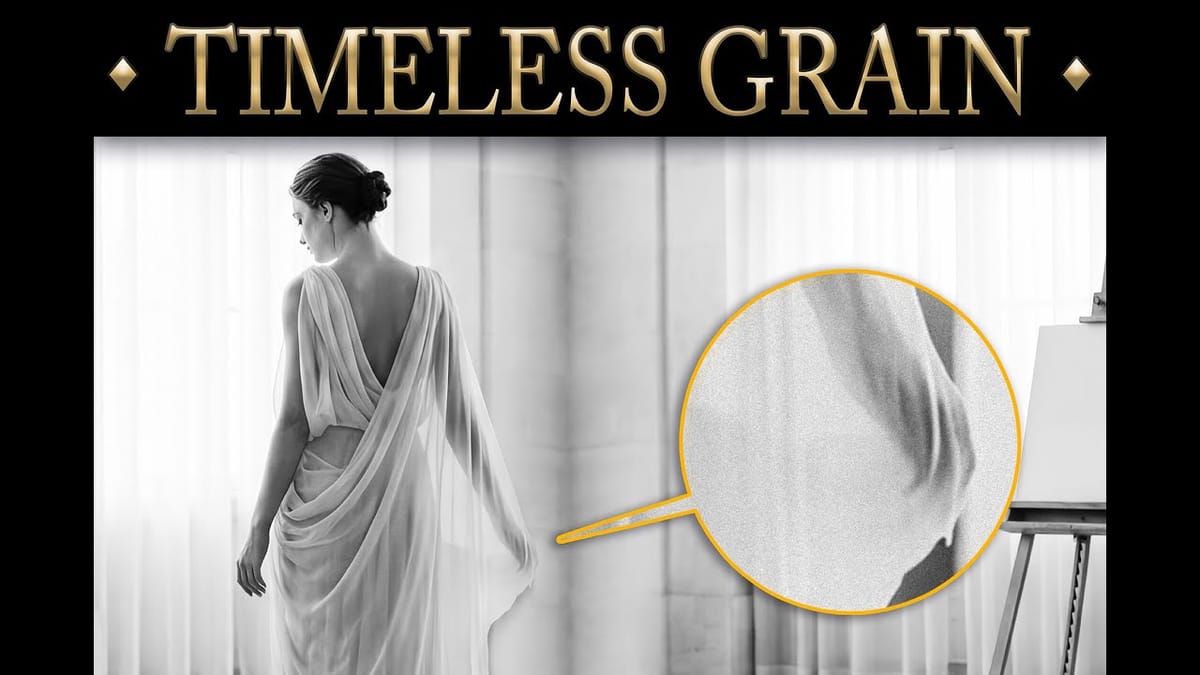
Add Realistic Film Grain in Photoshop Using the New Adjustment Layer
Film grain adds authentic character to digital images, recreating the organic texture that made analog photography compelling. The new grain adjustment layer in Photoshop 27.3 brings this classic effect directly into your workflow, eliminating the need to work in Camera Raw. Understanding how grain actually worked in film photography
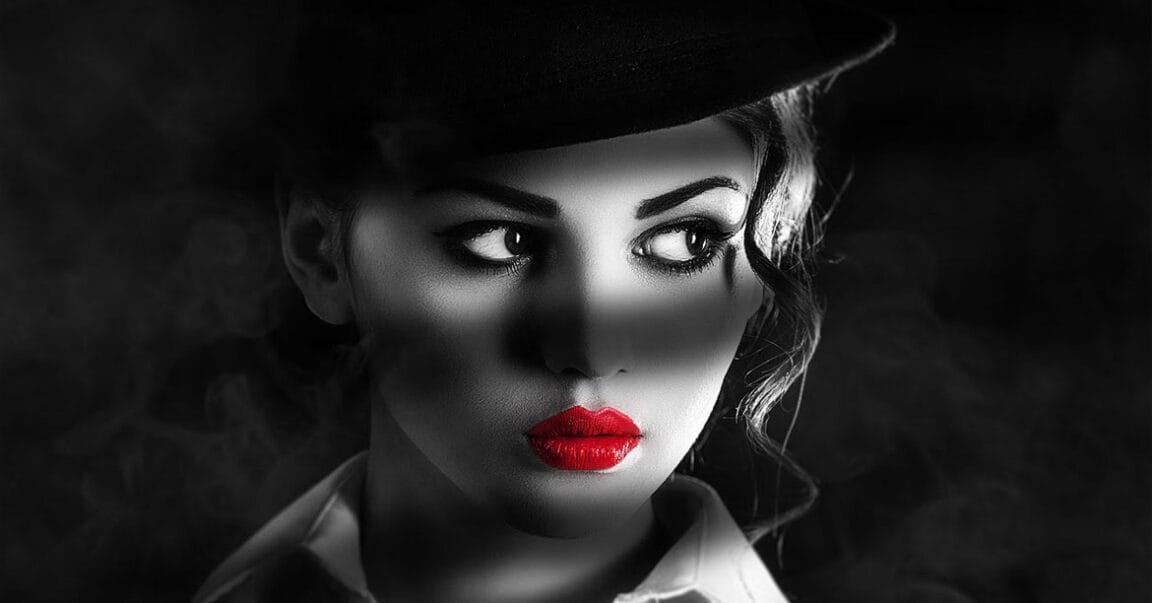
Create a stunning Film Noir photo effect in Photoshop
The classic film noir aesthetic, popularized by movies like Sin City, offers a dramatic and stylized visual experience. This unique style relies heavily on specific lighting and contrast techniques to evoke a sense of mystery and tension. This video tutorial guides you through the process of transforming your images into
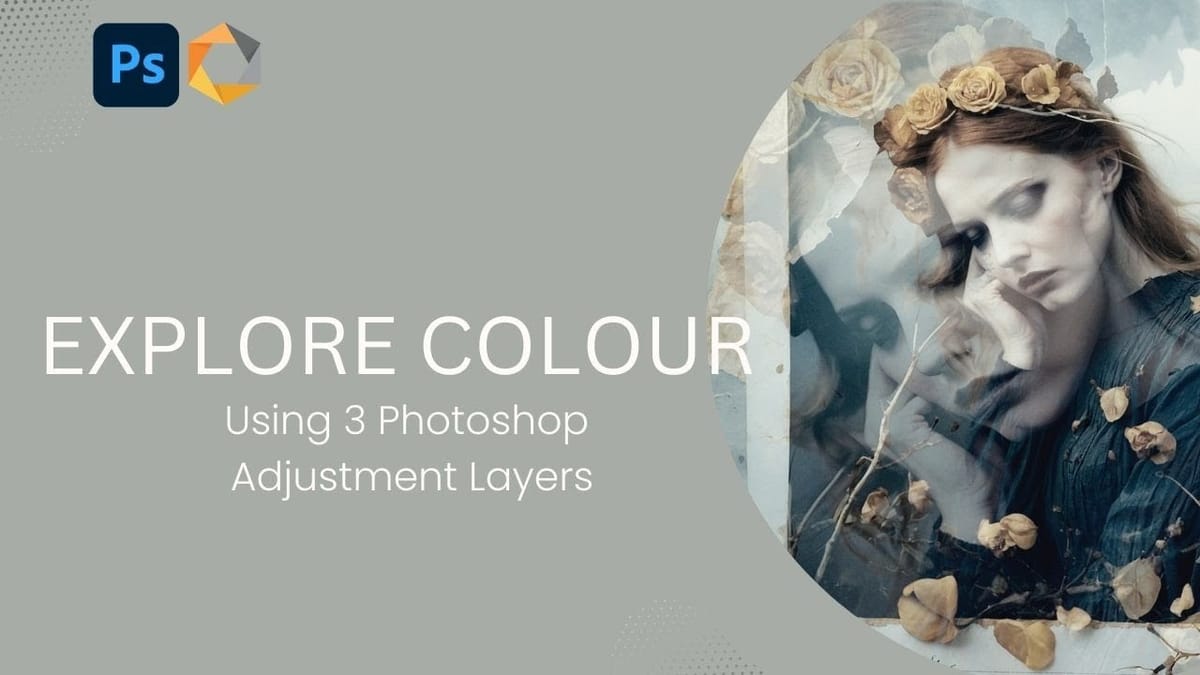
Creating Vintage Color Effects with Three Adjustment Layers in Photoshop
Transform any image into a vintage masterpiece using just three simple Photoshop adjustment layers. This creative approach demonstrates how to achieve rich, emotive color tones through strategic use of levels, photo filters, and black and white adjustments. Learn how to balance complementary colors, develop your color eye, and create compelling
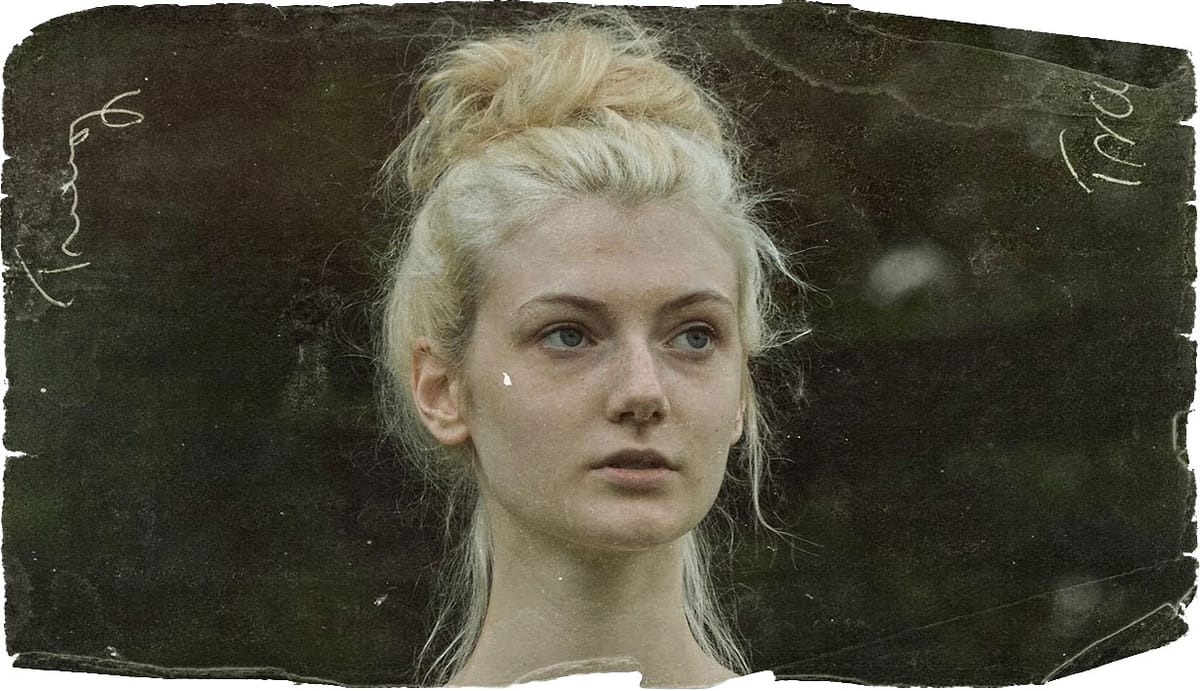
Apply a vintage and gritty old paper effect to your photos in Photoshop
In this tutorial by Jobe from DR Design Resources, you are going to learn a quick and easy technique to turn a regular photo into that old vintage paper look edges effect in Adobe Photoshop, and all we are going to need is a texture of an old paper, and of course the image you […] More
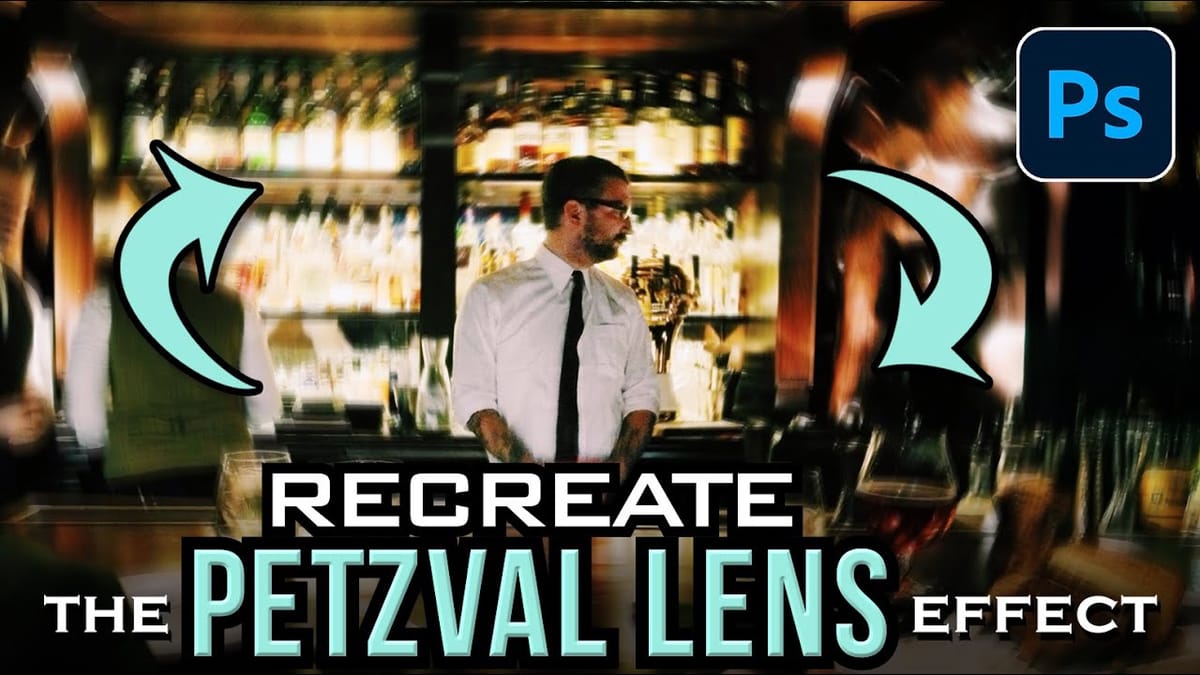
How to Create a Vintage Petzval Lens Effect in Photoshop
The Petzval lens, invented in 1840, creates a distinctive swirling, dreamlike blur that transforms ordinary photographs into vintage masterpieces. This unique optical effect features sharp central focus with rapidly falling sharpness toward the edges. Recreating this coveted vintage aesthetic in Photoshop allows photographers to achieve the same romantic, spiraling bokeh
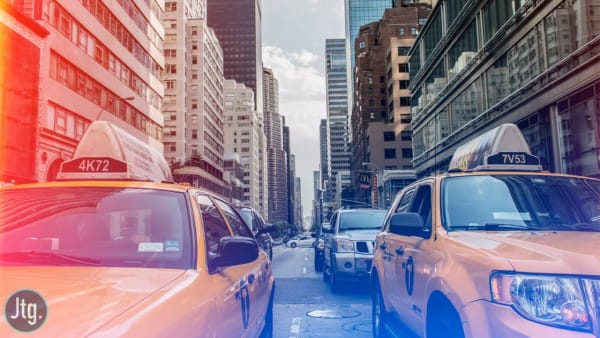
How to create retro color light leaks in Photoshop
In this photoshop Tutorial, you will learn how to add light leaks to your photos using gradient fill layers. This effect is really simple and easy to adjust for your own photo to add some interesting lighting. If you want to try different kinds of light leaks effects, then take a look at this professional […] More

This style works especially well for photography, backgrounds, and any project that needs a nostalgic or cinematic mood.

Retro Text & Typography Styles

Typography plays a huge role in defining retro design. From the flowing, groovy lettering of the 70s to bold 80s chrome and layered effects, retro text styles instantly set the tone of a design. They’re eye-catching, expressive, and often become the main focus of the composition.

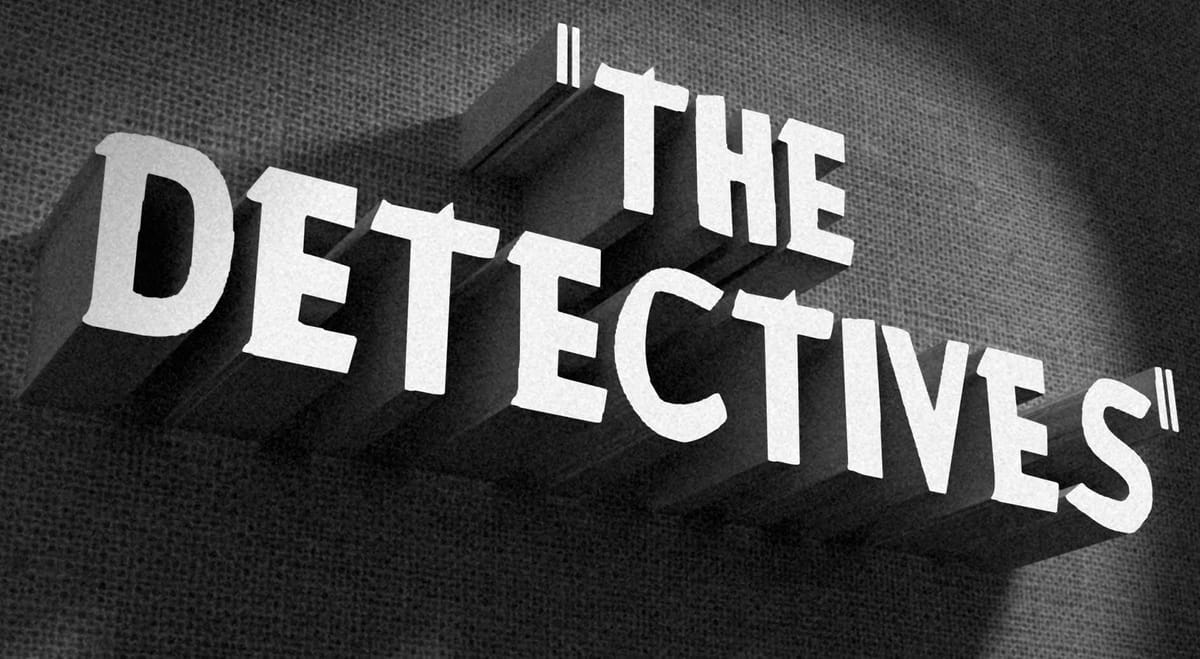
How to Create a Vintage, Film Noir Movie Title in Photoshop
This Photoshop tutorial by BlueLightning TV how to design and create a film noir, movie opening title card similar to crime dramas from the 1940s and 1950s. Download Film noir PSD file, Fabric texture, Montgomery Font. More
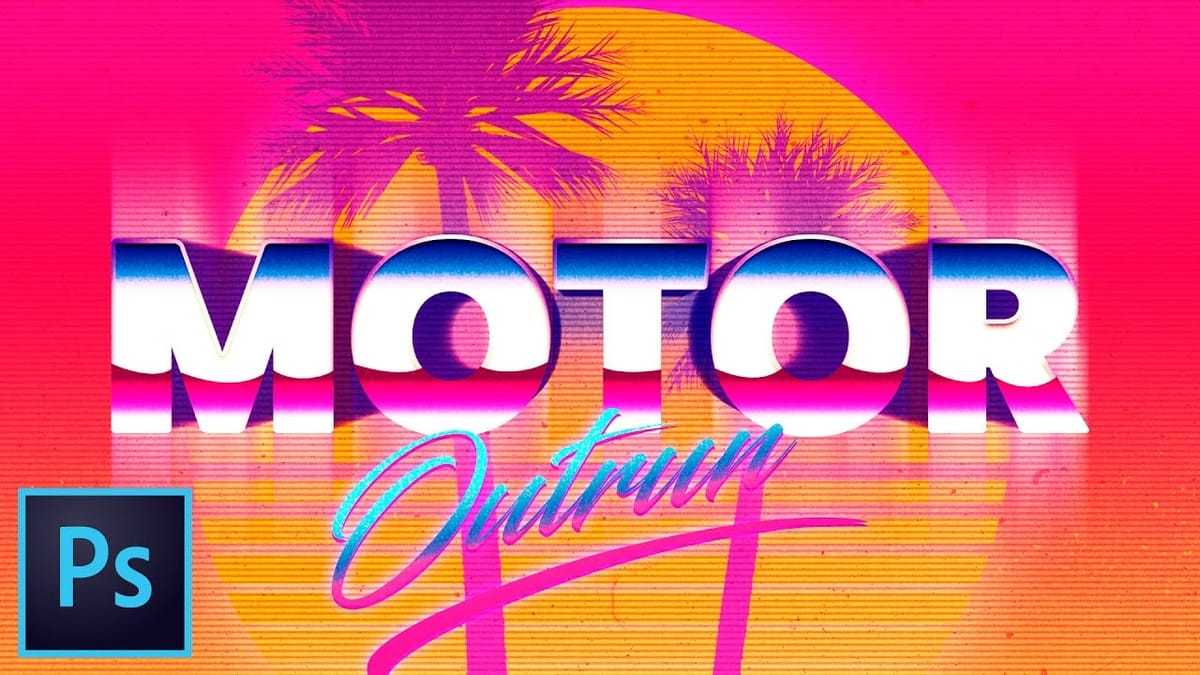
Create an Outrun-style retro text effect in Photoshop
In this Photoshop tutorial by Nathaniel Dodson from TutVid, you will learn how to create the Outrun video game style using gradients, textures, colors, text and more to create a myriad of different “Outrun” style works of art. DOWNLOAD the Gradient Pack here…, Download the dirt spray brushes here… download the dust and scratches textures […] More
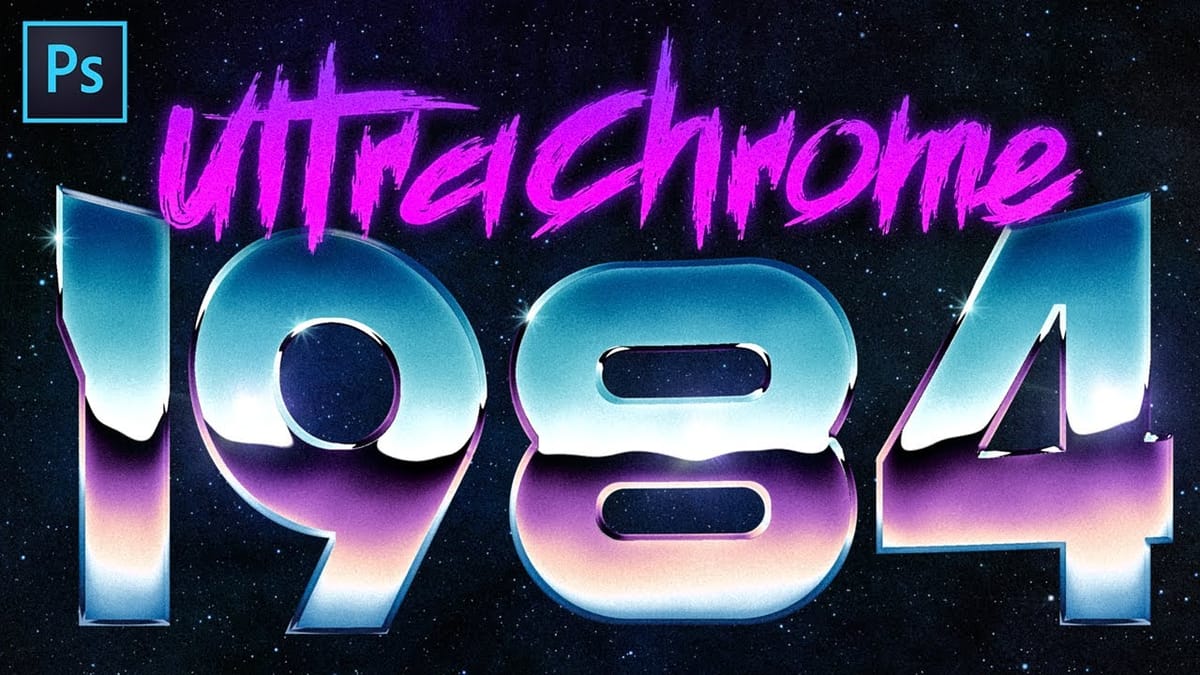
Create Super Rad 80’s Chrome in Photoshop
The iconic 80s chrome aesthetic transforms ordinary text into reflective, metallic masterpieces that command attention. This retro-futuristic style combines vibrant gradients, dramatic reflections, and dimensional depth to create that classic synthwave look. This technique uses gradient mapping as the core engine, converting subtle gray variations into complex chrome reflections. Every
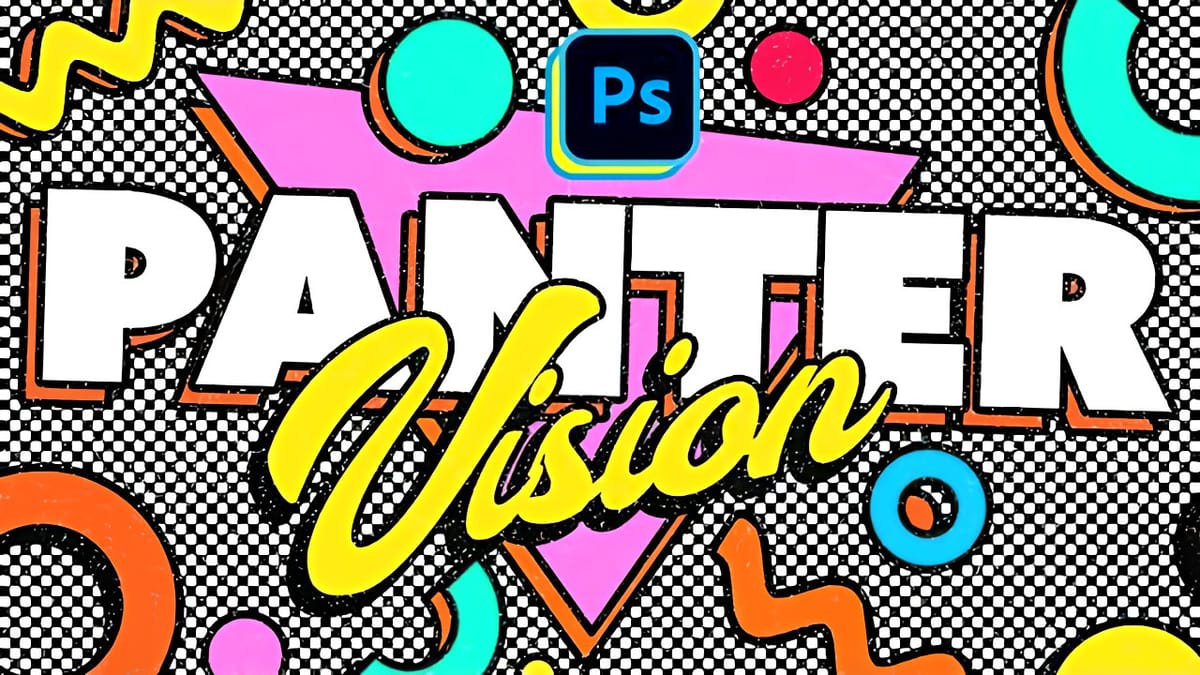
Create Colorful Retro Text Compositions in Photoshop
Retro design trends continue to captivate audiences with their bold colors and geometric shapes. This tutorial demonstrates how to build a complete vintage-inspired composition using text, geometric elements, and vibrant color schemes that capture the essence of classic graphic design. You’ll learn to combine typography with custom shapes, apply decorative
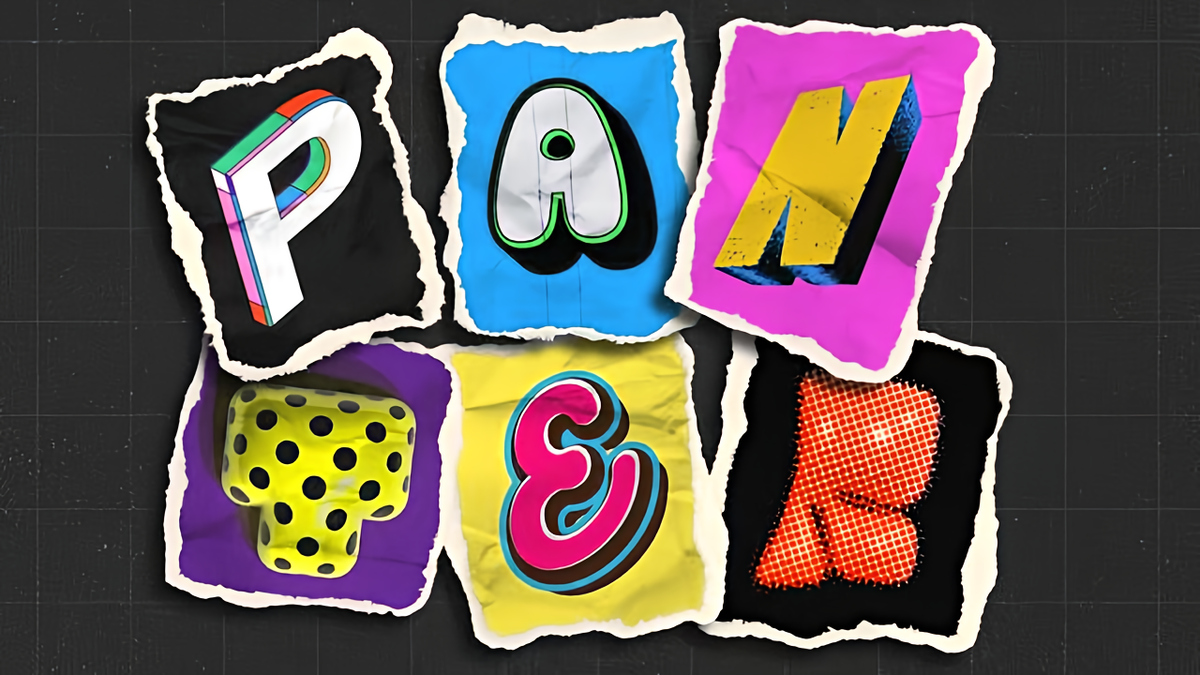
How to Create Collage Text Effects in Photoshop
Collage text transforms simple typography into visually striking artwork by combining wrapped paper textures, strategic warping, and careful masking techniques. This creative approach gives letters dimension and character, perfect for artistic projects and unique design elements. The technique involves layering textured materials within letter shapes, then using Photoshop’s puppet warp
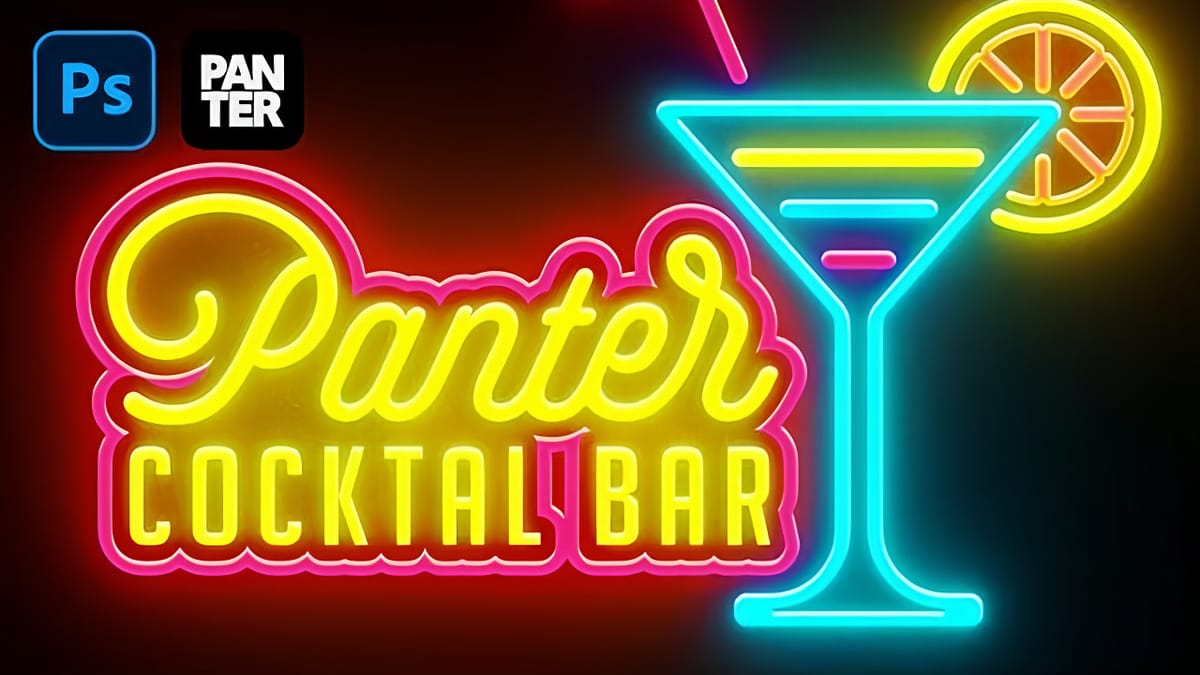
Create a Neon Text Effect in Photoshop with Blur and Layer Styles
Neon signs bring instant energy to any design with their electric glow and vibrant colors. The luminous quality that makes real neon so captivating can transform ordinary text into something that feels alive and pulsing with light. This video demonstrates how to recreate that distinctive neon look using Photoshop’s blur

These styles are perfect for posters, covers, and branding elements where strong visual identity matters.

VHS, Glitch & Distortion Effects

Retro doesn’t always mean clean. Some of the most recognizable styles come from imperfections in old technology. VHS tracking lines, RGB color shifts, static noise, and digital glitches recreate the look of analog video and early digital screens.

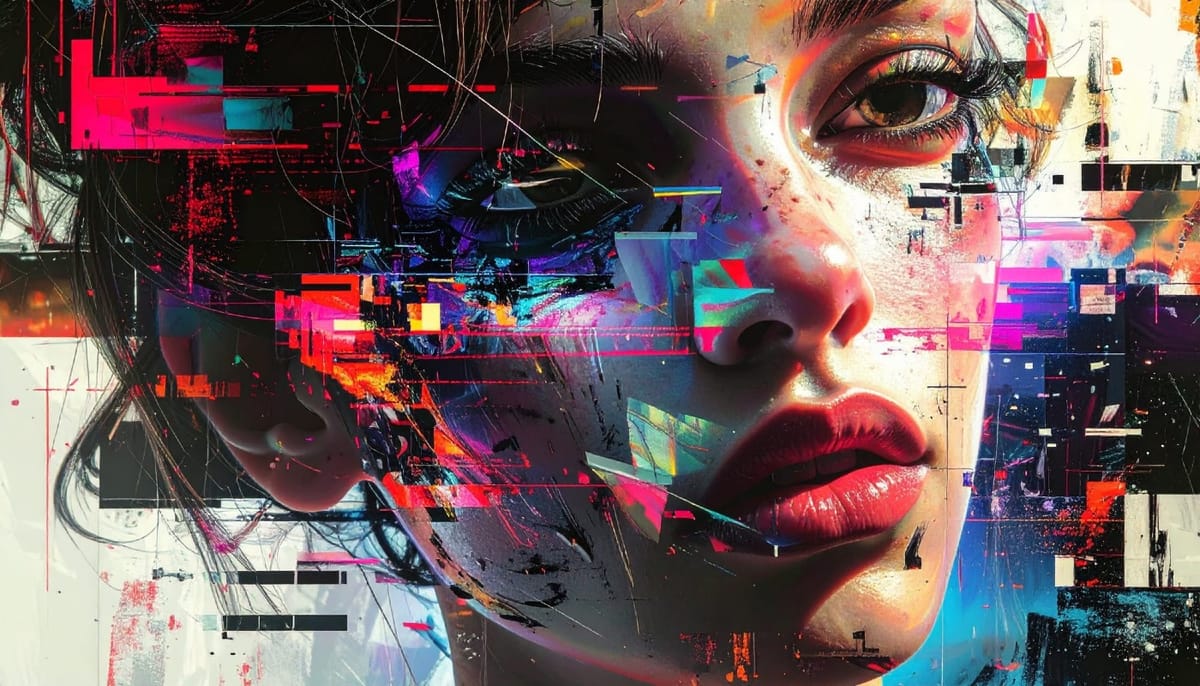
The Beauty of Digital Mistakes: Glitch Effects and Visual Aberrations in Photoshop
Once, a broken image or pixelated frame meant something had gone wrong. Now, those same visual errors are a creative choice. Designers and digital artists are using glitch effects to turn imperfections into style — bending pixels, breaking color channels, and distorting shapes until they feel alive again. Maybe it’s

These effects add movement, energy, and a slightly chaotic feel, making them ideal for modern designs that still want a nostalgic edge.

Retro Print & Grunge Textures

Before everything went digital, design lived on paper. Print-based effects like halftone patterns, ink bleed, and misalignment bring that tactile quality back into digital work. Combined with distressed textures and rough finishes, they create a worn, imperfect look that feels raw and authentic.

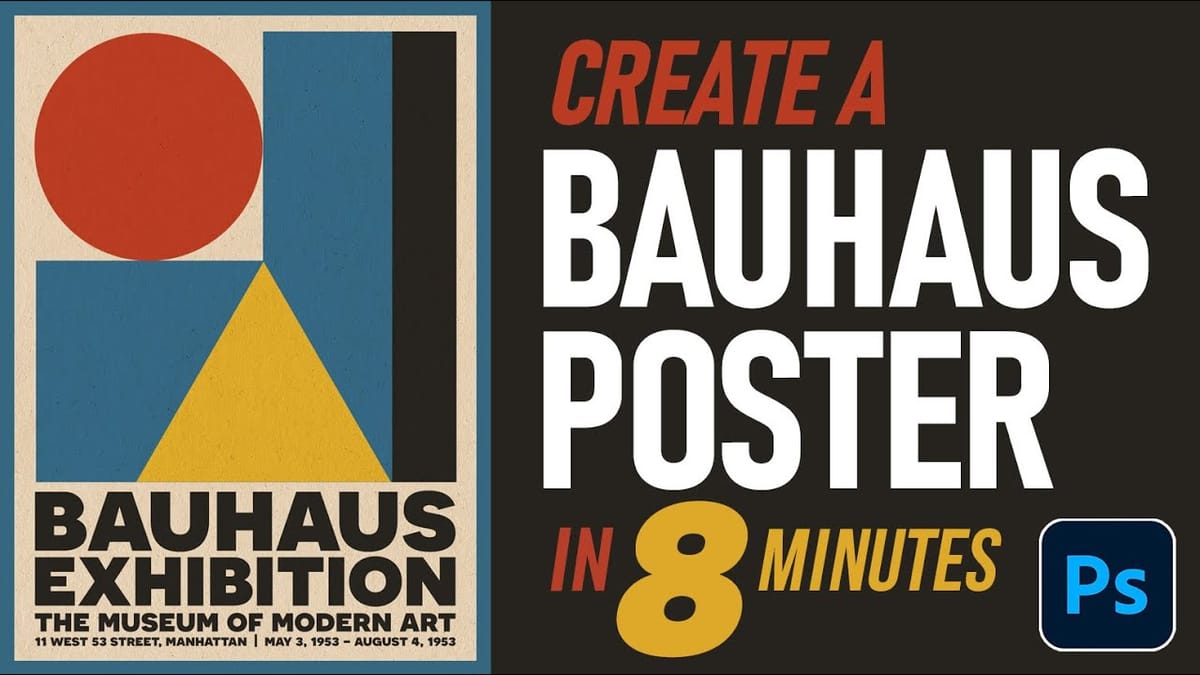
How to Create an Authentic Bauhaus Poster Design in Photoshop
Bauhaus design represents one of the most influential movements in modern visual communication, characterized by geometric precision, bold typography, and a limited but striking color palette. This minimalist approach prioritizes functionality while creating powerful visual impact through the careful arrangement of basic shapes and clean lines. The authentic Bauhaus aesthetic
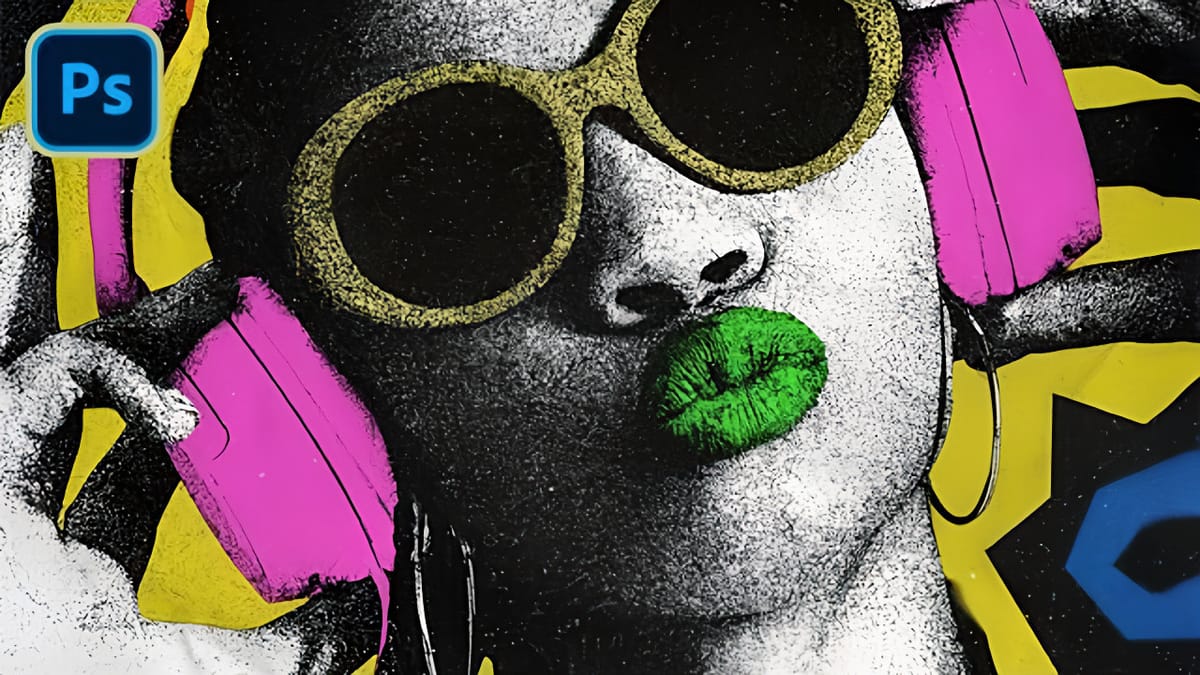
How to Create a Photocopy Pop Art Effect in Photoshop
Vintage photocopy aesthetics bring a distinctive grittiness that transforms ordinary portraits into striking graphic art. The rough textures, high contrast, and bold color blocking characteristic of this style echo the experimental printing techniques that defined underground art movements and zine culture. This tutorial demonstrates a complete workflow for achieving an
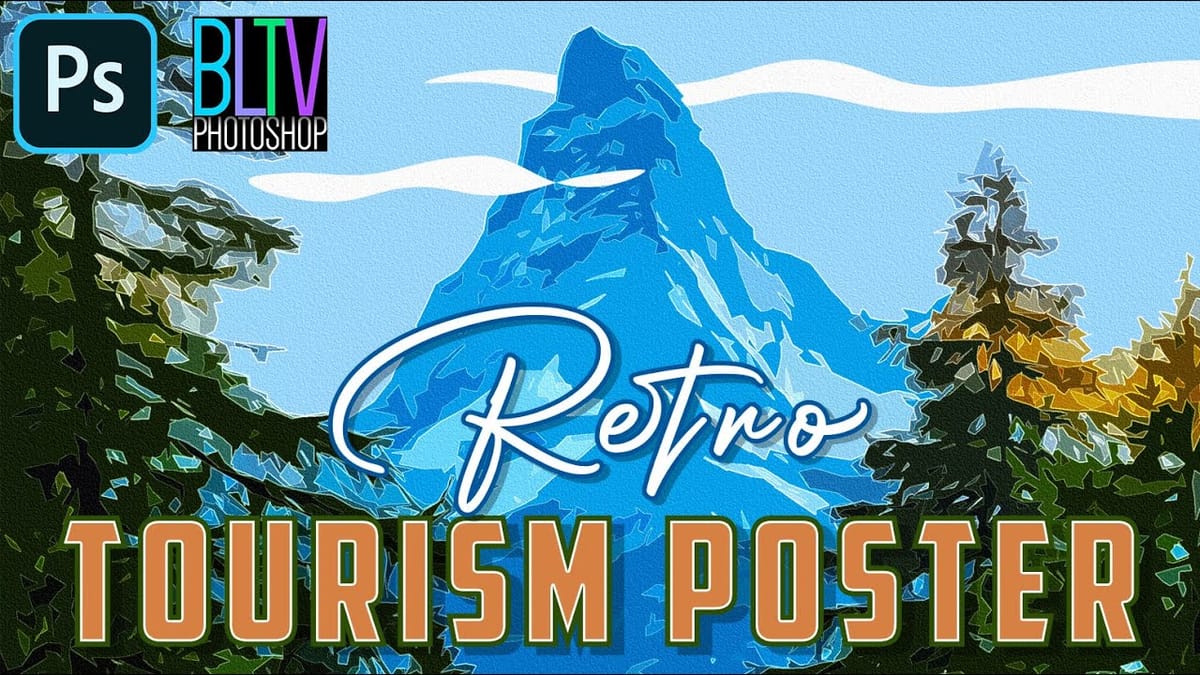
Create Stunning Retro Travel Tourism Posters in Photoshop
Vintage travel posters capture the romance of classic destinations with their bold colors, simplified forms, and nostalgic charm. This technique transforms ordinary scenic photographs into stylized artwork reminiscent of mid-century tourism advertisements. The process combines artistic filters, custom cloud illustrations, and vintage typography to create authentic-looking poster designs that evoke
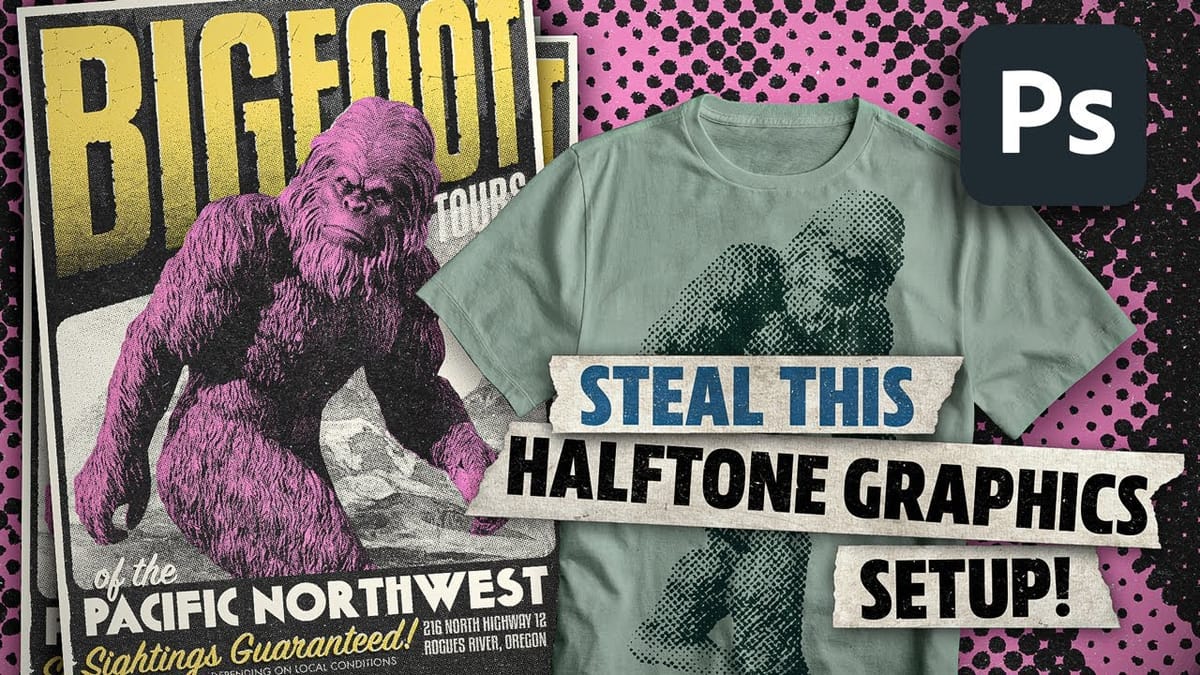
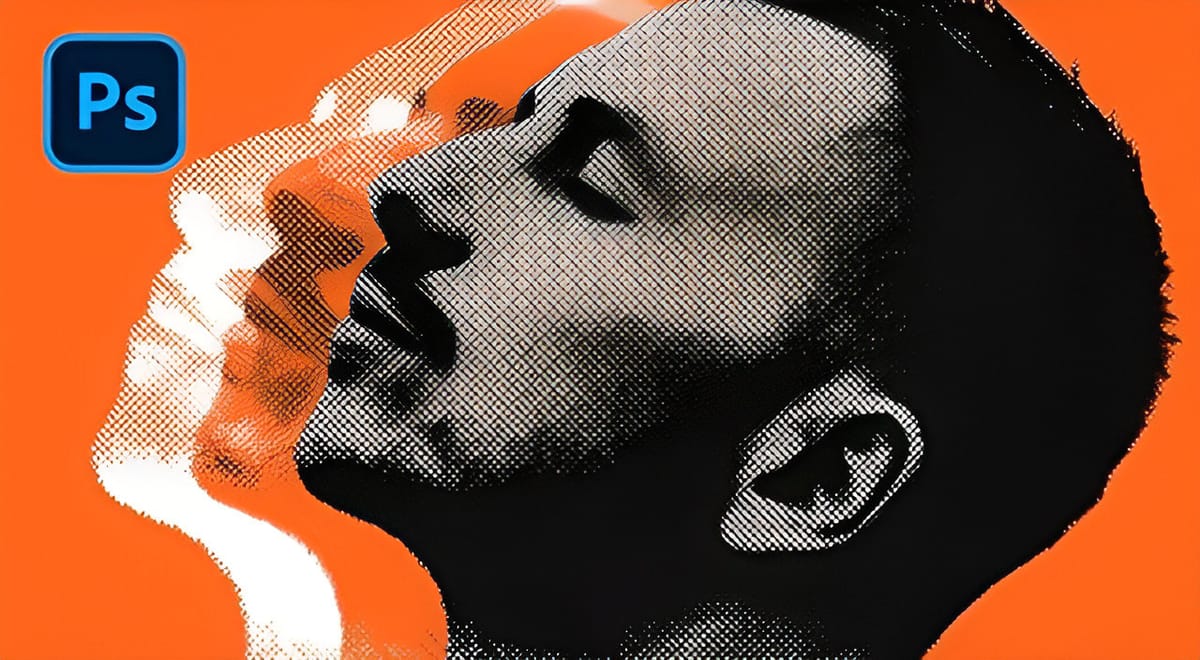
Create awesome retro halftone effects in Photoshop
In this tutorial, I’ll run through the setup I use to create halftone effects in Photoshop. Great for posters, apparel, stickers, or just making cool retro-lookin stuff! This approach will bypass the halftone filters and create the effect from scratch, with the added benefit of being live and adjustable. In the second half of the […] More
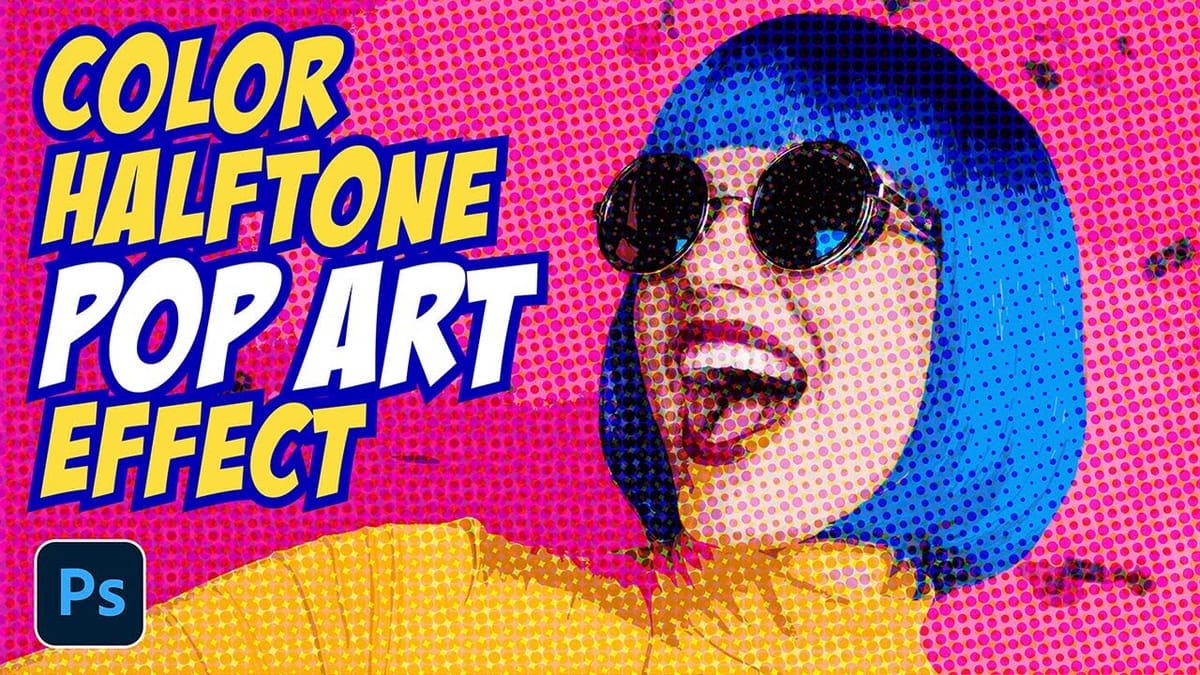
Create a Retro Pop Art Effect with Color Halftone in Photoshop
Pop art transformed ordinary subjects into bold, graphic statements through vibrant colors and distinctive printing techniques. The movement’s signature look came from commercial printing methods, especially the visible halftone dots that created depth and texture in mass-produced images. This video demonstrates how to recreate that iconic aesthetic digitally, combining artistic
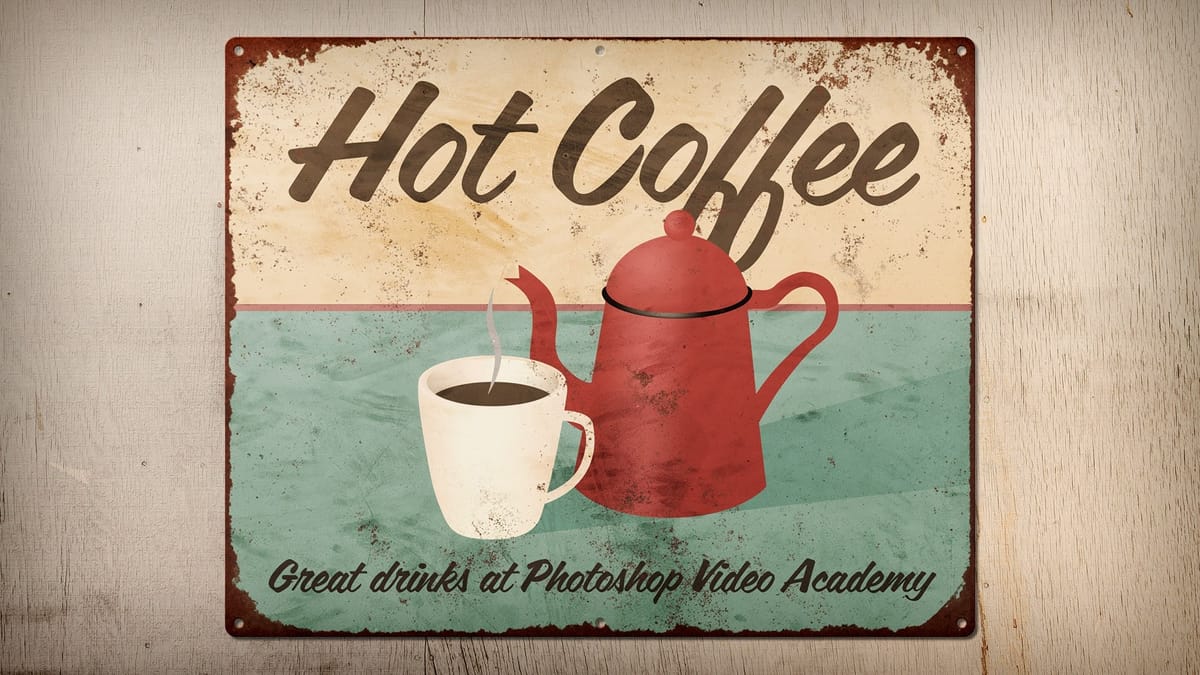
How to Create a Rusty, Vintage Tin Sign in Photoshop
This video will teach you how to create a rusty, vintage tin sign in Photoshop where you can swap out the artwork at any time without destroying any of the effects. More
How to Create a Vintage Collage Effect with Halftone Patterns in Photoshop
Vintage collage effects combine the nostalgic appeal of old-school printing techniques with modern digital artistry. This technique uses halftone patterns, emboss effects, and strategic layering to transform ordinary portraits into striking retro compositions that evoke classic album covers and vintage advertisements. The process involves duplicating layers with different treatments, applying
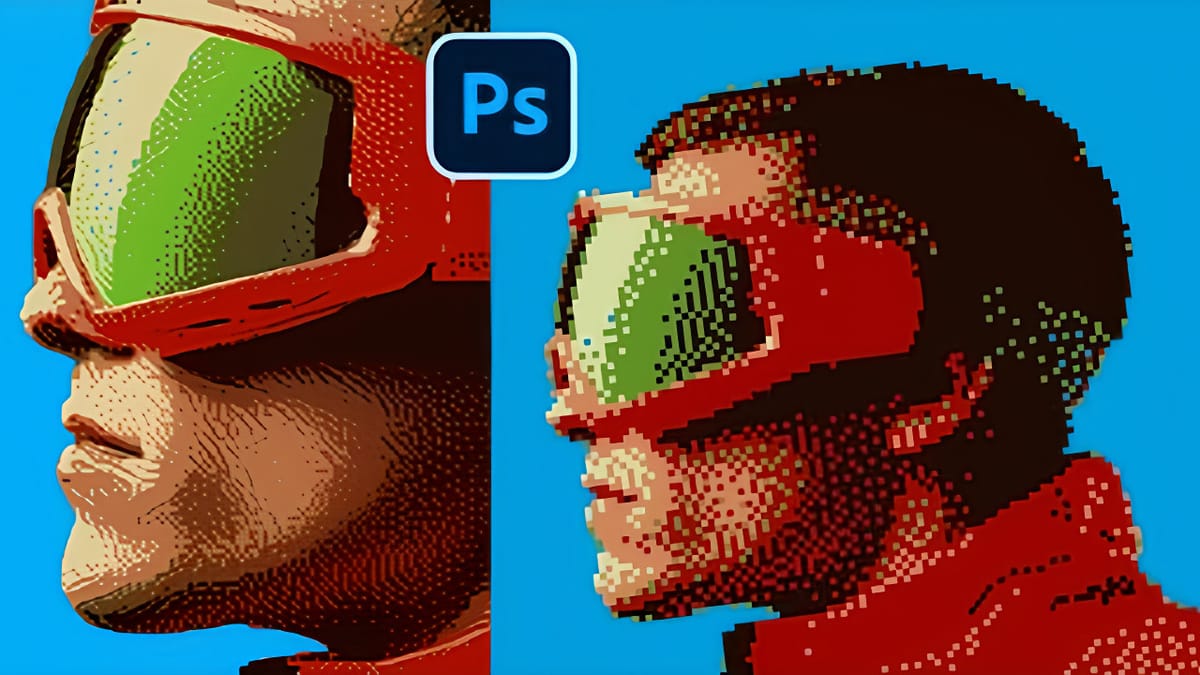
Creating Pixelated Dither Effects in Photoshop
The pixelated dither effect transforms modern photographs into retro-inspired artwork reminiscent of early video games and vintage computer graphics. This distinctive visual style uses controlled color reduction and strategic pixelation to create images that balance nostalgic charm with contemporary design appeal. The technique relies on Photoshop’s export settings and specific
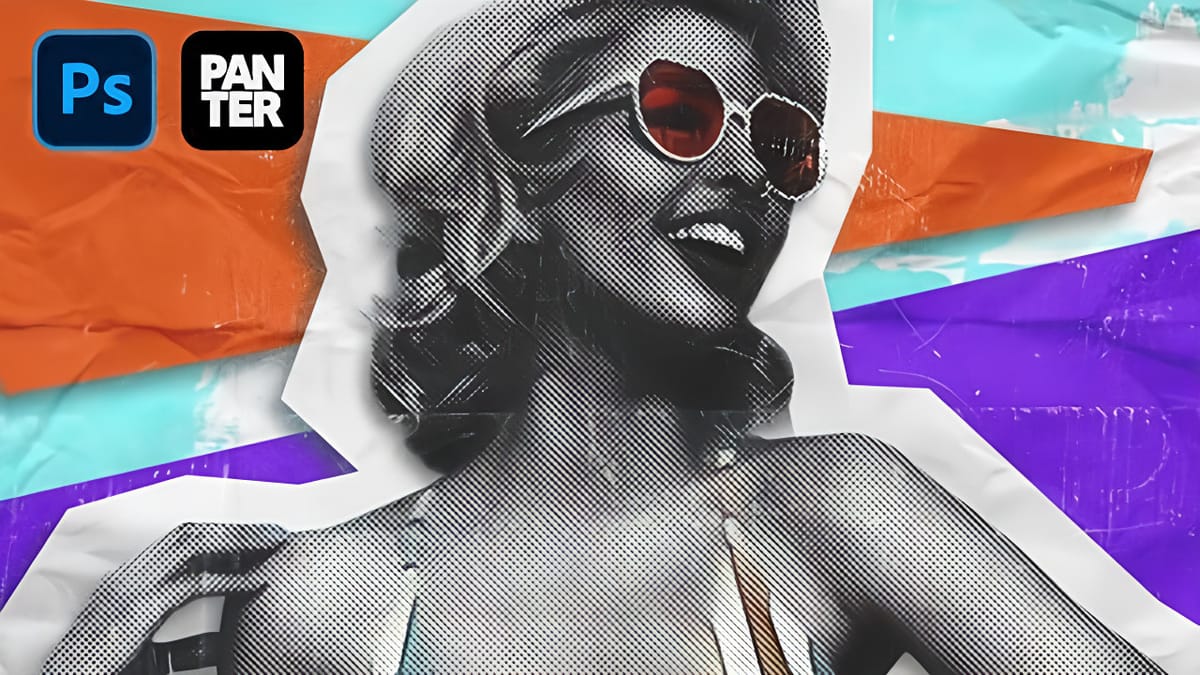
How to Create a Grungy Pop Art Collage with Halftone Effects in Photoshop
Pop art collages capture the bold, experimental spirit of 1960s graphic design through layered compositions and striking visual contrasts. This aesthetic combines commercial printing techniques with artistic rebellion, creating designs that feel both nostalgic and contemporary. This tutorial demonstrates how to build a complete pop art collage from a portrait

This style fits especially well in poster design, album artwork, and editorial-inspired layouts.

Neo-Retro & Futuristic Styles

Some of the most popular retro looks today aren’t tied to a specific decade but are inspired by them. Neon colors, glowing grids, sunset gradients, and surreal compositions all fall into this category. Styles like vaporwave and synthwave take familiar retro elements and reimagine them in a more futuristic and stylized way.

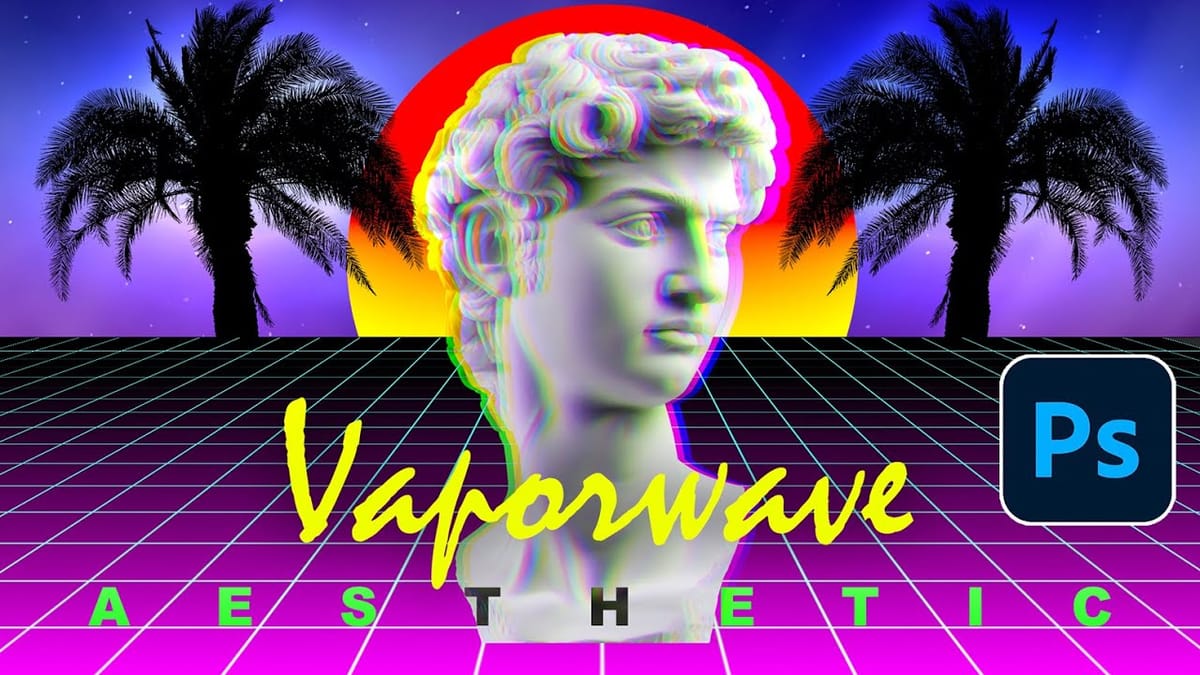
Create a Retro Vaporwave Poster in Photoshop
Vaporwave design merges nostalgic 80s and 90s aesthetics with retro-futuristic elements, creating striking visuals through neon gradients, classical sculptures, and cyberpunk color schemes. This distinctive style combines lo-fi qualities with iconic imagery like Greek statues and palm trees to produce instantly recognizable poster designs. This comprehensive tutorial demonstrates how to
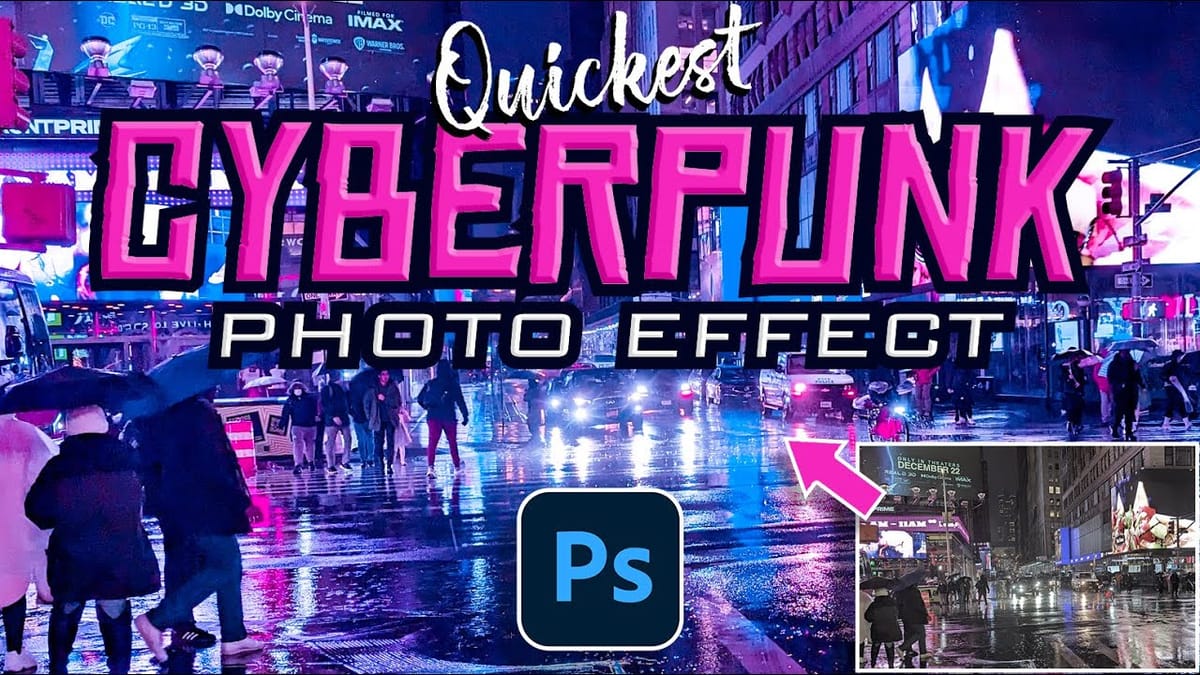
Create a Retro Cyberpunk Photo Effect in Photoshop
The cyberpunk aesthetic, characterized by its neon-drenched, dystopian urban landscapes, has a distinct visual appeal that continues to capt captivate audiences. This unique style blends high-tech elements with a gritty, low-life atmosphere, often conveyed through specific color palettes and lighting. This tutorial offers a quick and effective method for transforming
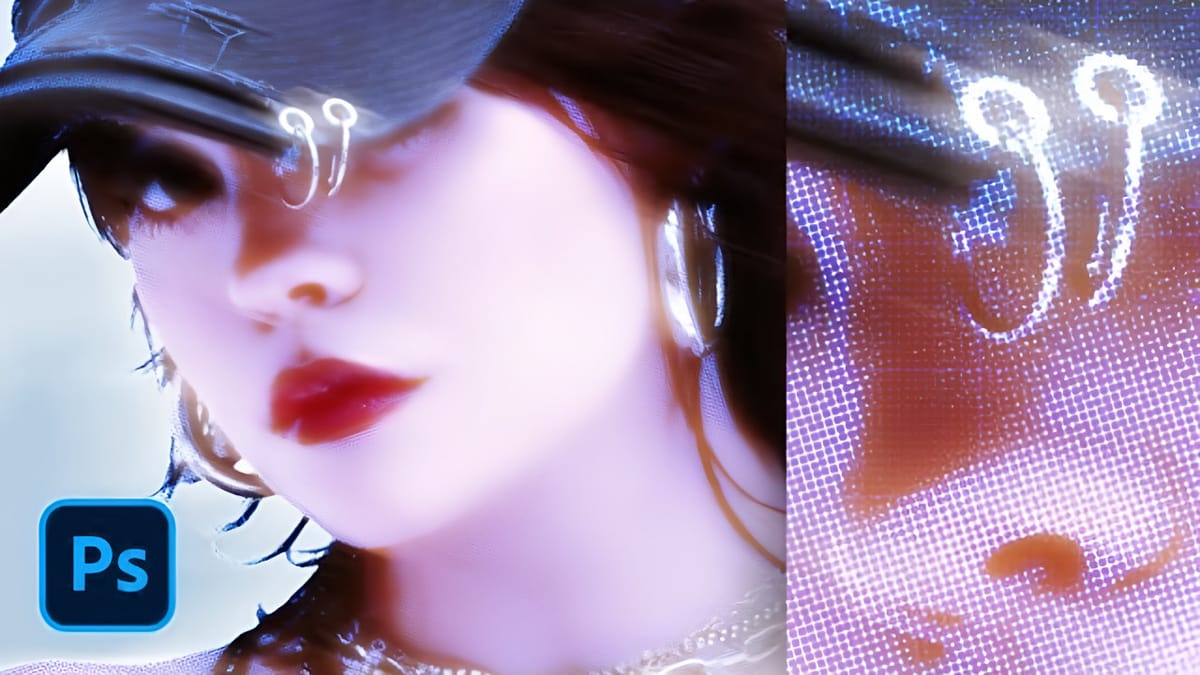
How to Create a Y2K Glowing Effect in Photoshop
The Y2K aesthetic brings back the futuristic dreams of the late 1990s and early 2000s, with its signature metallic surfaces and electric blue glows. This distinctive visual style captures the era’s optimistic vision of digital technology through luminous effects and holographic-inspired colors. This tutorial demonstrates how to transform any portrait
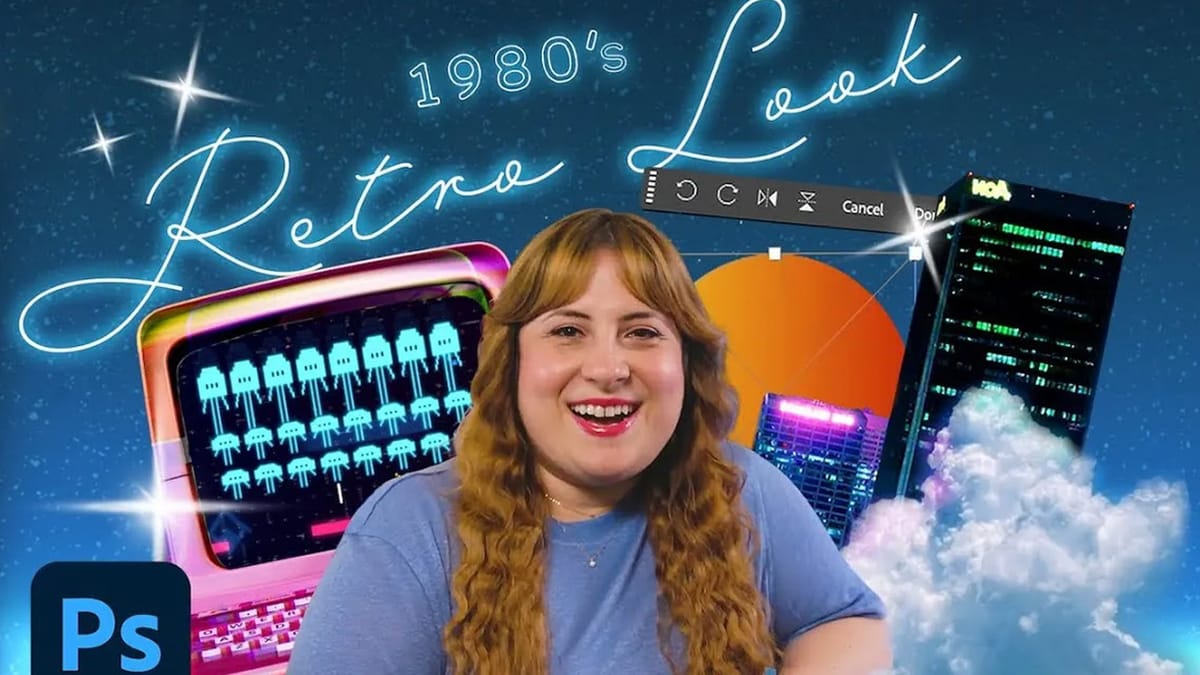
How to Create a Retro-Futuristic Poster in Photoshop
The 1980s retro-futuristic aesthetic combines electric colors, neon glows, and surreal imagery to create designs that feel both nostalgic and forward-looking. This style captures the era’s vision of the future through bold cyan and magenta palettes, dreamy atmospheric effects, and dramatic lighting. Join Adobe’s Gabriella as she demonstrates how to

These designs are bold, colorful, and highly expressive, making them a favorite for digital art and social media visuals.

Downloads: Retro Photoshop Resources

Not every project needs a full step-by-step process. Ready-made resources can help achieve retro looks quickly while still keeping a high level of detail. From PSD templates and text effects to gradients, LUTs, and texture packs, these assets make it easy to experiment with different styles.

Backgrounds

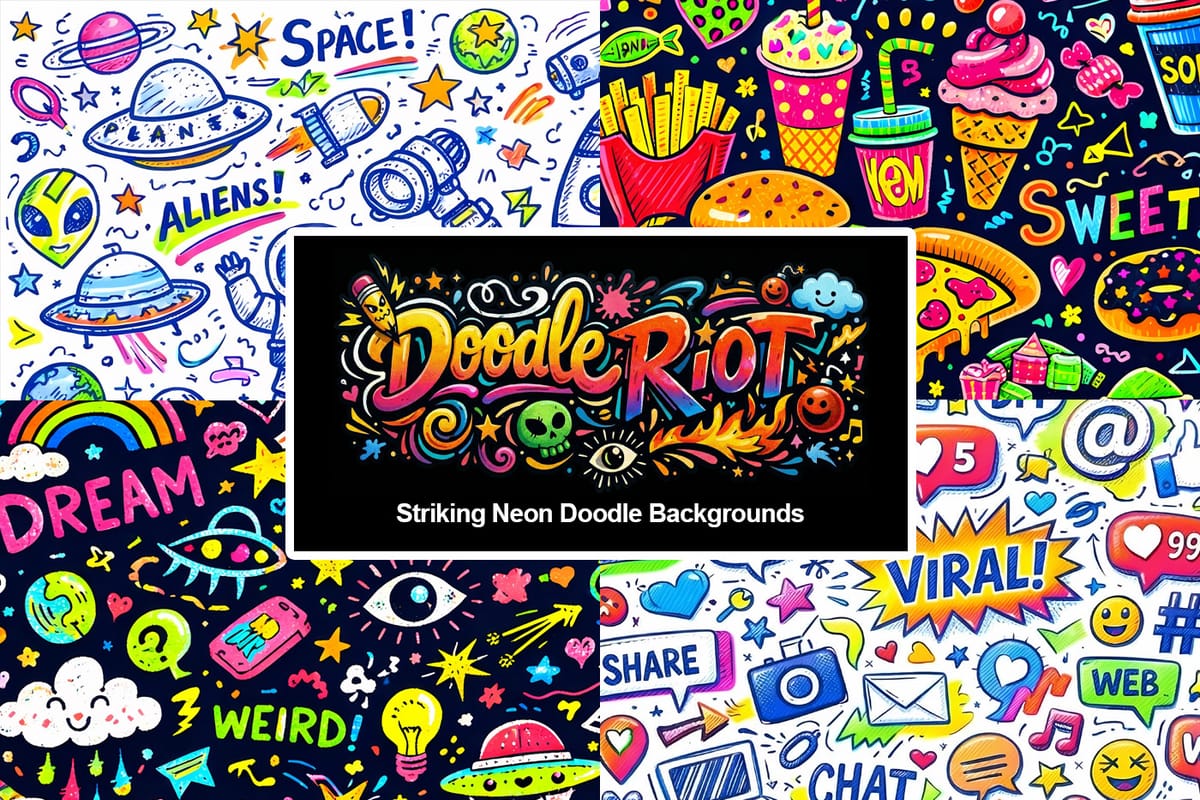
Doodle Riot: Striking Neon Doodle Backgrounds
Doodle Riot is a collection of striking ai-generated neon doodle backgrounds packed with energy, color, and controlled chaos. Each design is filled edge-to-edge with hand-drawn elements, mixing blue ink lines with bold highlighter strokes to create vibrant, layered compositions that feel playful but polished. Neon Riot Free Pack The free
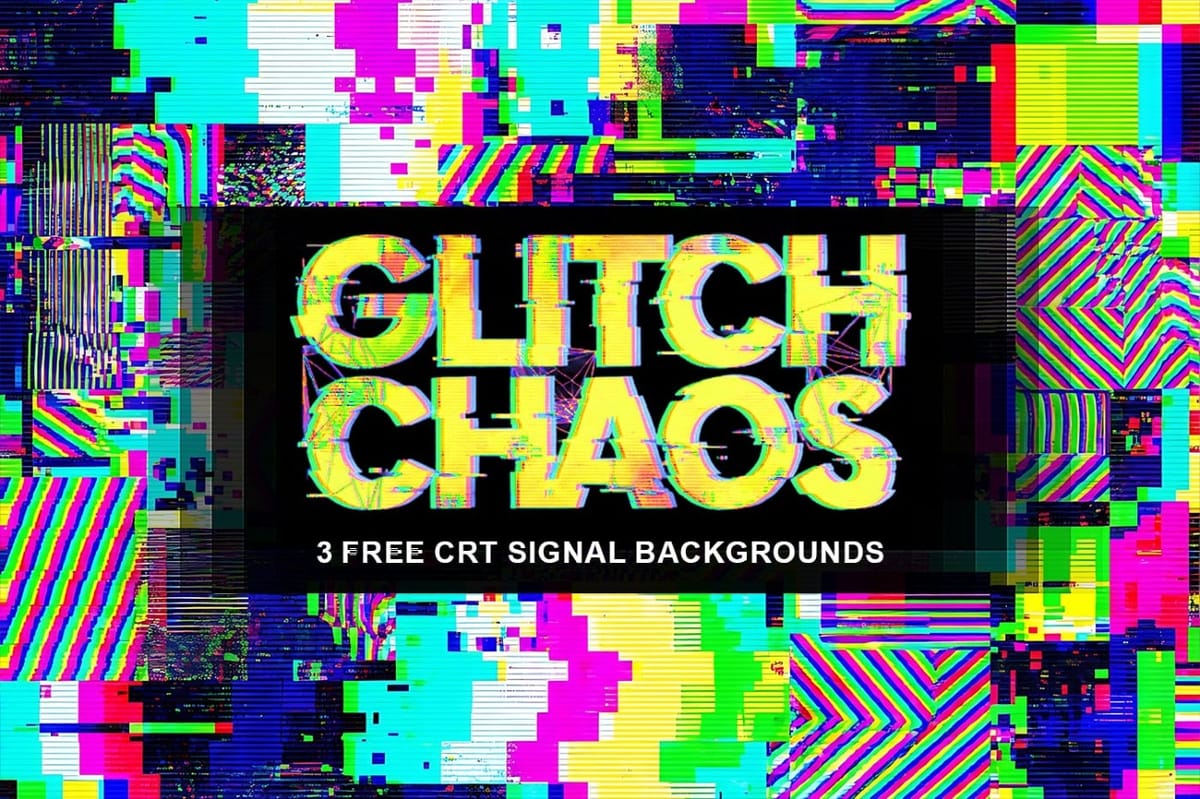
Glitch Chaos: 3 Free Distorted Pixel Noise CRT Signal Backgrounds
Glitch Chaos: 3 Free Distorted CRT Signal Backgrounds is a small sample pack featuring three high-resolution CRT glitch textures taken from the full Glitch Chaos — 10 Corrupted CRT Signal Backgrounds collection. This free pack gives you a clear preview of the overall style, pixel noise patterns, analog distortion, and signal
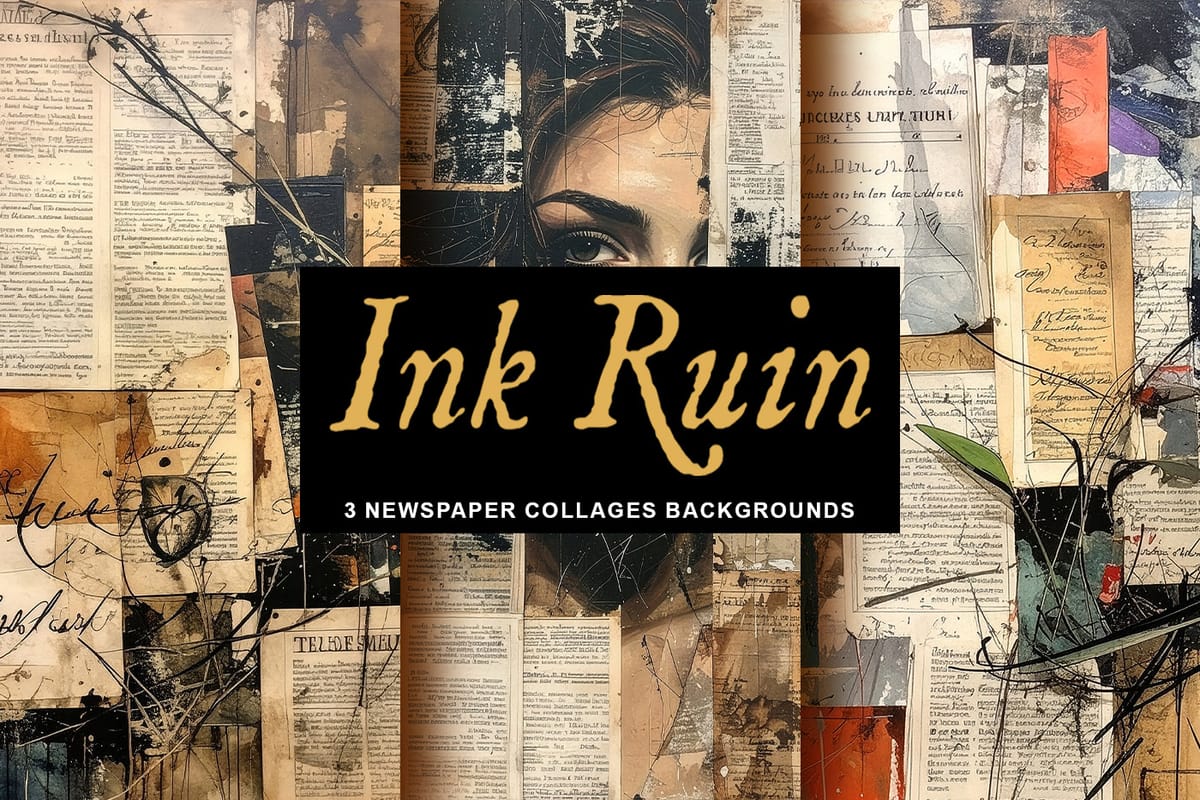
Ink Ruin: 3 Free Grungy Newspaper Collages Journal Pages
Ink Ruin – 3 Free Newspaper Collages Journal Pages gives you three high-quality background images drawn from the full collection of 20 Newspaper Collages Backgrounds. These free samples let you try out the look and feel of the full pack—each features rich ink-blot textures, subtle color shifts, and organic details
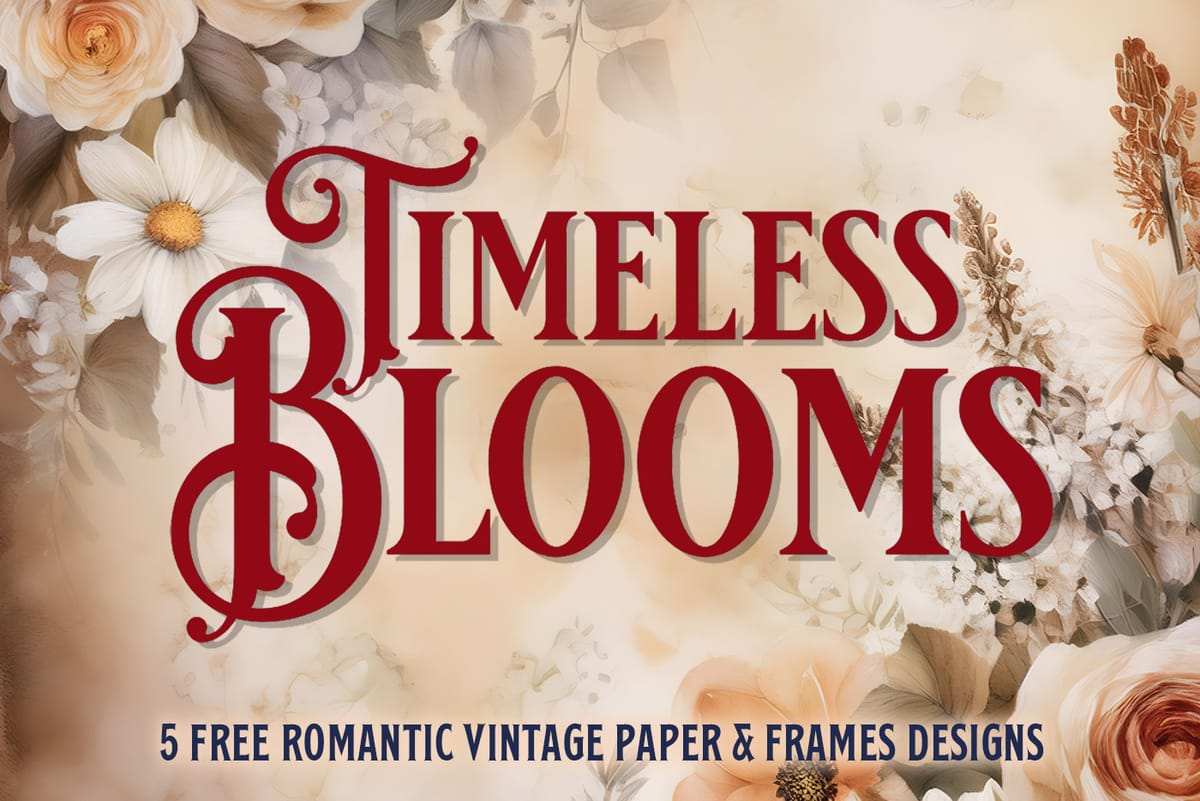
Timeless Blooms: 5 Free Romantic Vintage Floral Paper and Frames Designs
Introducing Timeless Blooms – 5 five free high-resolution vintage-inspired backgrounds designed to bring elegance, romance, and old-world charm to your creative projects. These beautifully detailed, AI-generated images capture the delicate beauty of antique paper, floral motifs, and ornamental filigree. Each image is provided in JPG format at 4000 × 5142 px, making
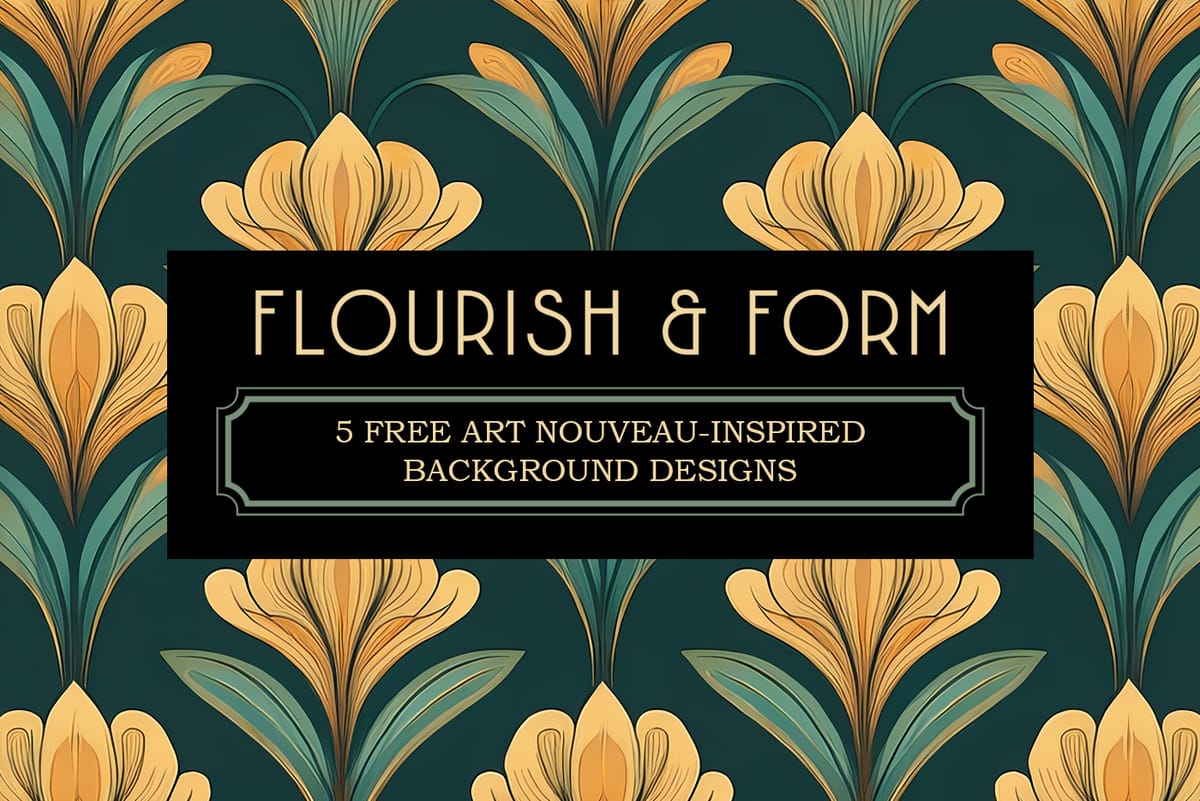
Flourish & Form: 5 Free Art Nouveau-Inspired Background Designs
Introducing Flourish & Form – 5 free high-resolution Art Nouveau-inspired backgrounds designed to infuse your creative projects with elegance, flow, and vintage sophistication. These finely detailed, AI-generated designs showcase the graceful curves, floral elements, and ornamental patterns of the Art Nouveau era. Each image is delivered in JPG format at 4000 × 3111

Photoshop Brushes

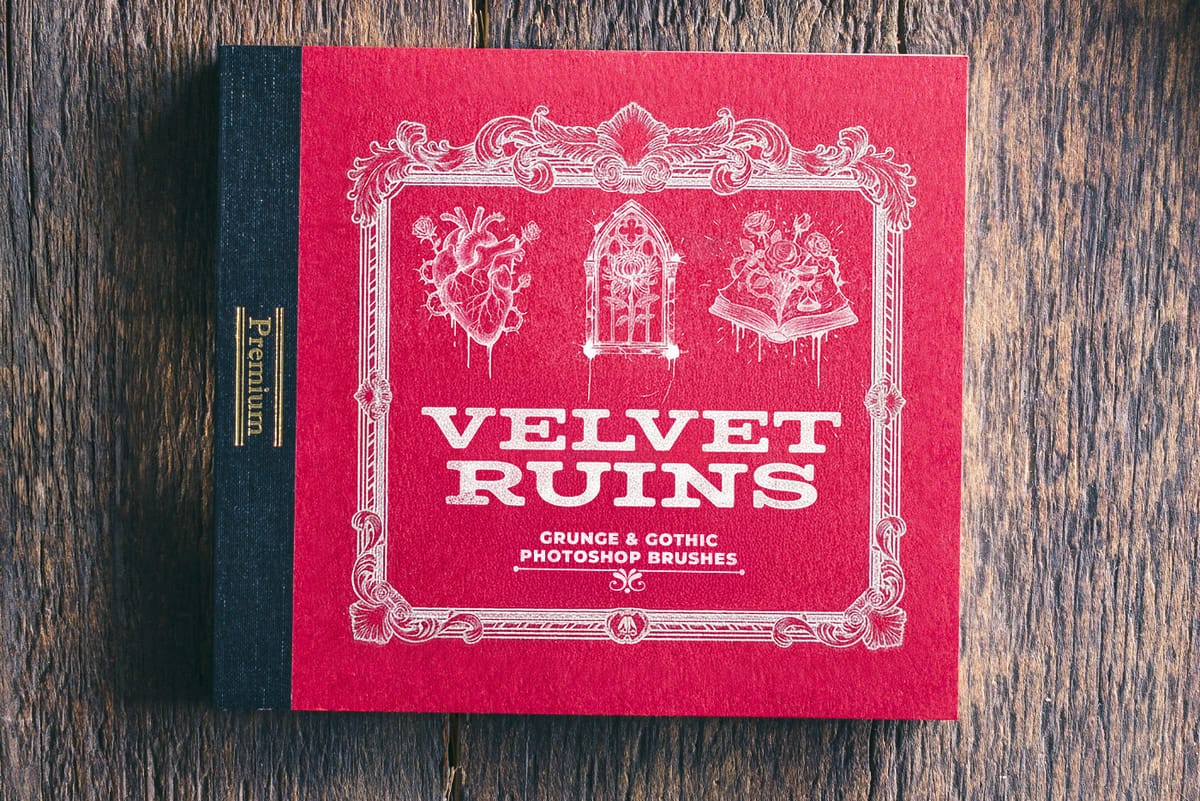
Velvet Ruins: 23 Gothic & Grunge Free Stamp Brushes for Photoshop
Velvet Ruins is a hauntingly beautiful collection of 23 grunge and gothic Photoshop stamp brushes, created using AI technology for intricate detail and originality. Inspired by decayed elegance and dark romance, this set blends roses, skulls, clocks, and ornate relics to evoke the poetry of time and impermanence. Perfect for
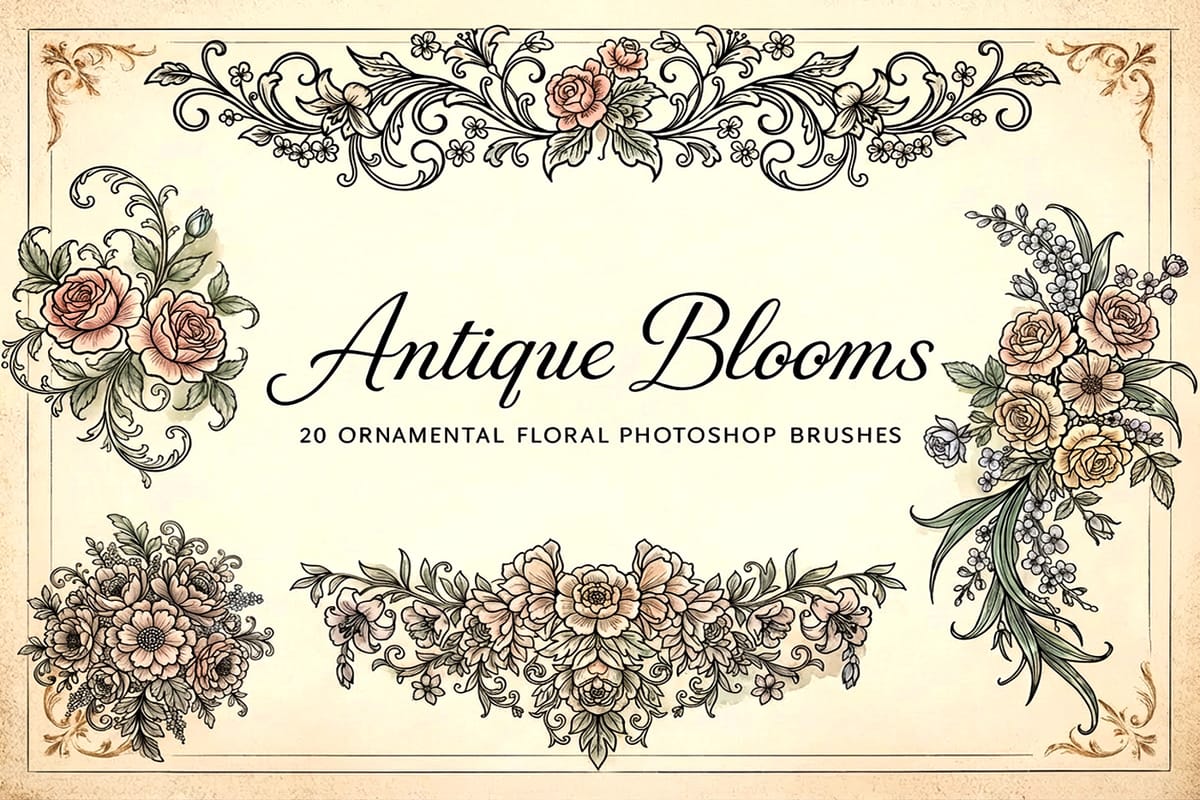
Antique Blooms: 20 Free Ornamental Floral Photoshop Brushes
Antique Blooms – 20 Ornamental Floral Photoshop Brushes gives you a rich set of decorative floral shapes that bring vintage elegance to your designs. With stylized blossoms, swirling leaves, and ornamental flourishes, these brushes help you add premium-looking detail with just a click. Download the pack and instantly access all 20
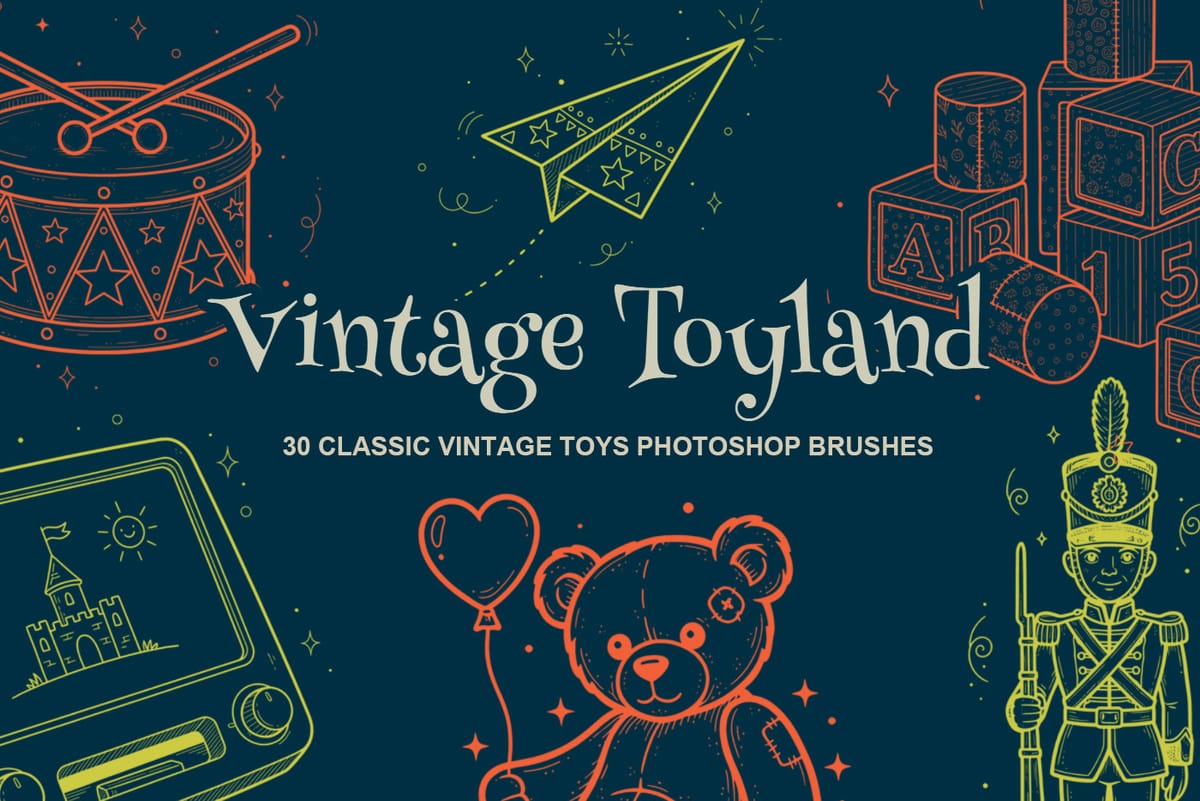
Vintage Toyland: 30 Free Classic Vintage Toys Photoshop Brushes
Vintage Toyland – 30 Classic Vintage Toys Photoshop Brushes invites you to add a playful touch of nostalgia to your digital designs. The free download gives you immediate access to 30 high-resolution Photoshop stamp brushes that capture the charm of toy trains, rocking horses, teddy bears, spinning tops and more. With

Photoshop extensions and templates

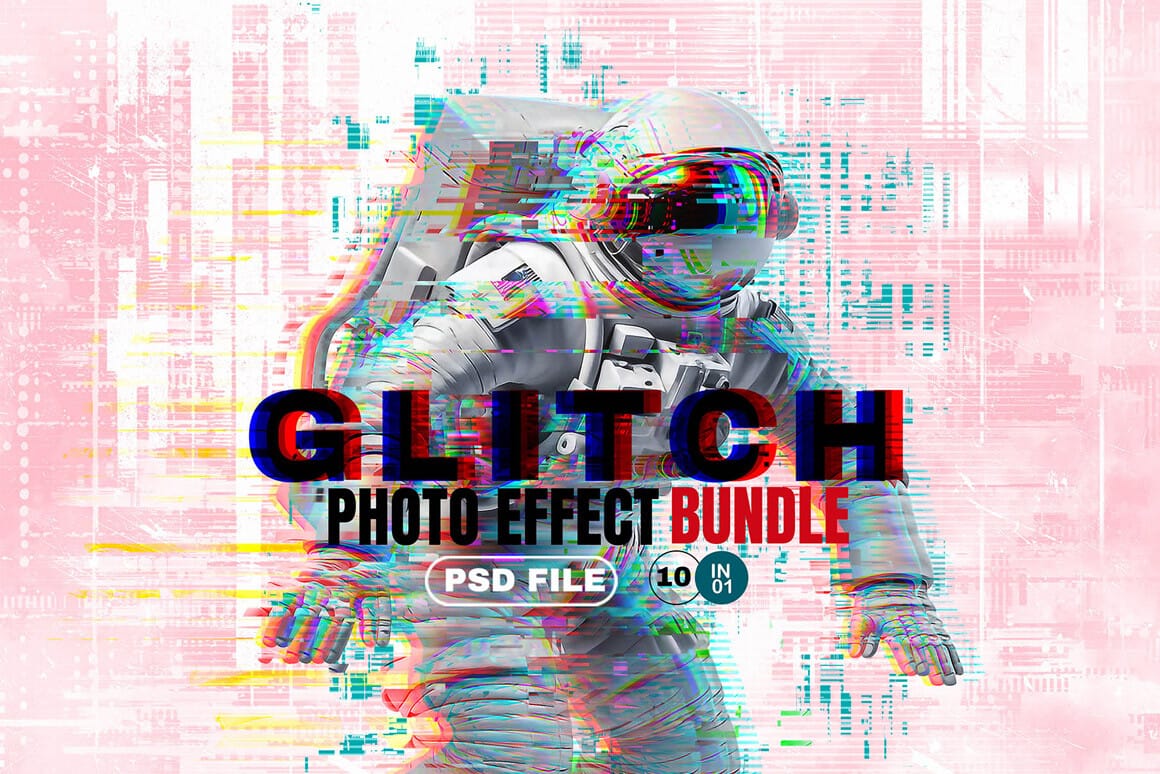
Glitch Studio Photo Effect Bundle
The Glitch Studio Photo Effect Bundle is a set of photo effects designed to give your images a subtle or more pronounced digital glitch look. It includes a mix of distortion styles, grain, and engraved textures that can add depth and a slightly raw, modern feel to your work. You
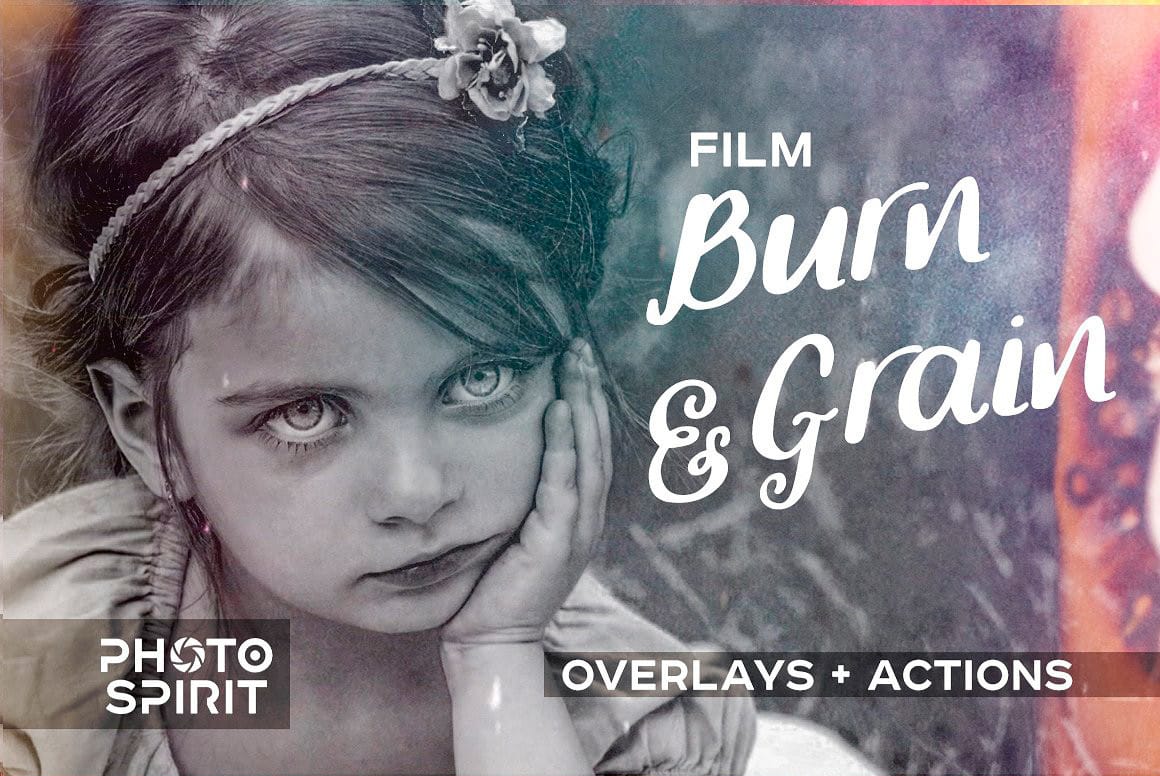
Film Burn & Grain Overlay Effect
This collection includes 52 film burn and grain overlays designed to give your photos a more natural, analog feel. The overlays add light leaks, subtle grain, and soft imperfections that can bring warmth and mood to your images. They work well on both color and black and white photos, whether
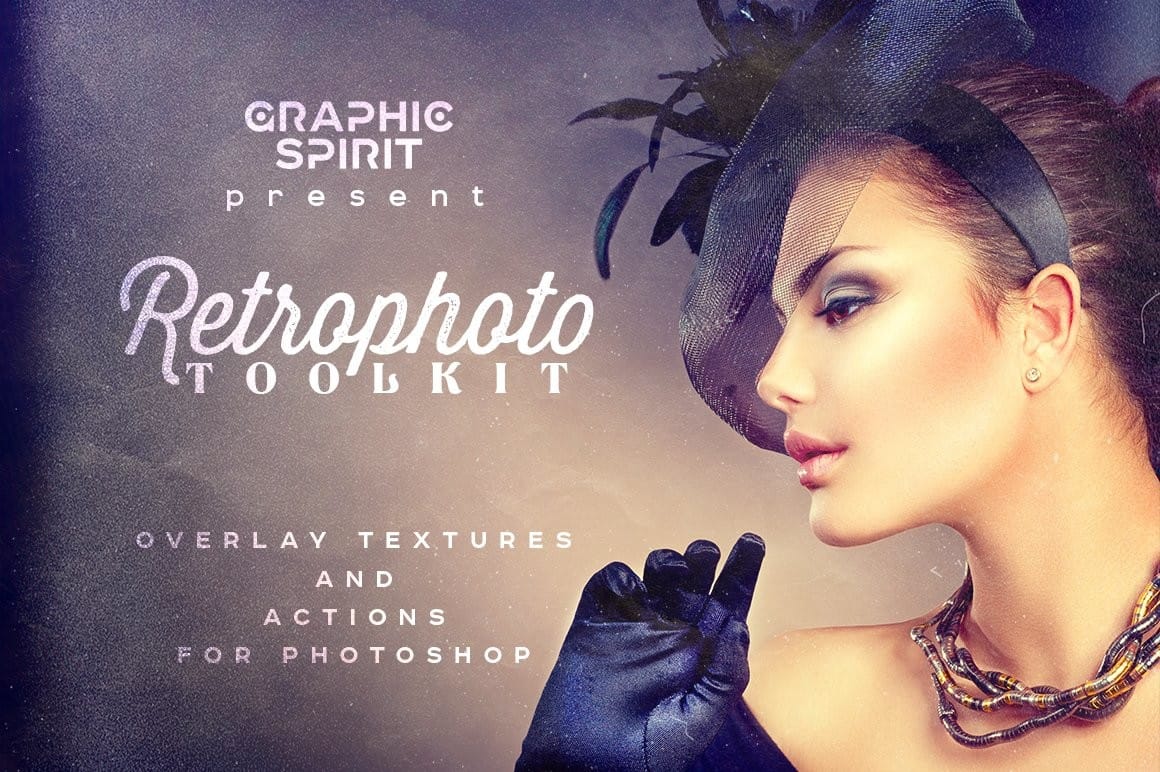
Retro Photo Toolkit Actions and Overlays
The Retro Photo Toolkit is a collection of actions and overlays made to give your images a classic, film-inspired look. It combines color presets with textures and light effects, so you can shape both the tone and the surface of your photos in one place. You’ll find options for

They’re especially useful when working under tight deadlines or when you want a strong starting point that you can customize further.

Final Thoughts

Retro design continues to evolve by mixing familiar elements with new ideas. Whether it’s a subtle vintage touch or a bold, colorful throwback, these styles offer endless creative possibilities in Photoshop.

Exploring different retro effects is not just about recreating the past—it’s about adapting it into something new. By combining techniques and experimenting with styles, it’s possible to create designs that feel both nostalgic and original.


Get tutorials & freebies delivered to you.

Subscribe to the Photoshop Roadmap newsletter, a weekly roundup of new tutorials, insights and quality downloads, trusted by 6500+ readers.

You might also like

How to Create a Retro-Futuristic Poster in Photoshop

The 1980s retro-futuristic aesthetic combines electric colors, neon glows, and surreal imagery to create designs that feel both nostalgic and forward-looking. This style captures the era's vision of the future through bold cyan and magenta palettes, dreamy atmospheric effects, and dramatic lighting. Join Adobe's Gabriella as...

Create Refracted Glass Effect in Photoshop

Refracted glass effects simulate the visual distortion that occurs when light passes through textured glass surfaces. This technique creates realistic wavy, rippled appearances that can transform ordinary images into dynamic compositions. The process involves building custom displacement maps using gradients and wave filters, then applying them through the Glass filter...

How to Create Realistic Sticker Effects in Photoshop

Creating convincing sticker effects requires more than just adding basic shadows and highlights. The key lies in building up multiple texture layers, proper lighting effects, and subtle surface details that make digital text appear physically attached to a surface. This technique transforms flat vector text into dimensional stickers complete with...

How to Use the 3D Object Rotation Tool in Photoshop Beta

Adobe's new Rotate Object feature transforms flat 2D images into interactive 3D models that can be repositioned from any angle. This AI-powered tool automatically creates cutouts, maintains original textures, and generates missing details when objects are rotated beyond their original perspective. The feature opens new possibilities for product...

How to Create Stretched Perspective Text Effects in Photoshop

Stretched perspective text creates dramatic visual depth by transforming flat typography into architectural-style elements that appear to recede into space. This trendy effect, popular in poster design, gives text a building-like appearance with multiple vanishing points. The technique involves manually cutting, duplicating, and connecting text segments using selection tools and...

How to Add Selective Contrast and Clarity Using Camera Raw Filter

Many photos lack the visual impact they could have simply because contrast and clarity are applied uniformly across the entire image. The key to professional-looking results lies in selectively enhancing specific areas that deserve attention while leaving others untouched. This approach uses the Camera Raw filter's histogram controls...

You’ve successfully subscribed to Photoshop Roadmap
Welcome back! You’ve successfully signed in.
Great! You’ve successfully signed up.
Success! Your email is updated.
Your link has expired
Success! Check your email for magic link to sign-in.